
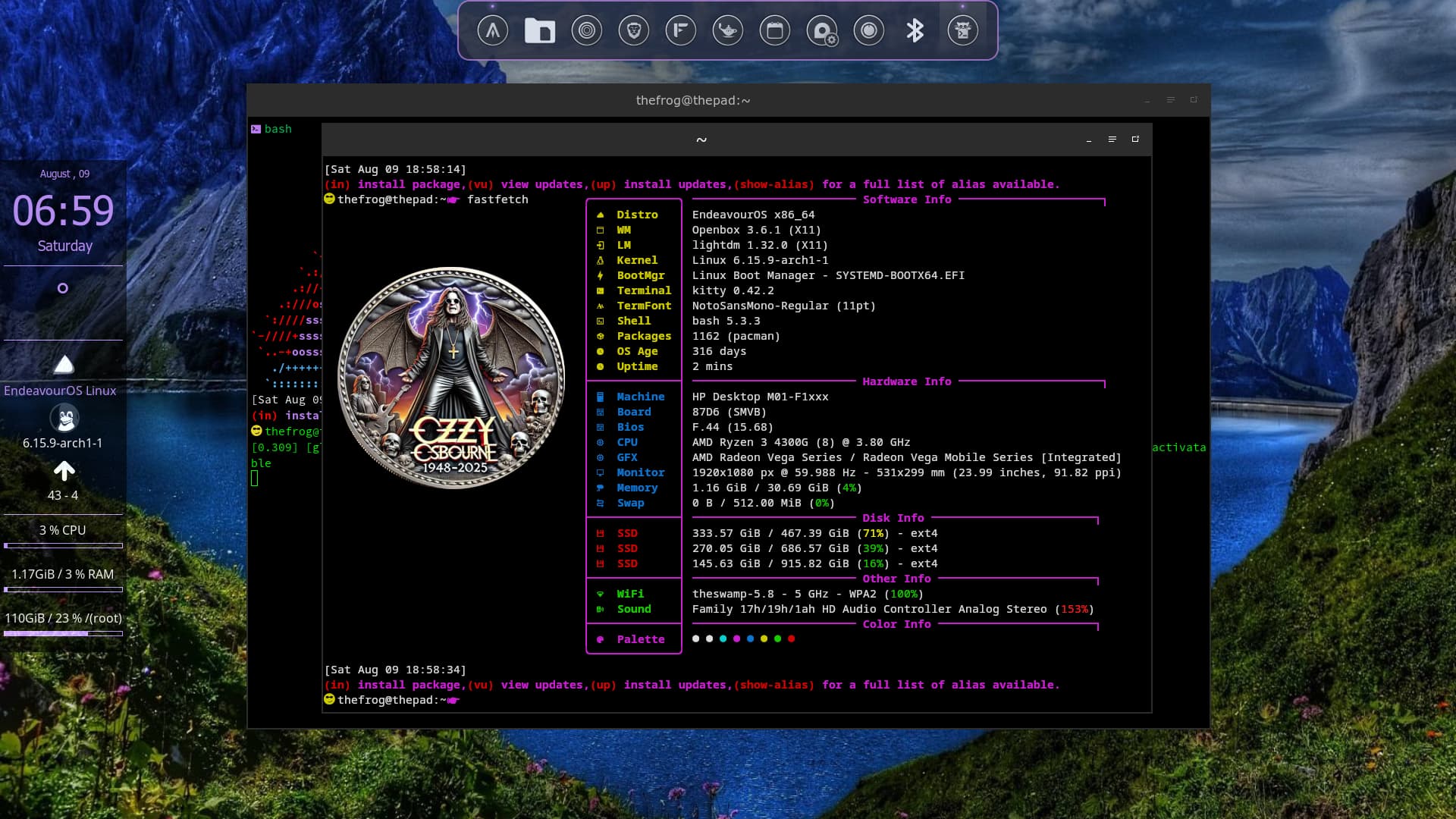
never seen a hi-res scan inside a terminal before. amazing.
Hi ! I wanna set one of your pictures. How should I edit my config.jsonc file ?
Here’s how it look :
{
  "$schema": "https://github.com/fastfetch-cli/fastfetch/raw/dev/doc/json_schema.json",
  "modules": [
    "title",
    "separator",
    "os",
    "host",
    "kernel",
    "uptime",
    "packages",
    "shell",
    "display",
    "de",
    "wm",
    "wmtheme",
    "theme",
    "icons",
    "font",
    "cursor",
    "terminal",
    "terminalfont",
    "cpu",
    "gpu",
    "memory",
    "swap",
    "disk",
    "localip",
    "battery",
    "poweradapter",
    "locale",
    "break",
    "colors"
  ]
}
Here you go 
You’ll need to change the path to your image. You can adjust the size of it by tweaking the height and “top”. The image will work in Konsole or Kitty terminal.
{
  "$schema": "https://github.com/fastfetch-cli/fastfetch/raw/dev/doc/json_schema.json",
  "logo": {
        "source": "/home/jon/Pictures/EnOS Fastfetch Logos/EnOS PlasMonLogo Vertical.png",
        "type": "kitty",
        "height": 24,
        "padding": {
            "top": 2
           }
         },
  "modules": [
    "title",
    "separator",
    "os",
    "host",
    "kernel",
    "uptime",
    "packages",
    "shell",
    "display",
    "de",
    "wm",
    "wmtheme",
    "theme",
    "icons",
    "font",
    "cursor",
    "terminal",
    "terminalfont",
    "cpu",
    "gpu",
    "memory",
    "swap",
    "disk",
    "localip",
    "battery",
    "poweradapter",
    "locale",
    "break",
    "colors"
  ]
}
Or… if you want a different layout there are lots of examples posted in this thread
Yep, it works ! thanks you very much ! 
But is it possible to make it work with the gnome terminal ?
Sadly not, Gnome terminal can’t show Fastfetch images this way.


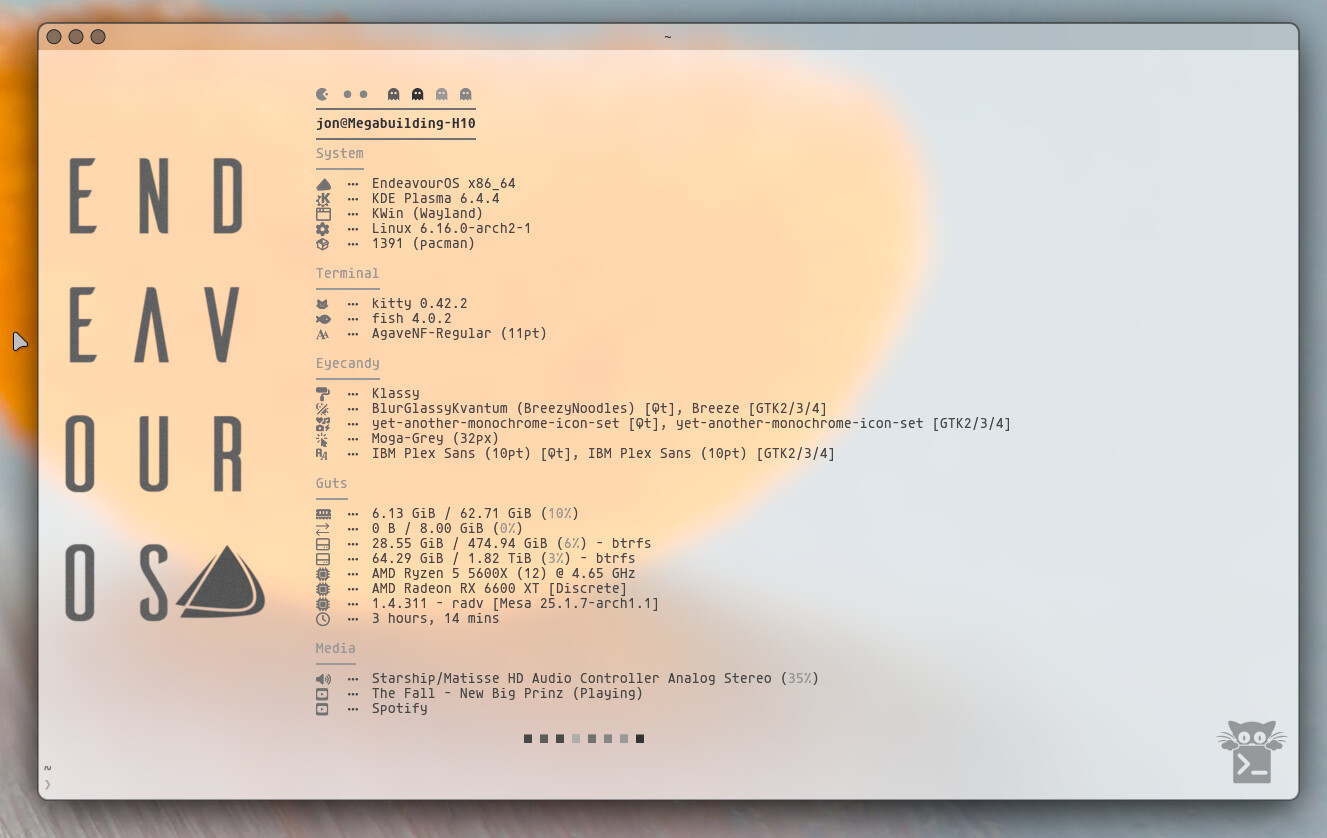
Hey, what font do you use for EndeavourOS?
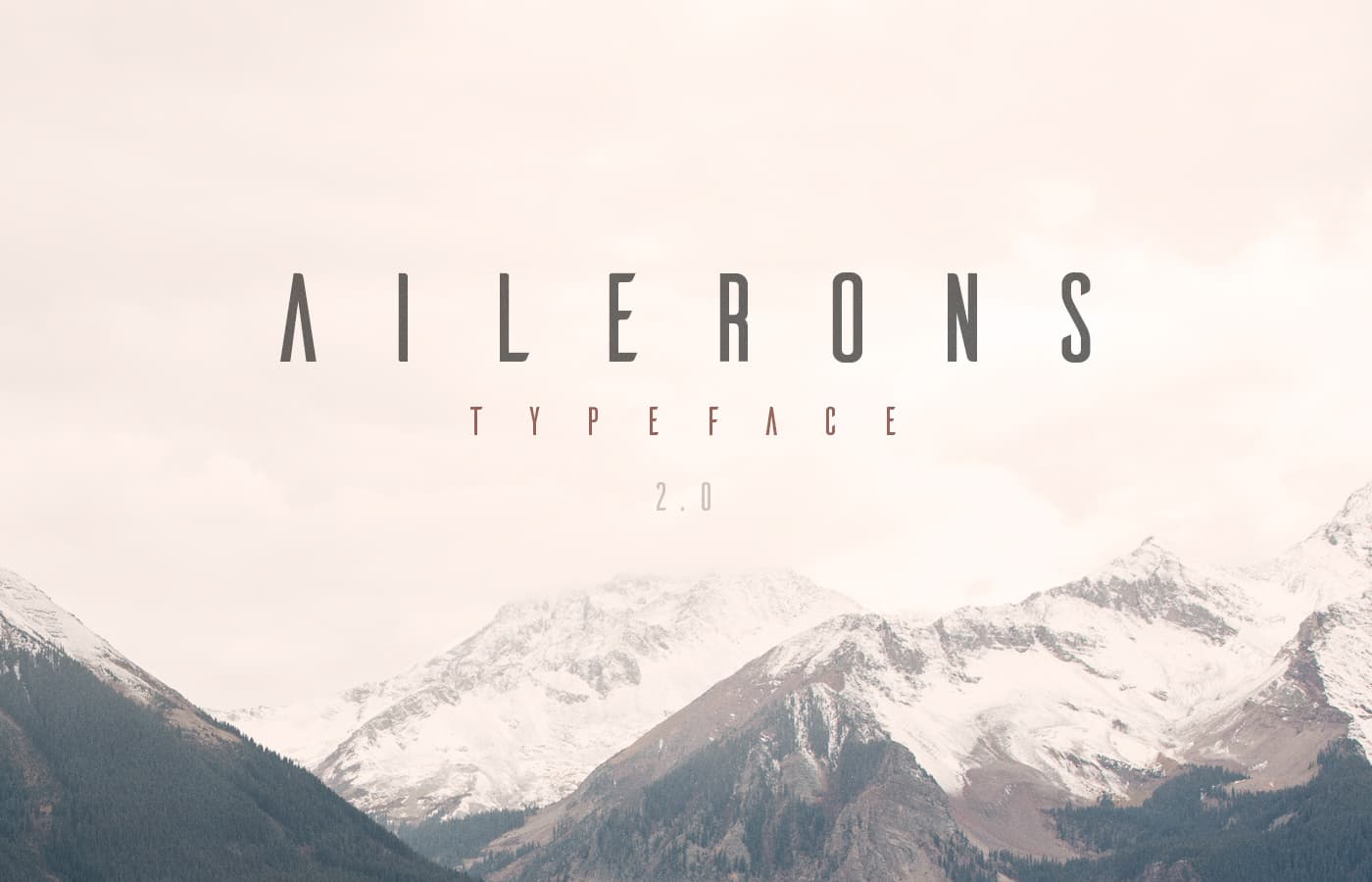
Thanks 

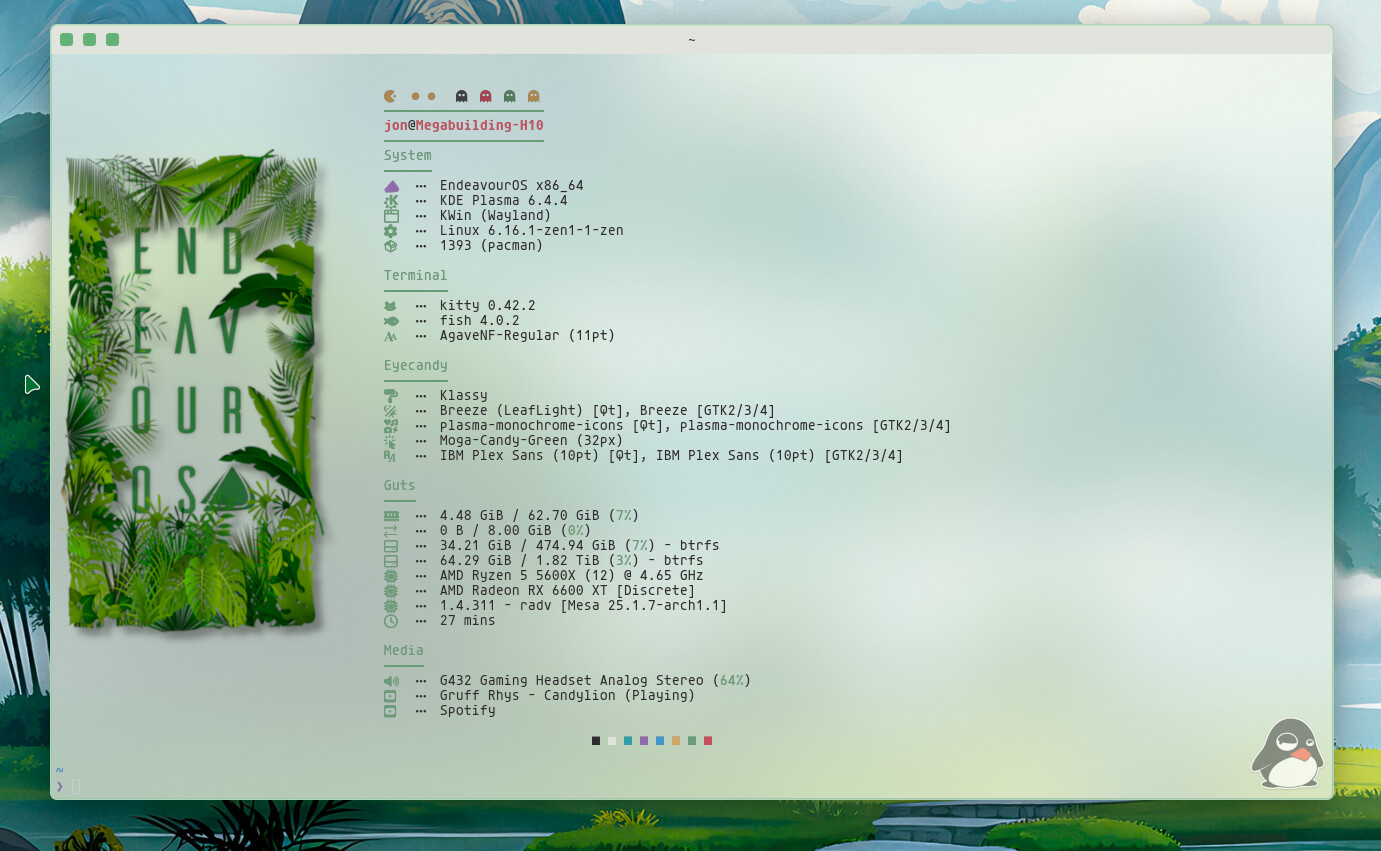
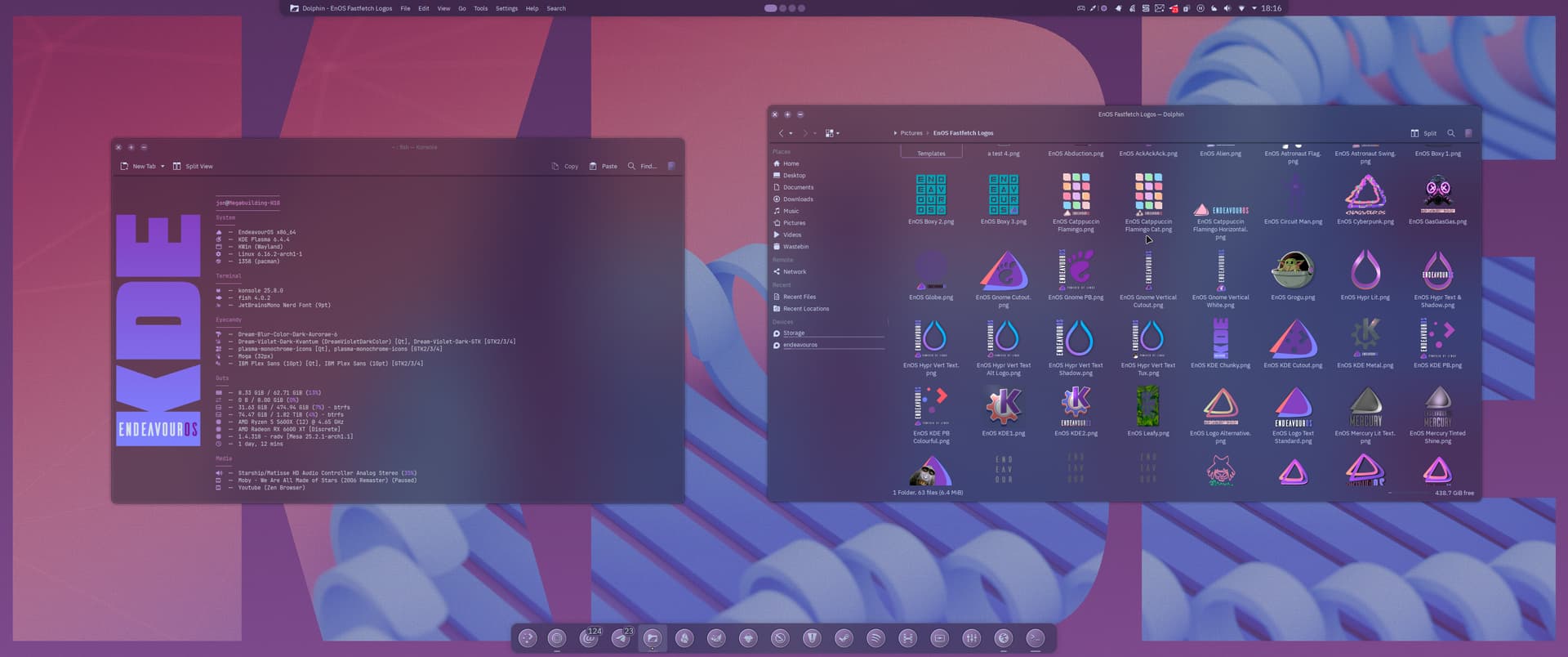
You may have seen these in @swh 's post over at the Share Your Desktop thread.
They’re work in progress as I’m getting together a kind of KDE showcase rice.
The wallpaper is only in 3440 x 1440 resolution.
All made with Gimp.

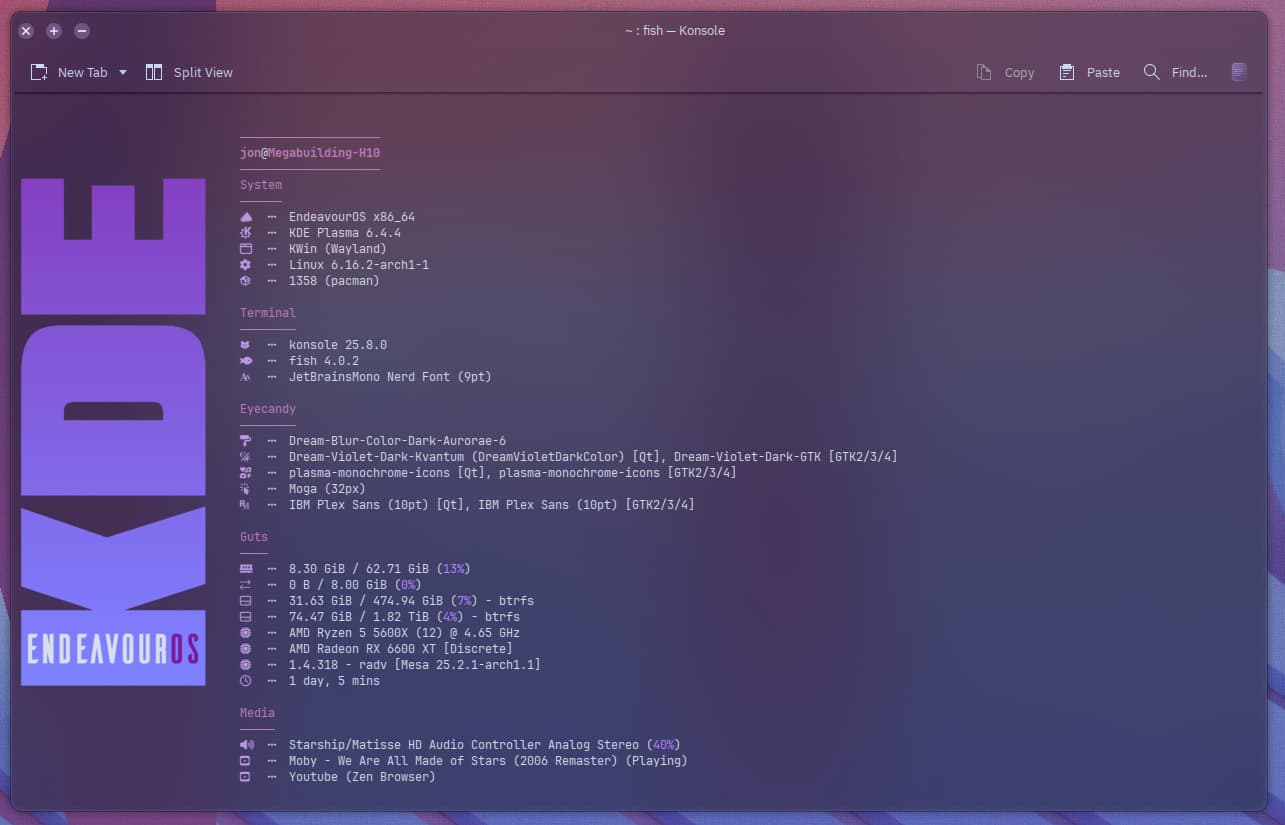


The look so far…
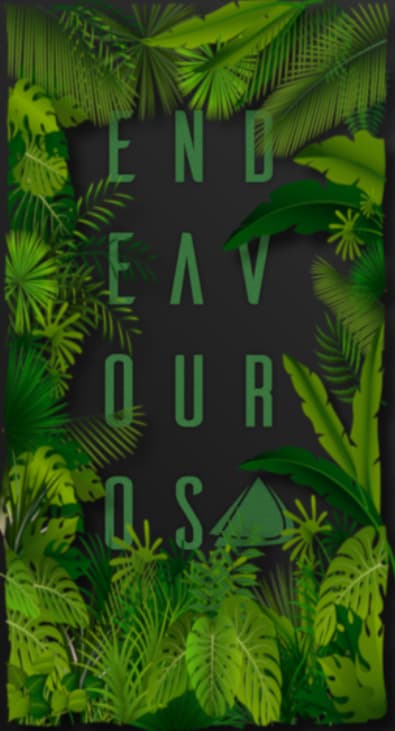
hehe with my positive take (rose tinted specs lol) I just see Our OS 
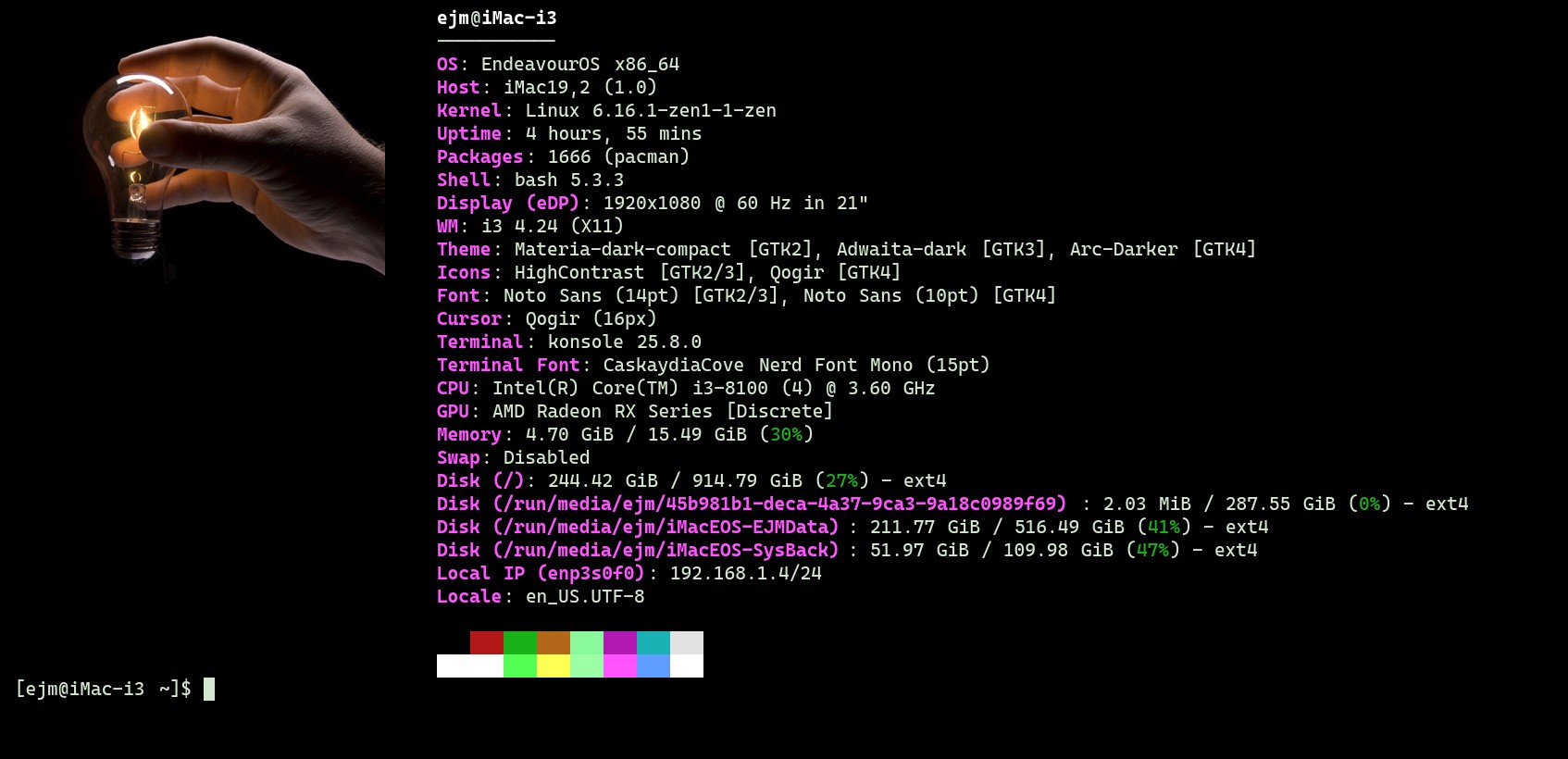

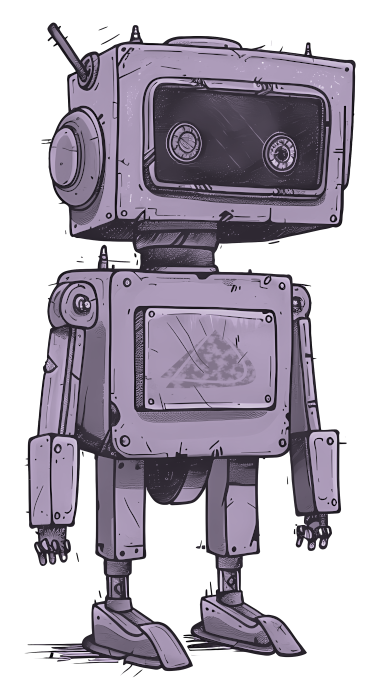
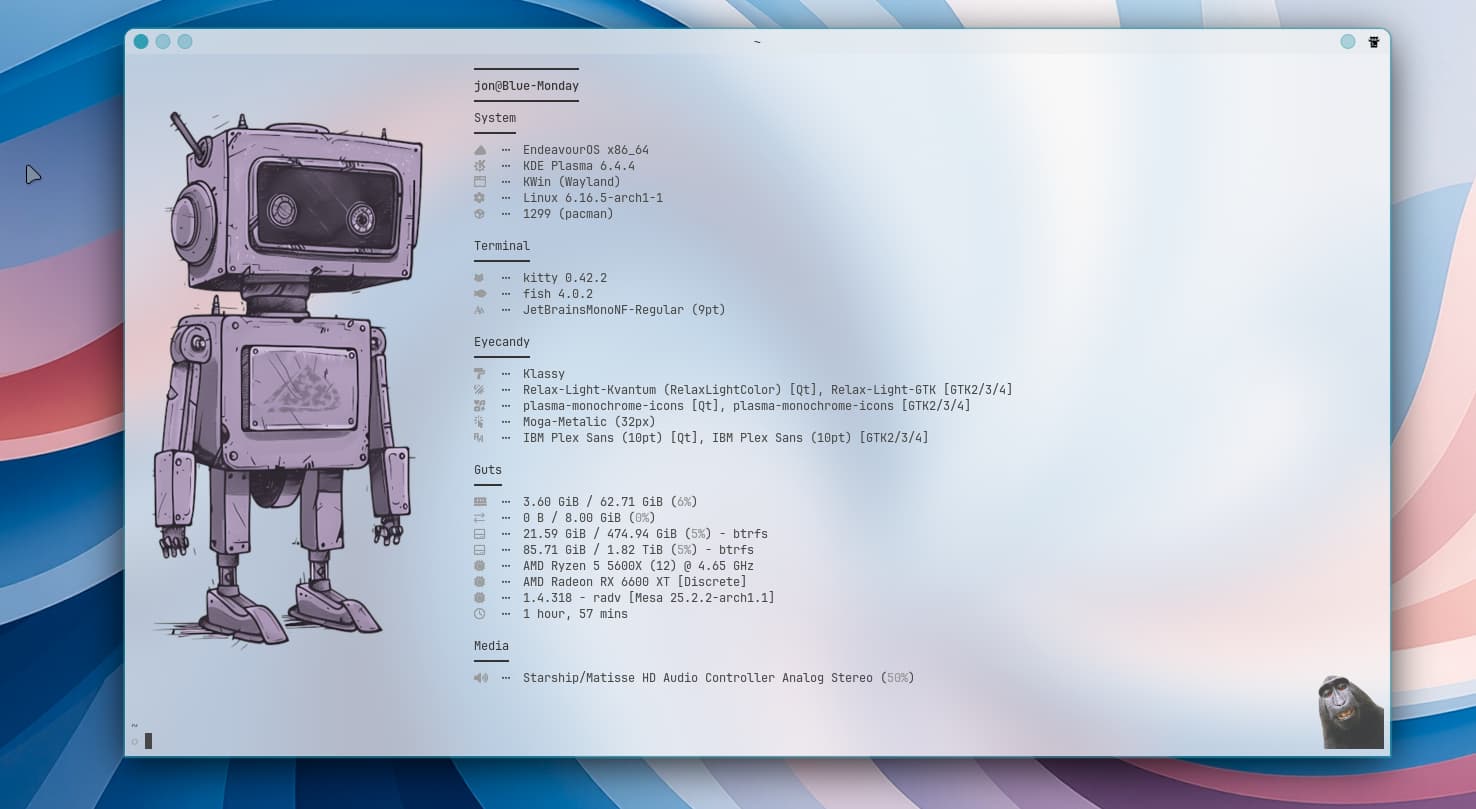
In your last two pics I really liked the straightforward–”just the facts” look of the fastfetch config. First one I remember seeing with a media subsection (or likely I’ve seen hundreds of these on Endeavour but didn’t read picture all the way to bottom?). Either way, right on.
Thank you so much, glad you like it. Yep I wanted to keep it simple, like a typed sheet. I wish there was a “typewriter” style nerd font, it would really complete the look.