Hello I am a reasonably experienced linux user, been on EndeavourOS for 18 months, probably longer and everything so far has been fine. I check the Arch news page and the endeavour page for anything that might need manual intervention before I update, before I update i backup using Timeshift.
Recently I upgraded and found issues with running Steam games, they will run with sound but nothing on screen. I reverted back to my last stable backup using Timeshift as my son was complaining as he could not game. I am also finding that when upgrading I am limited to 1080p screen resolution when I should have 1440p.
I have tried again a few times with no luck, I have been keeping an eye on the Nvidia packages in rep and notice that Nvidia in particular was updated yesterday so gave the upgrade a go. Same problem remains. Out of curiosity I removed Steam and the Nvidia drivers and installed the new open drivers using the Arch wiki. I now get 1440p but no visuals in Steam games.
I downloaded a game using Lutris and managed to run that fine, suggesting that the issue is perhaps with Steam rather than Nvidia.
I’m stumped, I can revert back to my last stable image but it’s not sustainable to run a system without updating it on a regular basis and I can’t update and have a non gaming system with a 14 year old child!
It’s probably simpler not to mention the resolution issue, as you’ve already solved it yourself. Using the new Nvidia open driver in most cases is going to be the preferred option, unless running a really old GPU.
If I had to guess, the issue sounds like it’s a Proton issue. That’s Steam’s compatibility layer for Windows games (essentially Wine). Lutris I believe makes use of Proton-GE (Proton Glorious Eggroll), which is the version of Proton I would recommend you also use for Steam.
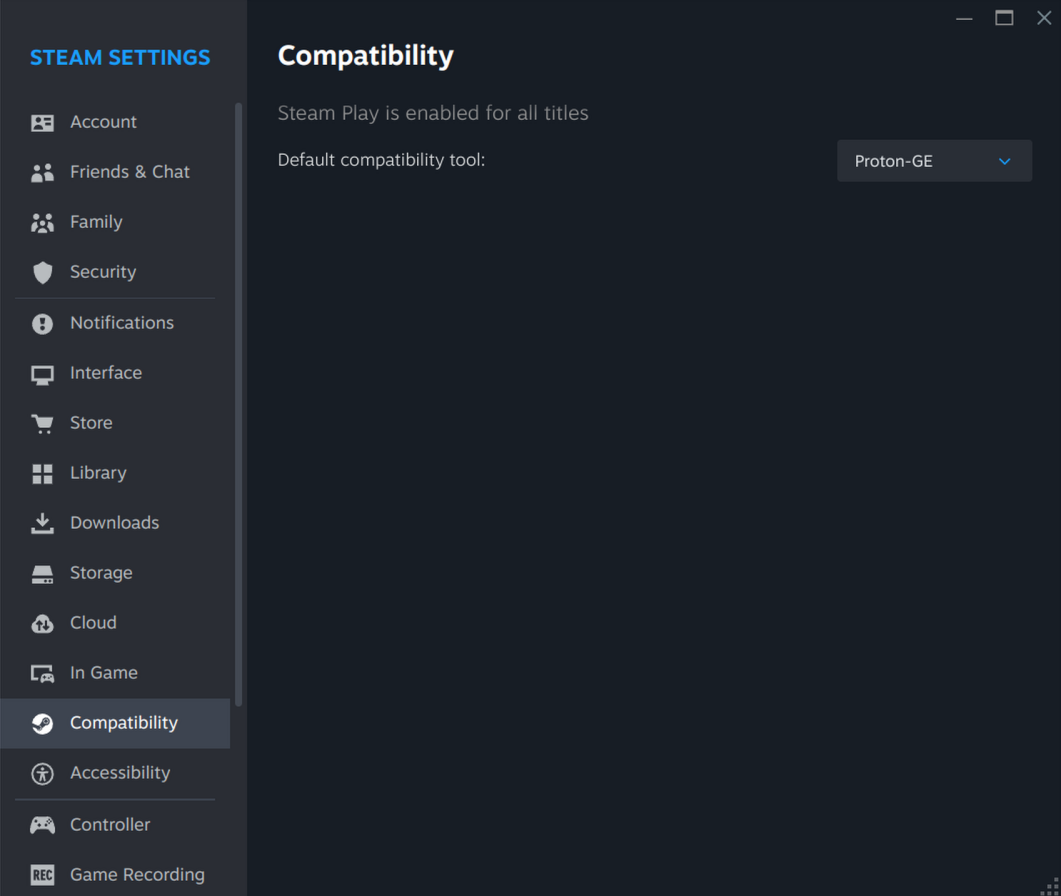
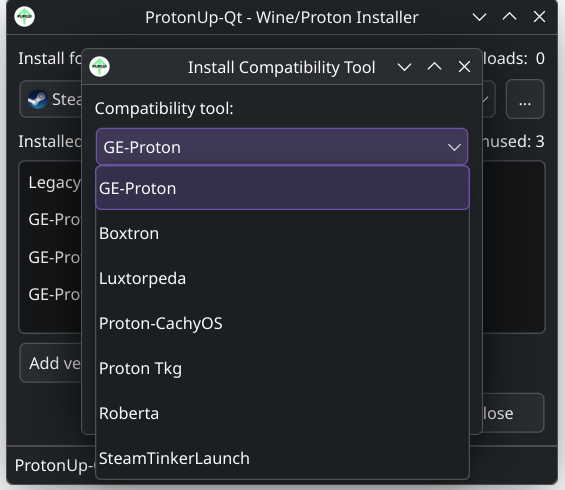
If you haven’t already, I recommend you install Proton Glorious Eggroll, and in Steam set that as your default compatibility tool.
For most games, that should be sufficient. However, keep in mind, some games do require more tweaking with different Proton options. Occasionally, you might need to drop it back to an older version per-game if Proton-GE or Proton Experimental aren’t behaving.
Thanks for the detailed response. I tried Proton Glorius Eggroll as suggested but no joy. Despite that I think you might be on to something as I managed to get the only game in our Steam library that I am confident is a native linux gamer, Door Kickers, to work. It loaded without issue. Company of Heroes 3, Star Wars Batttlefont 2 and Football Manager 2022 ware all (I think) windows games that have always worked previously before the update but are not native linux versions.
ProtonDB mentions a number of issues at the moment, seemingly attributed to the EA app breaking things, which is an issue I’ve run into in the past. Hopefully an update to Proton-GE or Proton Experimental addresses that soon.
Football Manager 2022
Switch to Proton 7.0.x (game Properties > Compatibility > Force the use of…)
Just with the EA issue (StarWars Battlefront II), when dealing with the big gaming companies, these sorts of issues pop up from time to time. They use anti-cheat technologies, or force their own loaders that frequently break things. Ubisoft is particularly notorious for issues, to the extent that I simply blacklist them in my Steam account so their games aren’t even offered to me anymore.