Hi Guys,
I’ve found a technical solution for an issue I posted on the forum a while back. For a long time, I strongly believed that it was the Linux OS particular way of handling sound over HDMI that was the culprit. In the end, it proved to be my own Audio ARC config which I will explain below.
My setup is fairly common for people using their TV as a monitor. A lot of people use ARC(Audio Return Channel) for their sound config if they own several different devices. For PC users this often may include a soundbar/receiver ,a smart TV and at least an additional device such as BD player, TV box or console. My setup includes a Sony soundbar(HT-G700), my PC , a Samsung smart TV(QLED 60T 2020) and an Apple TV box. All HDMI connections are using the TV as a main hub. The TV here is the device routing the HDMI sound to the soundbar. The issue is that often the soundbar and TV , being different brands don’t communicate well thus, the required handshake to establish a complete and functional HDMI connection doesn’t happen at all or gets cutoff occasionally. I’ve found a permanent fix for this problem when a Sony soundbar and a Samsung TV are involved.
This mainly involves leaving your Sony Soundbar in the default config. This has eARC enabled bt default in my case. Since, in most common scenarios, people use the TV as the hub, I will focus on this configuration. I am available to provide additional help if needed - feel free to contact me directly.
Prerequisites: Sony Soundbar, Samsung TV, Soundbar handles sound processing
For the TV side do the following:
1.Go to Settings/ Sound/ Sound Output and select Receiver/HDMI ARC/eARC - this will be your sound output device. By default this is set to TV Speakers.
- Go to Settings/Sound →scroll down to Expert Settings and select following options : a) HDMI-eARC Mode= Auto; b) Digital Output Audio Format=Passthrough - The most capable device should handle the sound processing. In my case this was the soundbar-; c) Dolby Atmos Compatibility= Auto (only if you have D.Atmos speakers).
- Settings → External Device Manager → Input Signal Plus → Tick to enable Higher bandwidth/video quality settings. This last step is CRUCIAL . It refreshes the HDMI connection between your TV and Soundbar/Receiver and normally, will fix any potential sound issues.
- Remember to revisit step 3, if you unplug your HDMI from your PC or change your configuration. When you do that, the input signal plus function gets disabled and you need to re-enable it for the sound to work (refresh HDMI/ARC connection).
- optional - you can try updating the firmware of your TV and Soundbar to the latest ones- this often fixes some factory bugs than can affect connection/config stability and AV quality.
I am aware that there are other ways to setup ARC/eARC but to keep it simple, I’ve stuck with the most commonly used configuration.
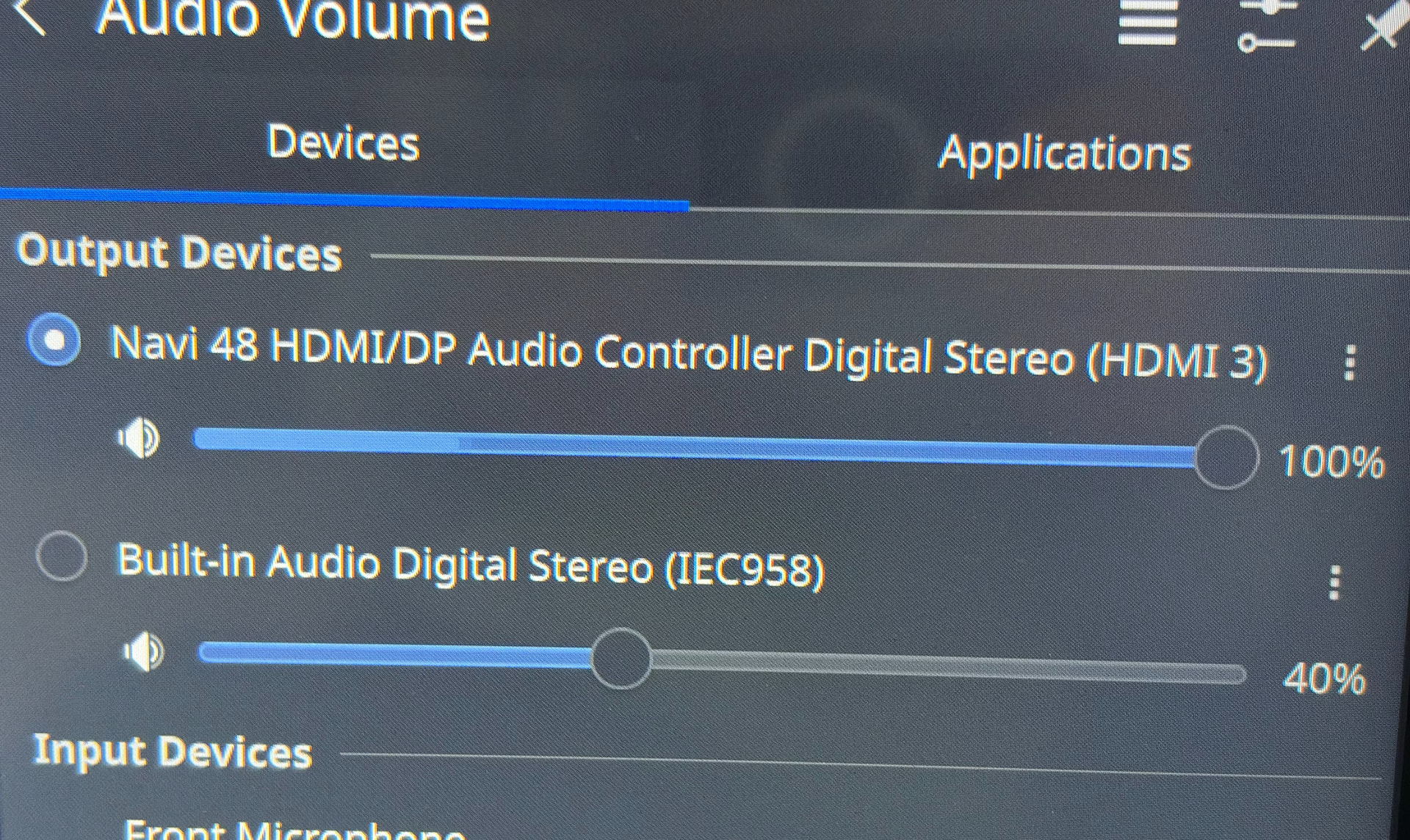
PS. If the volume slider for your default device is “pulsating” while playing audio it means that your OS is correctly configured and is outputting sound and there’s a problem with your hardware config.Please see photo attached.