no bluetooth, but when I enable bluetooth it show up as a failed usb device
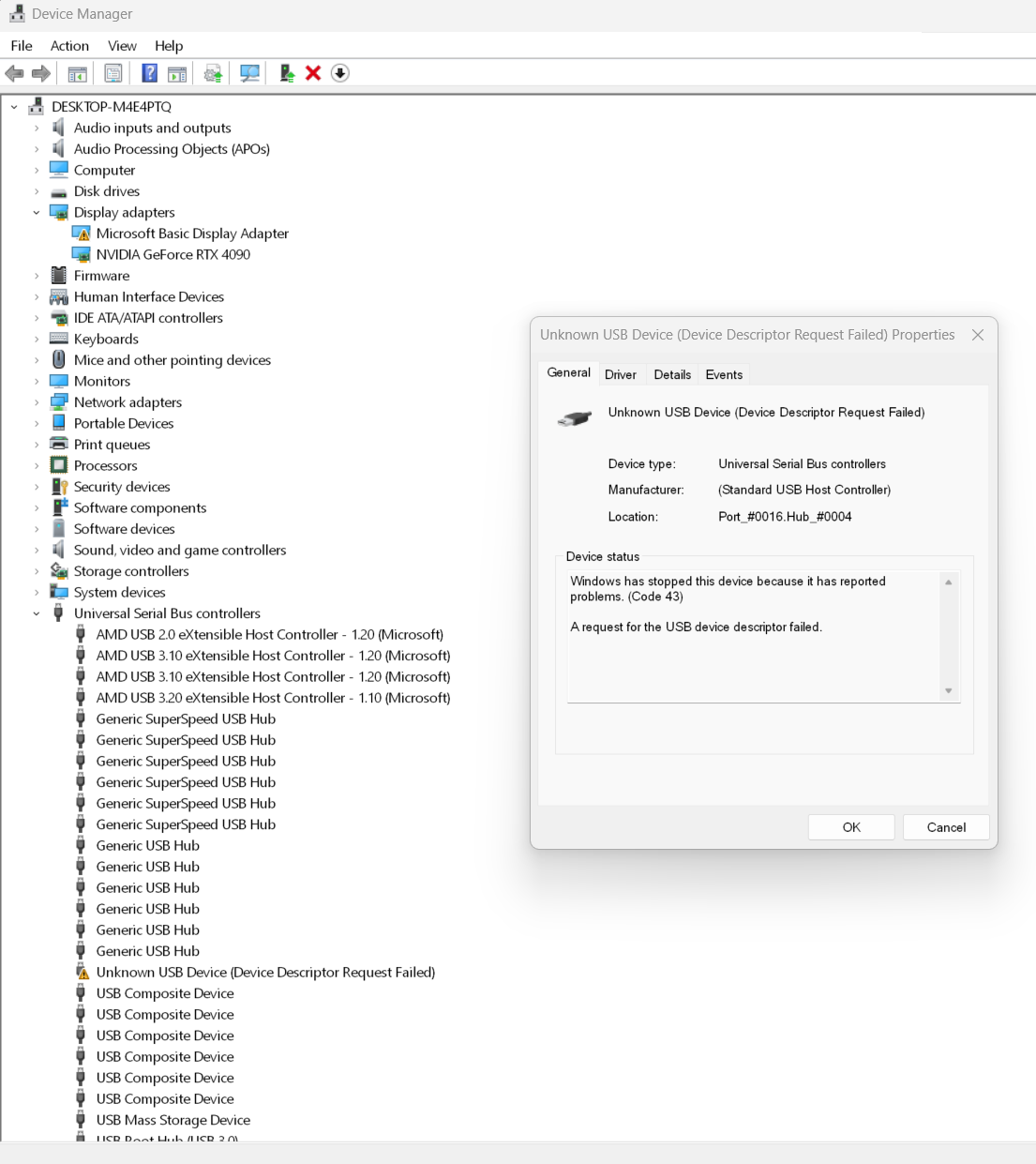
i also tried removing wifi and let it auto discover
Did you try removing the unknown usb device and let it auto find after a reboot?
yep, no luck, just comes back as the same failed usb device
disabling bluetooth in bios and the failed device is gone, enable and it comes back
Is Windows fully updated?
yep, win11 23h2, all latest updates
and linux still show no bluetooth adapter
You can always try downgrading the kernel to the one where it was working on EOS… You can use the downgrade package in order to downgrade to a previous kernel. You need to install the downgrade package first if not installed and then sudo downgrade linux linux-headers for the current kernel if that’s what you were using. Or using the proper name of the package for which ever kernel and headers you are using. Then you select the proper version that you want to downgrade to and make sure they match both kernel and headers.
found this solution and it worked!
https://www.reddit.com/r/ZephyrusG14/comments/ohsox6/mediatek_mt7921_suddenly_not_working/
turning the computer off, PSU off, held the power button in 60sec and back on
Bluetooth is back! win and linux!
thanks all for your help!
Okay draining the power is another solution sometimes works. Glad you got it back.
Edit: If it happens again i would be looking at the power management of the chip so it doesn’t go to sleep.