What is the command to start night light? The scheduling works fine, but sometimes I want to start it earlier in the evenings. Titan, KDE Plasma 6.7.4.
Welcome to the community @spaaace 


You can define your own shortcut by going to Shortcuts in System Settings, search for “night light”, and click the Window Management service.
You should see the Suspend/Resume Night Light option there, where you can now define your own shortcut.
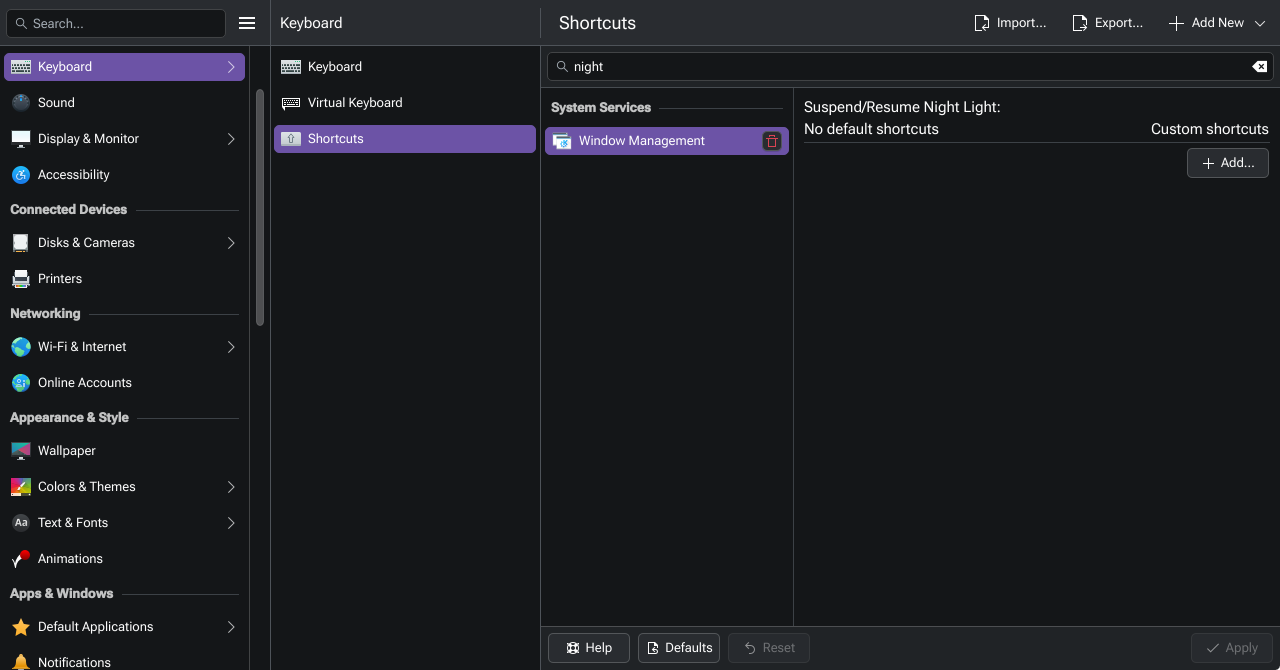
As @Bink pointed out set a shortcut for it.
It looks like the shortcut method will disable or resume the set schedule. I want to just start it instead of waiting for the scheduled time. What is the command that starts night light at the scheduled time? Thinking I can just run it manually when I want it to start.
Hmmm… I see 
If I have the Night Light set to always on, I’m able to toggle it with that shortcut. I’ve yet to experiment how that behaves after a re-boot / re-login though. That also means though, the automatic sunset/sunrise cycle isn’t in effect.