Just today I was looking for some information about the log levels, and again I was astonished how good the Linux manuals are.
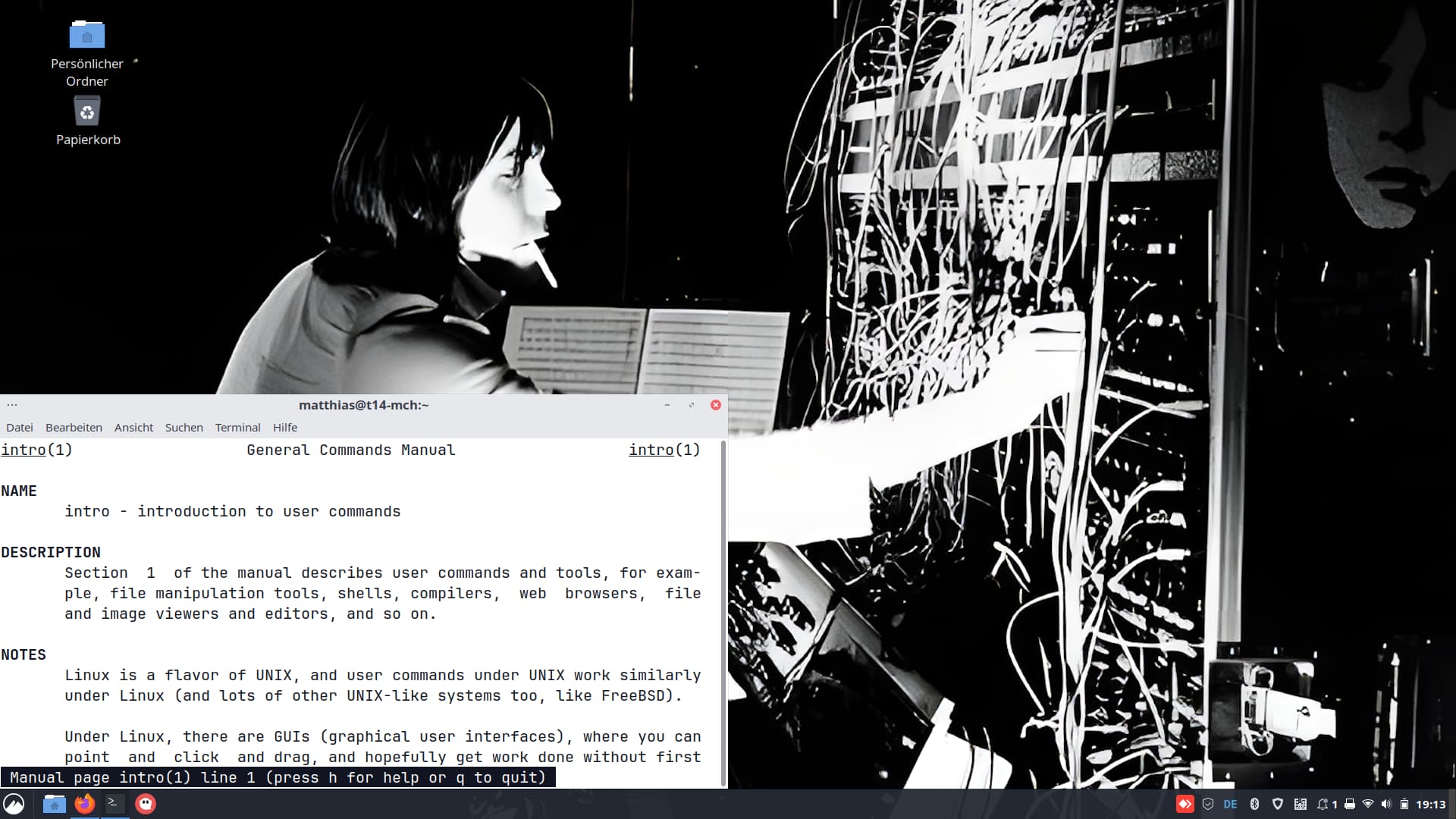
Did you know we carry around complete manuals for almost anything in Linux? The command is called man and even works offline. Many—if not all—manual pages have even been translated into local languages, if you set your system language to anything other than English.
Most commands in Linux show an ominous “section number” referring to the manual, like syslog(2). Ever wondered? You can call that up using man 2 syslog. Section 2 of the manual is about system calls (functions provided by the kernel). [If the number has a p appended, it is a POSIX Programmer’s Manual page.]
man pages are usually much more detailed than what you get by using a program’s --help function.
So for a quick check, use something like
$ man --help
but if you want a more detailed description, try
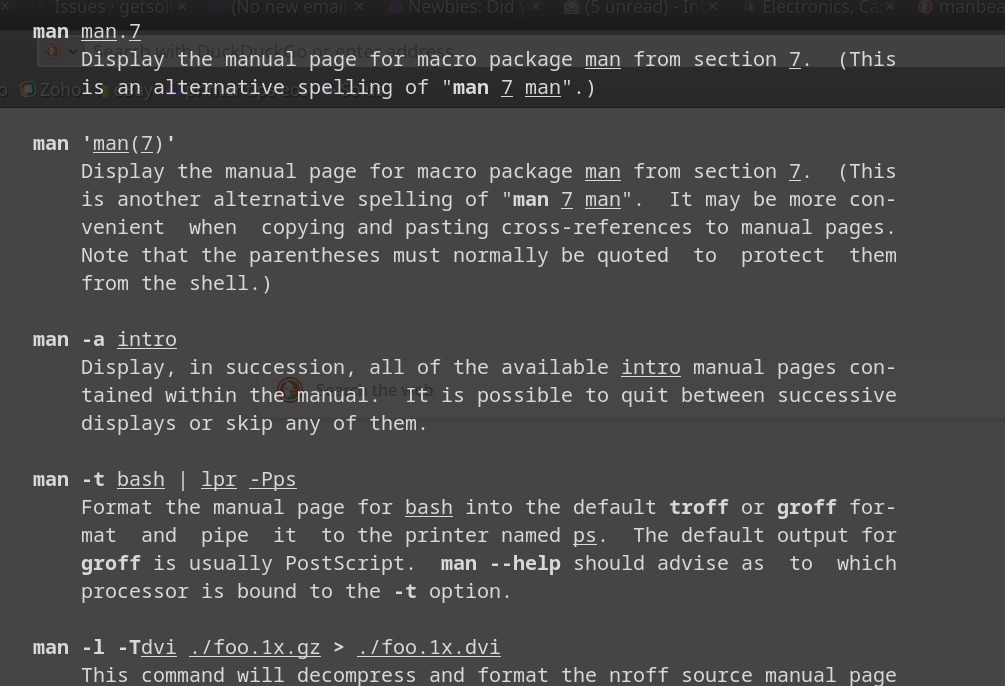
$ man man
Yes, even man has its own manual page—try it out!
On an English system (showing only the beginning):
$ man man
MAN(1)                         Manual pager utils                        MAN(1)

NAME
       man - an interface to the system reference manuals

SYNOPSIS
       man [man options] [[section] page ...] ...
       man -k [apropos options] regexp ...
       man -K [man options] [section] term ...
       man -f [whatis options] page ...
       man -l [man options] file ...
       man -w|-W [man options] page ...

DESCRIPTION
       man  is  the  system's manual pager.  Each page argument given to man is
       normally the name of a program, utility or function.   The  manual  page
       associated  with each of these arguments is then found and displayed.  A
       section, if provided, will direct man to look only in  that  section  of
       the  manual.   The  default  action is to search in all of the available
       sections following a pre-defined order (see DEFAULTS), and to show  only
       the first page found, even if page exists in several sections.
On a German system (showing only the beginning):
$ man man
MAN(1)                 Dienstprogramme für Handbuchseiten                MAN(1)

BEZEICHNUNG
       man - eine Oberfläche für die System-Referenzhandbücher

ÜBERSICHT
       man [man Optionen] [[Abschnitt] Seite ...] ...
       man -k [apropos Optionen] Regulärer_Ausdruck ...
       man -K [man Optionen] [Abschnitt] Begriff ...
       man -f [whatis Optionen] Seite ...
       man -l [man Optionen] Datei ...
       man -w|-W [man Optionen] Seite ...

BESCHREIBUNG
       man  ist das System-Anzeigeprogramm für die Handbuchseiten. Jedes an man
       übergebene Argument Seite ist normalerweise  der  Name  eines  Programms
       oder  einer Funktion. Gefunden und angezeigt wird die Handbuchseite, die
       auf jedes der Argumente passt. Wenn ein Abschnitt angegeben wird,  sucht
       man  nur in diesem Abschnitt der Handbuchseiten. Ohne eine explizite An‐
       gabe werden alle verfügbaren Abschnitte in einer festgelegten Reihenfol‐
       ge durchsucht (siehe VOREINSTELLUNGEN) und nur die jeweils zuerst gefun‐
       dene Seite angezeigt, wenn die Seite in mehreren Abschnitten vorkommt.
Man pages go back to Bell Labs, back to Jerry Saltzer’s doctoral thesis proposal in 1964, and are still unknown by many users, the man command being grossly underrated!
Oh, and did you know what whatis is?
Try the “standard sequence to learn more”:
$ whatis whatis
$ whatis --help
$ man whatis