Hi all, I just recently installed Plymouth and installed the endeavouros-mac-style splash screen. It works great, however I’m not sure what the keyboard no iconography means below the password input box? If anyone knows and could explain I would much appreciate it.
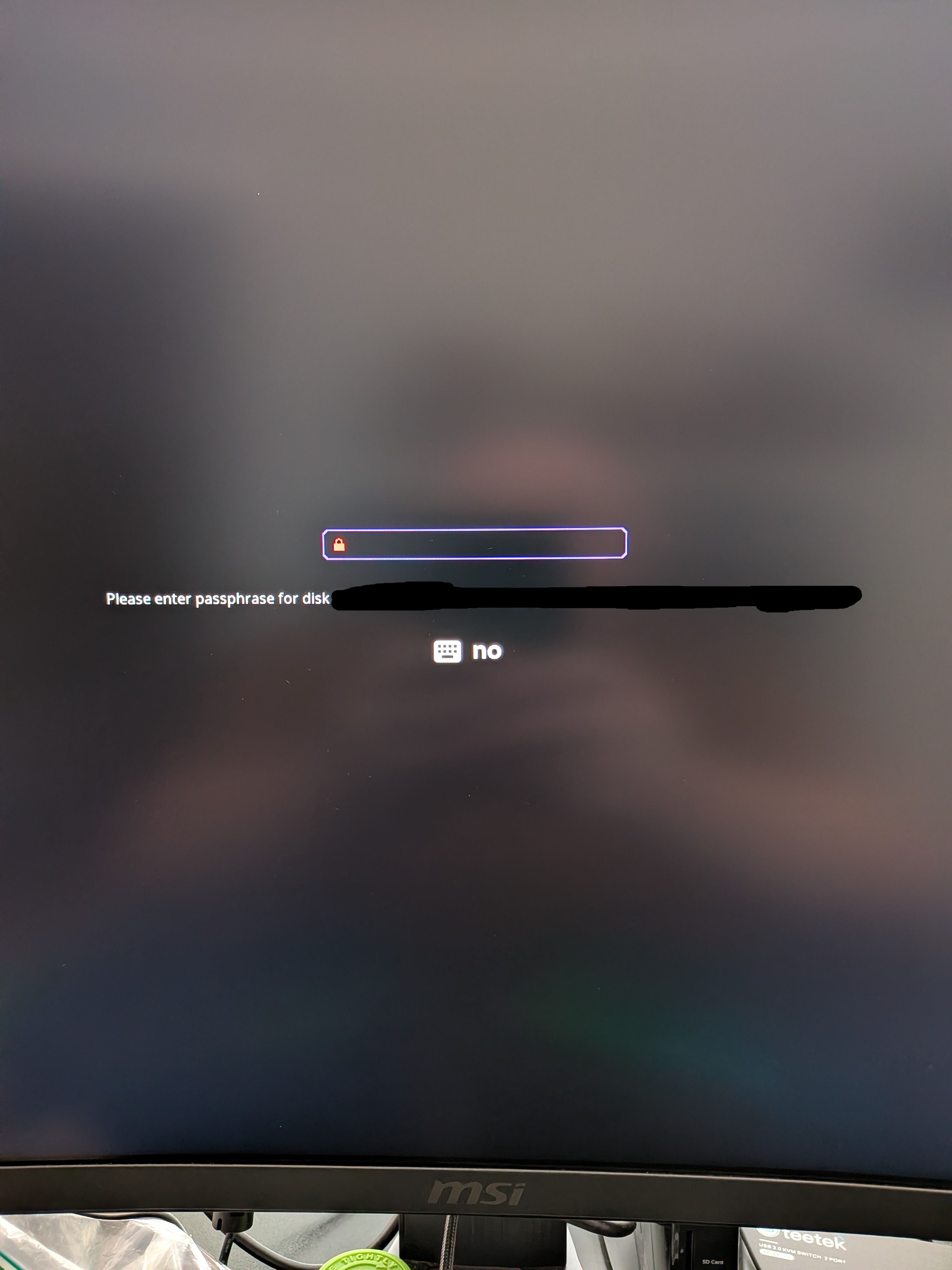
I am not sure myself, but I suspect that you can turn the virtual keyboard on and off there.
That’s not a two letter abbreviation for regional settings is it? i.e. EN, US, FR, etc etc.
I’m in the US for not sure what “no” would be if that’s what you mean.
I’ve tried using the touch screen and touching the keyboard and the no icons and nothing happens. Since there is no mouse at this point there isn’t anything to click on.
I also just tried to put the laptop in tablet mode and again hitting either did nothing. Then again not sure how you even turn on a virtual keyboard with that level considering the OS hasn’t even started.
so it looks the the theme I was using has a bad keymap and is displaying my region as no rather than US. Changing these fixes the issue
I am totally not giggling away at this..  Glad you got to the bottom of it!