Hello everyone,
first of all I’m sorry if I may sound unclear but I’m trying my best with a language that isn’t mine.
As the title suggests, I’m new to Linux (I decided to start with Endeavour because I want to learn and because it looks cool :D), so bear with me.
The problems I’m encountering are:
Can’t seem to setup fingerprint for screen unlock;
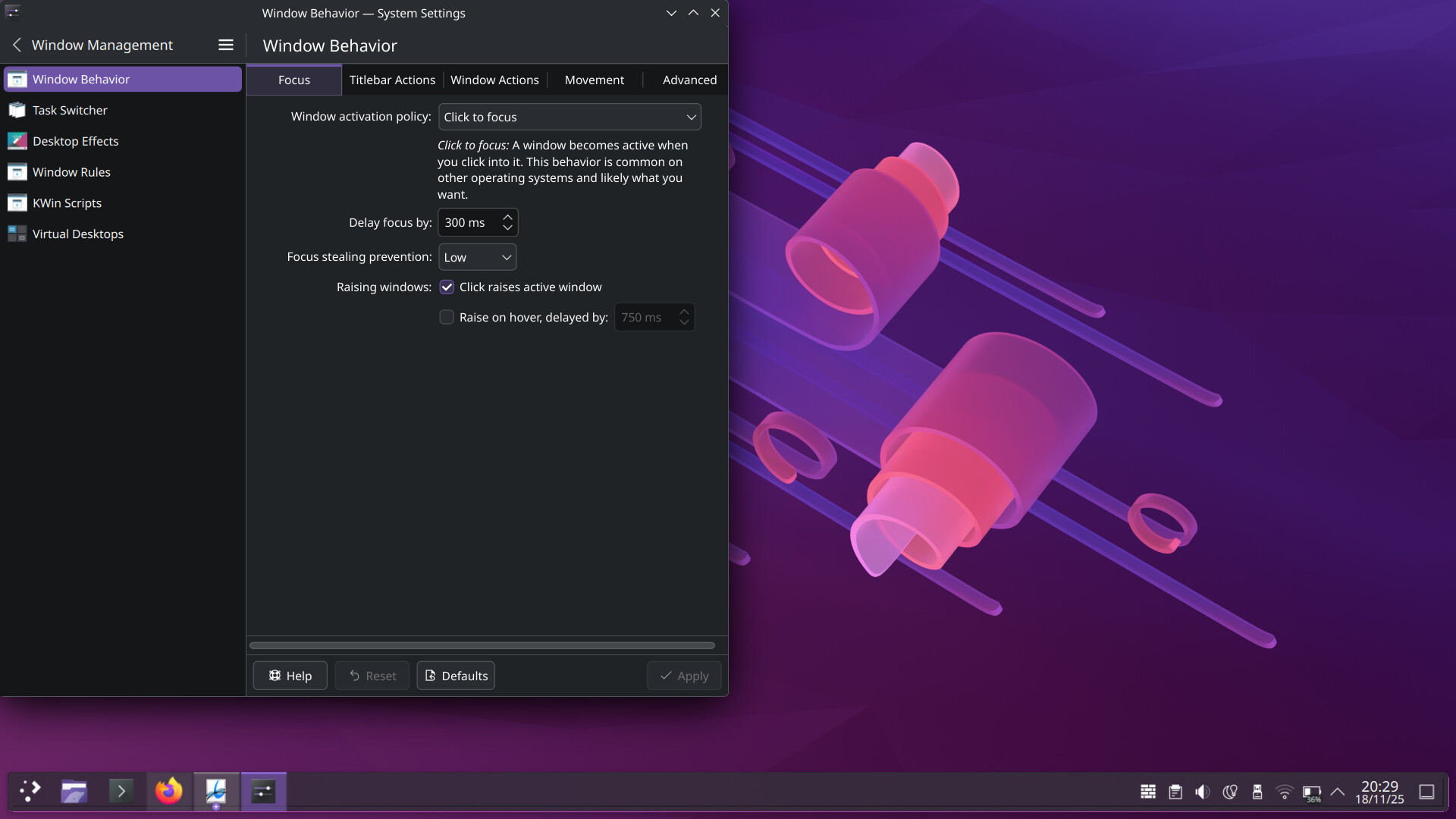
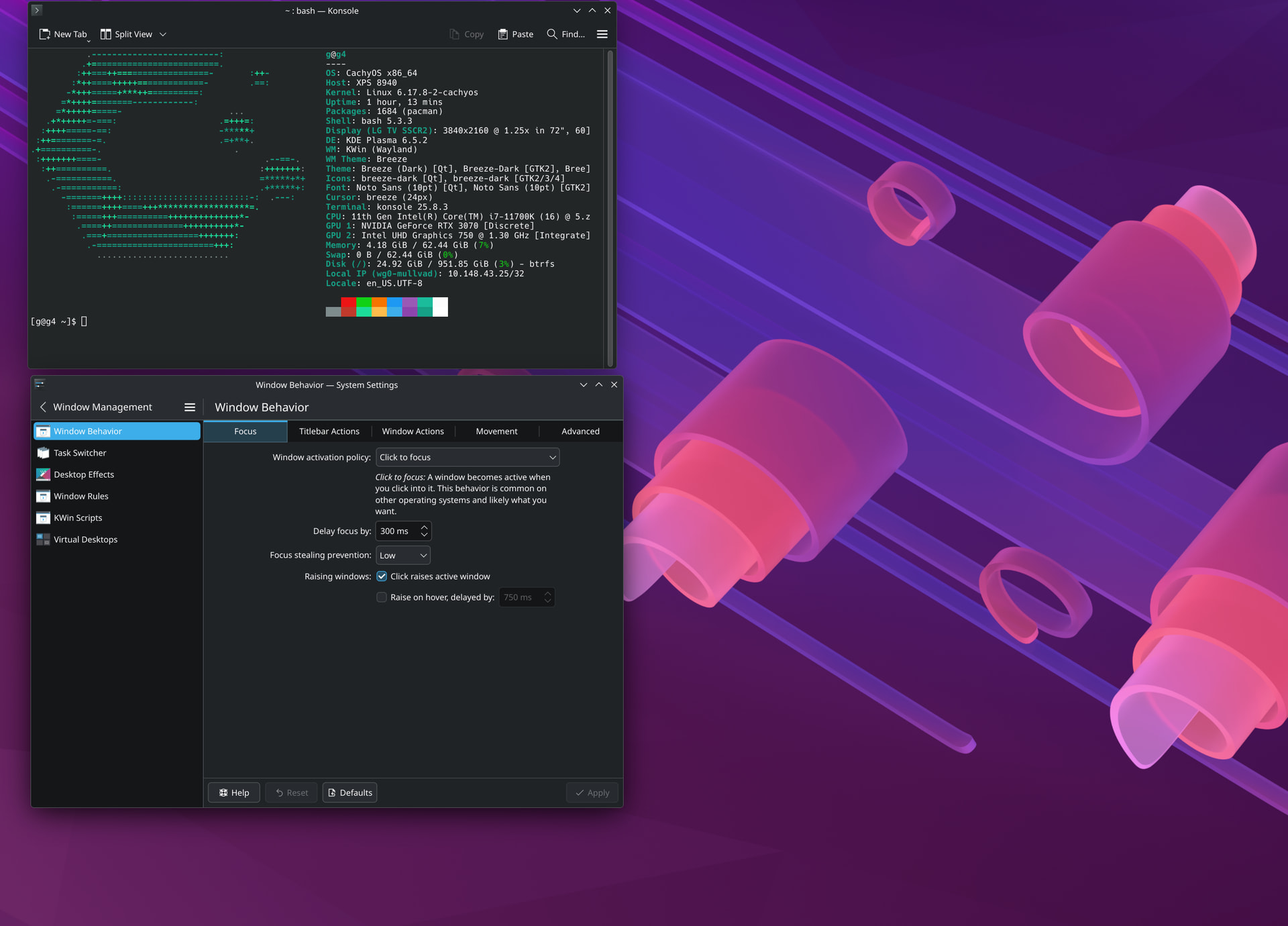
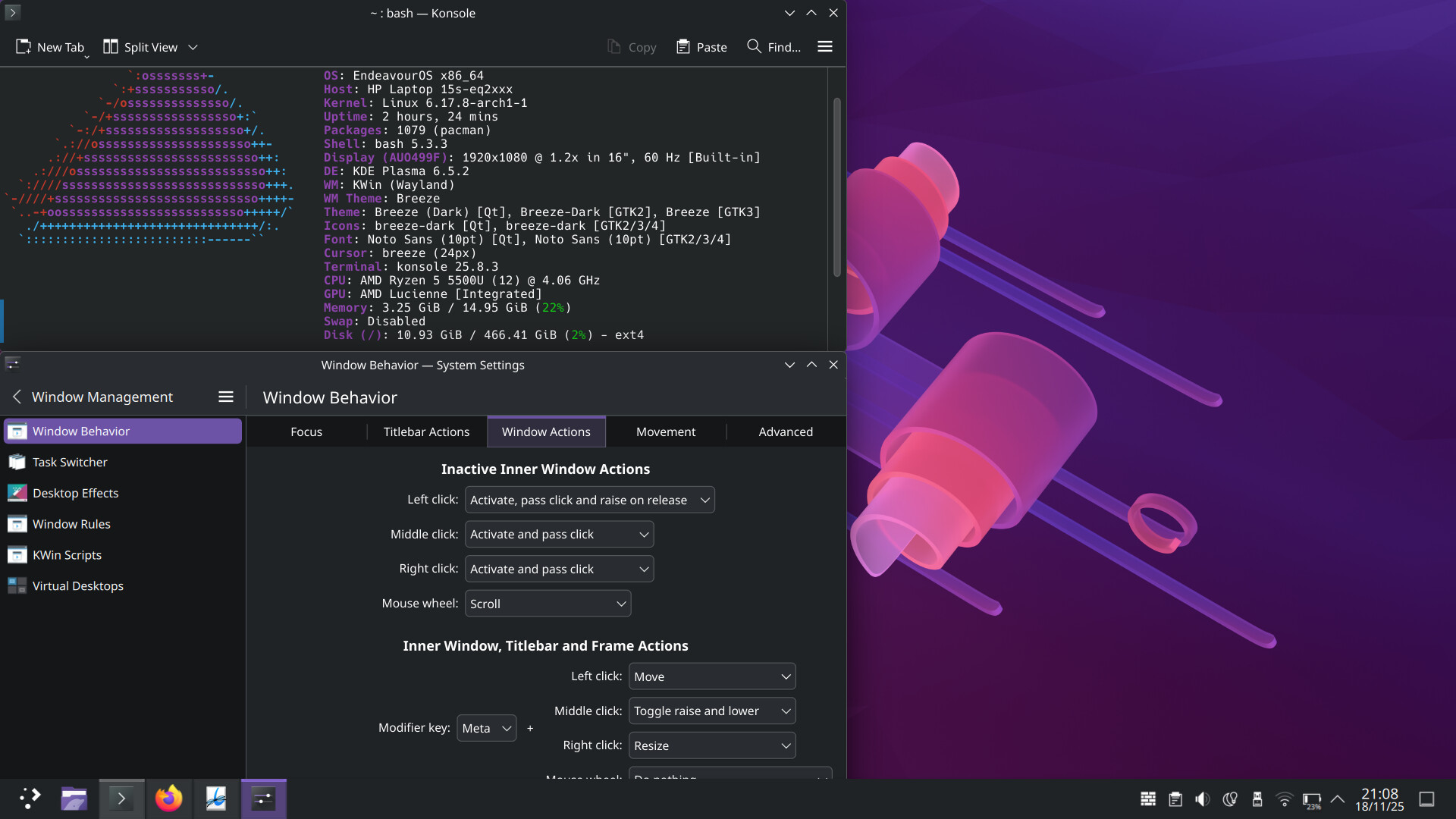
I can’t get the window to align so that it fully covers the left or right quadrant, as it doesn’t extend all the way down (I’ll try to upload a screenshot so you can understand better).
As for number one, I was able to enroll thanks to a fixed driver I found online, so I tried to mess up with the system-auth file but in the end the system was asking for both the password and the fingerprint after (I wanted it to be like in Windows where I used to unlock with the fingerprint, then if it didn’t work I would put the password). Also is there a way to “wake” the pc up by clicking the mouse or pressing the keyboard? I can only seem to turn it on from standby with the power-on button.
Thanks for reading.
I can’t help with the fingerprint reader issues, but if I understand your 2nd issue, you want the window to cover the left (or right) side of the screen from top to bottom? If so, the keyboard shortcut of the Windows key and Left arrow key (or Right arrow key) should do this.
Re #2
My native language is not an Indo-European one. Quadrant is 1/4 I guess. So,
Super+Left/Right arrow followed by Super+Up/Down arrow do the trick presumably.
Or the other way round.