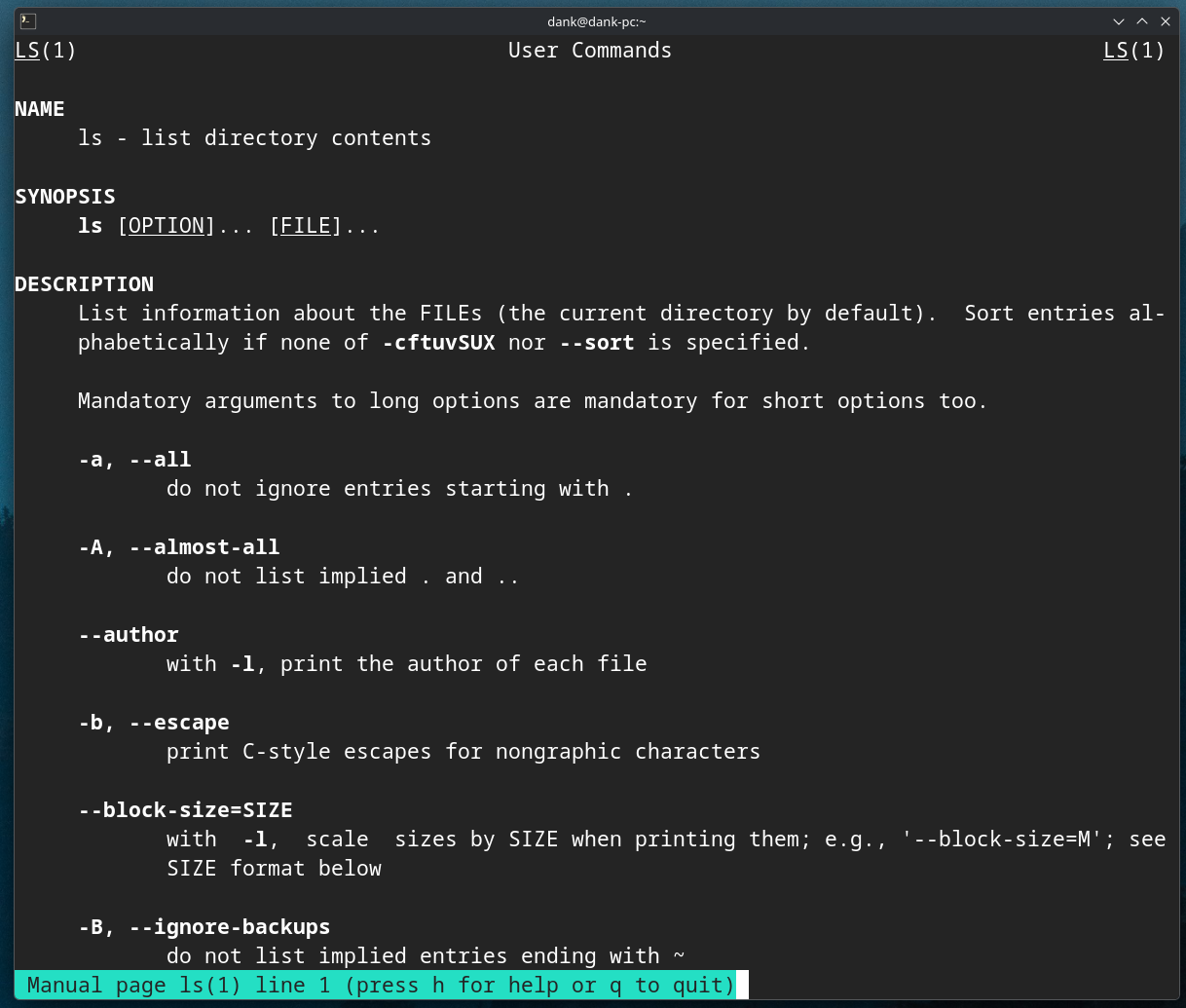
I have recently been messing around with the foot terminal emulator and noticed that man pages are not displayed with syntax highlighting (honestly shout out to the KDE team for making Konsole so feature rich). I have been looking around online for some solutions and nothing seems to work for me.
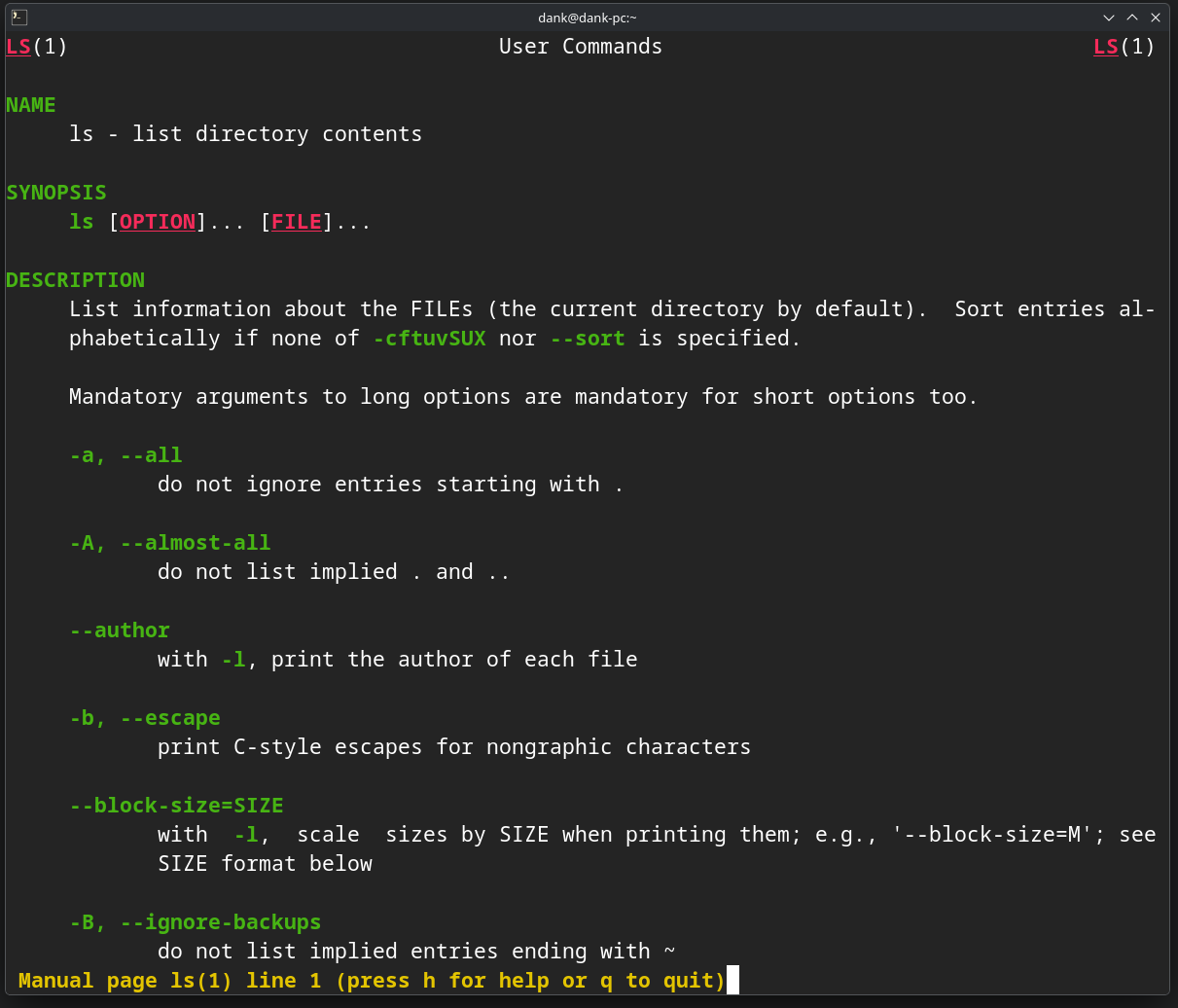
These are some of the commands I have tried but they seem to only add color to the information panel at the bottom of the terminal as seen below in teal. Both commands listed above only change that field but don’t highlight anything within the manpage itself.
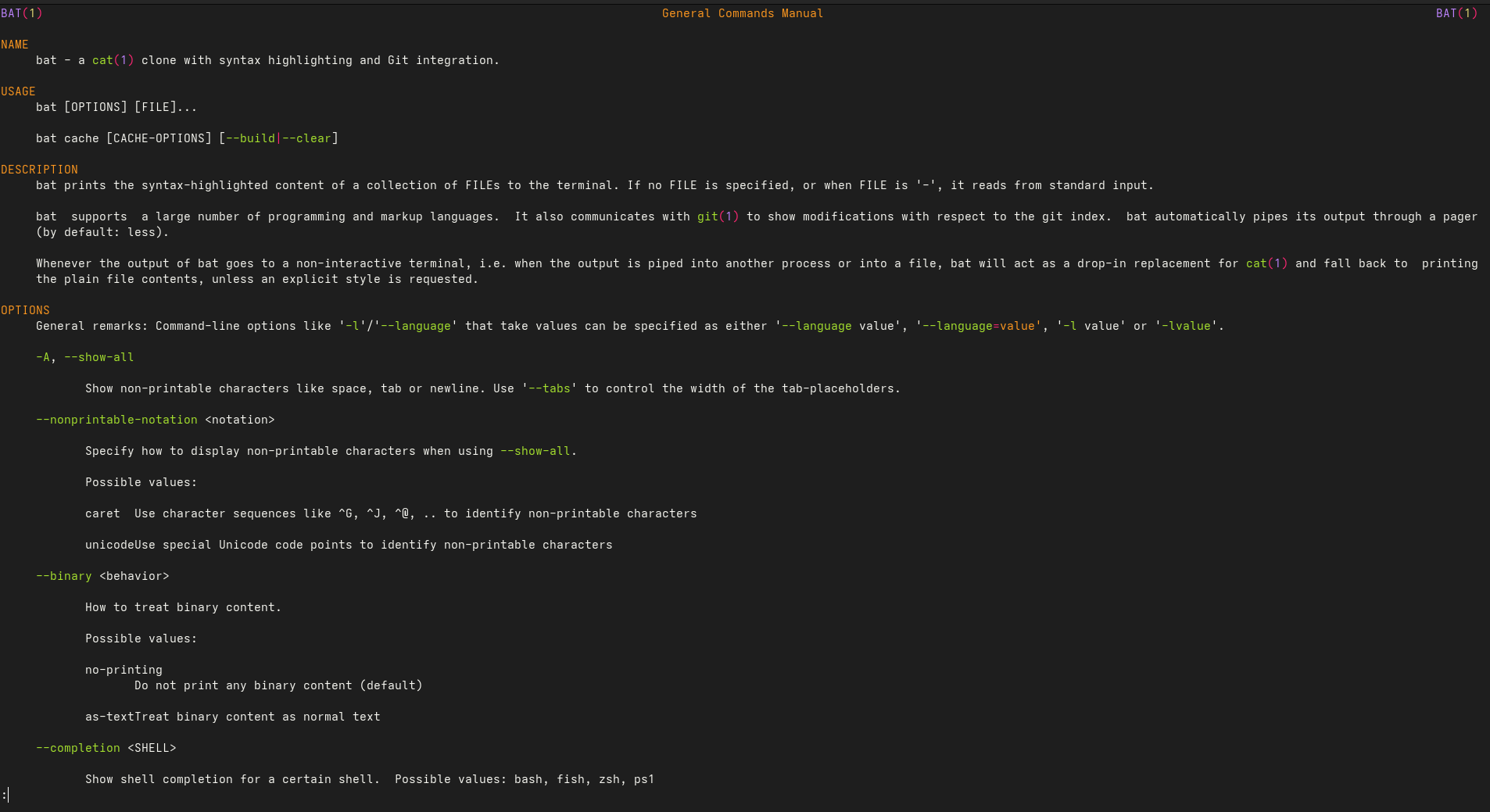
I know this can be done with packages like bat & bat-extras but I would like to see if this is something I can solve with the tools my system already has instead of throwing another package at it.
Edit:
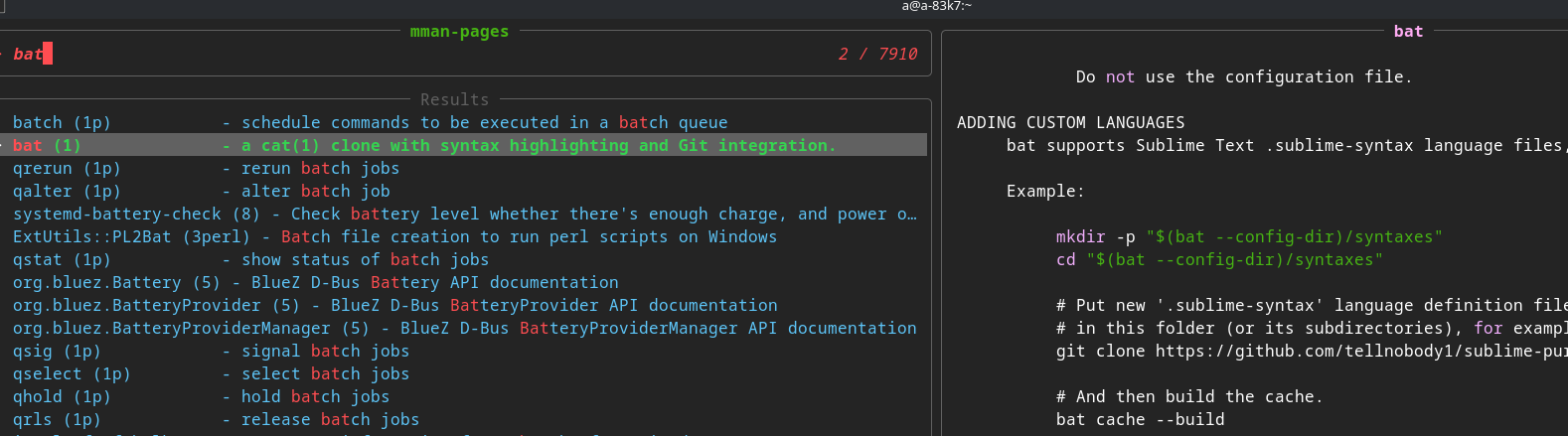
television is much better.
sudo mandb # may be missing to generate man pages tv update-channels
Here is a custmized ~/.config/television/cable/mman-pages.toml
Yes, I did try it with bat, I was just trying to see if i could get it to work without needing to install another package like bat/ batman. With that said though i gotta say tv mman-pages looks pretty sweet … and i do already have tv on my system… might need to give that a go.