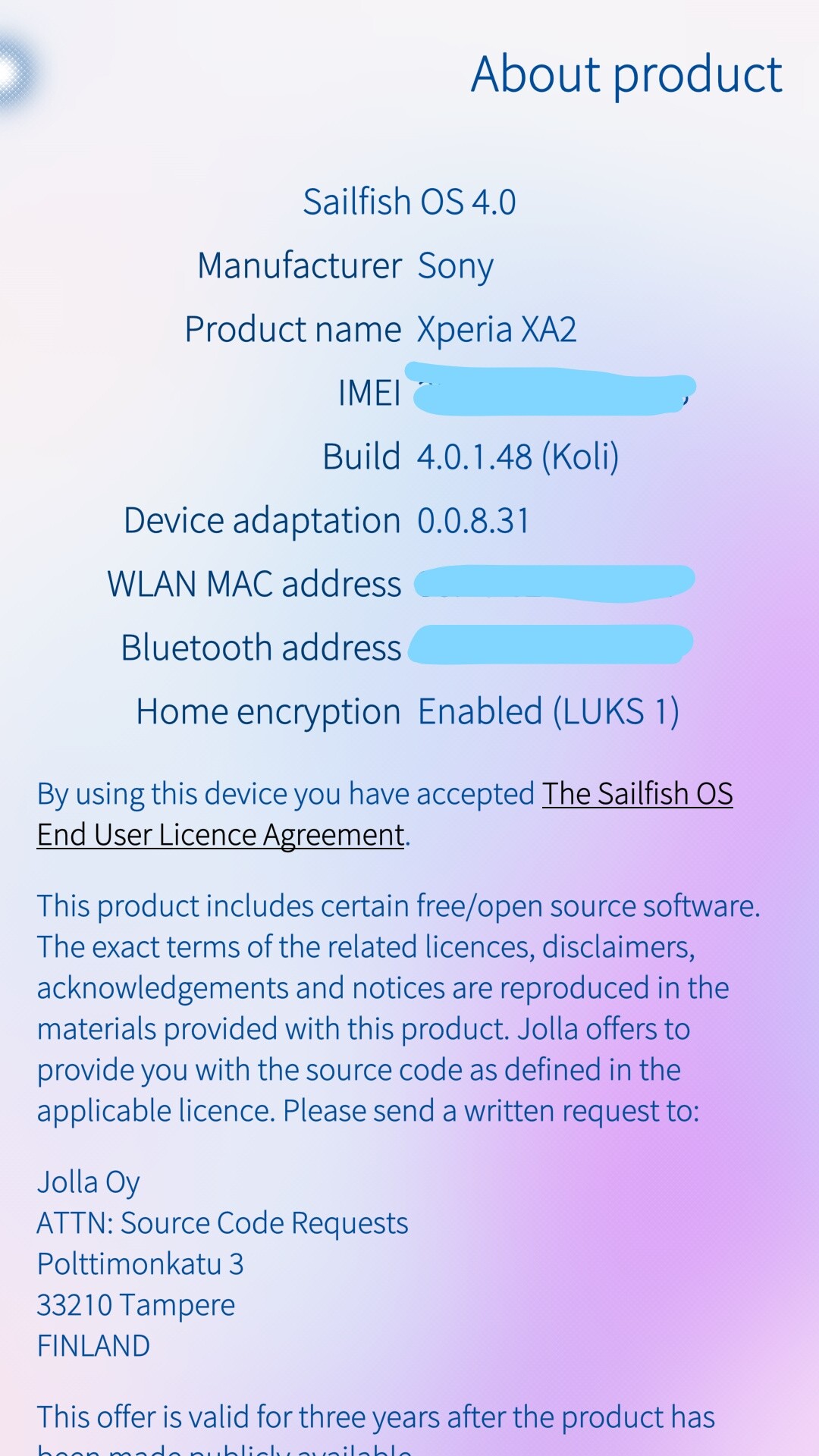
This thread needed a upgrade, some months passed and I wanted to share my journey highlights. When I started my journey, I installed the Sailfish 4.0.1.48 (Koli) on the Xperia XA2, followed by
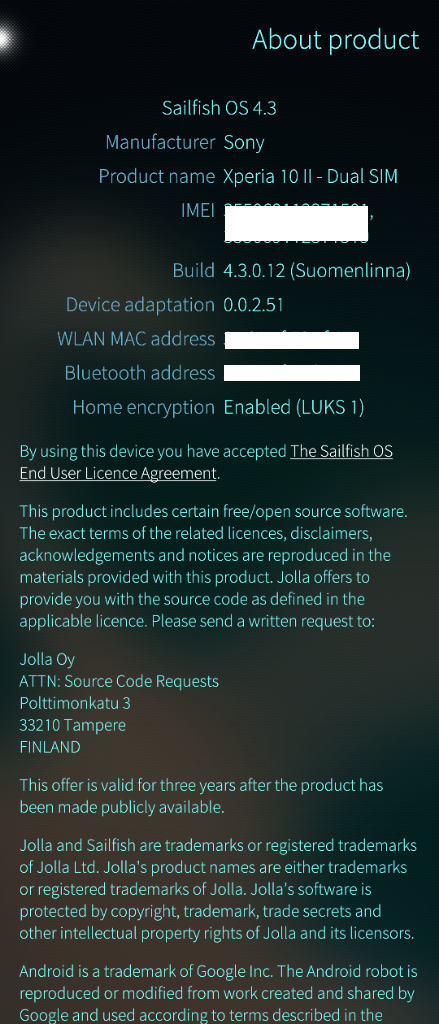
Kvarken 4.1.0 who brought full Sailfish 64-bit support to Sony Xperia 10 II, to which I upgraded. Today my Xperia 10 U II runs SFOS 4.3.0.12, which is miles ahead of what I started to use back in May 2021.
Ill try to keep it short, but without skipping anything.
First and foremost, I want to say that the biggest obstacle in my journey was what I learned (muscle memory) from Android and the way it handles screen, apps and interactions.
Swiping and pressing on things are a bit different, SailfishOS is a OS with one thing in mind: user can use the phone with one hand, no matter how big the phone is or how small the hand. This feature works, well most of the time.
Screen edges, glass protector or the very phone case are standing in the way of your fingers swiping across the screen to move trough the windows, or sub menus.
Because everything is gesture based, here explained
https://sailfishos.org/design/gestures/
Now, into the meat and potatoes:
Store: Jolla Store offers a lot of apps, also there are another ways of getting .rpm packages installed into your Linux phone, via Storeman, or simply the old fashioned way of the CLI. Whatever you want, you can do.
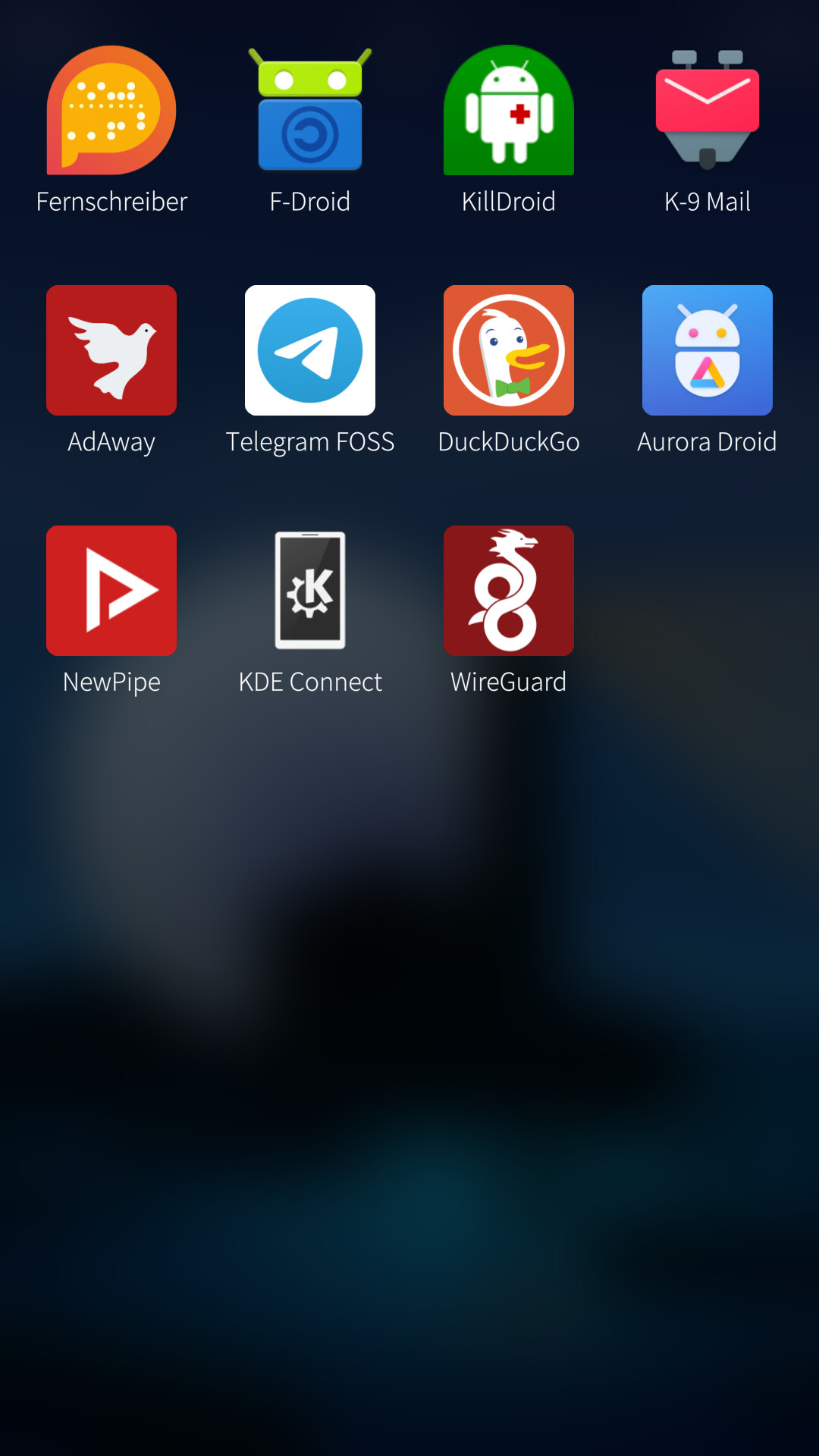
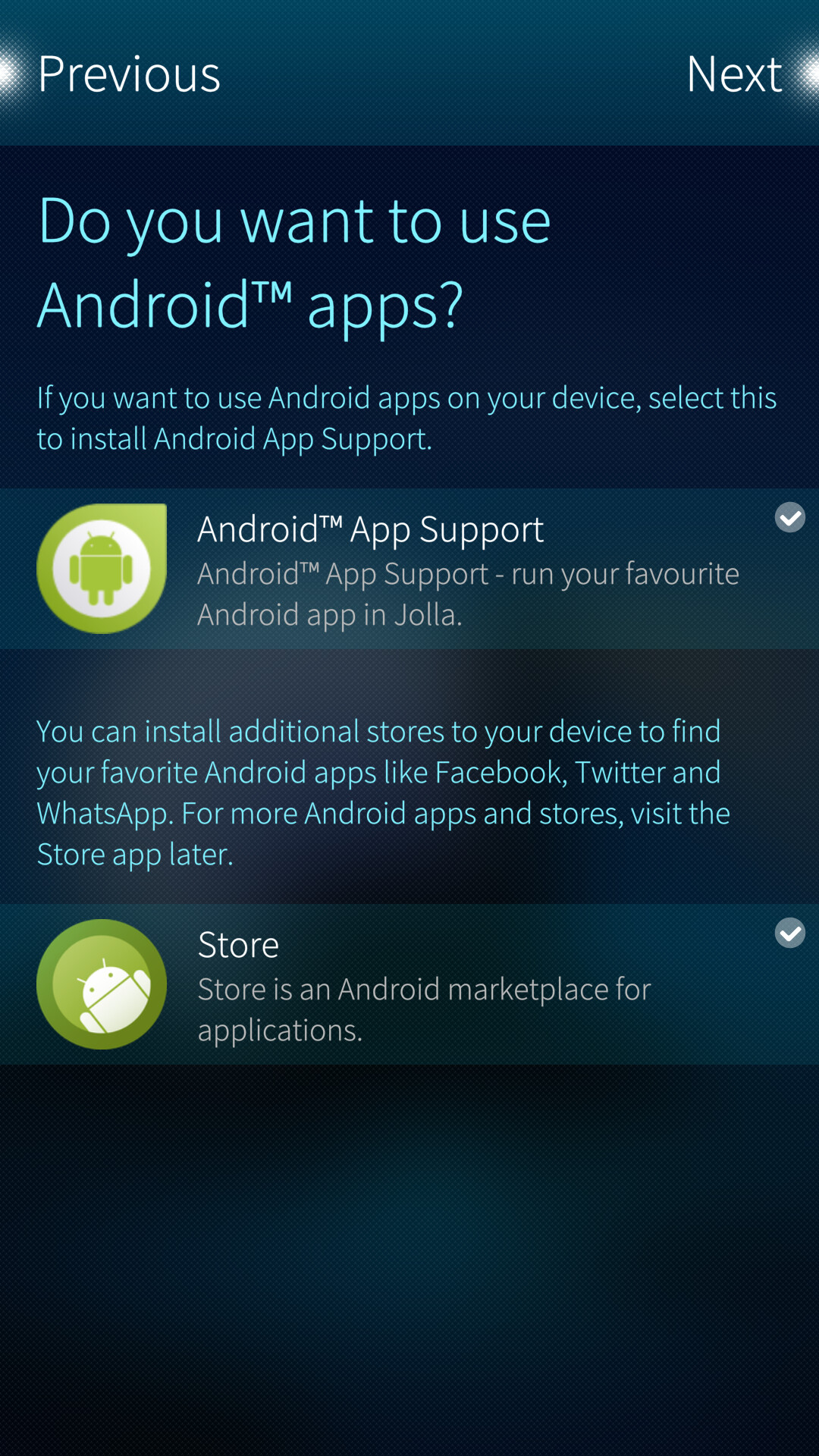
Apps: When you aquire the Jolla Licensing for Android support, you can install on your phone Android apps/apk. F-Droid, Aurora Store are available and apps are installed, but isolated in containers. Aurora Store spoofs the Google Firebase signatures, your Jolla Phone is seen as a Xperia device running base AOSP. But you can tweak the spoofing at your linking, but even with some hacking, some apps will refuse to work.
Native apps are there, basic apps for normal use. But for some they may be lacking.
My biggest gripe with SailfishOS was the GPS and something like the Maps app, who can offer guidance on real time map. Sadly, the issue was my Xperia XA2, after upgrading to Xperia 10 II HereMaps works a treat.
Instant messaging is there, the are native apps for Signal and Telegram, but I choose to use the native apps downloaded and installed from the website.
System and performance: Responsive, no delays, animations are smooth, apps are opening quick and closing is a breeeze. I had the phone froze two times, but it was me trying some weird stuff on the phone. Not system’s fault.
UI and overall looks: This can be subjective, but I find the UI very stylish, elegant but minimalist in the same time. It grew on me, I like it.
Battery: 2 days or even 3. Heavy use a full day, no problems. Not even believing it myself, but not having the constant chit-chat of your phone calling Google can render a better battery lasting time.
Connections: Some issues with Bluetooth, Wifi Hotspot worked, NFC and everything else.Headphone with controls worked as intended, was pleasantly surprised.
Camera: default app is somehow poor, allows taking basic photos. Installed Open-camera app from Aurora store and works a treat. I have the original Gcam from my Pixel4a .apk file extracted, and I am still trying to make it work inside the SailfishOS. That would be just perfect.
Fingerprint: perfect, no delays.
Calls: clear sound, the native calling client has a record the call feature built in, which I find very neat. Sometimes the wait on call or responding to an incoming call while you are already on a call doesn’t work as intended, but seldom I was in that situation. But I did test the feature, just to know how and if it works.
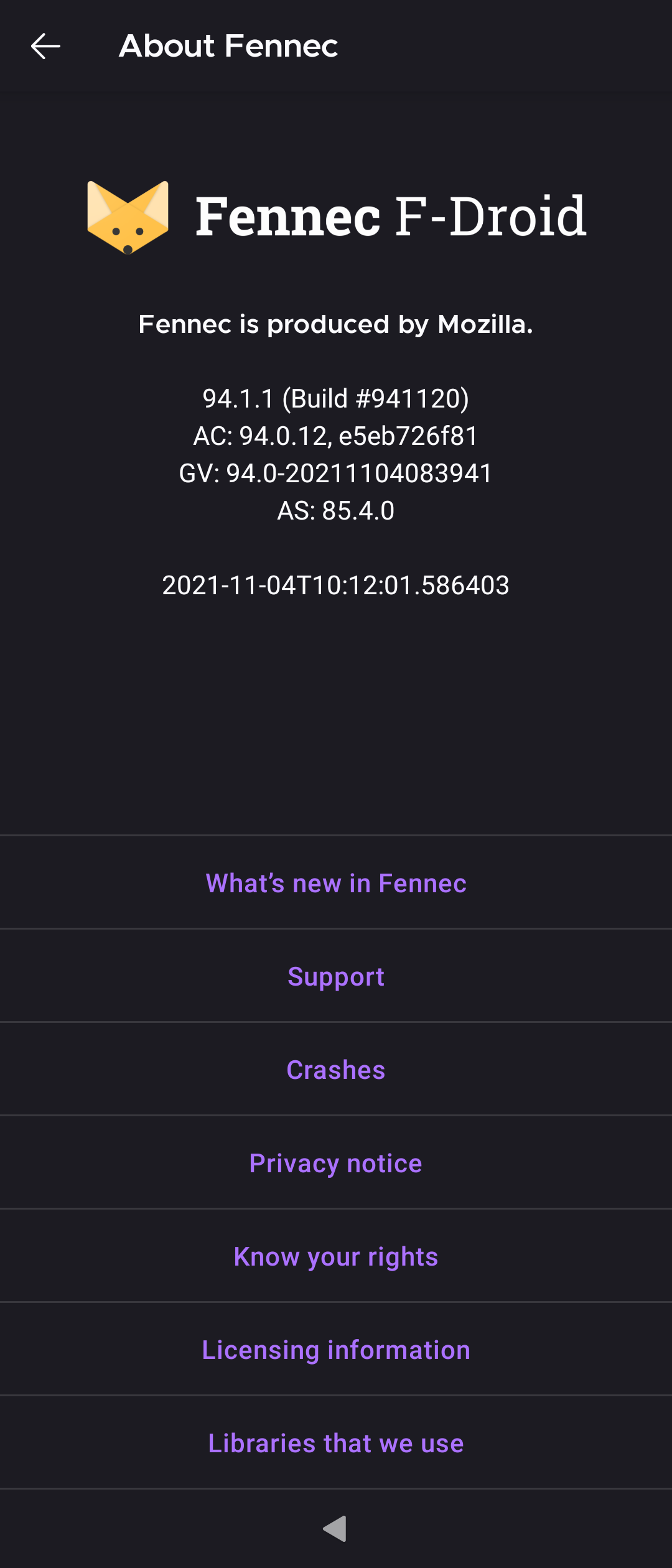
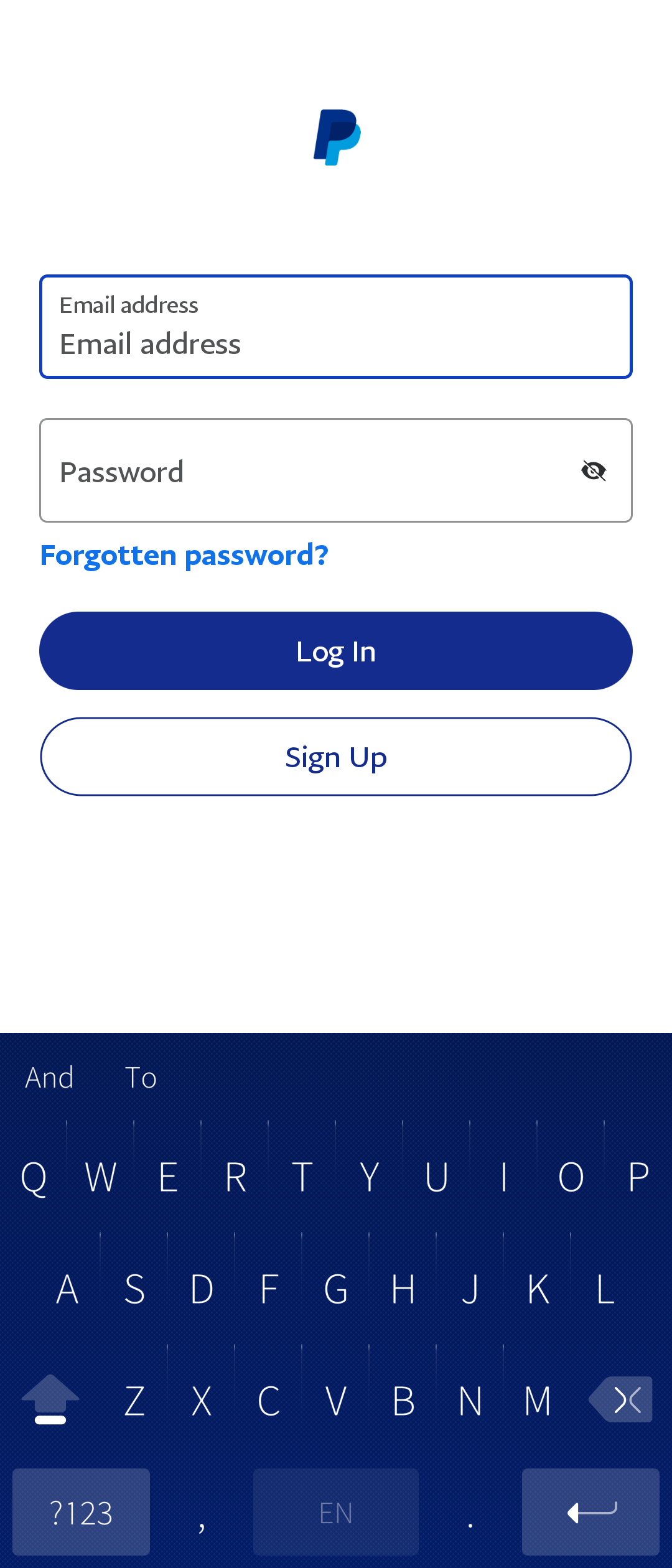
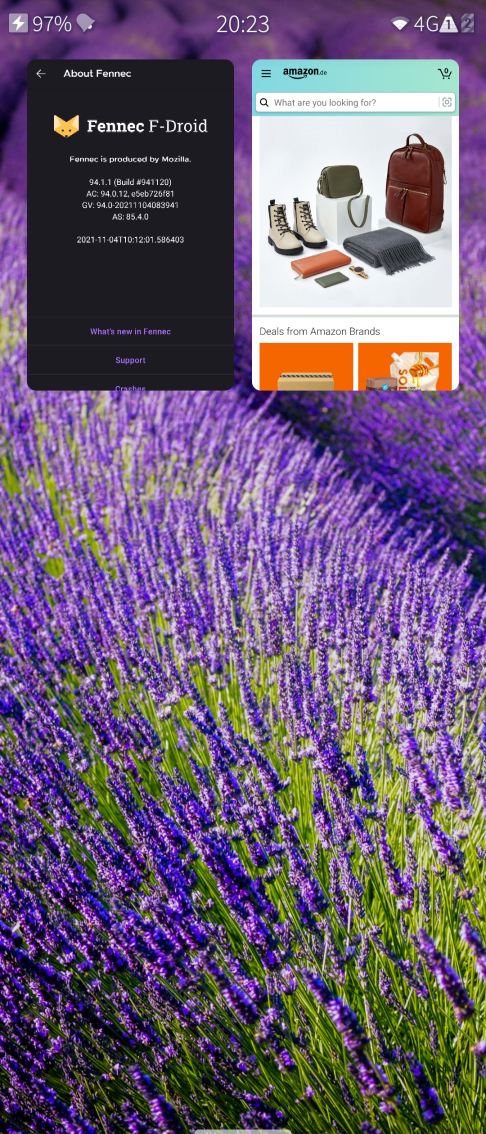
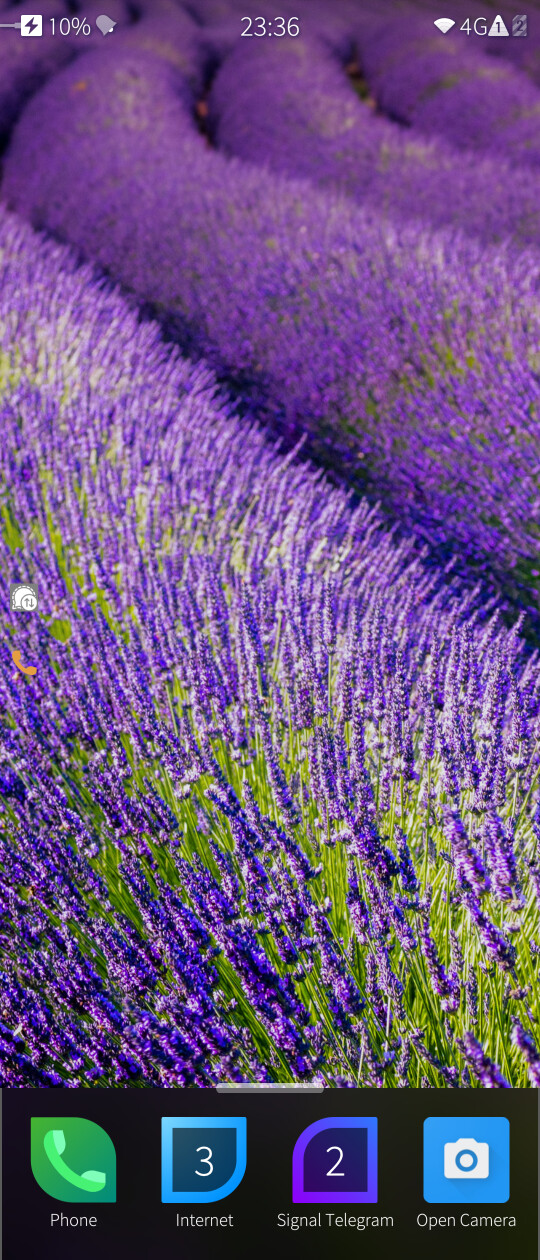
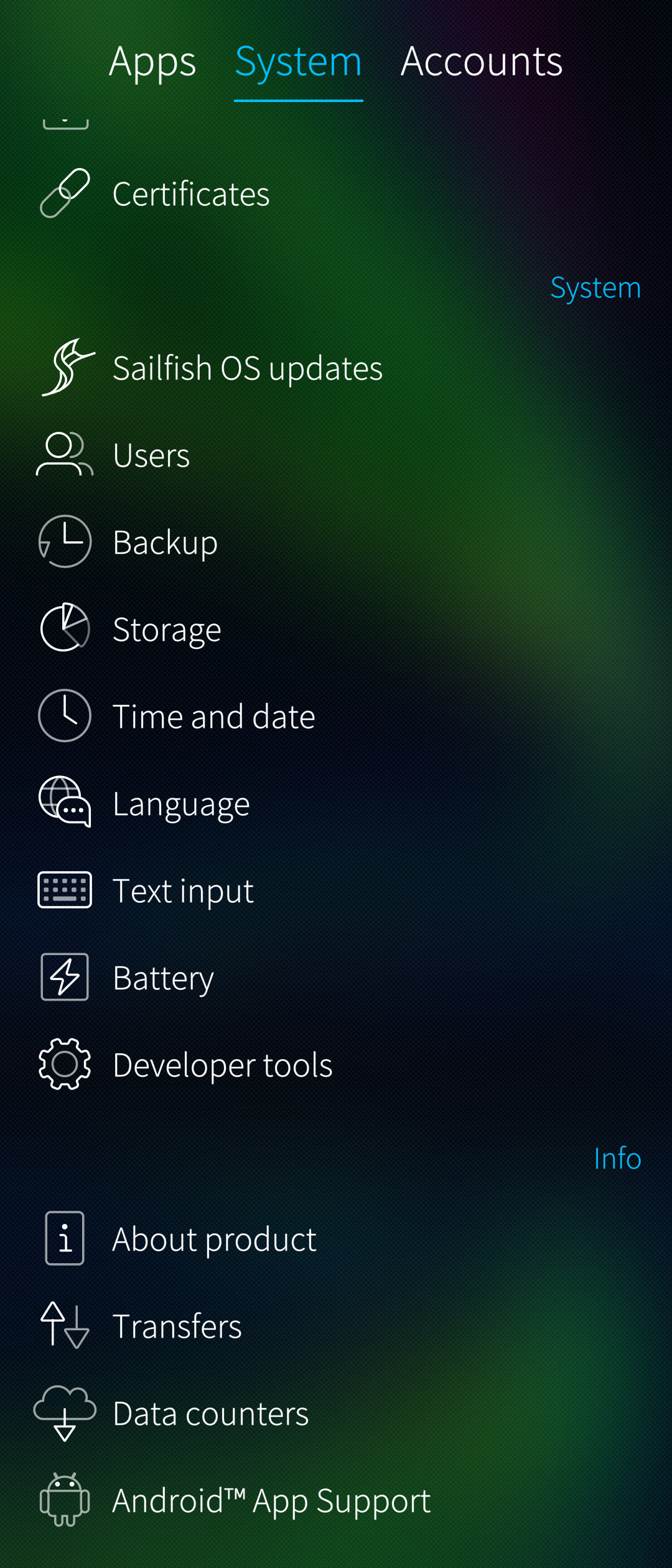
Attached some screenshots to have a peek of how it looks. My journey continues. Did I made the SailfishOS my daily driver? Yes and no. Some things work, but lacking some apps, hinders my experience. But I welcomed the change and necessity is the best teacher, after all.
This journey opened the door for another: De-*googling myself. Bought a Pixel4a and flashed CalyxOs on it. But this is another story all together.
Thanks for your patience and time, and ask away, I’ll gladly answer if I can.
Cheers!
 he is atleast happy about…