I have a couple of infrequently used apps which added themselves to the inode/directory line of the mimeinfo.cache file during installation. (They do this with other distros as well.) The unwanted result is they keyboard shortcut for opening the home folder launches one of these apps instead of the default file manager.
Simple solution (which works on other distros): edit the mimeinfo.cache file manually to remove those additions and all is well — until I run a system update.
Those system updates frequently (annoyingly frequently!) rewrite the mimeinfo.cache file, returning those additions to the inode/directory line and causing the keyboard shortcut for opening the home folder to launch a different app. Is there a way to prevent the mimeinfo.cache file from being ‘restored’ with unwanted entries?
Best to just leave mimeinfo.cache alone, and set your preferred applications in ~/.config/mimeapps.list. Under [Default Applications] you can set the applications you would prefer along with the association (you can copy and paste right out of mimeinfo.cache if you’d like).
For example, if you want Thunar to be your default file explorer you can set it up like this:
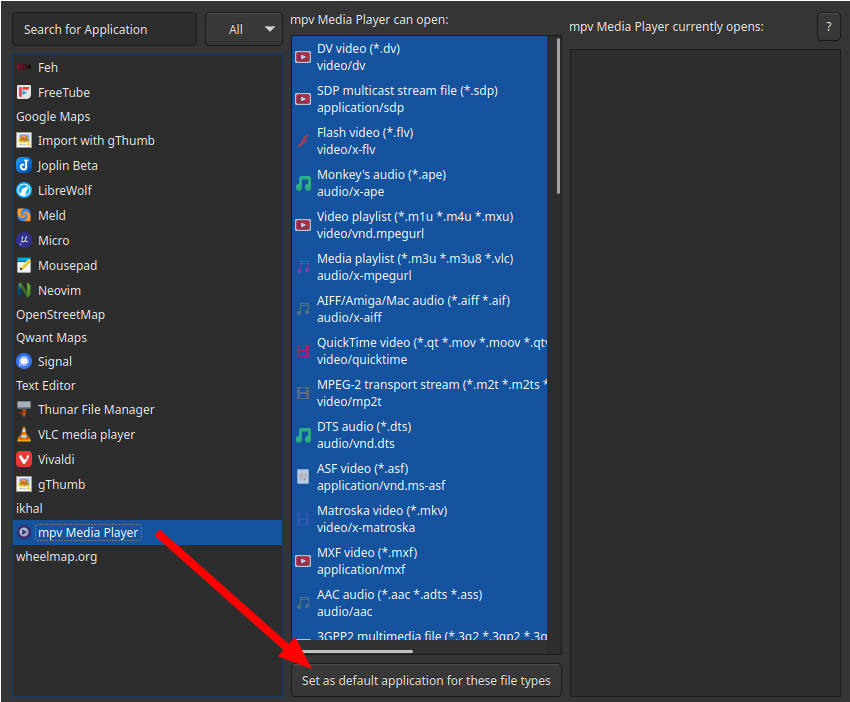
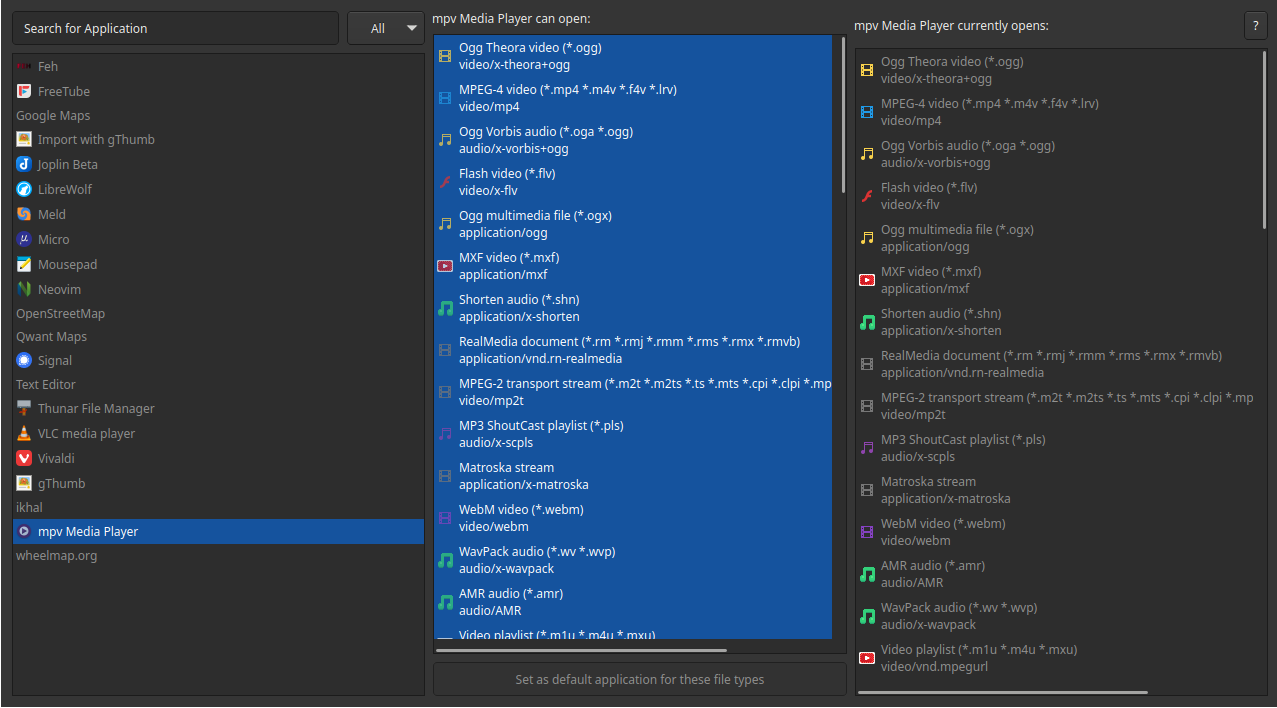
It’s stupid easy to use. The menu shows all your apps that have a .desktop file, you just click on one and it will show all the different types of files it can open. Highlight any file types you want that app to open by default, and it will set up your ~/.config/mimeapps.list for you.
For example, let’s say I want to set mpv as the default for any file type it supports. Click the app, optionally de-select anything you don’t want it to be the default for (it defaults to selecting all), then click “set as default application”:
ddnn, thanks for the welcome — been using EndeavourOS for quite some time (tend to distro hop infrequently, but think I may be here for awhile, previously used Manjaro), but finally ran into problem I couldn’t solve on my own.
Realise I don’t need to update every day, but used to be network security (now retired) and have a mindset of updating frequently and usually update two to four times per day.
Didn’t want to remove the apps as they were 'infrequently used´ not ‘extra’.
Went with suggestion from BluishHumility as it seemed most direct and simple. Editing the ~/.config/mimeapps.list seems to have done the trick nicely. Thanks!