Hi,
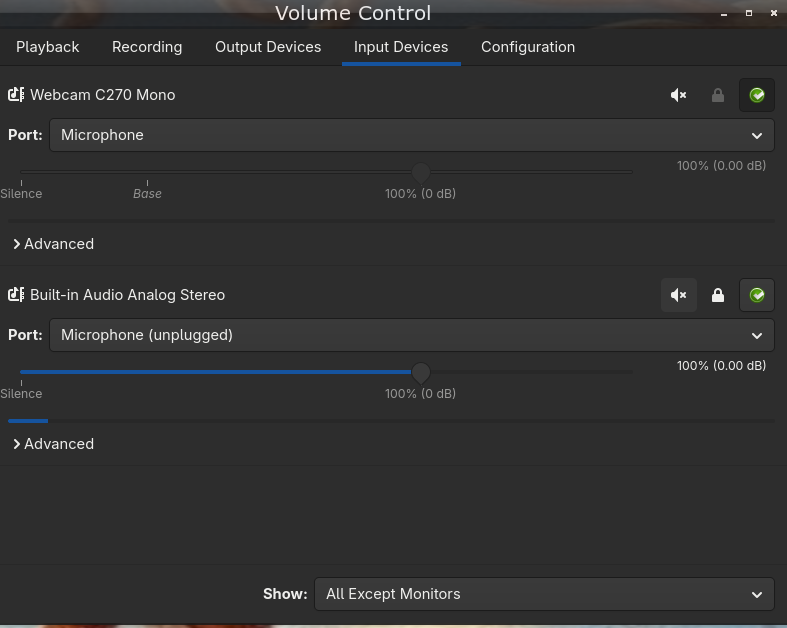
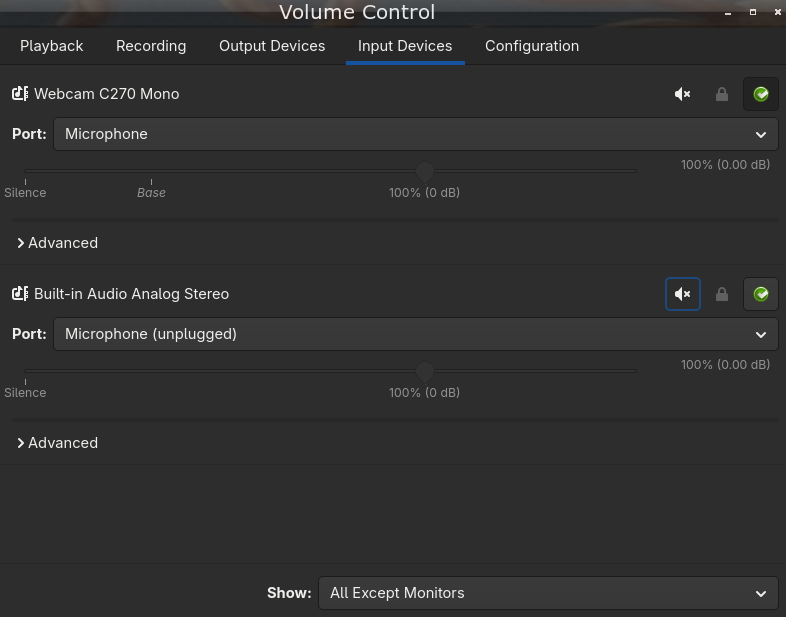
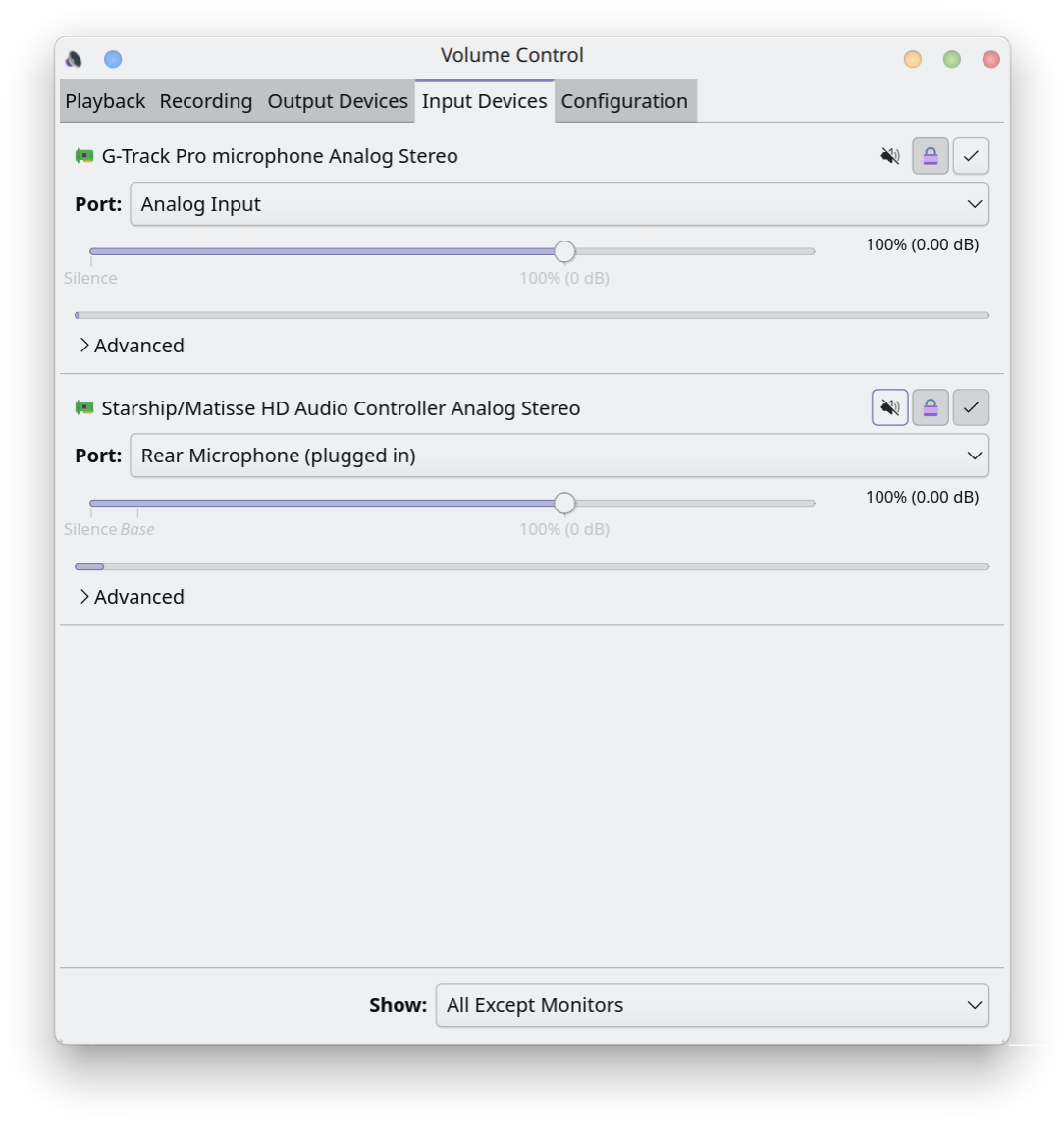
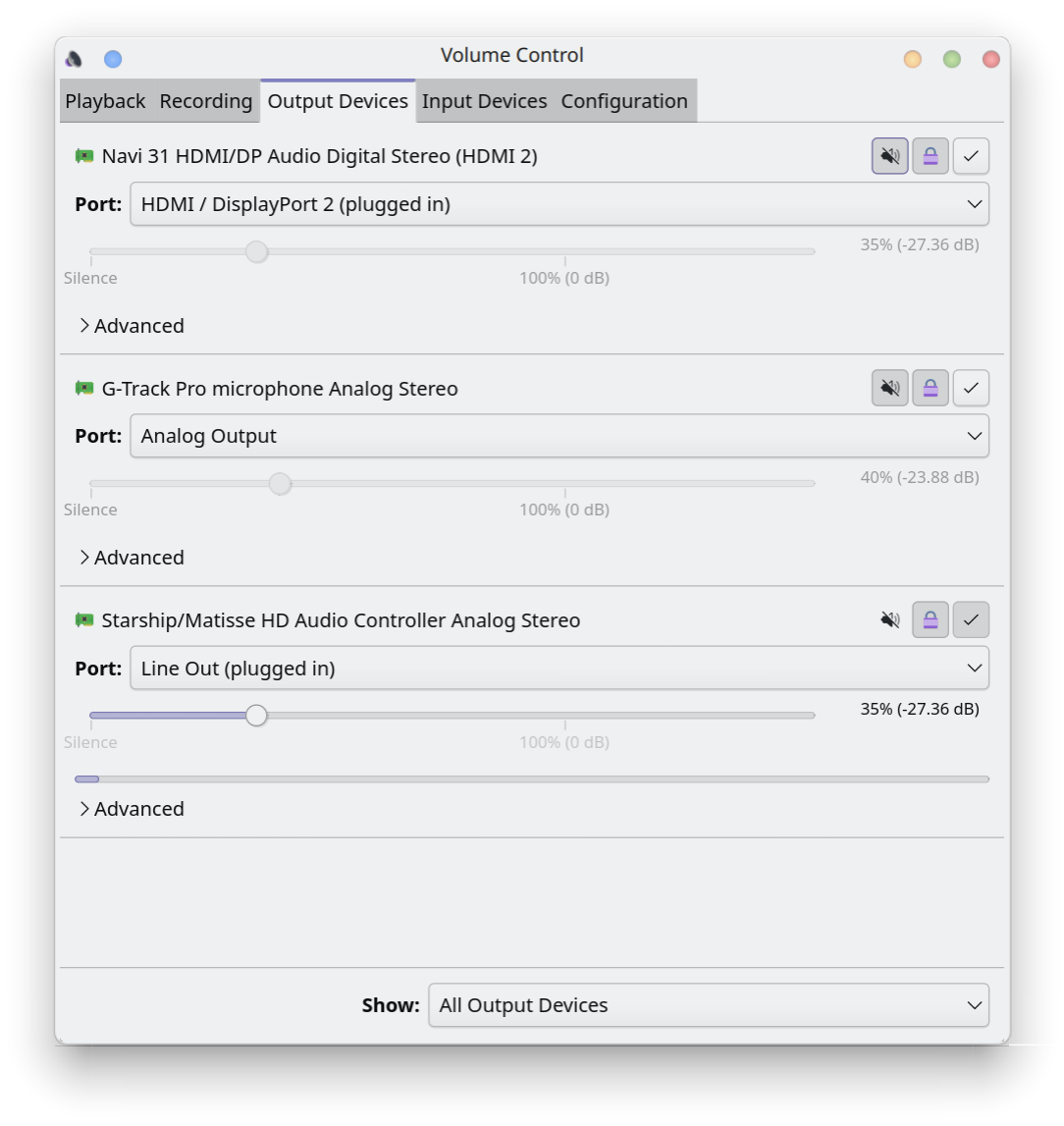
It seems my mic is picking up my desktop audio. I’m not really sure how to attack this issue so I’m hoping someone here might have some ideas. I have a pair of 3.5mm earbuds plugged into an splitter which is then plugged into the headphone and mic ports in my mobo. I’m unsure how long this issue has persisted; I usually use push to talk in Discord but recently switched to voice activation and had someone point this out to me. I did some testing to hopefully help narrow things down:
- My first thought was the audio leakage was just getting picked up by the inline mic
- The volume of the audio being picked up doesn’t get louder if I move the earbud closer to the mic.
- But the volume does get louder/quieter depending on the volume of the desktop audio.
- I think leakage can be ruled out.
- The volume of the audio being picked up doesn’t get louder if I move the earbud closer to the mic.
- To eliminate these specific earbuds as a possibility I plugged in a pair of earbuds that don’t have a microphone. The issue persists. If anything the audio comes through even clearer.
- I lack a second splitter to test with so I couldn’t check that.
- Moving other electronics away from the cable made no difference.
- I booted into Windows 10 with all the same hardware and found that the issue does not occur in Windows.
- So it seems specific to my EndeavourOS and probably not an issue with my mobo, splitter, or earbuds.
- The issue persists across all applications I checked - Discord, OBS, Audacity, and pavucontrol all detect the audio.
- This rules out me messing up the settings in just one program.
- The issue stops if I keep the input and change the output device
- The issue also stops if I keep the output and change the input device
- Carla is the only utility I can think of which might have affected the audio, but it’s already uninstalled along with its dependencies and I don’t remember making any changes while it was installed.
See * * this short video I recorded demonstrating the issue if you want a visual representation. The first part is Windows, second Endeavour with mic, and 3rd is Endeavour without a mic.
And that’s where I’m at with this so far; I have no clue what setting could be causing this and I’ve exhausted what testing I could think to do. Any advice would be appreciated. Let me know if you need any additional details.