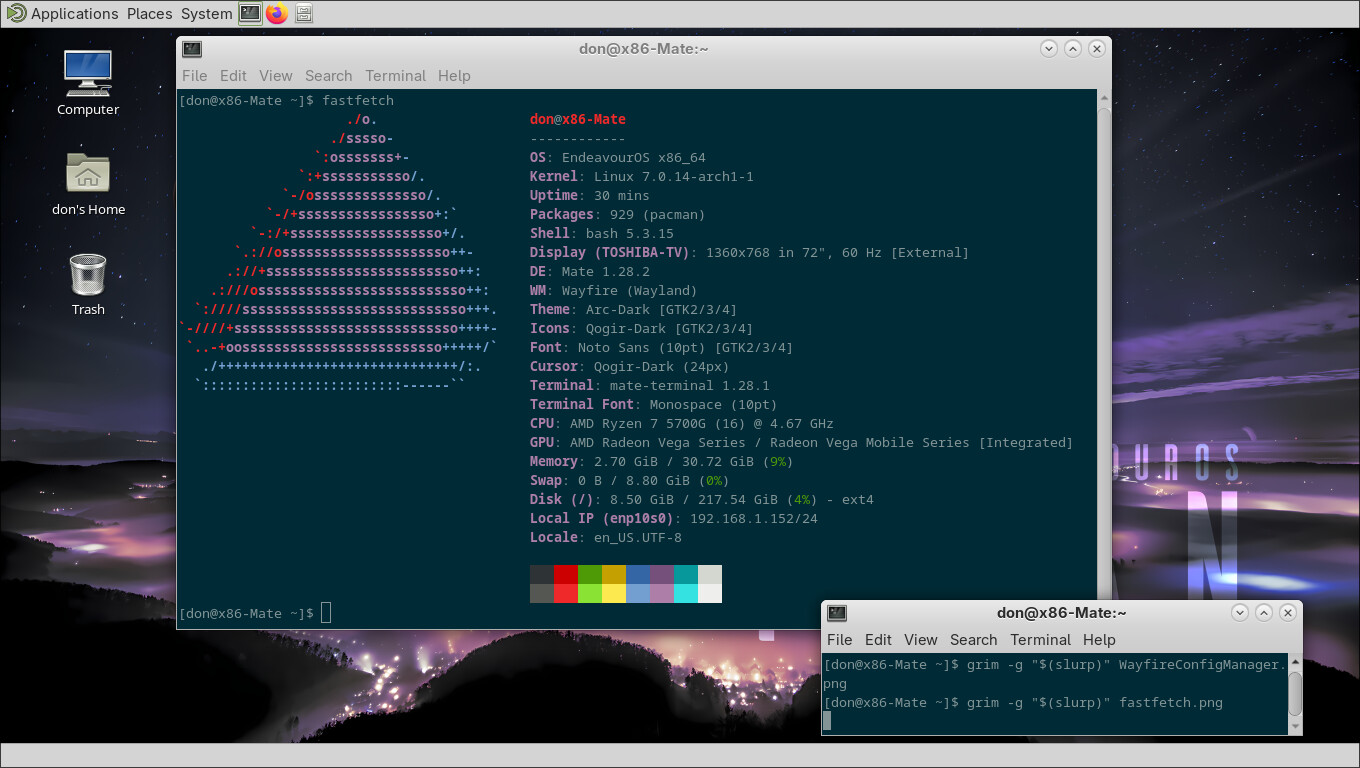
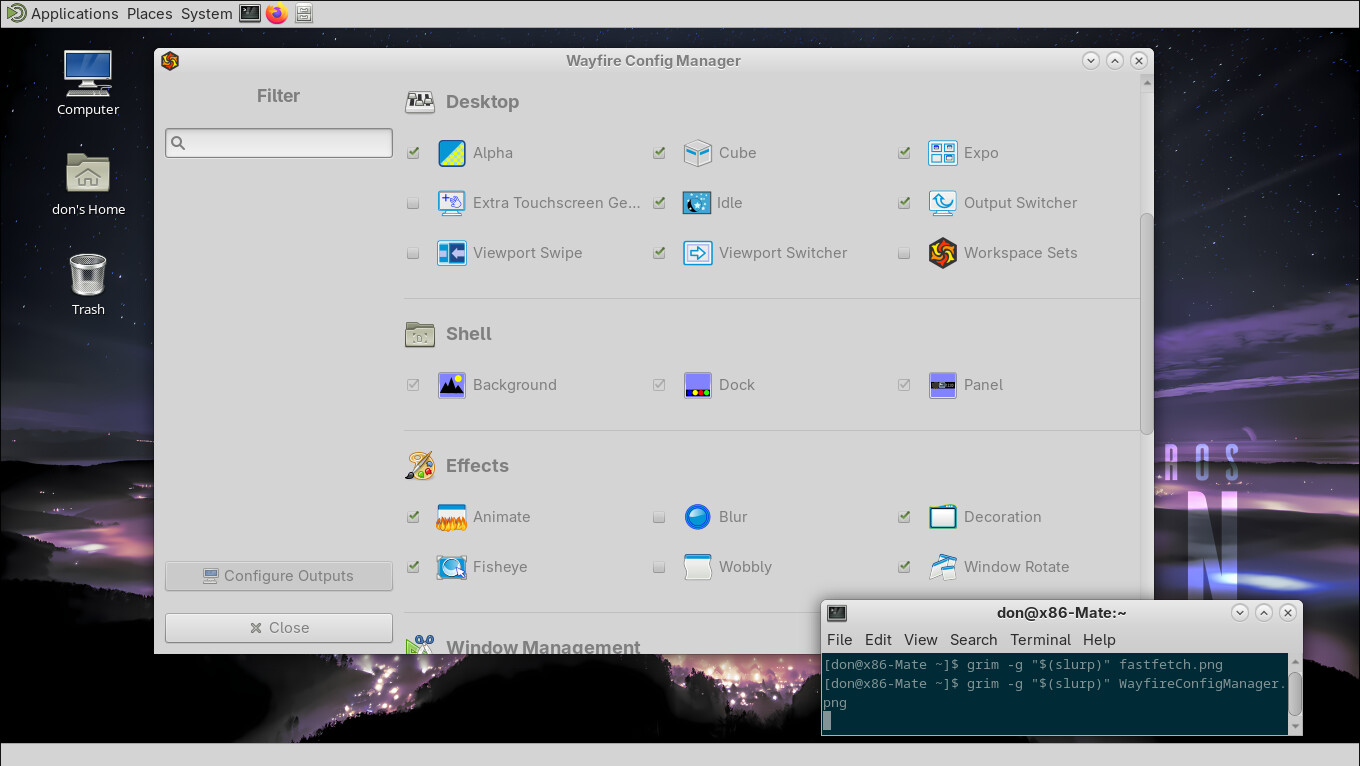
Since Maté Ver. 1.28.0-2 Wayland is available through wayfire.
So I just had to tinker around with a RPi 5 ARM device and figure out what had to be
added to the default EnOS install to enable this.
Unfortunately, Mate-screenshot. Gnome-screenshot, and Flameshot will not work while in Wayland. So please excuse this poor excuse for a photo.
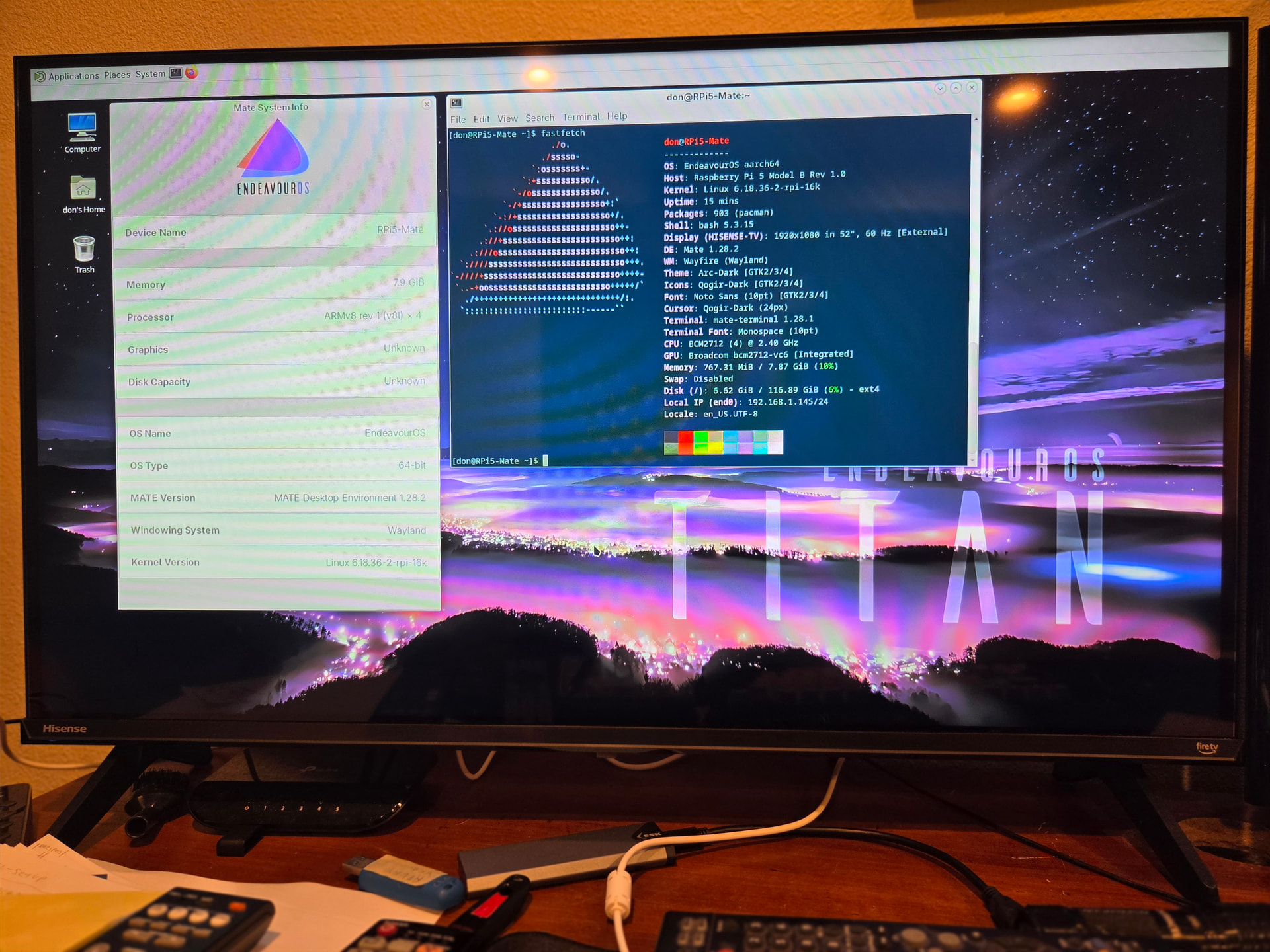
If I took good notes (might be a long shot) these are the additional packages needed.
The only package that is only on AUR is mate-wayland-session
The rest of the packages are available in the Archlinux and Archlinux ARM repositories.
mate-wayland-session   (only AUR)

wayfire
meson
gnome-keyring
wcm
wf-shell
Installing these packages should let you at login choose between
Mate (x11) and MATE on Wayfire
Maté on Wayland is not fully usable, BUT it shows intent to eventually fully support Maté on Wayland.
Have fun playing with Maté on Wayland.
Next on the list. Do a x86_64 test install to see if my above list is accurate.
Pudge