https://archlinux.org/packages/extra/x86_64/maliit-keyboard/
https://archlinux.org/packages/extra/x86_64/maliit-framework/
Now only in the AUR so in case you do not use it you should remove the package:
pacman -R maliit-keyboard maliit-framework
To avoid building package from AUR you do not need.
If someone has any good info on why its removed or wqhat we should add in replacement.. give us the info  → @Stagger_Lee mentioned the correct thing why its moved, its qt5 only and plasma is now on qt6.
Only just saw it while creating a test ISO..
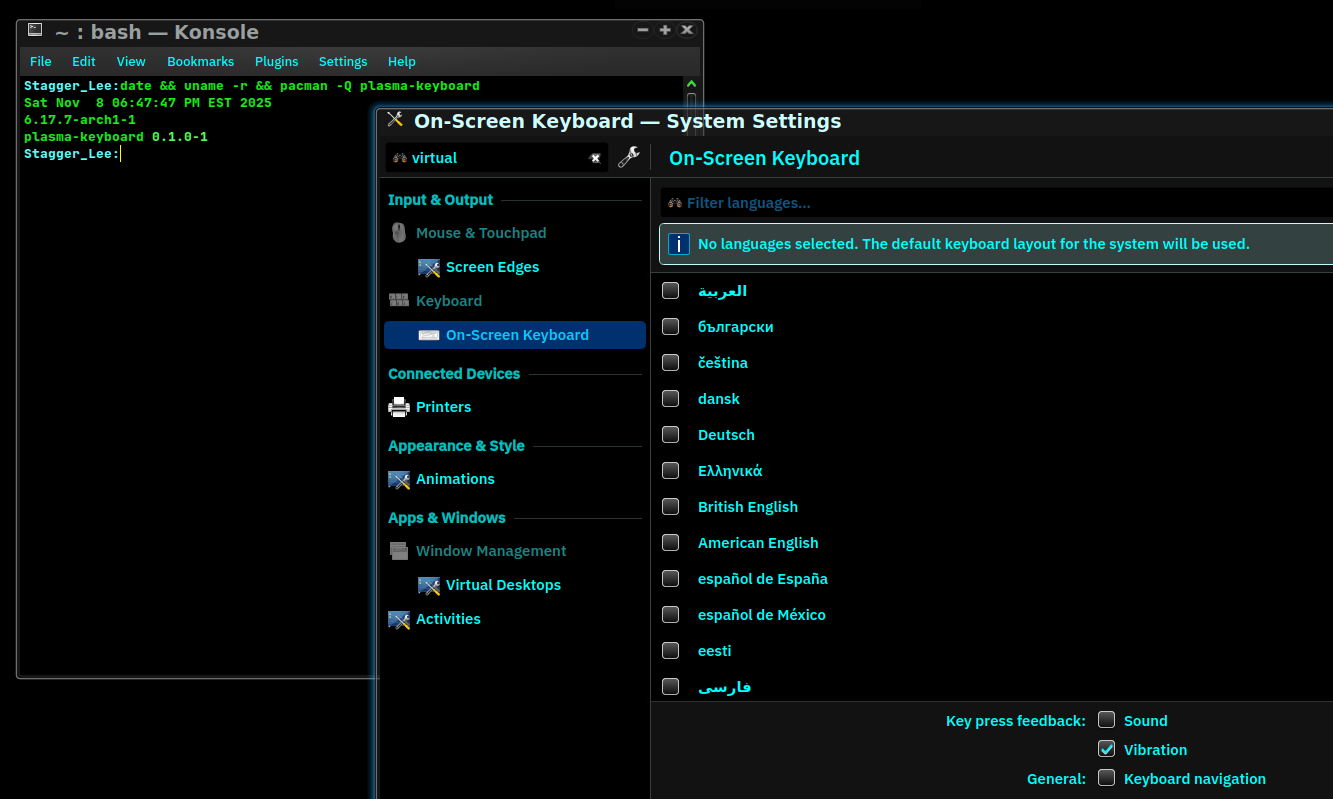
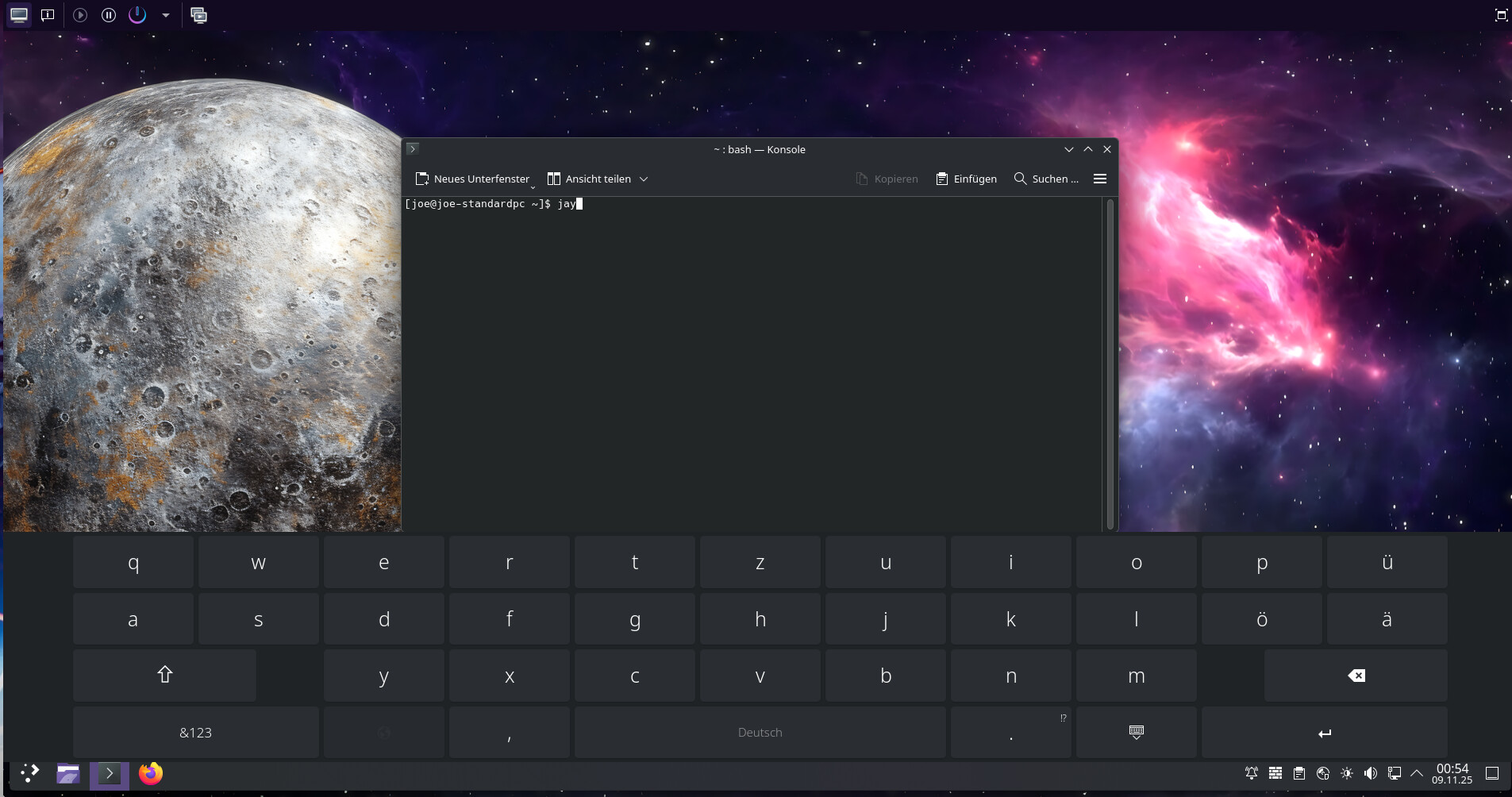
So looks like in case you need it you can replace with plasma-keyboard now.
In cas eyou use a touchscreen.
sudo pacman -Syu plasma-keyboard
And enable it to be used for the kde session:
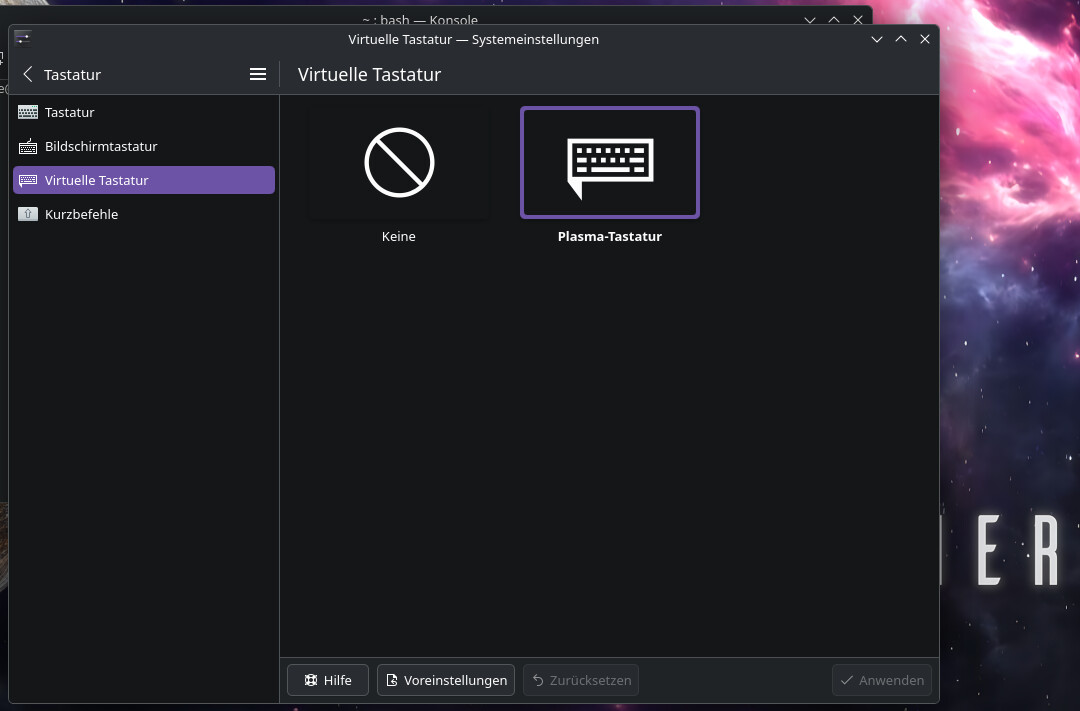
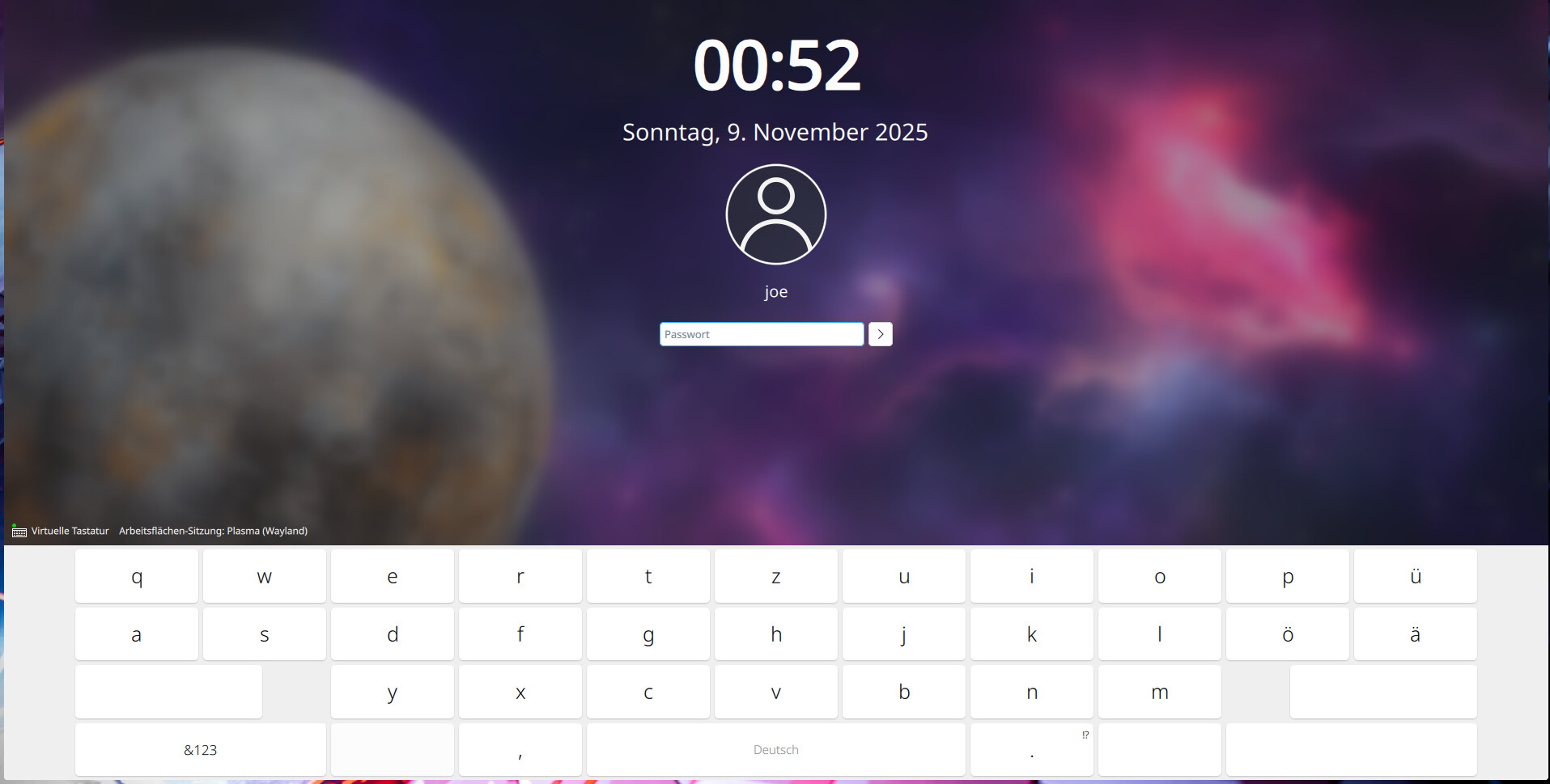
In case you want it on sddm to be usable you may want to switch it to wayland (in case your plasma session is also wayland) and set plasma-keyboard as the virtual keyboard used there:
create the config dropin:
kate /etc/sddm.conf.d/10-wayland.conf
and add this:
[General]
DisplayServer=wayland
GreeterEnvironment=QT_WAYLAND_SHELL_INTEGRATION=layer-shell

[Wayland]
CompositorCommand=kwin_wayland --drm --no-lockscreen --no-global-shortcuts --locale1 --inputmethod plasma-keyboard
If you want X11:
create /etc/sddm.conf.d/virtualkbd.conf
kate /etc/sddm.conf.d/virtualkbd.conf
[General] InputMethod=plasma-keyboard
not working on my test,seems plasma-keyboard will be wayland only.
It will only show if you have a touchscreen …