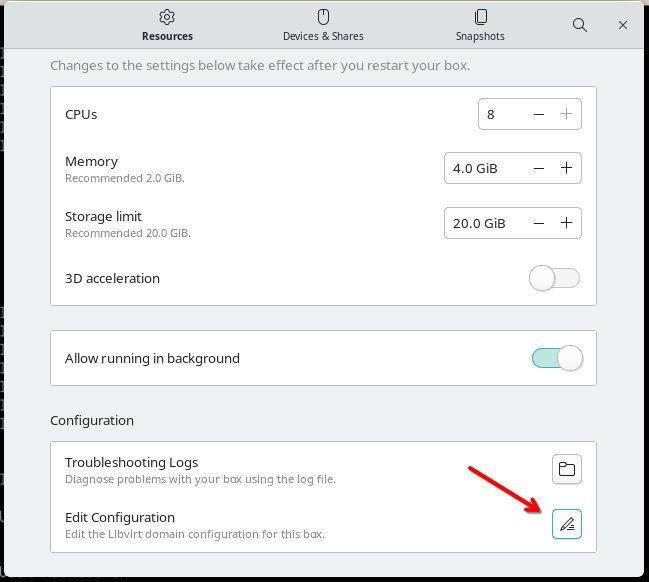
As per the topic, how can I make my DVD drive visable/usable in my Gnome Boxes VM? It’s an internal drive (SATA, I’m sure) and I’m running a Windows VM, if that helps.
I can see the options in Preferences to pass through a USB drive, but not a DVD drive. Thanks.
I’m not sure I understand. I know how to rip DVDs to ISO files, but I specifically want to rip in Windows. So I need the DVD drive to be visible in a VM, and my preferred software is Boxes.
got it sorry I thought you had a DVD that you wanted to disable in boxes. None of my current rigs have built in DVD players, I use a usb one when I need it so I’m afraid I can’t help. Hopefully someone who knows boxes better can help.