Hello everyone, I use EOS since january and I noticed that my Macbook Pro 2012 only the right speaker works, the left one is barely near zero audible. I use dual boot with MacOS and I know that the speakers are fine since in MacOS they work perfectly, besides, the red light of the optical/digital audio output turns on when I play a video or listen to music (this light is not active when I turn on my machine, only when I play something). Using headphones both channels work right.
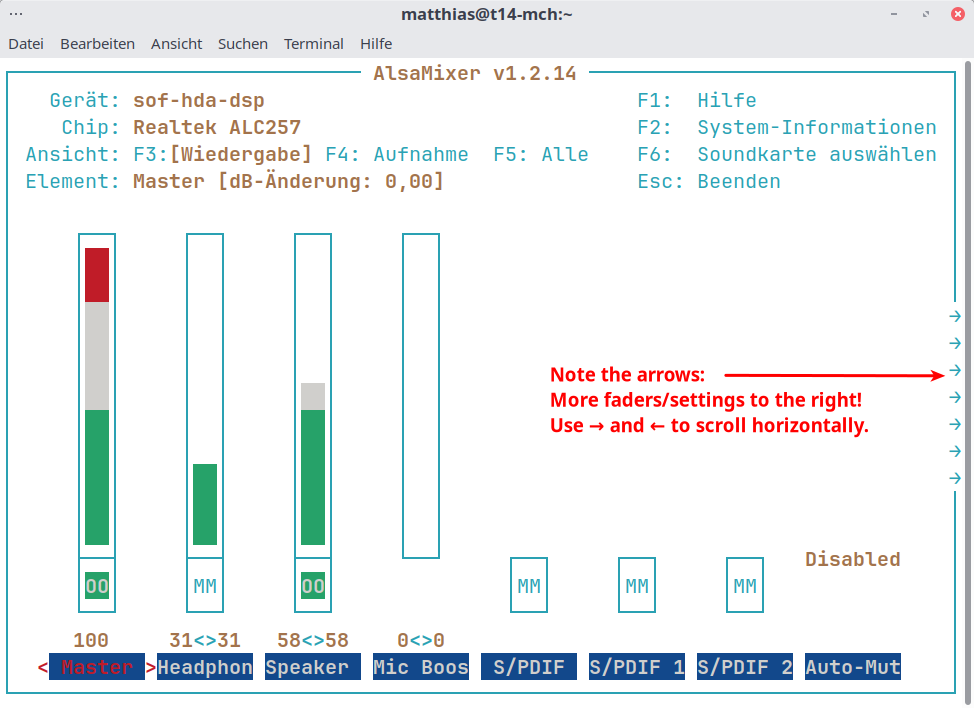
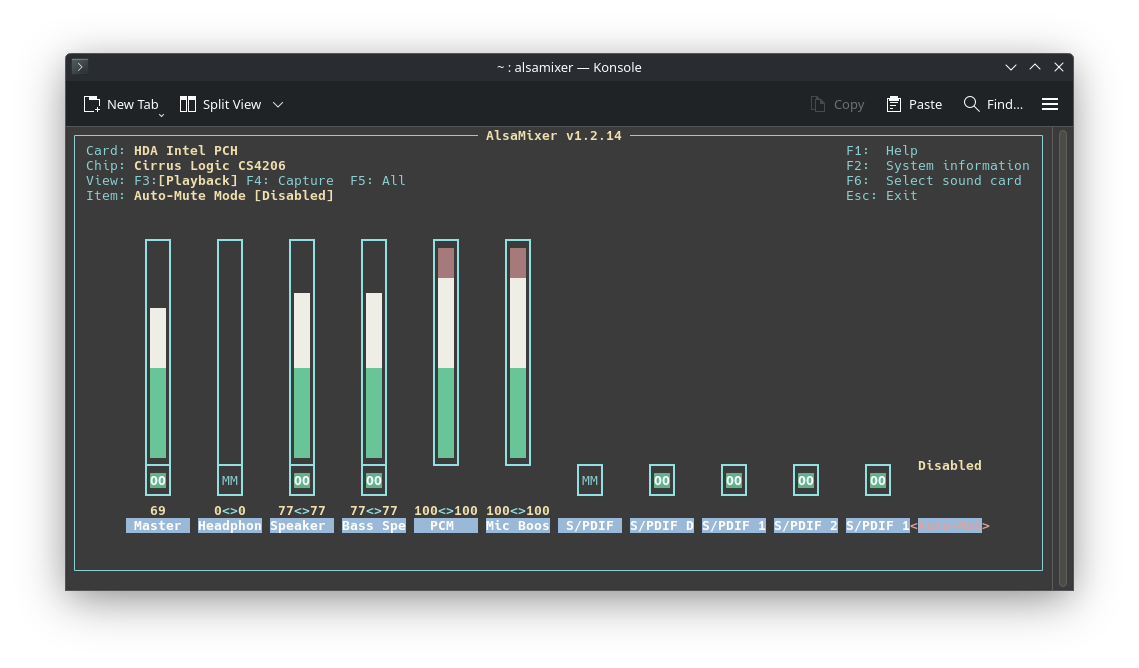
You could have a look using alsamixer in a terminal (enlarge it, some sound cards have LOTS of faders!).
Use F6 to select the sound card in question, then F3 to select playback, then left/right arrow keys to scroll through all fader options and check their setting. Use up/down arrow keys to change volume, m for mute/unmute a channel.
When finished (changes applied immediately), just use Esc to leave the program.
Thanks for your answer, I tried moving the volume sliders but nothing change (I mean the problem), the left / right test in sound settings>playback devices only the right speaker sounds. It’s weird because when I enter MacOS partition both speakers work fine. Also when no sound is played for a while the optical/digital red light from audio jack disappear, when I play something again comes back.
Hm, that is weird. Your alsamixer settings look okay to me (both channels same volume etc.).
Some systems do deactivate the laser for optical audio after a while, that might be normal. (I mean, why use power and and use up the laser diode when nothing is playing?)
Is your left speaker totally dead or just low volume?
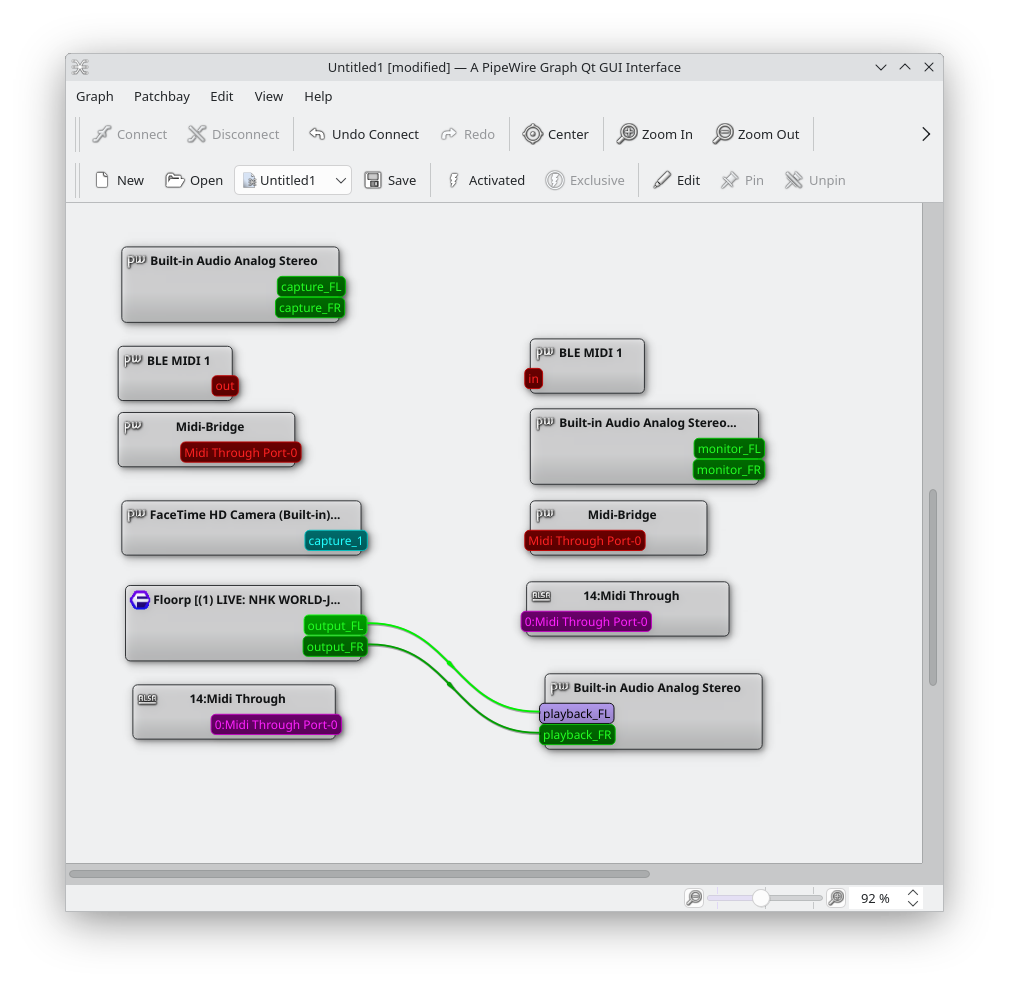
If you are running on pipewire, you might want to check wiring using qpwgraph—I just yesterday had a case where a client had lost some connections, and we only had to (electronically) “re-wire” the connections.
The left speakers sounds very low, as if you set the volume to 10% in comparison to right speaker, I’ll install qpwgraph and show a screenshot, thanks.
If it plays sound, qpwgraph won’t help much, I reckon—it’s mainly just a convenient patch bay.
Another idea: What DE do you use? I have Cinnamon, and the Cinnamon sound settings allow changing balance. Maybe you have something like that, and it’s been accidentally moved from the center setting?
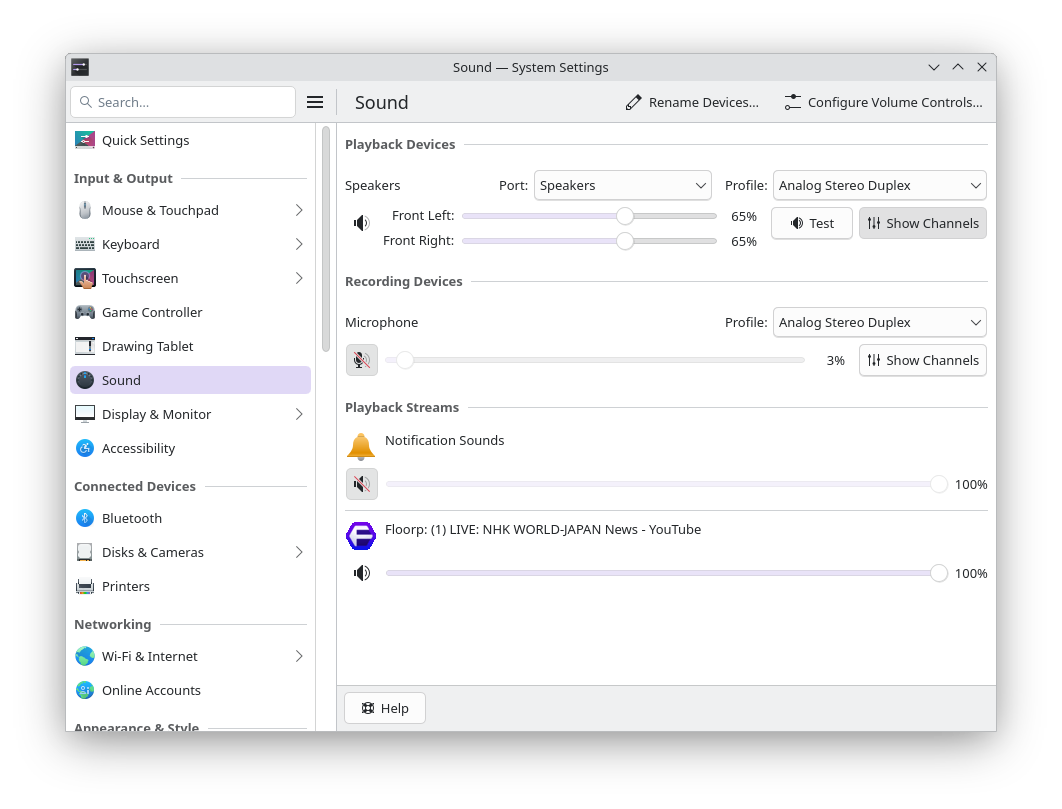
I’m on KDE Plasma, This is my qpwgraph, also attach a screenshot of my sound system settings, it seems normal. One thing I noticed is that the left speaker apart from sound like 10% it sounds like old telephone 8kHz audio
Thanks, looks all good to me. From what you describe I would normally suspect a hardware issue or defective speaker, but since you say it works fine on MacOS, I’m at a loss, I must admit.
You can find out a lot more using pw-cli info all (details for all clients and ports, long list), and could probably check if sample rate and other settings are identical for both the left & right channel.
Did you try another audio source (or browser)? If only using Floorp and maybe even the same live stream or video, one of these could be the cause. Maybe also try an audio player, another browser, another video and see if it is different?
One more: Are these builtin speakers or external, connected with 3.5 mm audio jacks? These connections are often crappy, you might want to unplug/replug, or turn the jack slightly to see if it gets better. 3.5 mm audio jacks are a plague…
Anyone else got a good idea how to further diagnose this?
Thanks for your help, and yes, it’s weird, my speakers sound very good under MacOS, a moment ago I booted a EOS live USB installation to check the speakers and have the same problem.
Yes, even with no browser the system audio test “front left” sounds extremely low
Internal speakers. When I connect headphones through the audio jack both channels sound perfect
I wonder if the Macbook still has the mechanical contact to switch the audio in the 3.5 mm jack, or relies on pure impedance checking. If blowing out the jack and plugging in, twiggling a bit, unplugging, replugging headphones a few times doesn’t help, I really don’t know. We’ve had many audio problems with this type of connectors in the past.
And I can’t imagine anything in EOS/Arch that would only influence one channel. (Except the settings we already went through.) You could give another ISO on a USB a try, like Mint, Fedora, Ubuntu or such, to see if there’s a difference (I don’t think so.)
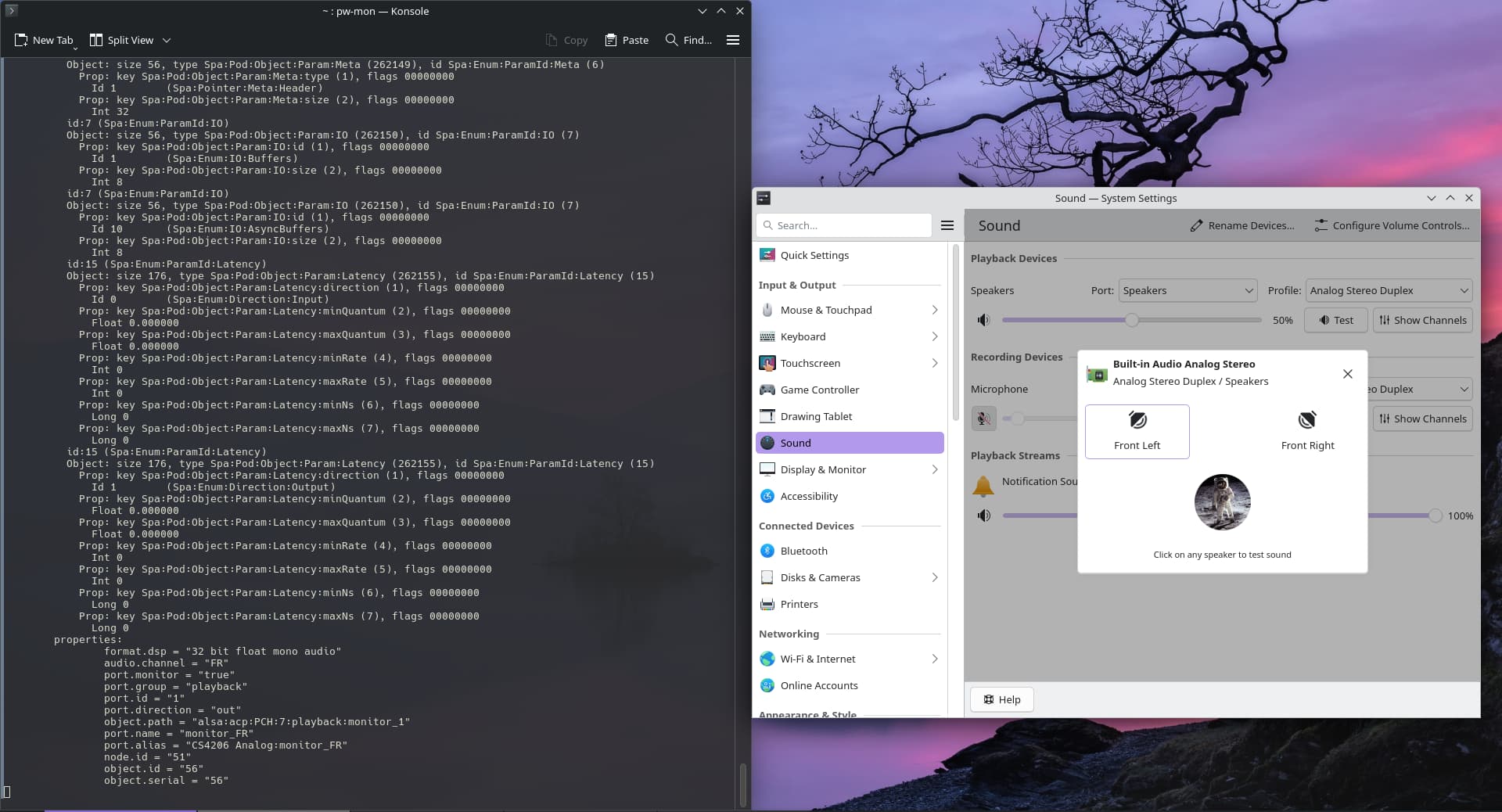
You can use pw-mon to monitor Pipewire in realtime, but it’ll spit out tons of data. I just tried, starting a YouTube video and looking at the params (laptop speakers).
My gut feeling still suspects the connector, or a real weird bug affecting only the Cirrus Logic CS4206. You use the same snd_hda_intel driver I have on my other machine here.
This is when I test the pw-mon and do the left test, what i find curious is that the value of the last part change without intervention as seen in the screenshots:
Ok, I downloaded a Debian 13 / Gnome live USB image, and the same thing happened, like 10% front left audio with the test. I also have an even older 2008 MacbookPro and booted Debian too. To my surprise, the left speaker also sound lower although not as low as in the 2012 machine, if I set 100% volume on the 2008 machine the left speakers sounds like 60% and the right at full 100%.
Could it be something wrong with Macbooks Pro of that era? I really like EOS / Plasma combination, it’s super fast and as I mentioned before, I’m using it since january. I tried to install CachyOS but It didn’t get past the loading script hah!
I think EOS (or Mint, if you’re not a fan of rolling releases) is an excellent choice for a machine like that.
Does the older Macbook use the same chipset (try inxi -Aaz)?
We might have to wait for some Macbook user to chime in, unfortunately I have no such device for testing. Or maybe someone who knows more about that chipset.
Sorry I couldn’t help better. This is really a weird issue.
Could not install inxi maybe because it’s a live usb image? it give me some errors, anyhow thank you very much for your time and interest in the issue, I really appreciate it.