Endeavour family - Looking for folks that have experience with Lenovo IdeaPads (or maybe any Lenovo laptops really) when it comes to keyboards and touchpads. If this isn’t in the proper category, please feel free to have it moved to the right location…
I finally upgraded my laptop to a Lenovo IdeaPad Slim 3 15ABR8 - AMD Ryzen 7 7730U, 16GB RAM, 512GB SSD.
I’m actually having the same hardware annoyances in my Windows partition as my Endeavour partition, but just looking for feedback to see who else has these issues…
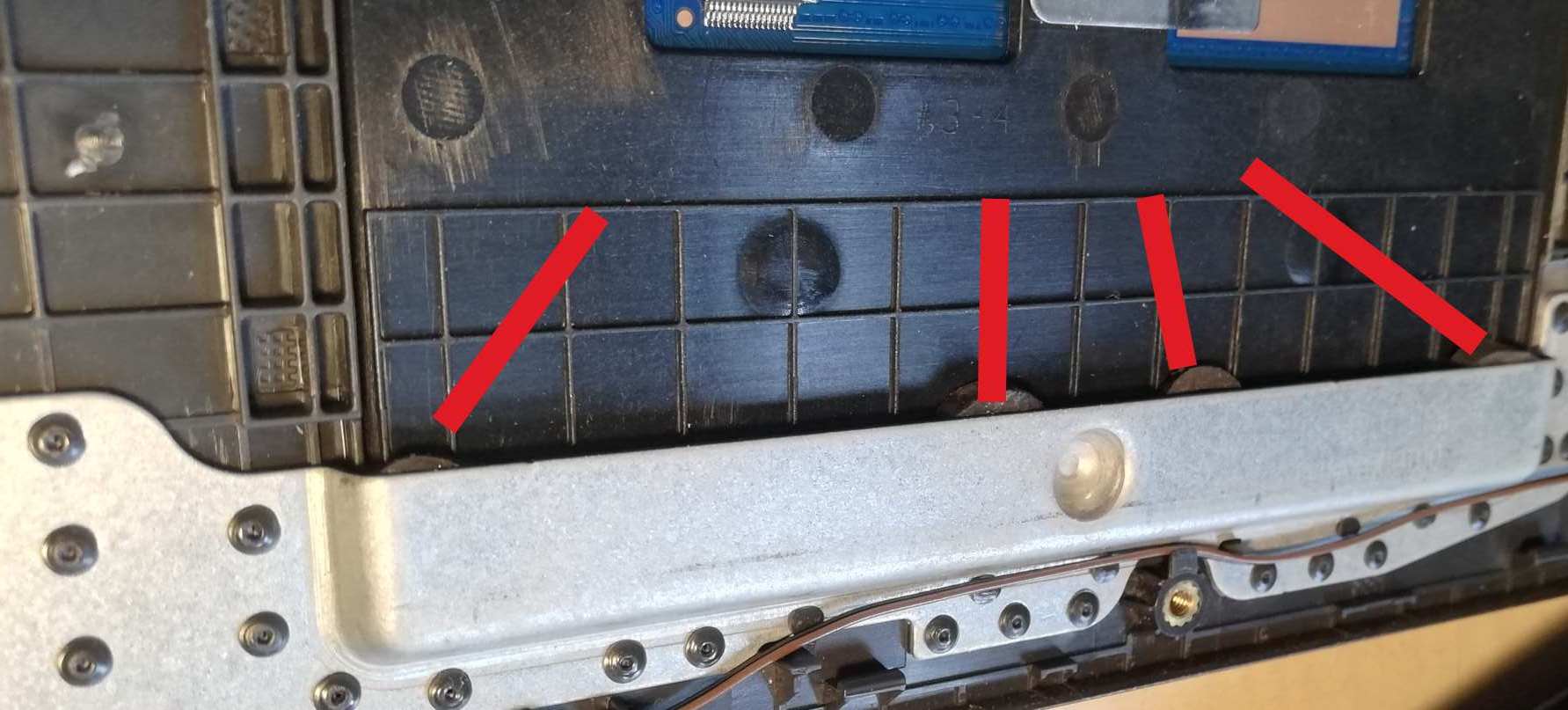
The touchpad firstly seems loose towards the bottom of the laptop (furthest away from the screen). Almost like the travel when I’m only tapping it is trying to make it click. The touchpad will also act like it didn’t know I tapped it sometimes, so it seems like I’m tapping more than once… I know that last part is a quick fix of disabling tap to click and actually making it click… but just adding that note in to see who else deals with it.
Also, the space bar, and sometimes the comma and period keys don’t like to work on the first try - the space bar is the most common offender sometimes happening every 3 or 4 words. I’ve seen lots of posts on various forums that state thinner laptops of the “budget” range have these nuisances due to the build quality - even though this particular laptop is supposedly MIL-SPEC certified to an extent.
Does anybody else have issues like this that they’ve learned to live with?
By the way - Endeavour OS Xfce is STUNNING on this new FHD screen I’m looking at!