Klassy messed up with window decoration

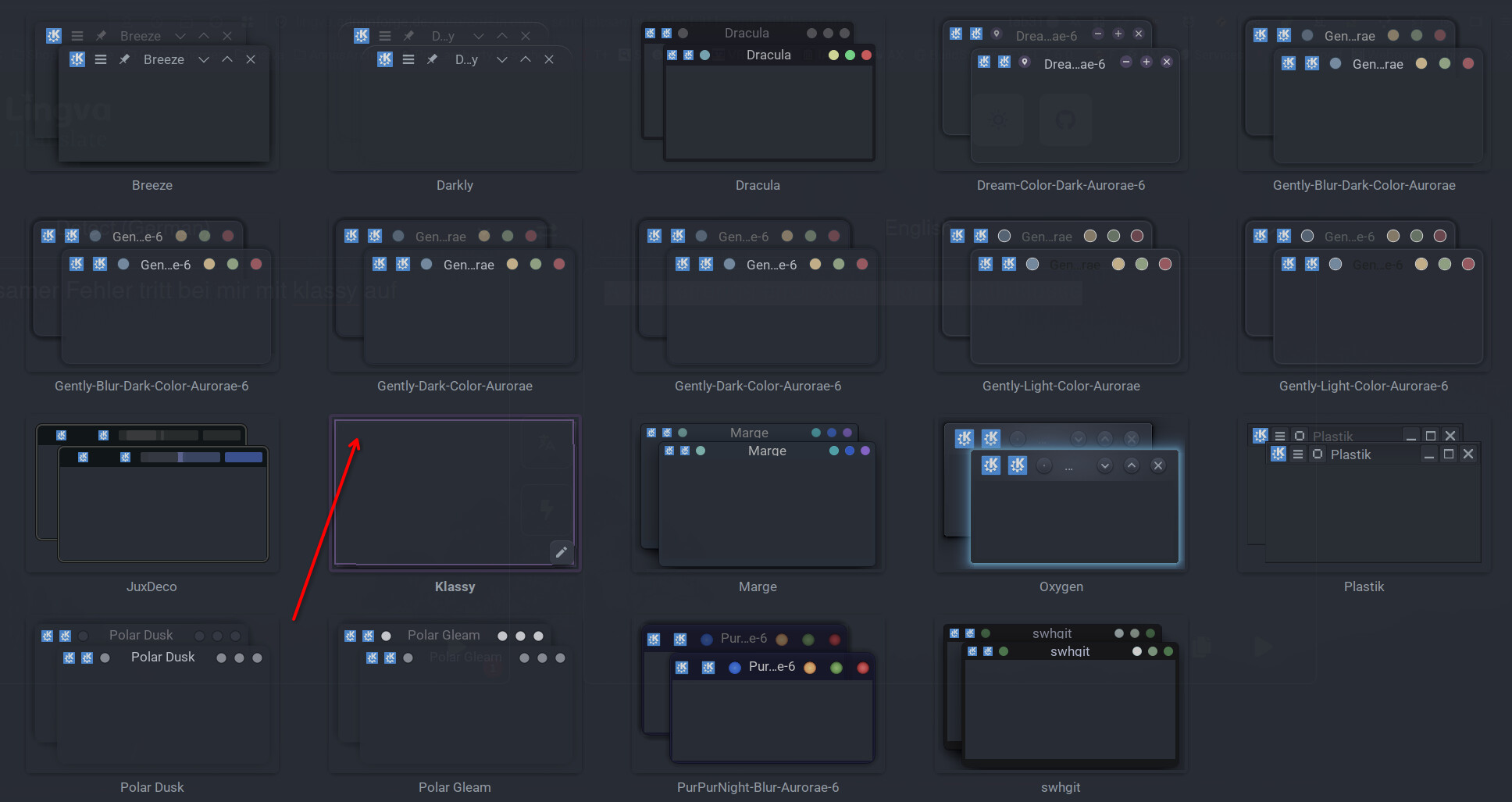
A very strange issue occurs for me with klassy.

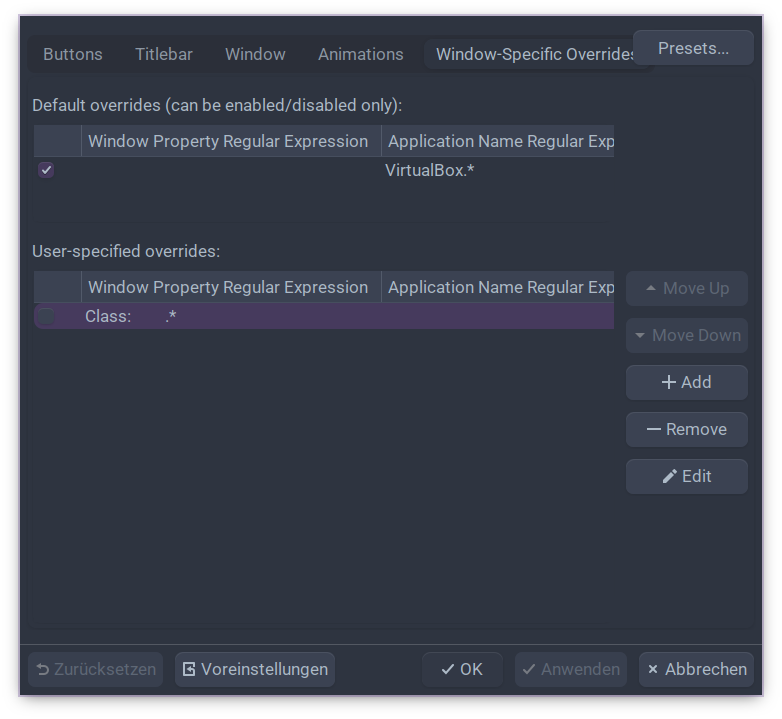
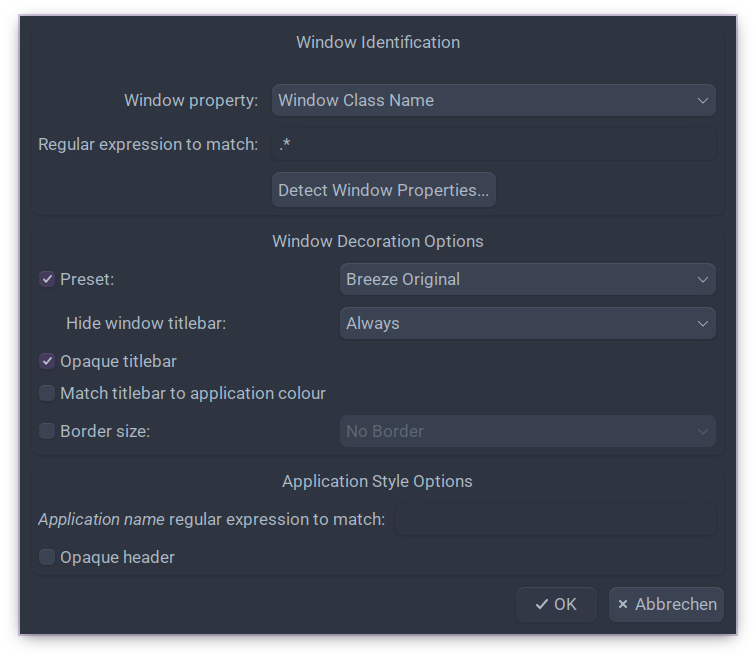
I have set a class for klassy without window decoration. This worked for months without any problems.

  1. Klassy settings

Actually you have to put a tick in front of Class to get the result. Nothing changes whether the checkbox is checked or not. Very strange indeed

  1. Window identification

Yesterday I wanted to undo everything to test it, but it doesn’t work. I cannot restore window decorations.

In Breeze or other window decorations, I can set a class without a window decoration as described above without any problems, and then undo everything so that I have a window decoration again.

Something was probably overwritten, and I can’t figure out where or what

Does anyone have an idea?

Unfortunately, I couldn’t find any information on how to solve the problem with the missing window decoration.

I have no choice but to reinstall… :person_shrugging:

I’ve never used a “no window decorations” option, couldn’t imagine doing so, to be honest. So I can’t really offer any ideas. :pensive_face:

I have paulm, the developer of klassy, directly in my question on KDE Discuss. Seems he doesn’t have any clue either. He definitely hasn’t given me an answer yet. Maybe I really screwed something up. I definitely can’t find a solution

My most important files are backed up. So a new installation should only take about half an hour until everything is available again

No Problem. As I described above, I am running ( klassy for colors in windows) application launcher and global menu in my above panel. For me, it makes sense to use ‘no window decoration’. But as I said, I must have something screwed up…

I also have no idea how I could read any log or error files for this…

Have you tried here:

Luis doesn’t have anything to do with klassy. I have had a small conversation with him about that thing somewhere in KDE Discuss

I take it you had no success here?

I haven’t even asked there. I would first have to create a github account. I’ll keep that in mind. Thanks for that!

I would do that before a total EOS re-install, If I were you.

I think that’s exactly what I’m going to do. Everything else can still be done quickly if nothing can be repaired.

Thanks for your opinion!

@UncleSpellbinder It’s pretty simple. Just delete the *.rc files located in ~.config/klassy and restart Plasma.
I’ve done that so many times whenever I’ve had problems with KDE apps. Why didn’t I think of that?