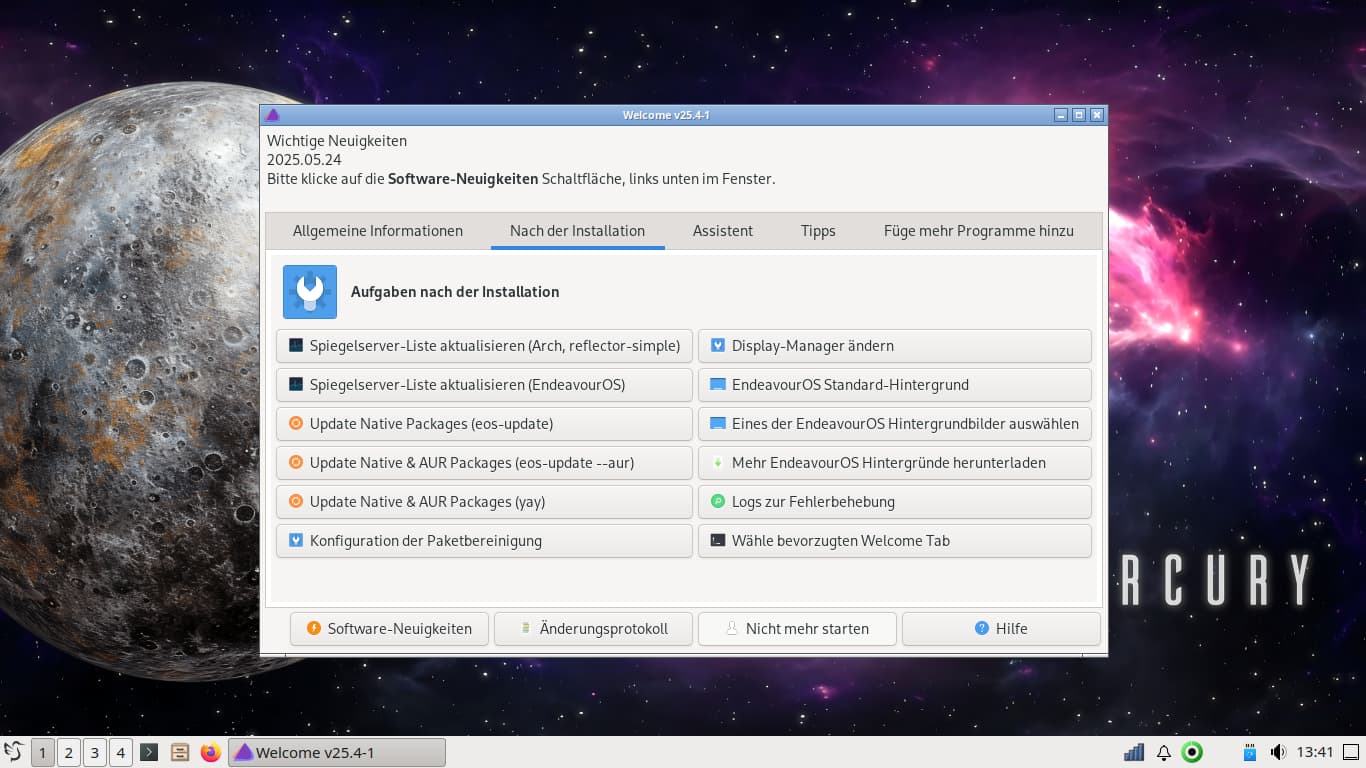
which one!?
or would you - directly hop to the terminal and type in there a command!?
which one!?
look forward to hear from you
btw: can i somehow automate the update-process - so that while every switch on - the notebook will update!?
and - schould i do some thing with the mirrorlist - so that i never ever run into troubles
as i did some weeks ago. At the moment everything is all right.
note: i have three notebooks to keep updated
Topgrade for any Arch distro other than Garuda. Garuda garuda-update then topgrade. I always use aur-check-updates befor updates cause if WebCatalog has an update it must be uninstalled then reinstalled by itself or if you simply attempt to update it it breaks.
More important than the tool to use for updates (all of the above mentioned ones work) is to refrain from any form of automatism for updates. You want to know what updates will be put when (and best even why) on your system. If you are cautious please have a look in the forum first.
This seems like a bad idea.
Both because of the other questions being asked in the same post.
And because .. certain updates you would want to follow up with a reboot.
So performing upgrades automatically at login seems maybe even a bit less desirable than ‘automatic updates’ already are.
i confess .. most of the time i do simply that.
I have an “upgrade” alias that will rerank mirrors and cleaning unused packages i use one day or the other.
Forcing the refresh is rarely necessary and causes undue strain on resources.
(Meaning both more compute/wait time on the user and burden on the servers.)
If you need it then use it but the default should be a single y for the above reasons.