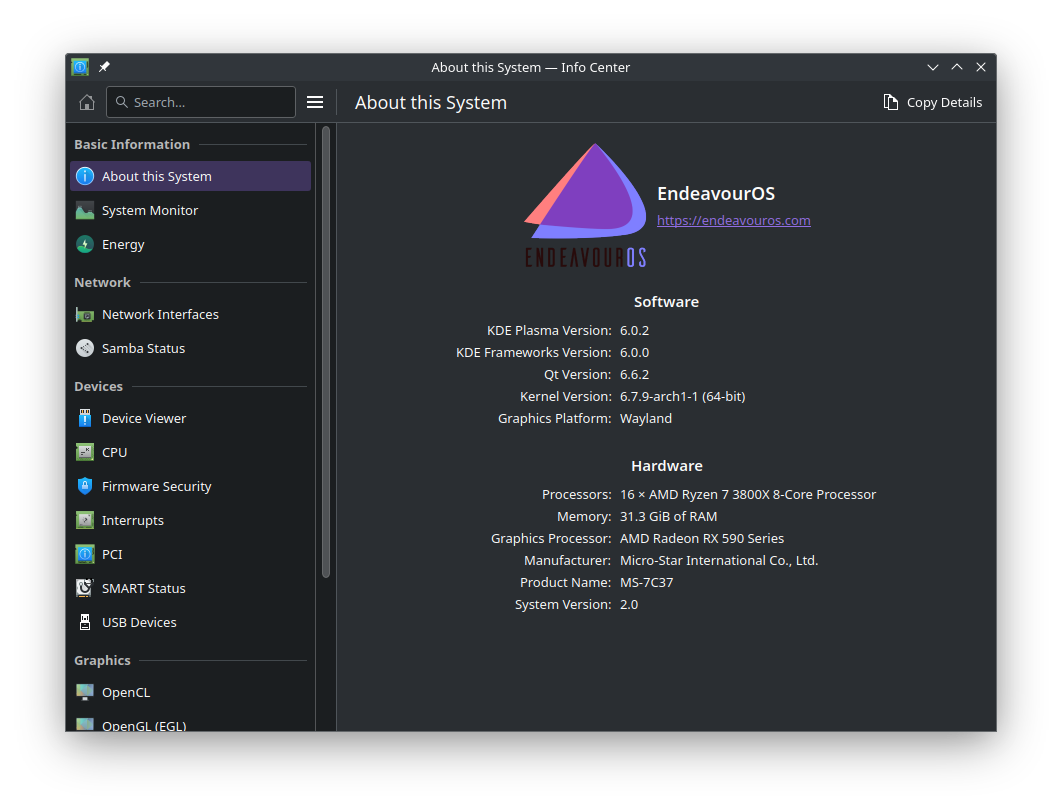
Edit: desktop seems to be working normally for general use.
Gaming is a bit wonky, on GW2 if you move the cursor the camera angle gets stuck looking up into the sky. Same with Ghost Recon Breakpoint. Controller works fine though.
I notice a kdialog popup saying something about window switcher, didn’t quite catch it fully, but maybe that’s related.
Yes, same “W” icon when the program is launched, but it was always the case for me when launching Vorta with Wayland, also with Plasma 5. Anyway, it doesn’t affect Vorta to work as it should.
You also don’t need to restart Windows, just kill explorer.exe and run it again in the task manager.
Anyway, I always prefer to restart, regardless of the system. It’s a myth to think that you don’t need to restart when something critical is being updated or after a crash.
I used to use Polonium on Plasma 5.27, the dev is updating it for 6.0. I presume they’re mostly busy trying to reimplement shortcuts and gaps. Since I’m following its development kinda closely, I could make a dedicated thread once Polonium 1.0 gets released.
    Works in Wayland Plasma 6.0 and up
    Custom moddable tiling engine backend
    Edit tile sizes with the integrated KWin GUI
    Move and tile windows with your mouse and keyboard
    Set layouts independently of desktop, activity, and screen
    DBus integration to save layouts and configurations
I for this, so i guess manual intervention is needed.
Dependency libalpm found: NO found 13.0.2 but need: '>=14.0'
Did not find CMake 'cmake'
Found CMake: NO
Run-time dependency libalpm found: NO

../src/meson.build:4:10: ERROR: Dependency lookup for libalpm with method 'pkgconfig' failed: Invalid version, need 'libalpm' ['>=14.0'] found '13.0.2'.

A full log can be found at /home/christopher67/.cache/yay/libpamac-git/src/libpamac/builddir/meson-logs/meson-log.txt
==> ERROR: A failure occurred in build().
    Aborting...
 -> error making: libpamac-git-exit status 4
 -> Failed to install the following packages. Manual intervention is required:
libpamac-git - exit status 4
[christopher67@EndeavourOS ~]$
I did too and instead of trying to fix the issue in the package build i uninstalled pamac-aur-git and libpamac-git. Then i updated and installed pamac-aur instead.
I guess you would need to wait for the next update to pacman to be able to build pamac-aur-git.
I would do as @ricklinux or wait.
A new pacman is in testing. I don’t think it will take long before it is in the regular repo.
In the meantime you could update your repo packages with: sudo pacman -Syu