Thanks. I’ve uninstalled tesseract-data-afr from the default selection and installed tesseract-data-eng.
Functional and as beautiful as ever.
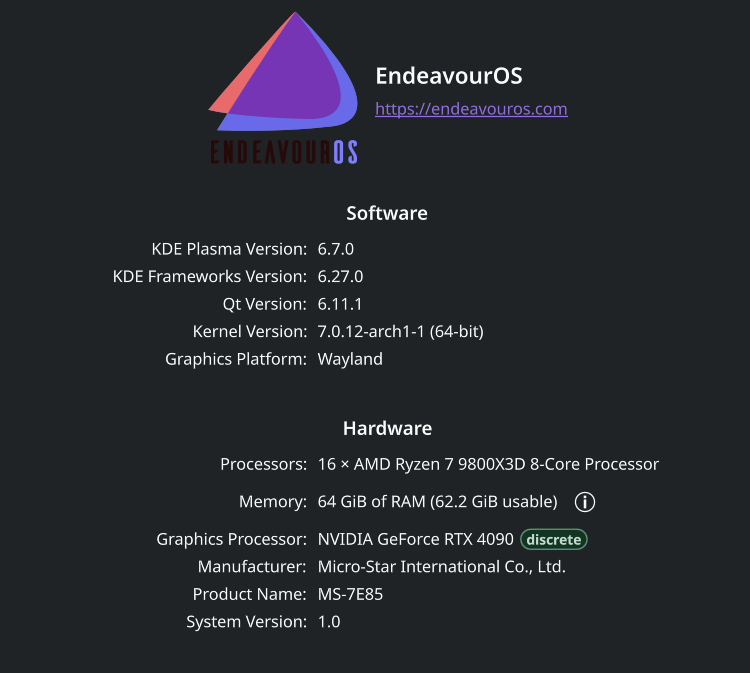
Operating System: EndeavourOS
KDE Plasma Version: 6.7.0
KDE Frameworks Version: 6.27.0
Qt Version: 6.11.1
Kernel Version: 7.0.12-arch1-1 (64-bit)
Graphics Platform: Wayland
Processors: 16 × AMD Ryzen 7 7800X3D 8-Core Processor
Memory: 64 GB of RAM (62.4 GB usable)
Graphics Processor: AMD Radeon RX 9070 XT
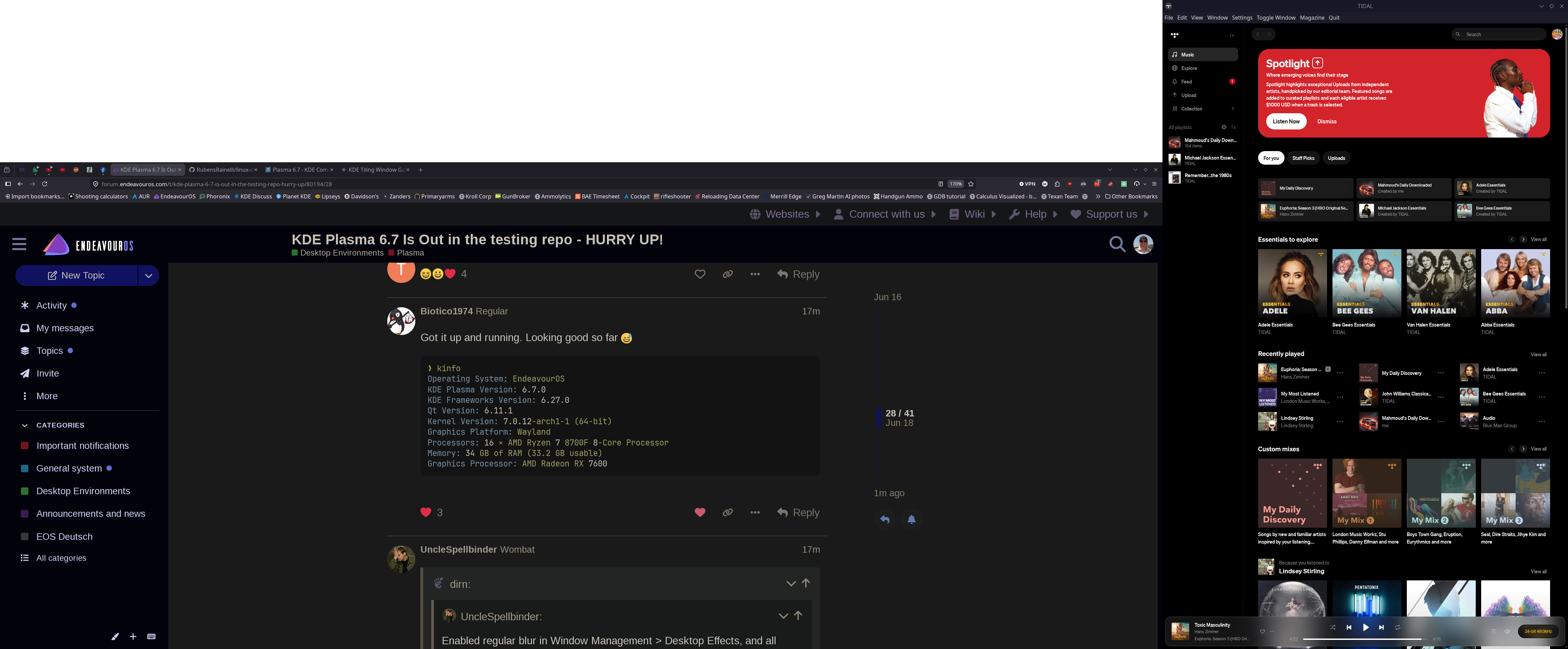
Just tried. Still not working on my end. No worries @UncleSpellbinder I’ll go with opaque mode for now 


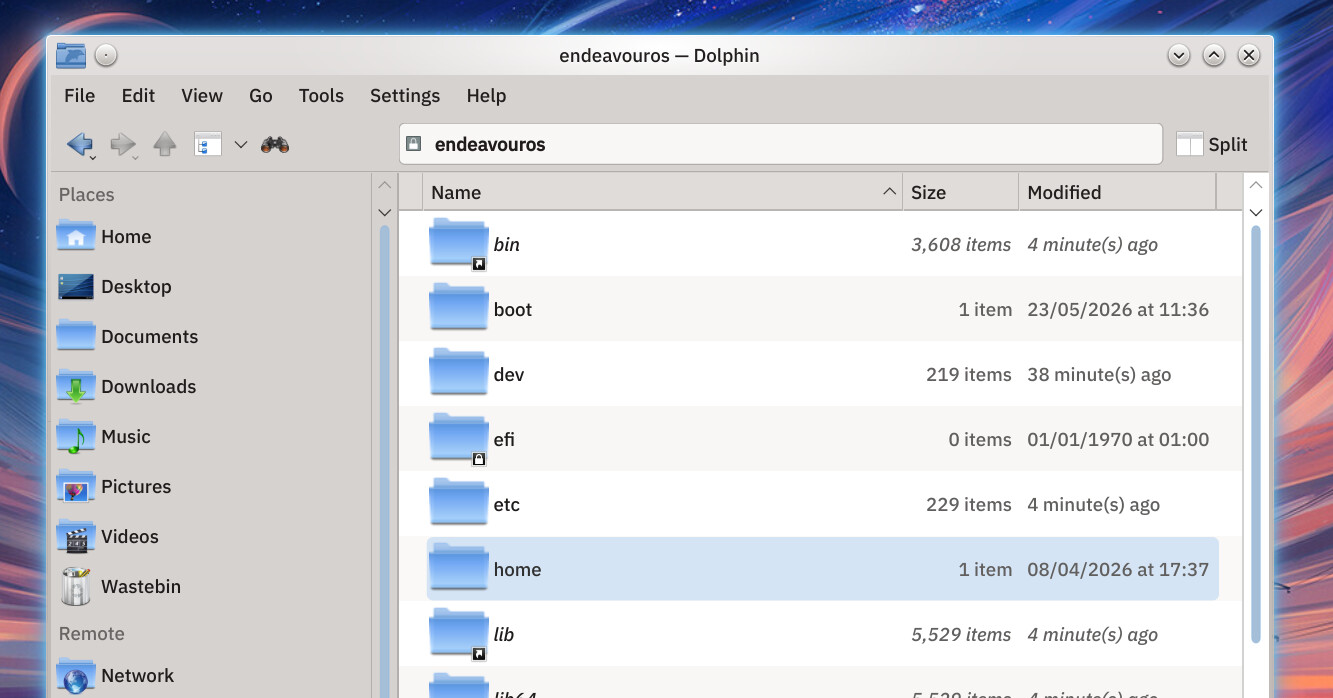
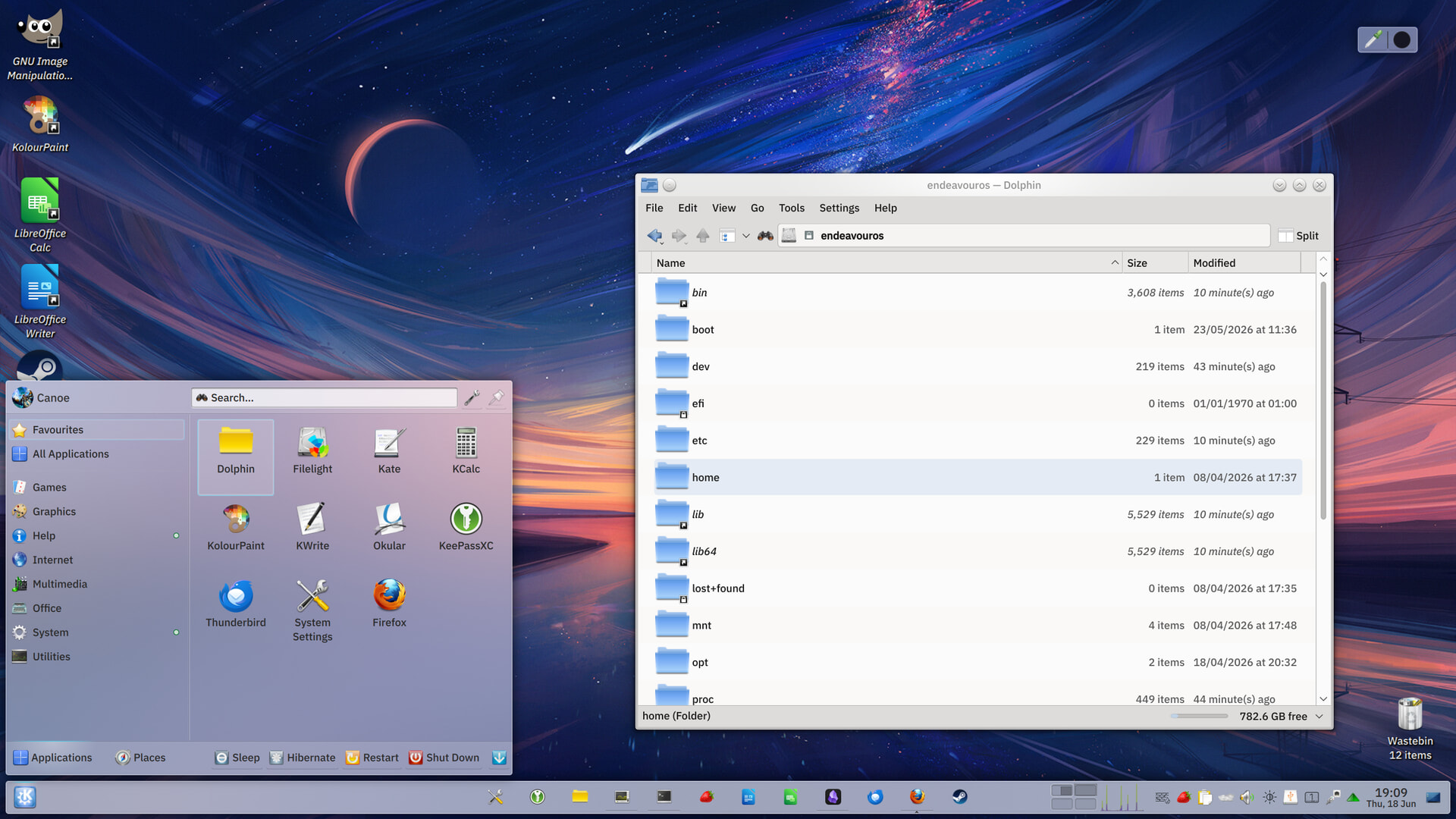
Nice
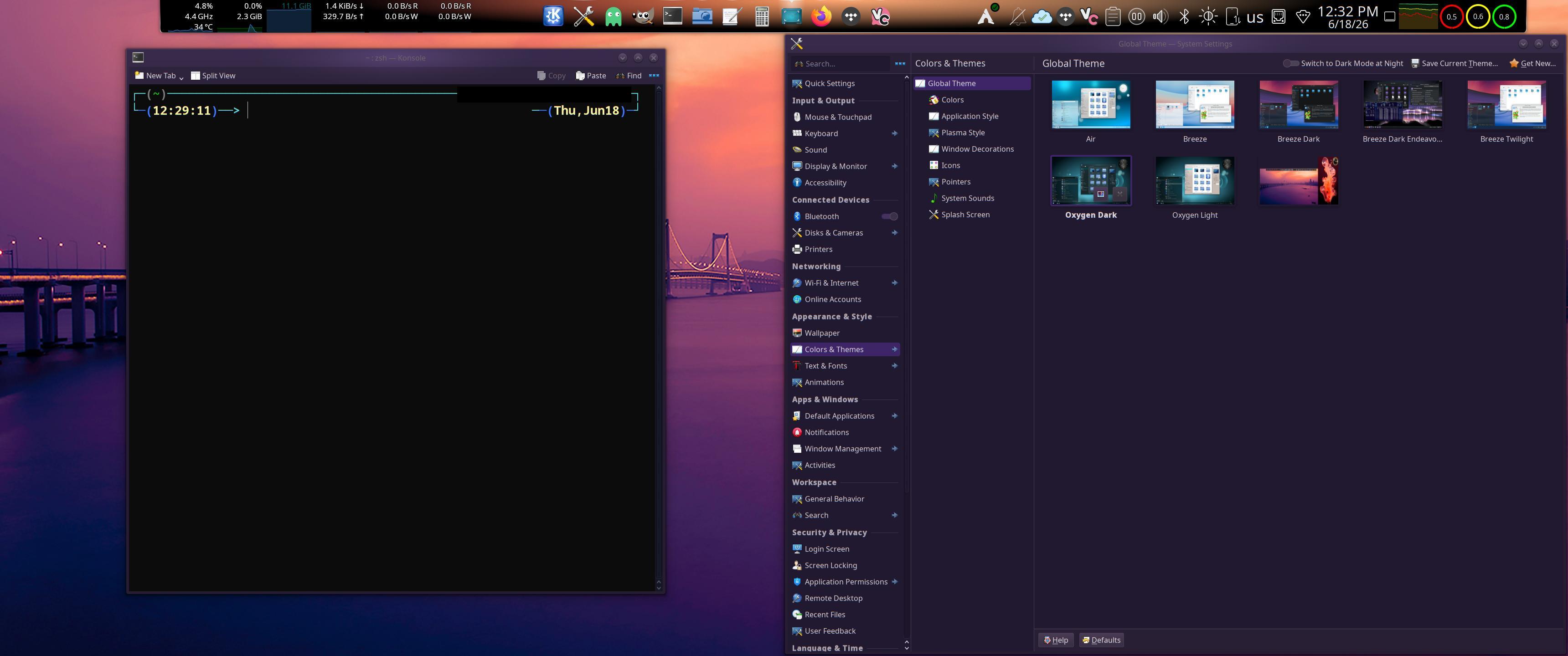
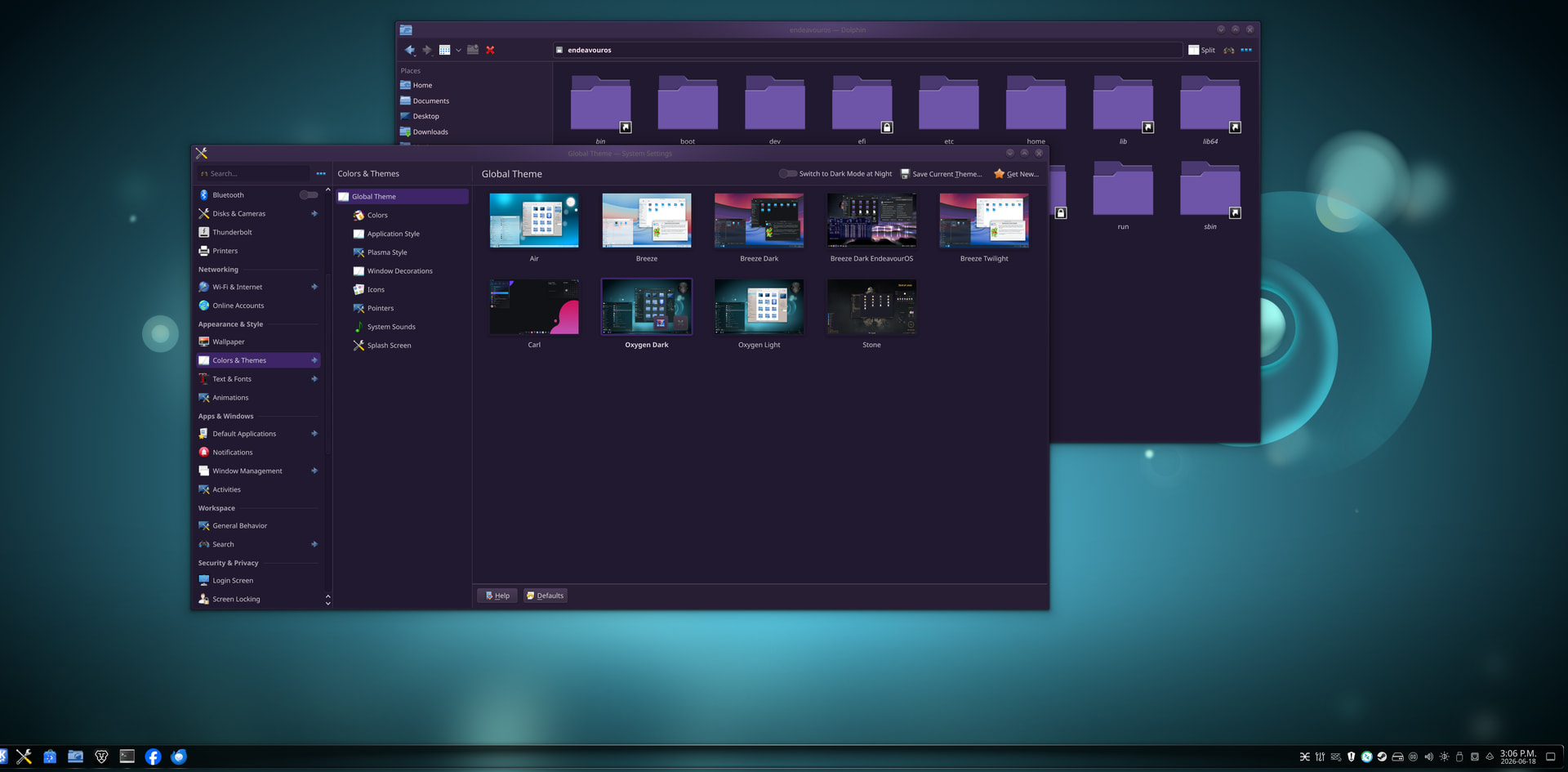
Wow ! I really like the Oxygen dark theme it’s very cool. Like @Canoe says just install plasma-meta and you should get it in your theme system settings page.
At last. . . the monkey is off my back . . . temporarily.
Rich 
Anyone has the issue i posted in post 1 ?
I’m unable to replicate it. Everything working fine on my system 
No. In the first video it shows that the windows are supposed to be semi-transparent. That isn’t a default plasma theme? Is it a third party theme or some transparency extension? If so it might be those.
The real question I have is since this is a point release with no patch version yet how stable is it? I’ve seen tons of issues in the past with plasma and breaking the desktop is the most visible and impactful to myself or the user.
I have multi monitor and they break monitor sleep like 6 times already or the power management feature that prevents the monitor from sleeping. I might wait until 6.7.1 drops but if anyone has multi monitors let me know how your experience has been.
EDIT: I think its because my other two monitors cant be controlled through the taskbar the way my new monitor is. No DDC support or something.
Haven’t had a multi-monitor or sleep issue in years. Running 6.7 since the beta 2, no issues either.
Same here.
Certainly not, you can set it up without extensions!
How? Maybe we can reproduce with the same settings?
I saved it on a text document, i am not behind the computer right now. Will post it asap.