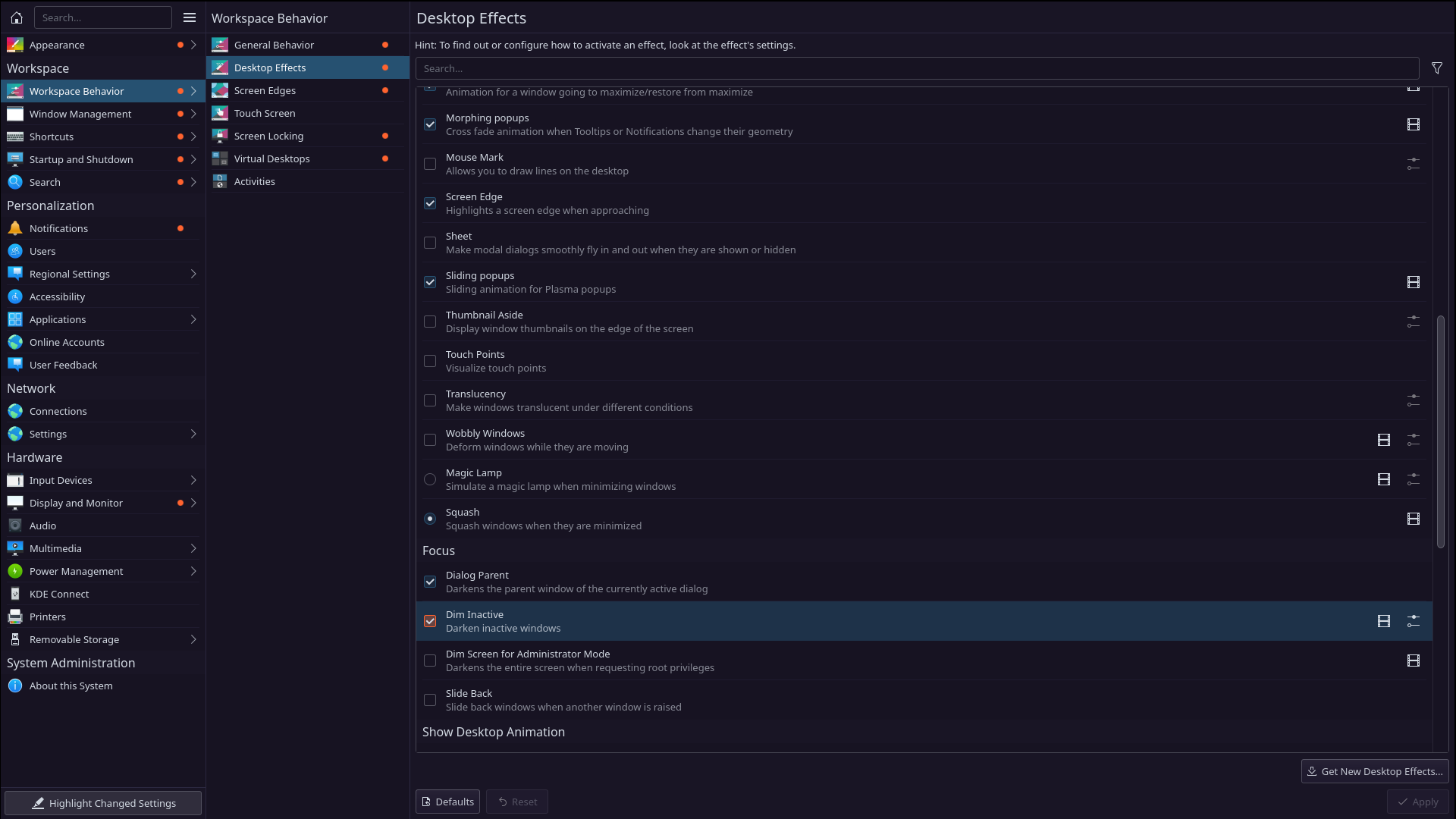
aslo as @anon63071375 say
" You can also setup KDE to always have focus follow the mouse pointer. "
in same settings
aslo as @anon63071375 say
" You can also setup KDE to always have focus follow the mouse pointer. "
in same settings
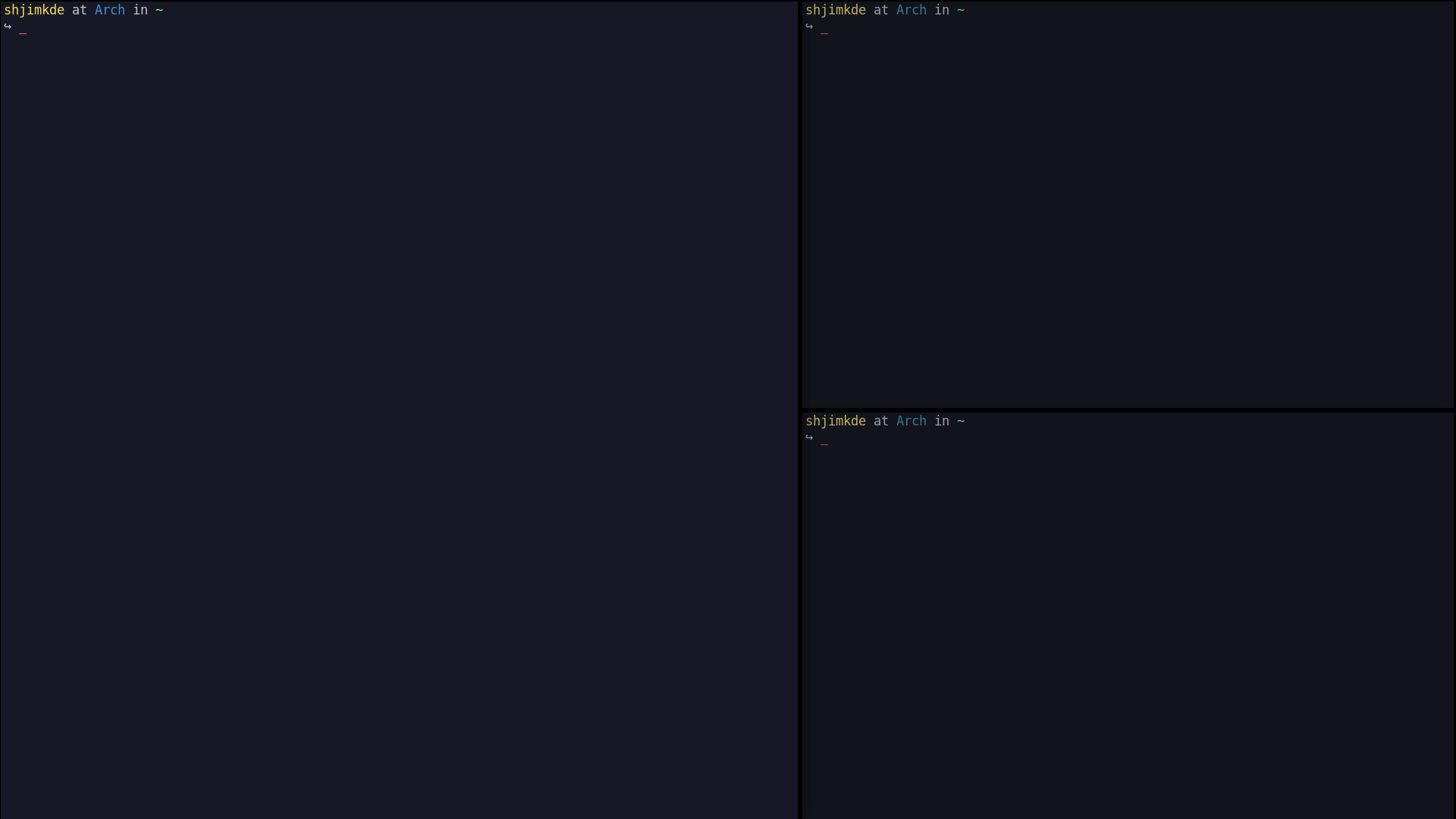
Edit: Thanks @anon75994754 that effect will do it.
What Push Window into Master Area hotkey is supposed to do?
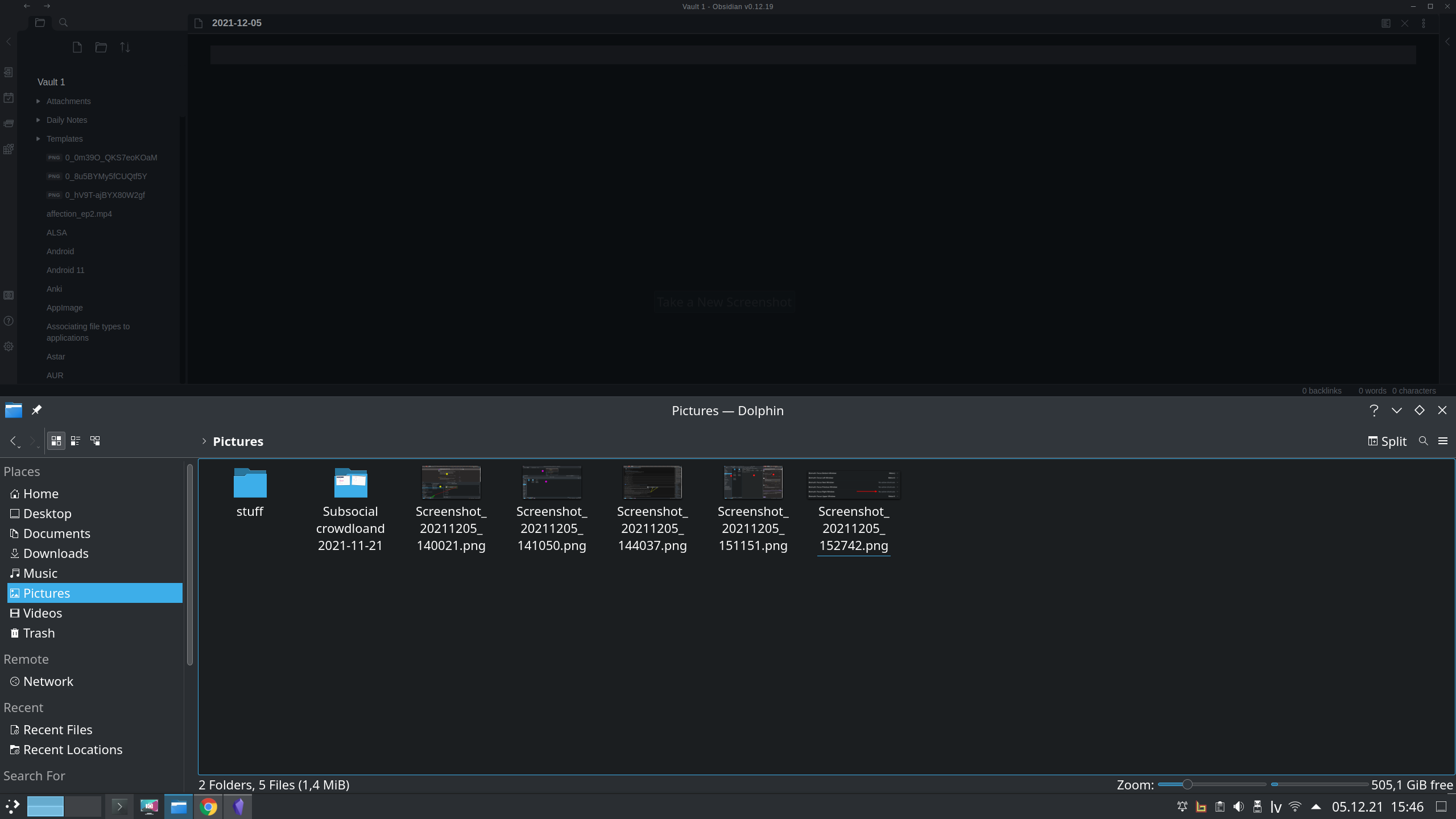
In screenshot I have 2 tiled windows. How can I add chrome window to this list?
I tried to alt tab to chrome then press Meta + Return but that seems to do nothing…
How to add already opened application window to tiled windows list?
Maximize it? If you have it set to tile all. . . they will all tile. If it doesn’t you either don’t have it setup correctly - check your shortcuts. Or you have it off.
Master window is the big window on the left. They call it master because it’s bigger than the others.
And that is done how, exactly?
Edit1: Hmm now it works, not sure what I did.
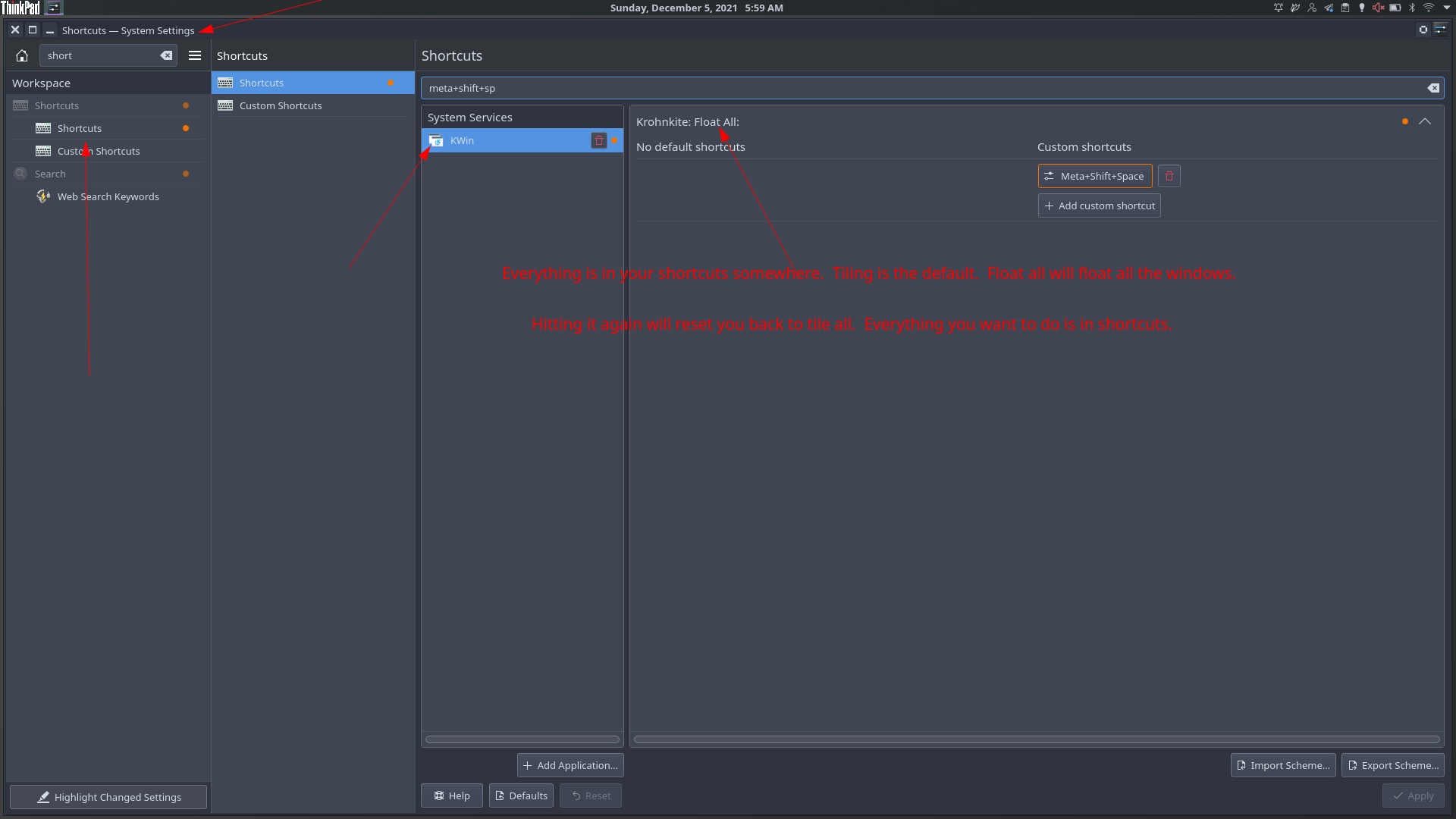
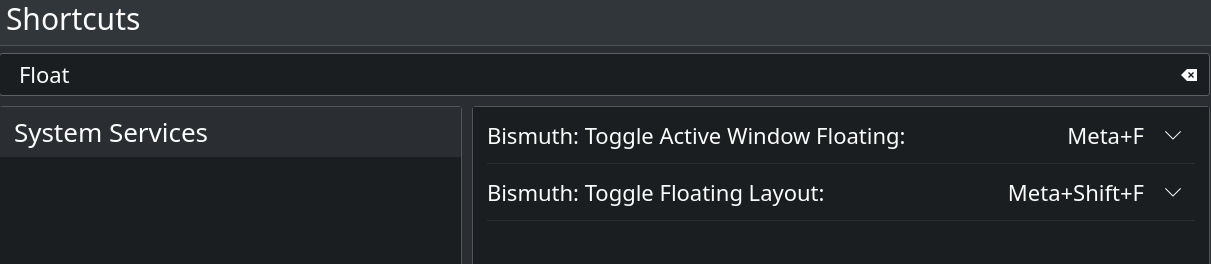
I have these ones. Now need figure out how this floating works.
Would be nice if there was some docs about this stuff. Kinda need experiment right now to understand it all.
That is not real documentation. It just says how to install and what are default hotkeys. So if you have never done anything with tiling, you need to experiment. It is not super evident what, for example, Push Window into Master Area does etc etc
For example, I had maximized chrome window I was thinking it is not “in tiling list” (pressing any Focus hotkey did nothing) but to get it back in “tiling list” I just needed to unmaximize or restore window. This is how tiling works with maximized window. I had no idea, just found it doing stuff and experimenting.
In real docs these kind of things would be explained.
Well, not every project is not documented to explain every nuke and cranny. Most cover the basics and let people find out by them selfs. Bismuth being a fork of Kronkite you would be able to use Kronkite documentation for the most part.
While you’re experimenting, document your findings and offer them up to the project to help them out. EVERYONE is always looking for help in documentation. It’s a fantastic way to help out others who also use Linux and bismuth.
If Khronkite has any documentation, it’s not readily advertised — unless I need new glasses.
A basic search for “Khronkite documentation” finds the git and a r/kde thread asking basic “how to use” questions. The answers there don’t point to any doc. I don’t think there is any.
It’s a tilling extension. How much documentation is needed to understand an extension it’s not an OS? Even extensions used in the Windows environment don’t have good documentation. I thought Linux relied more on the community and finding things out by getting one hand dirty.
If you want to learn about tiling window managers watch this. Then it’s just a matter of learning/assigning the hotkeys for whatever you choose.

(edit: my answer is marked by the forum software as an answer to s4ndm4n because I quoted them, but the first part is actually in answer to KDen )
Thank you kindly, but it seems my comment has been interpreted as “plz halp what’s a tiling thingy lol???”
That not what I meant. Person A expressed the need for more doc, person B answered, “you can just use doc X”, and, having followed up on doc X, I pointed out that X does not, in fact, seem to exist. Error 404.
That is the full extent of what I meant by my previous post, with no implication as to whether I personally want or need more. On that topic…
I’d say the equivalent of a succinct --help or man page.
Personally, I’d just like to see a one-or-two-sentence definition for the main keywords: “Master area”(which is what @Elnath was asking), “end” of a layout, and the general principle of each layout, like this, for instance.
last edit: anticipating another possible misunderstanding: the above doesn’t mean I want somebody to take time out of their day to break them down for me; I can google and experiment by myself. I’m just saying that, all other things being equal, a little bit of doc saves a lot of time for users, and agreeing with the general sentiment of