
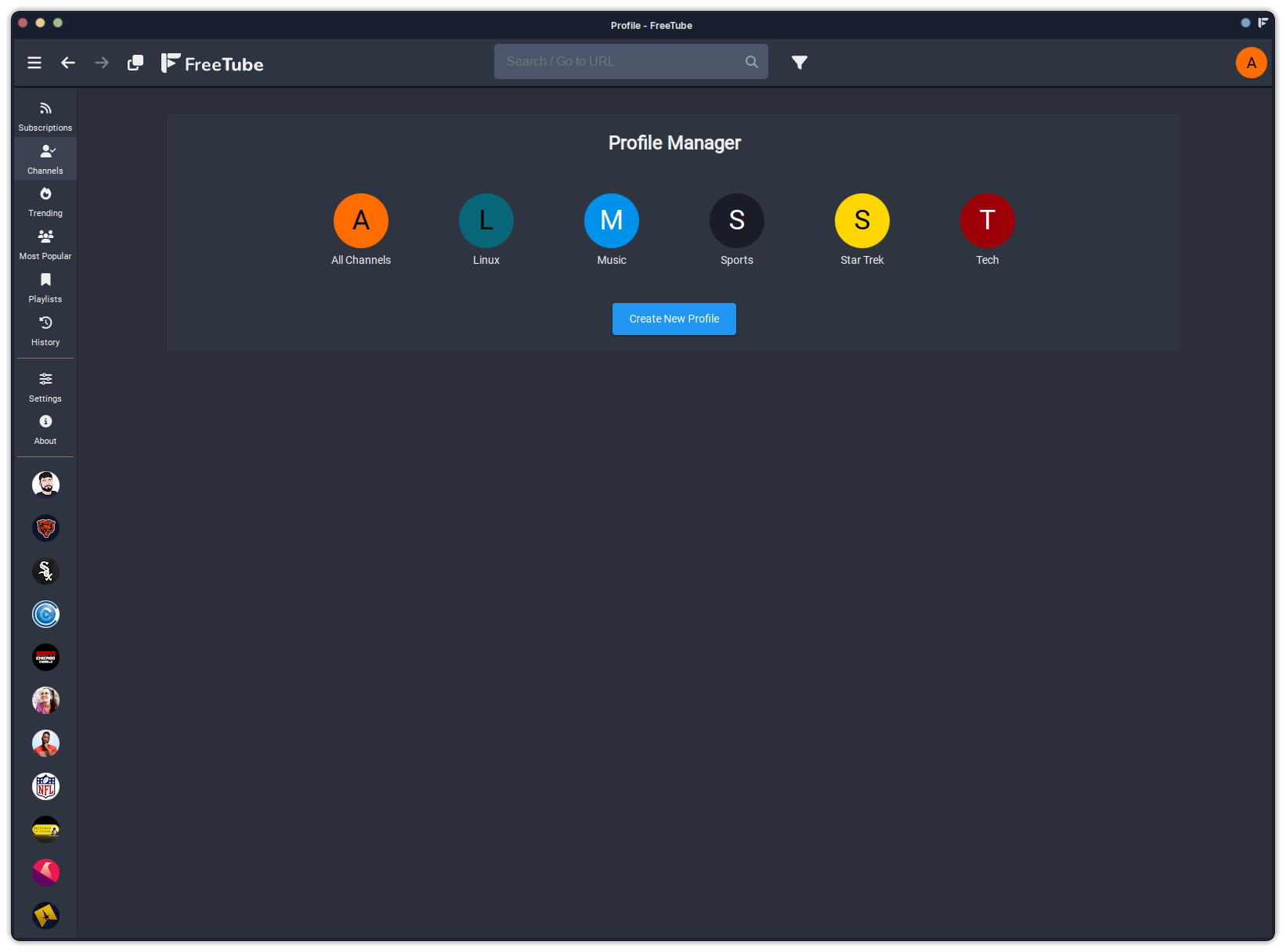

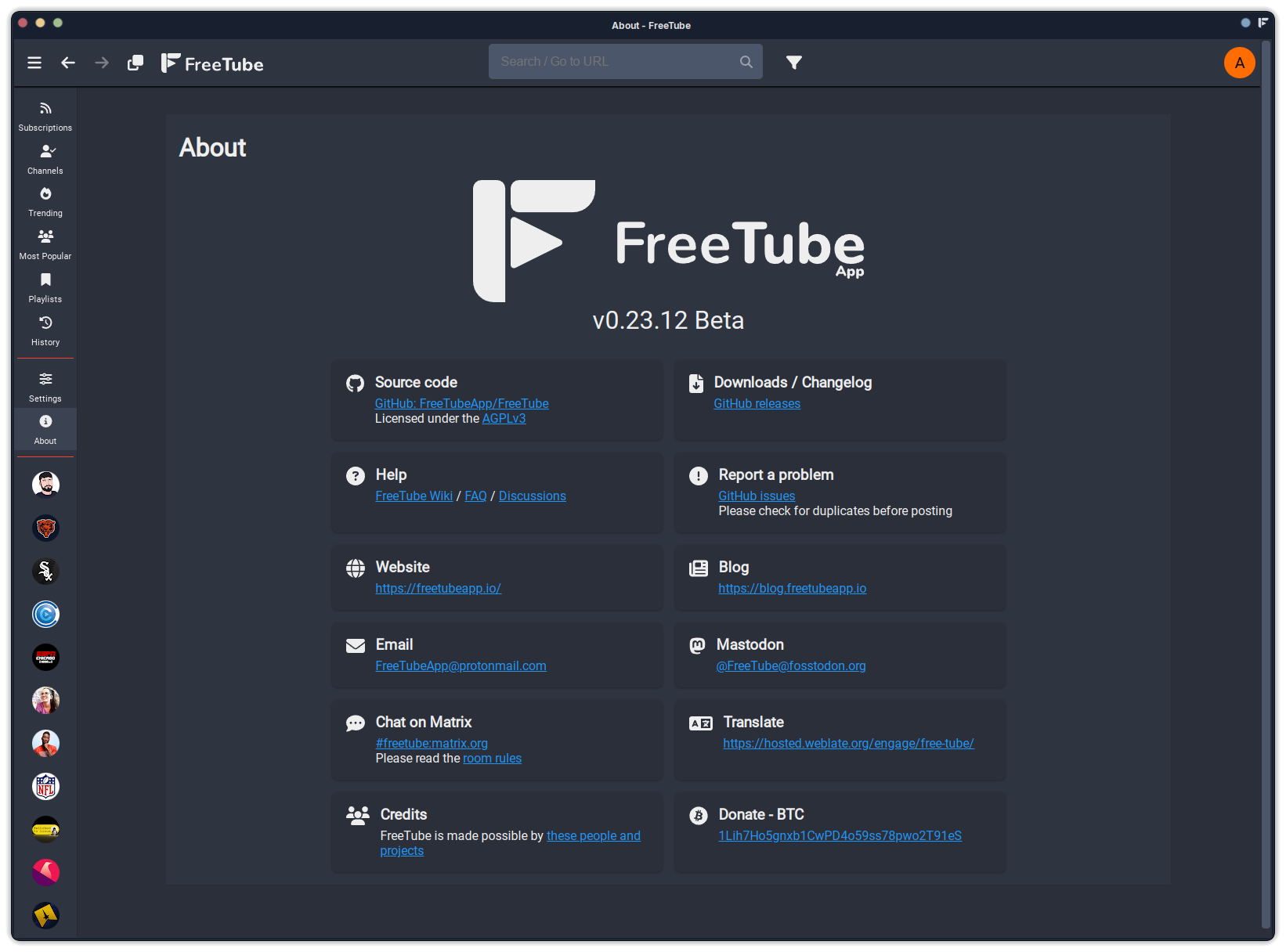
I know FreeTube has been around a while now. I’ve just never given it a go. Not sure why, really. But I’m glad I’ve taken the dive. I just installed it about 30 minutes ago. I’ll continue adding my favorite subs and enjoy the ride.
I use freetube daily. It is a great application.
What, no Sabine Hossenfelder, Numberphile or Tod’s Workshop? 
Yeah, Freetube is great. Sometimes the Devs have to work hard to keep up with changes in YouTube’s interface/API, but most of the time they manage to keep Freetube working very well
I actually went through it this weekend to reduce my subs to a reasonable level. I am down to 65 now.

You may have already done this already but if you had playlists on YouTube you can set them to unlisted and copy paste the playlist URL in to freetube to import the whole thing, for anyone who needs to transfer playlists that is.
You can set up a proxy in freetube settings too so connections to Youtube can still be pushed through a VPN or Tor.
I have been using it for quite a while now along with YT-DLP, currently I have no existing YouTube, gmail, or Google account. Sometimes Freetube will have an issue when YouTube changes something with their API but usually YT-DLP still works perfectly during these times.
Mine, for the past few weeks, refuses to open locally, so I open it externally via the mpv player. Seeing this topic, I hoped the developers managed to bypass (for once more) Google’s tricks, but unfortunately, nothing’s changed on my end…
No issues opening locally on my end.
This is exactly how I use freetube. This is my primary reason for using freetube in the first place.
Freetube hasn’t had any new youtube compatibility issues in the last couple of weeks. Make sure you are on the latest version. Otherwise, this may be an issue on your side.

Thanks, dalto. It must be on my end. Besides the fact that I DO run its latest release, I also run it on 5 different machines. Each machine running two distros (EndeavourOS & Ubuntu). This makes ten Freetube installs. NONE is working (out of 10), unless opened in mpv…
What error are you getting?
Um… that’s VERY weird. I’m running the latest from the AUR - v0.23.12 Beta. No issues on EOS on PC, CachyOS on my laptop.
You are not by any chance using an Invidious API?
Thanks, dalto. It must be on my end. Besides the fact that I DO run its latest release, I also run it on 5 different machines. Each machine running two distros (EndeavourOS & Ubuntu). This makes ten Freetube installs. NONE is working (out of 10), unless opened in mpv…
I got the indirect help I needed. Someone mentioned the key word “vpn. So, I went to my vpn settings & found the culprit.
It may read as a Proton VPN gray ad, but I’m posting the “fix” here for any future reference. All I had to do, was connecting with a NON “Secure Core” connection. Just for reference, here’s what “Secure Core” does:
““Secure Core is a privacy‑focused routing option in Proton VPN that adds an extra layer of protection to your internet traffic.
When you enable Secure Core, your connection is first sent through multiple servers located in privacy‑friendly countries (such as Switzerland, Iceland, or Sweden) before exiting onto the broader internet. This multi‑hop architecture:
-
Masks your real IP address even from the exit server, making it harder for network observers or malicious actors to trace activity back to you.
-
Protects against network‑level attacks (e.g., DDoS, surveillance, or compromised exit nodes) by keeping your traffic within trusted jurisdictions for as long as possible.
-
Provides additional resilience if an exit server is compromised—your traffic still passed through the secure core hops first.
In the Proton VPN app, you’ll typically find a toggle labeled “Secure Core” under the connection settings. Turning it on routes your traffic through the secure core; turning it off uses the standard single‑hop VPN path, which is slightly faster but offers less layered protection.
So, Secure Core is essentially a “double‑VPN” feature designed for users who need the highest level of anonymity and security for their online activities””.
Your assistance, though indirect, is worth a perabyte of THANKS. 

Nice. Freetube. Cool.