Downgrading both packages to version 20230404.2e92a49f removes the errors.
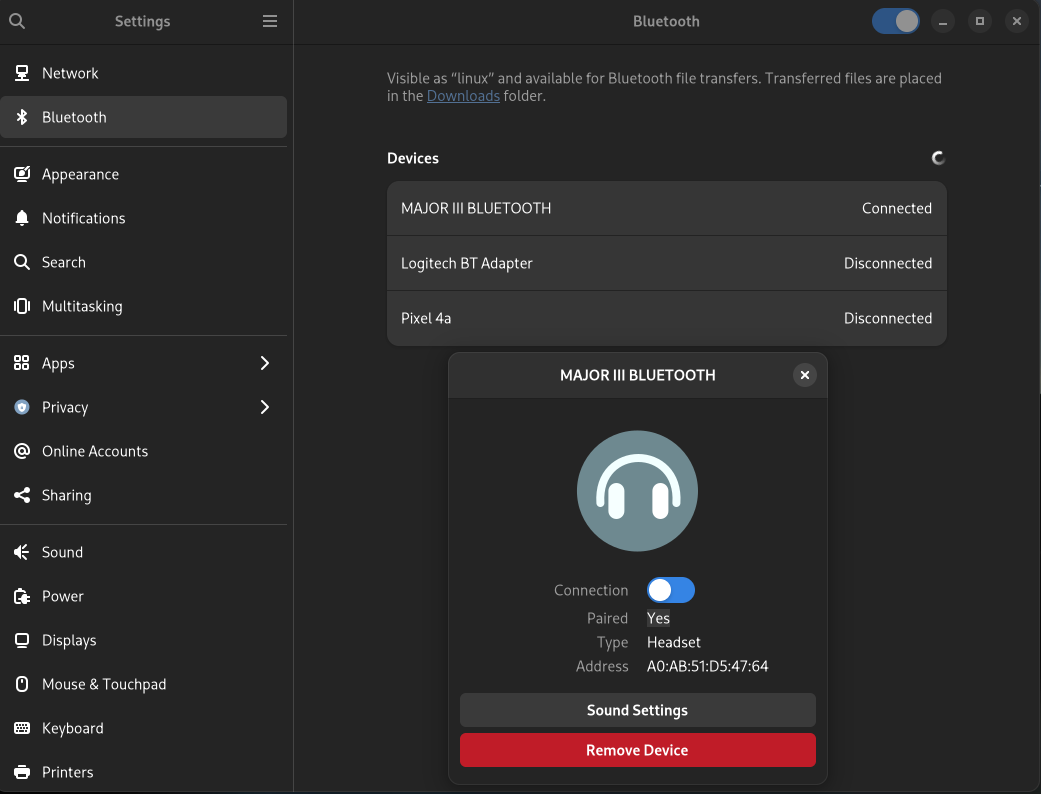
I am not using bluetooth (service is normally disabled) on this PC, but I quickly checked in gnome that bluetooth does not seem to work with the new firmware.
I did not find any info about this topic on the internet. Does anybody here know more?
PS
This is the hardware:
Bluetooth:
  Device-1: Intel AX200 Bluetooth driver: btusb type: USB
  Report: bt-adapter note: tool can't run ID: hci0 rfk-id: 0 state: down
    bt-service: disabled rfk-block: hardware: no software: yes address: N/A
# hwinfo --bluetooth
07: USB 00.0: 11500 Bluetooth Device
  [Created at usb.122]
  Unique ID: 4zpN.qmlouffvxgF
  Parent ID: uIhY.9D5ZA5Hqls2
  SysFS ID: /devices/pci0000:00/0000:00:01.2/0000:02:00.0/0000:03:08.0/0000:09:00.3/usb3/3-5/3-5:1.0
  SysFS BusID: 3-5:1.0
  Hardware Class: bluetooth
  Model: "Intel AX200 Bluetooth"
  Hotplug: USB
  Vendor: usb 0x8087 "Intel Corp."
  Device: usb 0x0029 "AX200 Bluetooth"
  Revision: "0.01"
  Driver: "btusb"
  Driver Modules: "btusb"
  Speed: 12 Mbps
  Module Alias: "usb:v8087p0029d0001dcE0dsc01dp01icE0isc01ip01in00"
  Driver Info #0:
    Driver Status: btusb is active
    Driver Activation Cmd: "modprobe btusb"
  Config Status: cfg=new, avail=yes, need=no, active=unknown
  Attached to: #3 (Hub)
Funny, I had problems before this update… Whenever I started a new video the bluetooth connection dropped. I have an Intel wireless-ac 3168.
Your best strategy maybe to report it(somewhere) and wait for the next version.
edit: Since then I have updated my bios too, if that has to do anything with it.
Not sure if it’s related to this one but i had a similar issue of errors, random cuts and no audio over bluetooth while changing volume or playing from mpv and firefox at the same time. Linux Studio plugins also stopped working when playing audio over bluetooth.
Tried:
Different codecs like: AAC, SBC, LDAC.
Downgrading bluez bluez-libs bluez-utils back to 5.66-1.
Downgrading linux-firmware to 20230404.2e92a49f-1.
core/linux-firmware-whence 20230625.ee91452d-3 [installed]
    Firmware files for Linux - contains the WHENCE license file which documents the vendor license details
$ systemctl status bluetooth
● bluetooth.service - Bluetooth service
     Loaded: loaded (/usr/lib/systemd/system/bluetooth.service; disabled; preset: disabled)
     Active: active (running) since Thu 2023-07-06 11:49:31 CEST; 4h 41min ago
       Docs: man:bluetoothd(8)
   Main PID: 241458 (bluetoothd)
     Status: "Running"
      Tasks: 1 (limit: 9041)
     Memory: 2.2M
        CPU: 293ms
     CGroup: /system.slice/bluetooth.service
             └─241458 /usr/lib/bluetooth/bluetoothd
@mbod
If you want me to check anything, tell me what and I’ll do my best.
Thank you for the offer. But I do not know what to test.
In the meantime I checked the bluetooth functionality again with gnome and it works regardless of the error message in the journal. I did not connect anything via bleutooth but at least the gnome dialog shows me that bluetooth is on and active.
What I can tell is that the error messages are clearly related to the firmware version. Downgrading the packages removes the messages.
Unfortunately I did not find any recent report on the internet regarding these errors. Only old reports but nothing related to the new firmware version. With this thread I hoped to find people with the same error messages.
Since I do not use bluetooth, my only intention is to keep the journal clean of any error messages. I guess I have to wait and see what happens next with the firmware.
core-testing/linux-firmware-whence 20230625.ee91452d-4 [installed: 20230625.ee91452d-3]
    Firmware files for Linux - contains the WHENCE license file which documents the vendor license
Upcoming update. Hopefully it will address these error messages.
I guess I found the culprit: the bluetooth modules were not part of the initrd.
After I manually added the bluetooth modules to dracut, they got included in initrd and the messages are gone.
This was not neccessary in the past. I still do not know why these messages started to appear first on 6. July. I did not change any bluetooth or dracut config.
Ich hatte irgendwo einen älteren Beitrag eines gentoo users gefunden der bluetooth Probleme hatte weil Module in der initrd gefehlt hatten. Daraufhin habe ich mit lsinitrd meine initrd inspiziert und festgestellt, das die bluetooth module alle fehlen. Dann habe ich das mit dem add_drivers einfach ausprobiert und es hat geklappt.