I installed Pamaс-all and i want like in ubuntu or fedora when i right-click on the application i could select more details and i would be taken to the application page in Pamaс can i do this?
Since the other topic was split to a new topic and so this thread gets some more attention with real answers. Credit for the previous answer goes to the @thefrog
I don’t see anything in that documentation that helps with this question. They aren’t asking how to use pamac.
They are trying to integrate gnome with pamac.
To be fair, I am not sure if that is actually possible or not.
It was about the only real answer that person got, so it was also a bump so the topic would get attention again.
Do you mean that with the Gnome-Software center that you could select details on an applications and that it would take you to the details or to the official page of the software project?
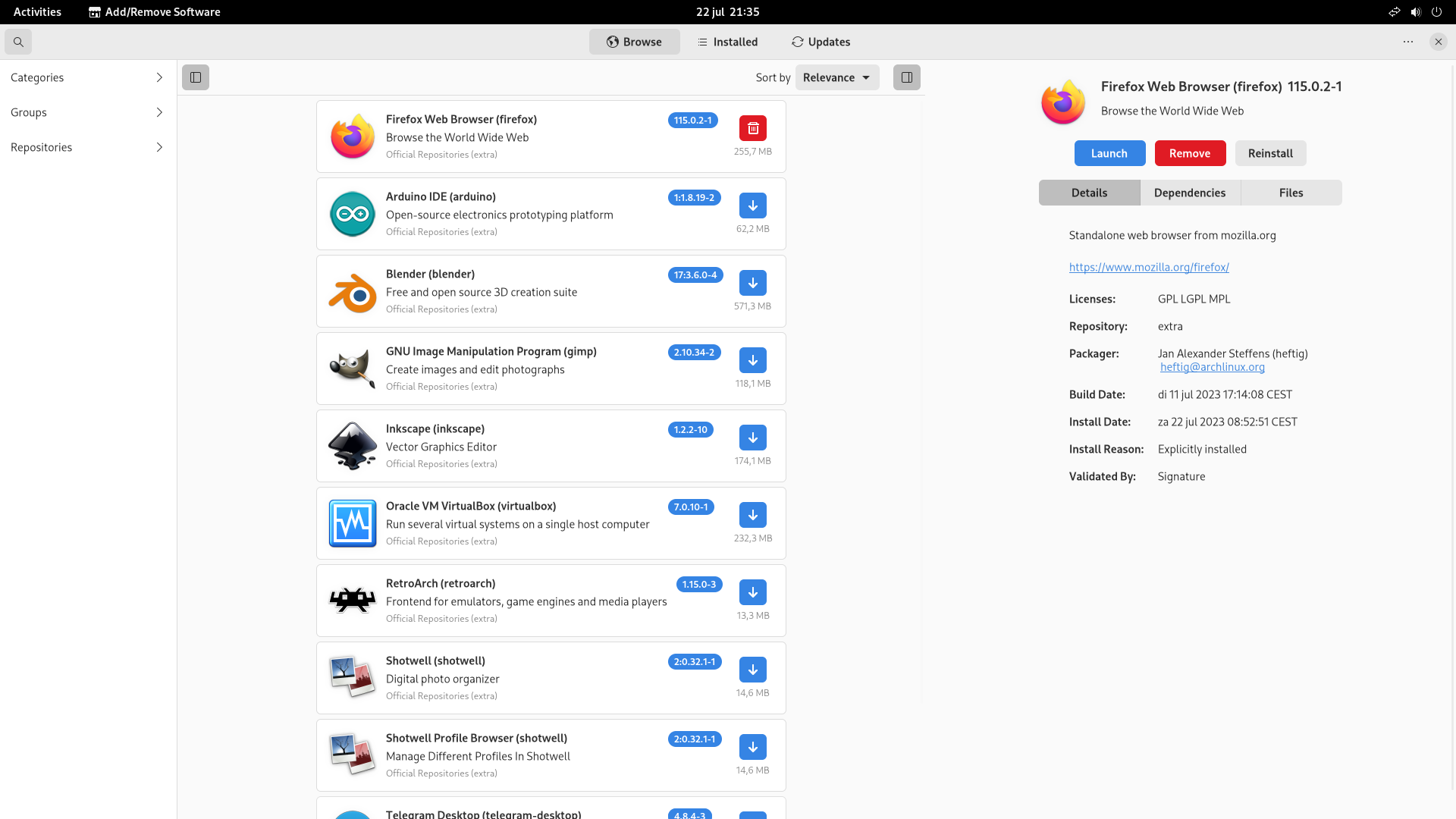
Do you mean that you want to for example right click on Firefox and have an option more details and you can then click on the link there to get to the official Firefox page? I tried right clicking in pamac but is doesn’t give any options when you do so, so the answer is no. If you look the the right of Firefox you see the applications details already or are you looking for something else? Does that answer your question?
I think that happens with certain versions of pamac. There are a few different versions in the AUR. I use pamac-aur-git and i don’t think it shows this.
It’s actually the first time I have installed pamac(in a vm that is), just installed this.
local/pamac-aur 11.0.1-2
A Gtk3 frontend, Package Manager based on libalpm with AUR and Appstream support
Just installing a Fedora Workstation vm now to check the difference.
I think they want to right-click on the app icon in the app grid view, choose App Details and then this should open pamac or other software store with the information “page” of the specific app.

The picture posted above is from A Fedora install 
It does open gnome-software with info about Celluloid (in this case).

Can you share a screenshot of what you get when you click on “App Details”?

Then looking at that the answer is no for pamac, since it doesn’t have that option. Pamac is a different application and the details of pamac are to the right of the.
@PavelGR The answer to your question is no pamac can’t do this because the details of the application is to the right of where the application is listed when you select it. You can do this on Gnome Software Center because it is a different application then pamac, also it looks like that is a Fedora Gnome Software center specific thing because I have Gnome installed on Arch and I don’t have that “App Details” option.
Manjaro has this in their software repository. Might be the missing bit?

I just had pamac, installed. Let me see if I can install that.
There is one package.
[tux@eos ~]$ yay -S pamac-flatpak-gnome
→ No AUR package found for archlinux-appstream-data-pamac
→ could not find all required packages: archlinux-appstream-data-pamac
So that package seems to be a Manjaro specific dependency I think?
Not in the Arch repos:
https://archlinux.org/packages/?sort=&q=+archlinux-appstream-data-pamac
Not in the Manjaro repos:
https://packages.manjaro.org/?query=+archlinux-appstream-data-pamac
Could be. Although that could also be the update indicator.

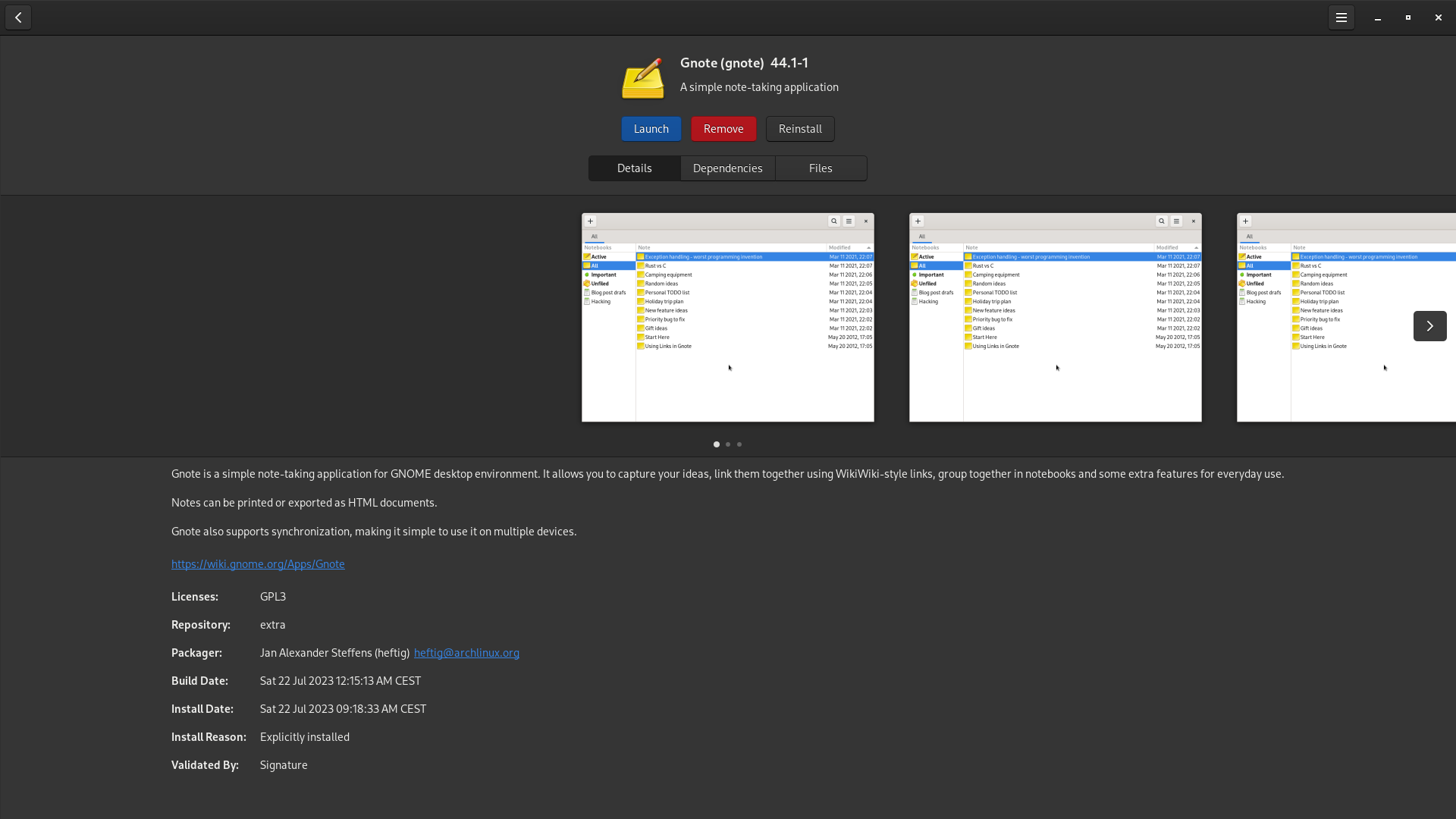
What’s the name of the package?
pamac-gnome-integration