My guess is no, It says it is for a chromium browser in the Aur.
But the one in Arch repo says nothing about removing google stuff.
My guess is no, It says it is for a chromium browser in the Aur.
But the one in Arch repo says nothing about removing google stuff.
No, it isn’t ungoogled.
It would be exceptionally strange to offer ungoogled-chromium as chromium.
There are pros and cons to using ungoogled-chromium
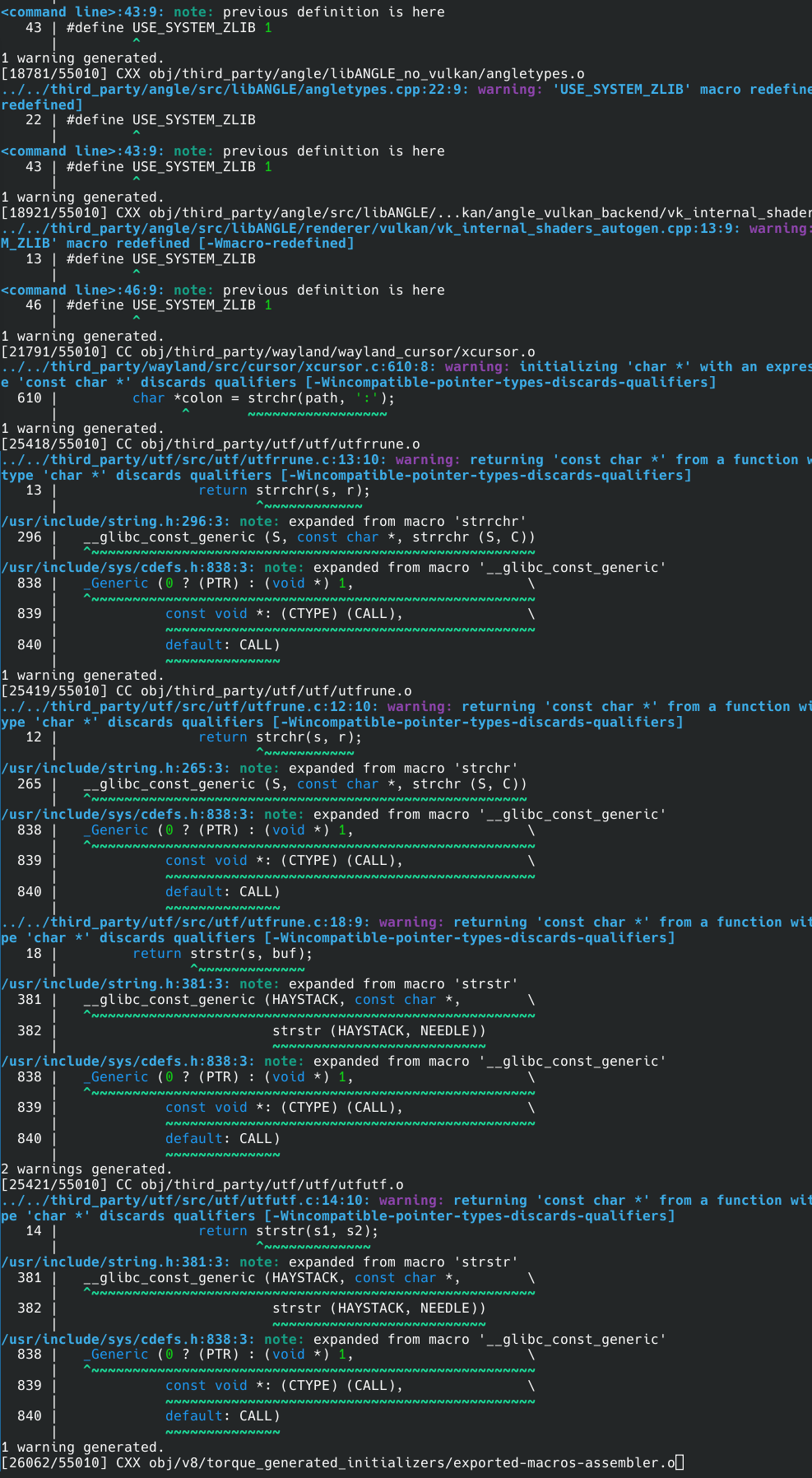
One con is it s taken 10 minutes to install, and it s still going. I see tons of “warning generated” also. I ll probably remove this thing as soon as it s finished installing…if it ever finishes 
It takes forever to build a browser from source. It is a huge application.
You might consider installing the -bin instead.
I can t interupt the install though can I? I don t want a birds nest. I just installed a new eos. Not a good way to start it off.
Sure. Cancel it with ctrl c
Then delete the files in ~/.cache/yay/ungoogled-chromium
Will I have some clean up to do?
See above
You are building it from the source code and a browser can take “forever” to build.
You can install the binary instead:
I have the aur -bin version as well; it runs flawess, sans Google crap
Please also check this:
I have never tried to build a browser from source, but it cant be as bad as building one of the Linux LTS kernels in AUR? Right?
O you sweet summer child 
I don’t have the patience to time it right now 
But in many respects, a browser has a lot in common with an operating system.
In my experience, modern fully featured browsers take longer to build than the Linux kernel.
The helium-browser claims to be ungoogled, if your config speaks to a specific Chrome function, helium might be receptive.
Just tried and it appears to be working it doesn’t go to the not supported page and puts me to the next step it appears. I am going to just exit as I have no need to do that at the moment just wanted to jump in and say I believe this is the OP’s solution
The command that website gave did in fact produce a vendor id and product id of my kb,
lsusb | grep -i keychron
Bus 001 Device 003: ID 3434:0933 Keychron Keychron V3 Max
but the second command fails at ATTRS.
> KERNEL=="hidraw*", SUBSYSTEM=="hidraw", ATTRS{idVendor}=="3434", ATTRS{idProduct}=="0933", MODE="0660", GROUP="g", TAG+="uaccess", TAG+="udev-acl"
> bash: ATTRS{idVendor}==3434,: command not found
As far as I can see ATTRS is an older python2 function. It looks like the names have been changed over time, and concerning Arch, it s called attr_set(). But this opening a can of worms I don t want to deal with. At any rate, thanks…
That isn’t a command, it is a udev rule.
You need to read the text, not just run the things in the boxes.