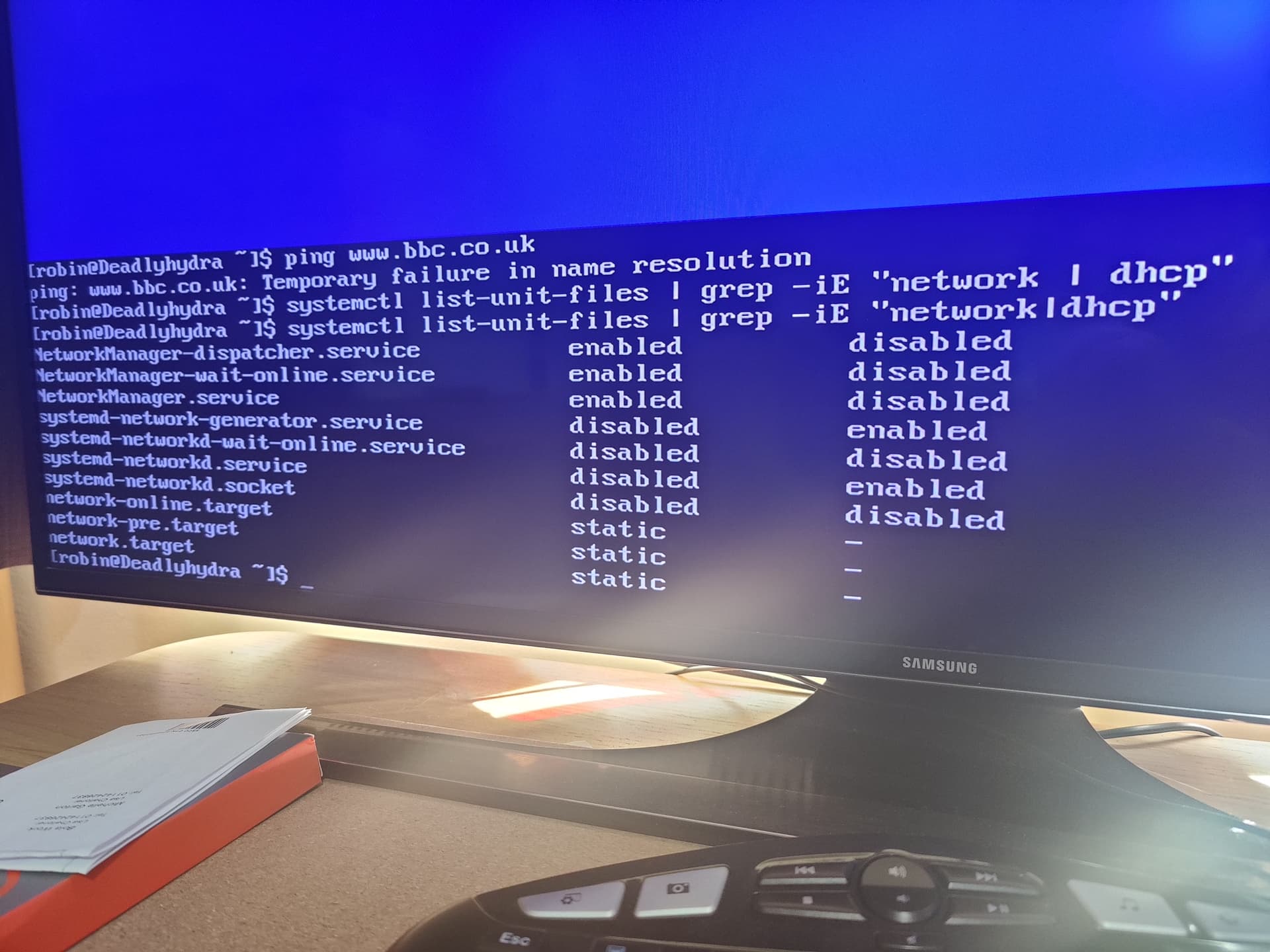
The issue seems to be that /etc/resolv.conf isn’t being generated.
You try deactivating your wired network and then reactivating it.
If that doesn’t help, can we see systemctl list-unit-files | grep -iE "network|dhcp"
The issue seems to be that /etc/resolv.conf isn’t being generated.
You try deactivating your wired network and then reactivating it.
If that doesn’t help, can we see systemctl list-unit-files | grep -iE "network|dhcp"
For now, lets just write an entry into it:
sudo sh -c "echo 9.9.9.9 > /etc/resolv.conf"
to me it still looks like something failed on install… very strange … only the install log could tell 
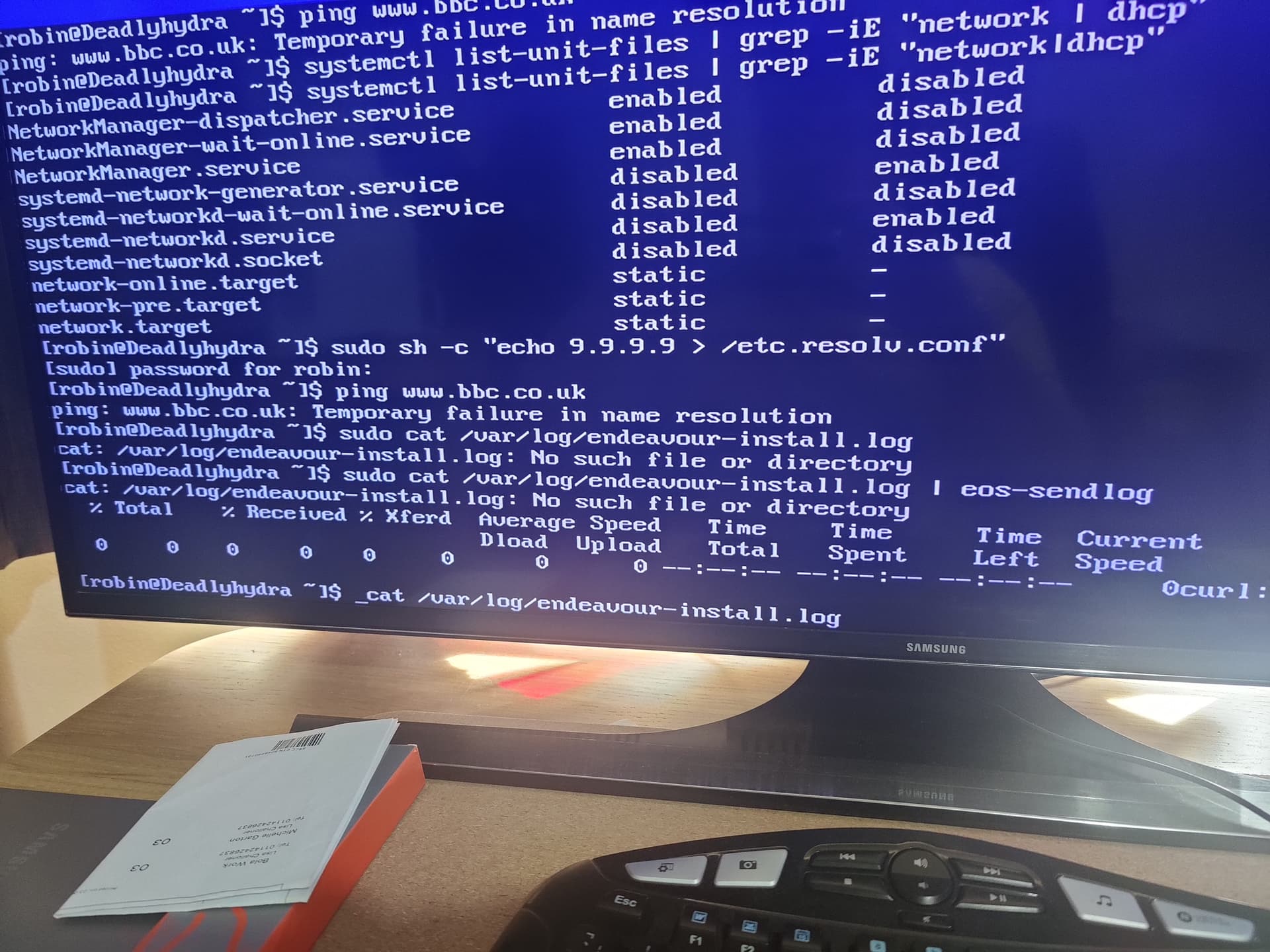
Should I see anything when trying to open the install log using nano? I just tried but nothing in there using:
nano cat /var/log/endeavour-install.log
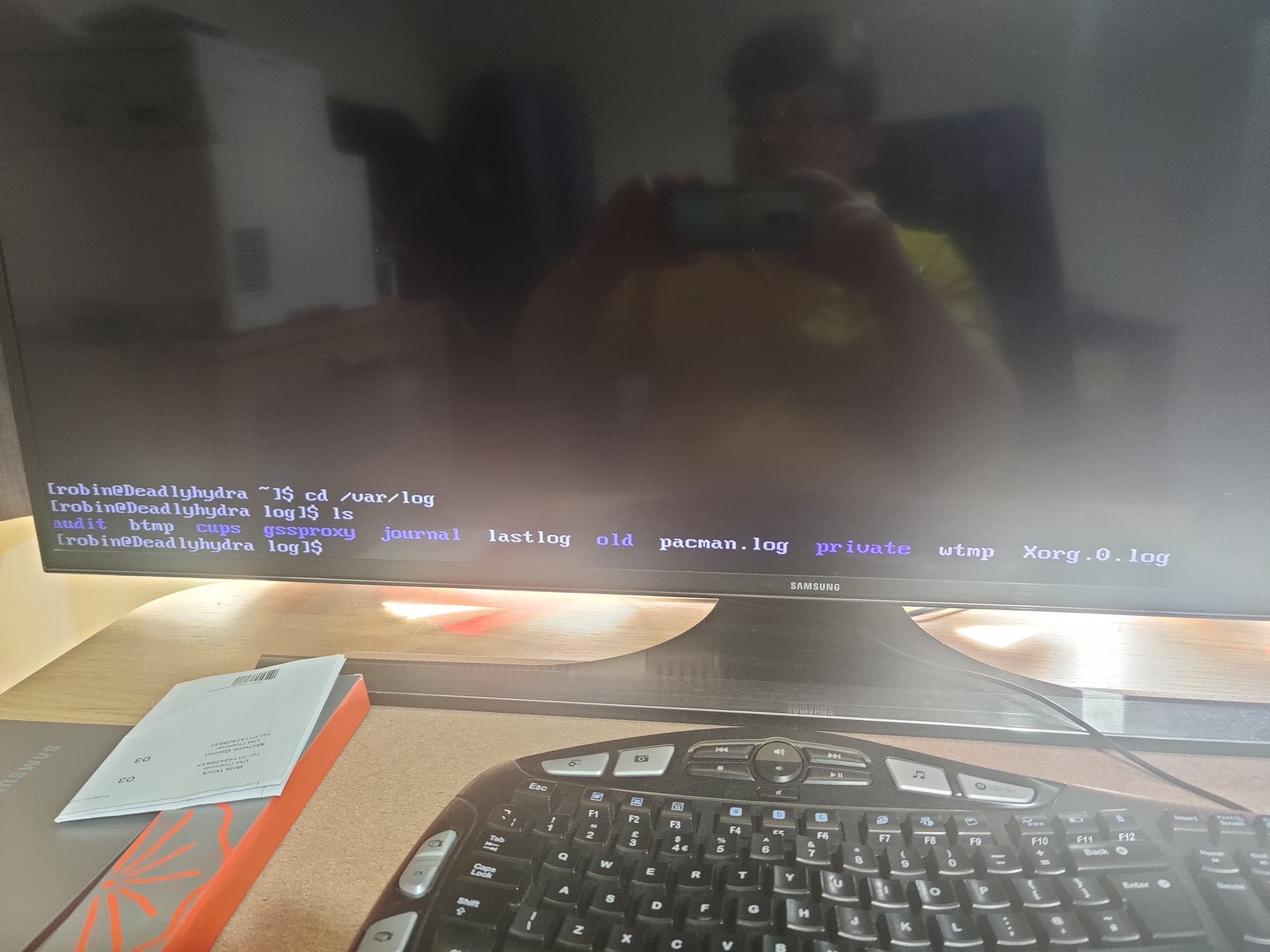
Going to cd /var/log and then doing ls, there is no file in there called endeavour-install.log.
Does that get removed once install is complete? And is it just generate in chroot, when in live mode?
Sorry if these sound like silly questions… 
I think I will attempt a 3rd reinstall. But taking a break for now as girlfriend not very well, so going out to get some fresh air. Thanks to everyone that has helped up to now. It is much appreciated and the community seems to be very helpful, even for a noob like me 
do not know if it will help you
but try and disabled dhcpcd
and reboot
have seen someone in other forums
who also had problem with internet
after the disabled dhcpcd then it worked again
can always enable dhcpcd again
if it does not work
From the above output, it doesn’t look like dhcpcd is installed.
Which ISO are you using to install?
I did not see the output 
The thing is, if dhcp is not installed how are the network cards getting an ip address when running ip r and they are also seeing the default gateway. Name resolution is normally handled by a DNS server. And these, both primary and secondary were entered in nmtui as 8.8.8.8 and 8.8.4.4
Because you are using network manager. dhcpcd is an alternative.
Got you… So to install this, is it possible to do so via terminal, as I have noticed on prior posts that booting to the live os may be required. Is this the case, if so I may as well just do a clean install lol or if there is a cmd that i can run in current tty terminal, I can try that.
You don’t need to install it. Another poster was recommending to disable it. I was just pointing out that you can’t disable what you don’t have installed.
Something seems wrong with your network stack. Which ISO did you you use to install?
Do you have any failed units?
systemctl list-units --failed
Sorry just got back home… Atlantis Neo 21.5 iso. When running the cmd provided I am getting:
0 loaded units listed.
This is after doing a clean boot as pc has been off when I was out…
That is good. It means nothing is failing.
What would you advise?
If it is a clean install, I would probably just re-install