been trying to install endeavour for a couple hours now. I am dual booting it with windows but I want to install eos on an external ssd which is plugged in and is empty. However, every time I get to the install step, I get this same error. I don’t know what to do I’ve tried almost everything. First time trying to install a Linux distro too so lol. Maybe I did something wrong setting up
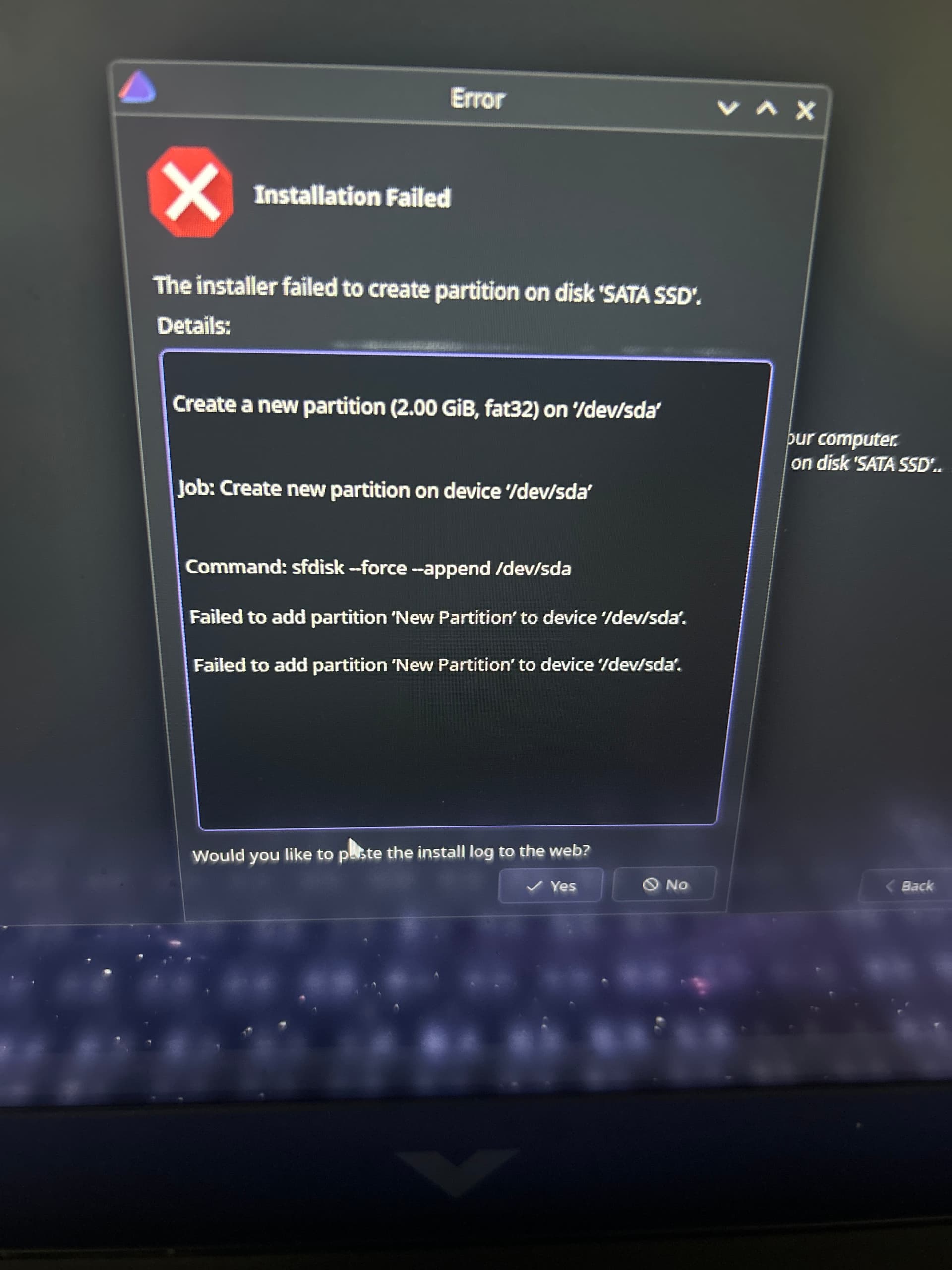
The calamares (installer) included partition tool at least used to have trouble under certain circumstances. I havent had to use it in a while.
But what didnt have trouble was dedicated tools like gparted.
I would probably use something like that to try and recreate the partition table on the disk before moving forward.
how would I do it through Gparted
random thoughts.
can you install to an external storage device?https://bbs.archlinux.org/viewtopic.php?id=65844 https://wiki.archlinux.org/title/Install_Arch_Linux_on_a_removable_medium apparently there is an art to this.
separating WIN from Linux very smart. But unplug WIN during Endeavour install. Sometimes WIN likes to mug the newcomer.
did you make the disk installable? i.e. format it gpt, make the whole thing a partition. did you prepare your bios re: legacy or uefi (grub or sysd boot)?
the installer does the rest usually.
sounds like something simple was overlooked. would stay up but I cannot. you got this
I think I might have flashed the iso file wrong so I am reinstalling to and seeing if that fixes anything
1 Like
good luck man
Thanks and sadly the issue I thought I had was not the fix. Just tested it and it resulted in the same error again.
gparted should be included in the ISO.
Just start the application then use the buttons to create the partition table.
Make sure you have the correct device selected of course!
Image grabbed from quick search:
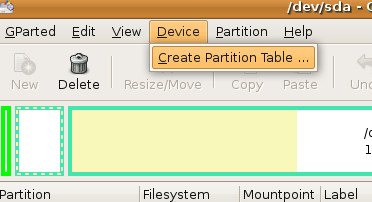
You can similarly also do any partitioning steps here before using the installer.
Then show the existing partitioning before the beginning installation.
There is also partitionmanager on the live ISO, might be a bit more user friendly.
Installer can not create partition https://discovery.endeavouros.com/installation/live-iso-tricks-tips/2021/03/
In some cases, it is a good thing to delete the partitions you want to use for EndeavourOS before starting the installation. You can simply use KDE partition Manager, which you can start with the button in the welcome app or via the menu of the live environment.
In 2024, we added GParted in addition, to the ISO for your convenience.


You are trying to set up EndeavourOS and It looks like you are choosing Systemd-boot,(Default) You said this is a dual boot with two different drives. Can you show us the results of lsblk
Installing onto removable devices is not really supported by default, calamares is not handling the needed changes to the bootloader, in addition an issue will arise with entries into your firmware nvram. if device is unplugged it will remove the boot entry there.
1 Like