I know that he personally had a traumatic weekend restoring his system thru his own lack of double-checking. He told me, I mean. Also that guy had that ‘oh crap’ sinking feeling in his guts right after he hit enter and it took a couple days to rebuild his rig correctly. Poor sot; no wonder he drank.
Anyway 
I guess it depends on how you use it. Ventoy is great for ISO testing; no problem to throw ten ISOs on there all in a single whack and carry on imaging machines without having to re-flash the drive in between each one.
Still, even if you just have a single ISO you keep on the drive and you update it a couple times a year or whatever, it’s nice to be able to just toss an ISO in there right from the file explorer, or even download an ISO straight to the drive and be done with it. Way faster than reformatting the disk with a new ISO every time, plus no chance of dd misfires. 
I have all four on my system. . . . popsicle, Suse-image writer, Impression, Ventoy. It’s all apples and oranges I think if they all work. Just download the Iso image file drop and drag into the app, let it do it’s work writing it to a thumbdrive. . . .voila, it’s done simple and easy.
Rich;)
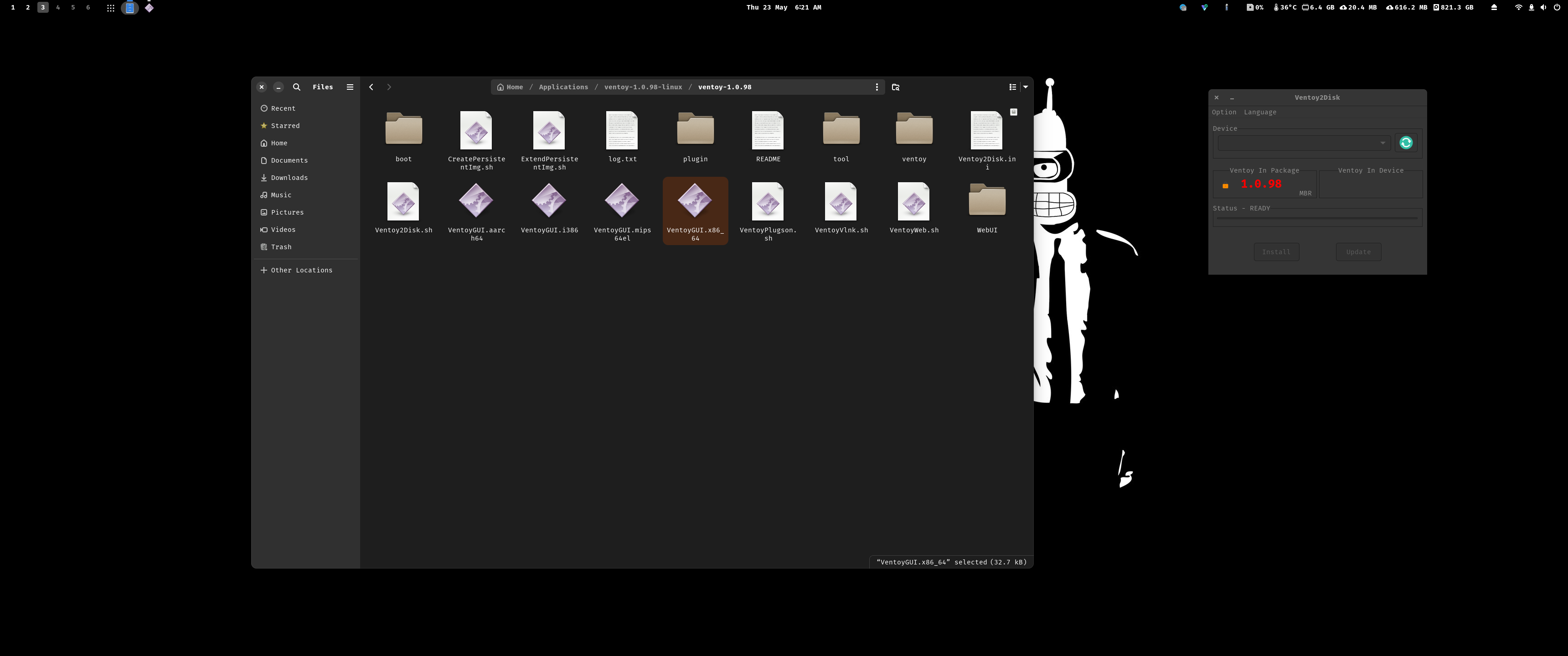
Thank you very much friend. I finally stuck with Ventoy with GUI, because then I can put the latest EOS ISO every time a new version is released. But maybe try some of these recommendations during the summer.
Can Gparted burn bootable ISOs? If so, do you know if KDE Partition Manager can also do it?
Thank you very much friend. Yes, I stuck with Ventoy with GUI for now. This summer I will try other options. But for now Ventoy is quick and easy to delete and move new EOS ISOs that are released, so I can have the latest ISO in case I need it.
I’m so clumsy, it’s possible that I may end up worse than that friend. I might delete EOS by mistake, or something like that (if that’s even possible). 

Thank you very much friend. Yes, in the end I just updated Ventoy and move the new EOS ISOs every time they are released.
Maybe this summer I’ll try some of these other options, but for now I’ll stick with Ventoy. I don’t want to mistakenly delete the EOS partition or something.
But, you seem to know a lot about this guy, more than he does himself. 

Thank you very much friend. Yeah, I’ll finally stick with this one for now! 
No and No. Gparted and KDE Partition Manager are partition managers not ISO TO USB burners. You used these types of tools to give a drive a partition and file system that can be used with the OS.
Yes which is why I recommend you staying with a GUI. Its super simple to destroy your entire setup in an instant with dd before realizing you did so. dd is a tool that one needs to learn on a system that is not of importance as it is not as forgiving as the GUI’s mentioned.