xircon
May 21, 2026, 10:26am
1
If I run the image through optipng it “fixes” it, but am I missing a library?
Everything chucks up errors, e.g.
gwenview Screenshot_20260521-112048.png
dlopen: /usr/lib/libheif/libheif-j2kdec.so: undefined symbol: _Z19get_subsampled_sizejj12heif_channel11heif_chromaPjS1_
dlopen: /usr/lib/libheif/libheif-j2kdec.so: undefined symbol: _Z19get_subsampled_sizejj12heif_channel11heif_chromaPjS1_
dlopen: /usr/lib/libheif/libheif-j2kdec.so: undefined symbol: _Z19get_subsampled_sizejj12heif_channel11heif_chromaPjS1_
dlopen: /usr/lib/libheif/libheif-j2kdec.so: undefined symbol: _Z19get_subsampled_sizejj12heif_channel11heif_chromaPjS1_
dlopen: /usr/lib/libheif/libheif-j2kdec.so: undefined symbol: _Z19get_subsampled_sizejj12heif_channel11heif_chromaPjS1_
dlopen: /usr/lib/libheif/libheif-j2kdec.so: undefined symbol: _Z19get_subsampled_sizejj12heif_channel11heif_chromaPjS1_
libpng error: Read Error
libpng error: Read Error
But gwenview does display the image, everything else doesn’t.
Bink
May 21, 2026, 10:33am
2
Oh strange, so the PNG is somehow malformed?
Just a thought, are you sure it’s a PNG? Extension aside, perhaps it’s actually a different format? If you have a hex editor, you could always confirm it’s a PNG by verifying the first 8 bytes are (decimal):
137 80 78 71 13 10 26 10
(source )
xircon
May 21, 2026, 10:36am
3
No, they aren’t…
Even the fixed images start 89.
Bink
May 21, 2026, 10:39am
4
That actually checks out as PNG
If the optipng output presents that, can you confirm the original has the same start hex?
xircon
May 21, 2026, 10:40am
5
Sorry missed the decimal bit
xircon
May 21, 2026, 10:43am
6
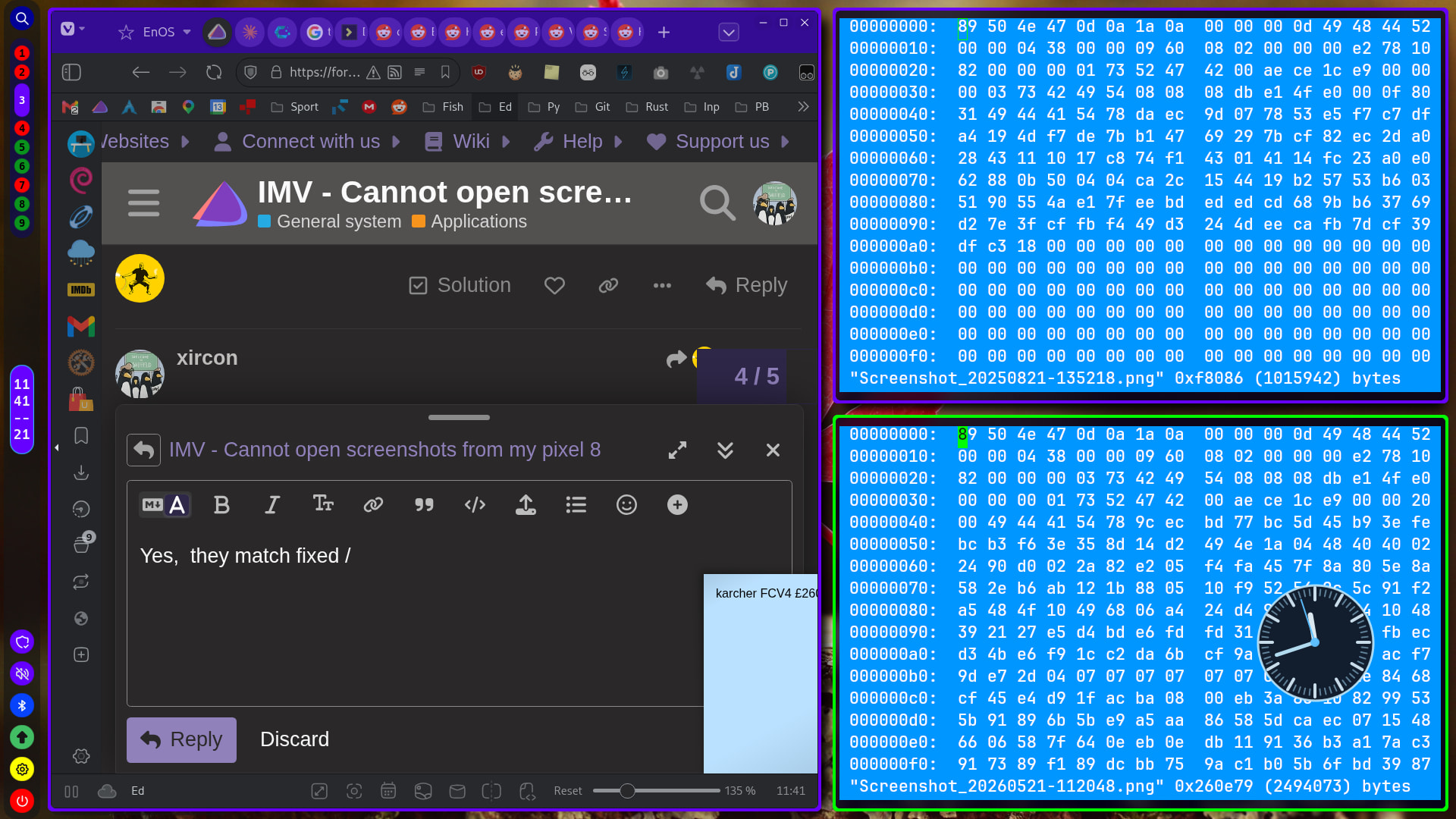
Yes, they match fixed top / not working bottom:
I transferred with kdeconnect, and then emailed and downloaded - still no joy.
xircon
May 21, 2026, 10:52am
7
optipng:
optipng -fix Screenshot_20260521-112048.png -out 1.png
** Processing: Screenshot_20260521-112048.png
Warning: Can't read the input file or unexpected end of file
1080x2400 pixels, 3x8 bits/pixel, RGB
Recoverable errors found in input. Fixing...
Input IDAT size = 2490368 bytes
Input file size = 2494073 bytes

Trying:
  zc = 9  zm = 8  zs = 0  f = 0		IDAT size = 2478319
  zc = 9  zm = 8  zs = 0  f = 5		IDAT size = 2475046
  zc = 9  zm = 8  zs = 1  f = 5		IDAT size = 2431811

Selecting parameters:
  zc = 9  zm = 8  zs = 1  f = 5		IDAT size = 2431811

Output file: 1.png

Output IDAT size = 2431811 bytes (58557 bytes decrease)
Output file size = 2431896 bytes (62177 bytes = 2.49% decrease)

** Status report
1 file(s) have been processed.
1 error(s) have been encountered.
1 erroneous file(s) have been fixed.
And then the forum can load it (1.png).
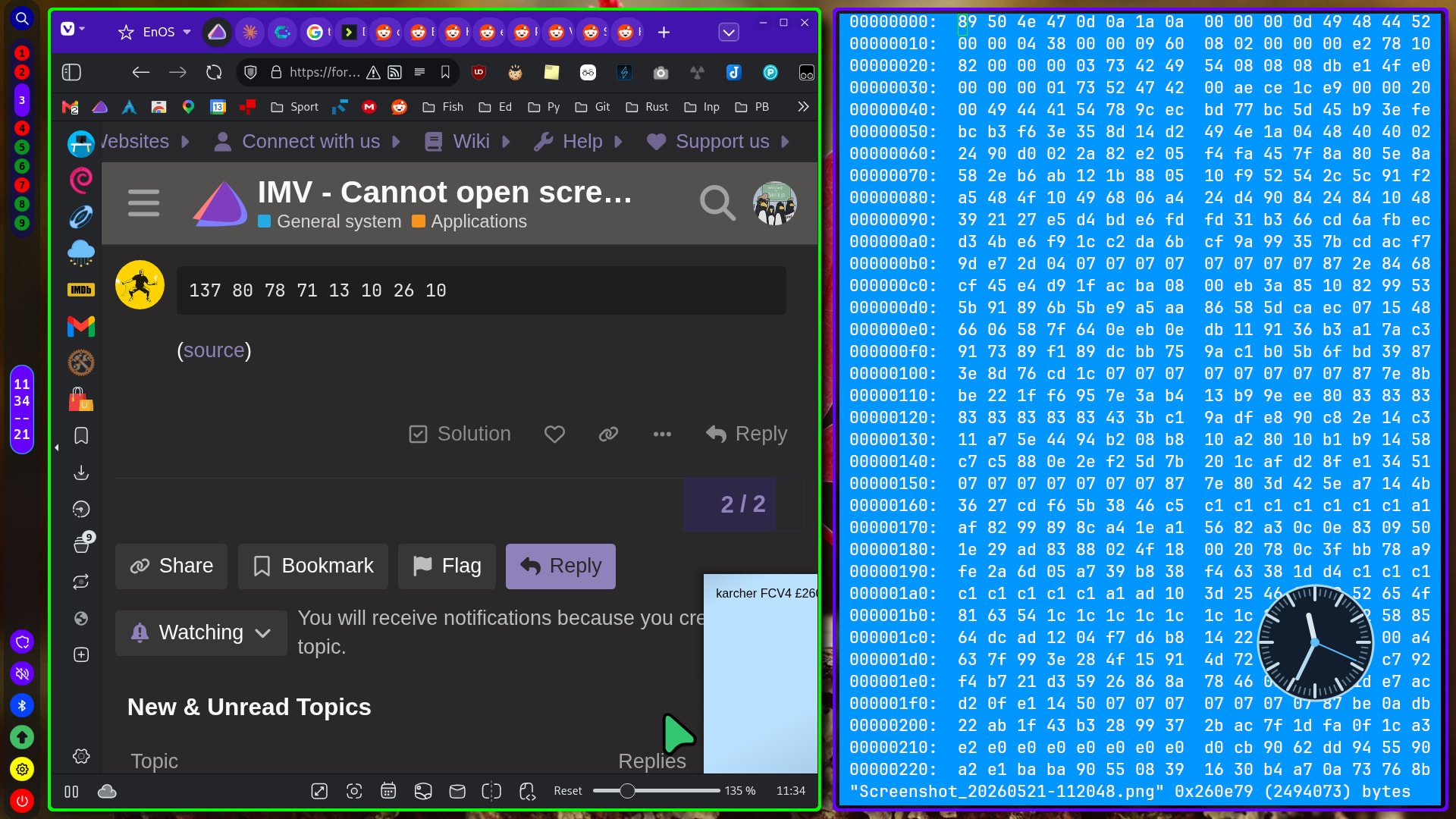
 You need to convert the hex to decimal.