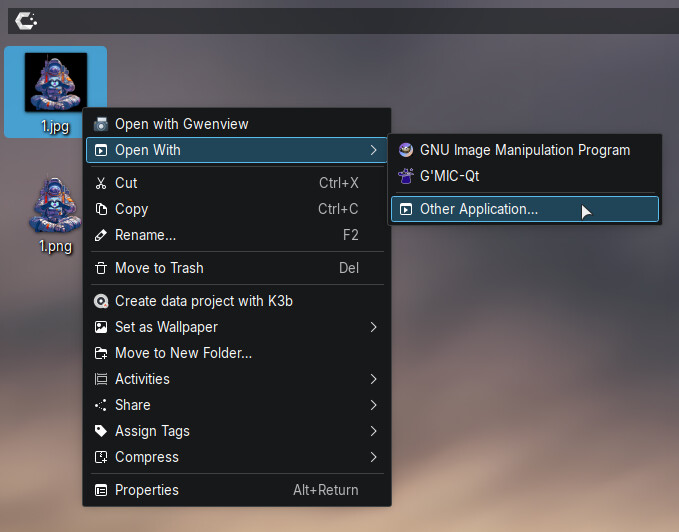
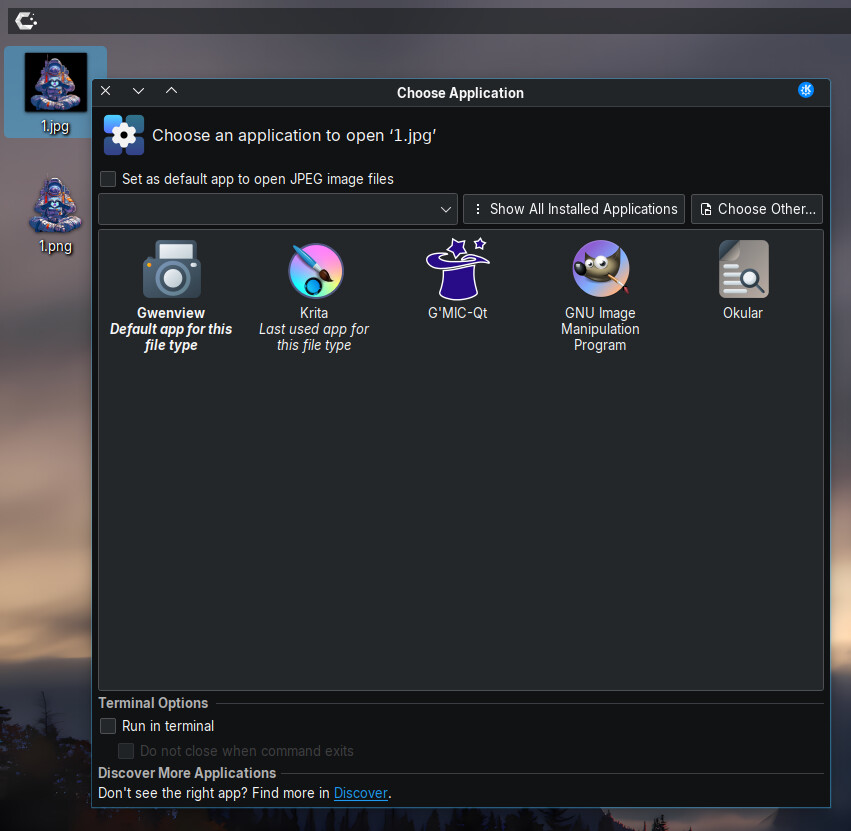
I have my default Image Viewer as Gwenview. Is there any way to include common applications in the context menu INSTEAD of Open With? In mu case, I’d like GIMP and Krita in the richt-click context menu instead of Open With.
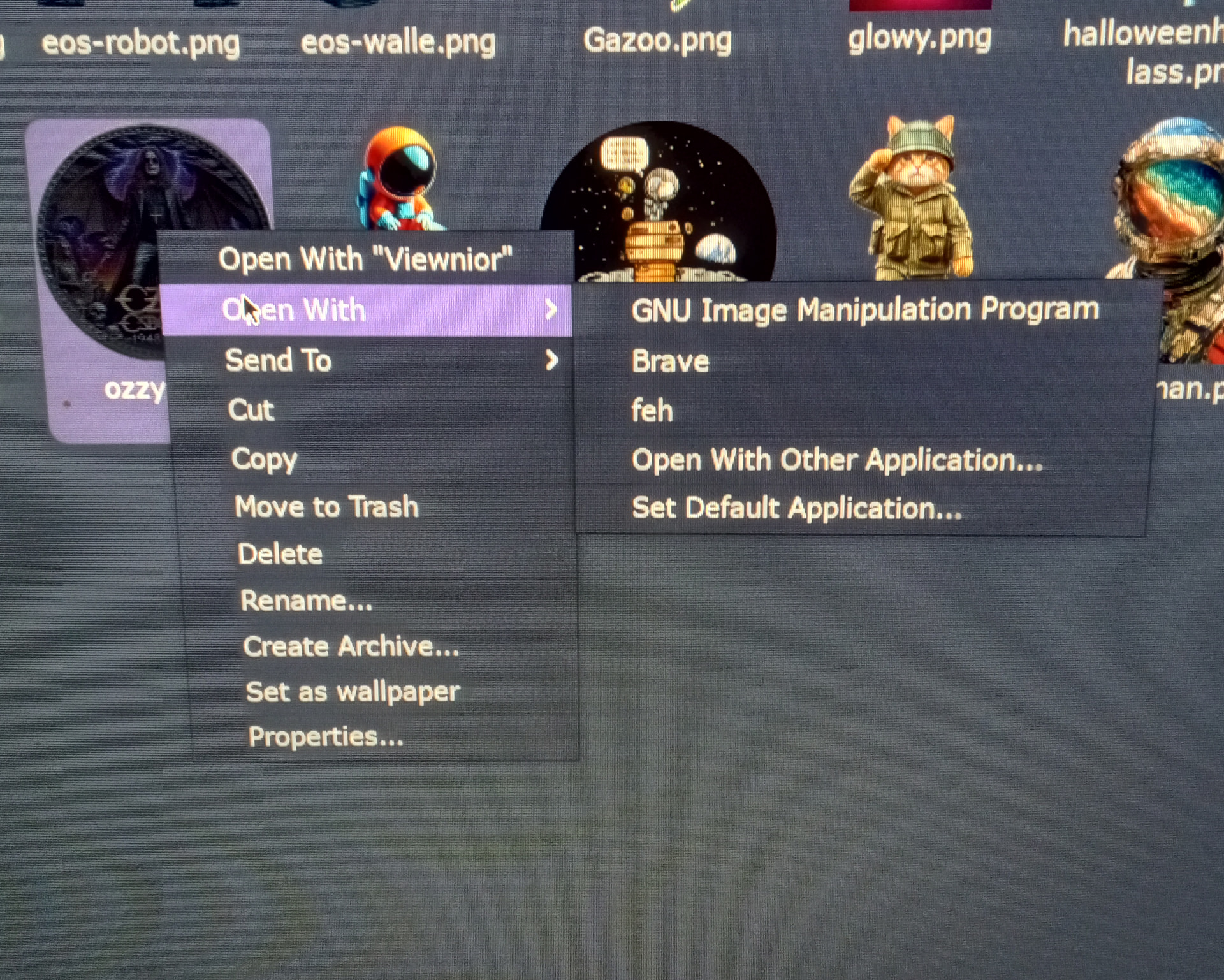


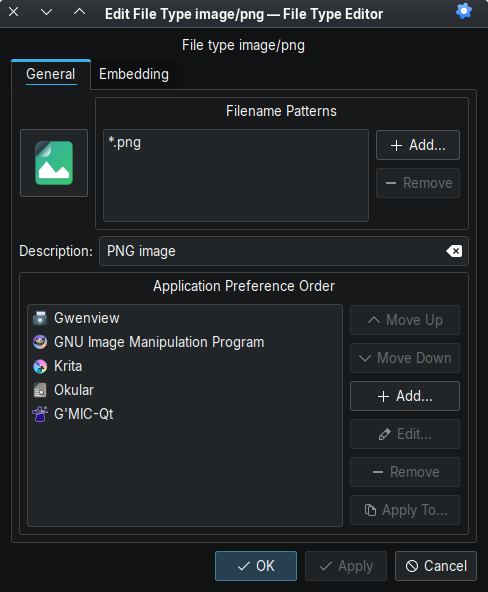
Ah, I get it now. I didn’t immediately understand what it was about
Think this is what you might be looking for.
Well, that’s a bit much!  Was hoping for a simple setting somewhere. I’m not eager to dig in that deep. It’s not THAT important. I can just click “other application”. Much quicker than dealing with all that. Appreciate the heads-up, though. I did bookmark it in case I have an afternoon to dig deeper.
GNU Image Manipulation Program is Gimp; so that is on the context menu.
If you want it listed as “Gimp” you can change the name in the /usr/share/applications/gimp.desktop file. But I think it will get overwritten next update.
Copy the file first to $HOME/.local/share/applications, then your edits will survive an upgrade.
Yes, I’m aware. I was just listing all I wanted in the menu. I’m most interested in getting Krita in the menu. For the life of me, I can’t figure out why it’s not included by default.
Another useful workaround: central clic (3-finger tap) opens the 2nd option, so that when the app priority order is well configured, you would only rarely need to open that context menu.
Excellent. Thanks for the tip. I never knew that!
It’s paradoxical… I use this when working with audio files. But it never “clicked” in my head that this applies to any other file types 