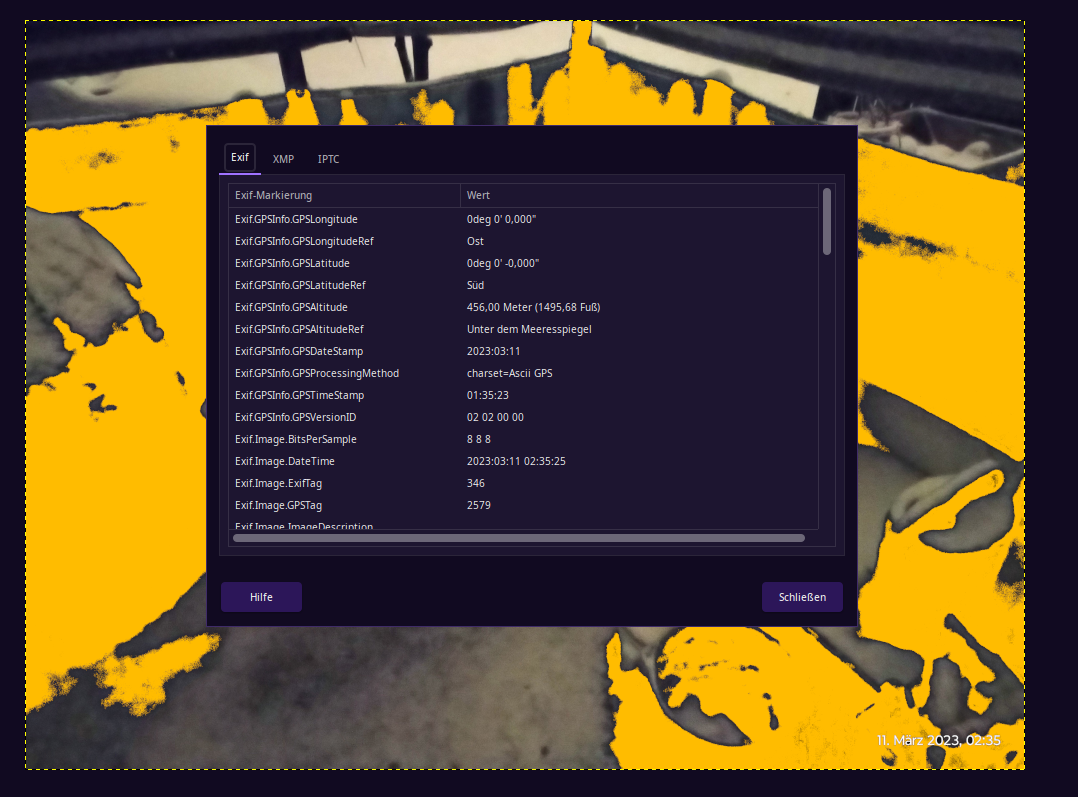
If you upload images to the website, you should avoid uploading images with embedded location data (EXIF GPS) included. Visitors to the website can download and extract any location data from images on the website.
I ve never considered removing this data, or even checking if it exists. I wonder how many folks even do this. Is this like the Title Lock commercial where they use a simple document to steal your home, or in this case, an image, for other nefarious reasons? Or is this for those who just prefer to hide their location?
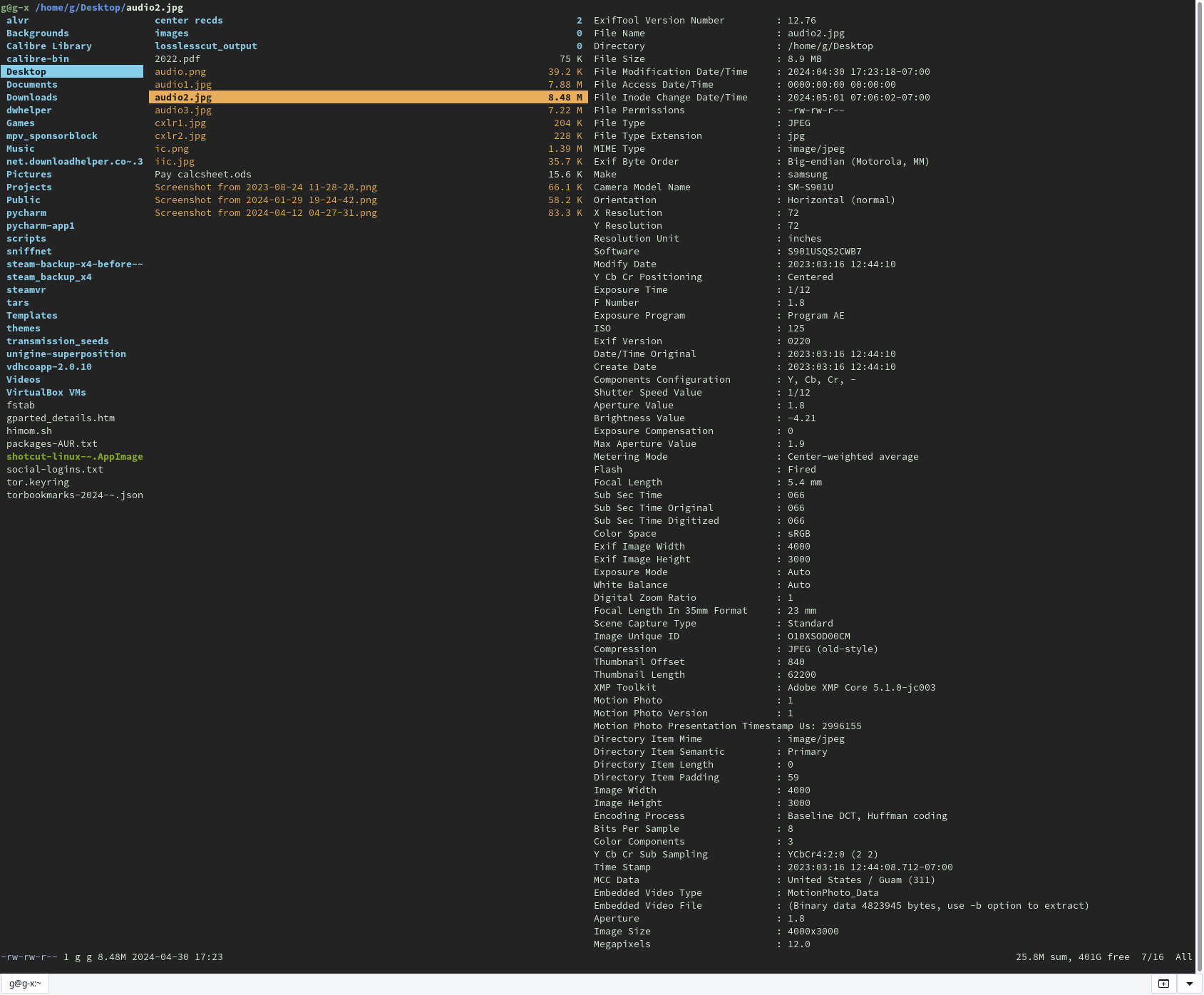
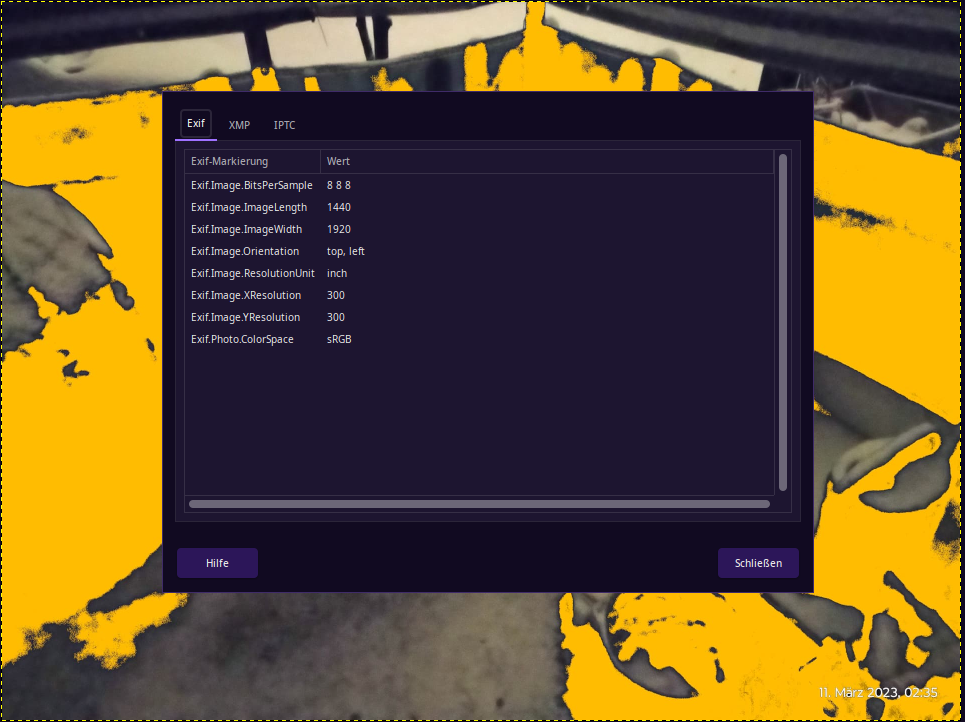
That brings up the question as to what app would show all the data in question. The most data I ve seen from an image is from ranger. Take the below images for instance. I see United States, but I also see Guam. I don t think that s geo location data though. Is there more data that can be had, and what app shows it?
and @sempterobit
josemonkey was no genius, we all assess surroundings, and he credited 90% of his online ‘sleuthing’ to google tools–OSINT is all about leaving obvious & blatant bread crumbs that the people–for inexplicable reasons–have no idea are breadcrumbs. Idiocracy territory of over-sharing rubes until 8:40 min mark. then we are no longer looking at pics we go into metadata behind the pics—scarier.
if you can marry the exif metafata to the online clearinghouses of info for $ale about you then we have an uncomfortable profile for weirdos to act upon. Then in about 2 minutes they abandoned the scary part. Nice part is I’m looking for more metadata-only vids. Great topic both of you.
I watched from beginning to end. I don’t fit the profile of who they are talking to here…My own self-interest after reading this thread was I don’t really post anything except a)other people’s stuff [memes music] and b: my desktop shots when I’m trying to help other forum users thru something.
I never really thought of what some pic (of mine) showing endeavour terminal output or picom rendering problem could be worth thinking about. Your vid got me thinking though.
That “JoseMonkey” stuff is a perfect example of why this matters - it’s wild how much people share without realizing it. Even if you’re just posting a screenshot of a terminal issue, if your file manager or camera app is tagging location or device serial numbers, it’s out there.
To answer the question about what apps show the most data, most Linux viewers like Gthumb or Digikam are great, but if you want to see the “raw” list of everything attached to a file (including the obscure tags), I usually just drop the file into an online viewer like https://www.thetoolapp.com/exif-data-viewer/ first. It’s a good way to see exactly what a “bad actor” would see before you decide to upload it to a forum or social media.
Definitely worth making a habit of checking until you’re sure your upload tool (or the forum’s software) is actually stripping it for you!