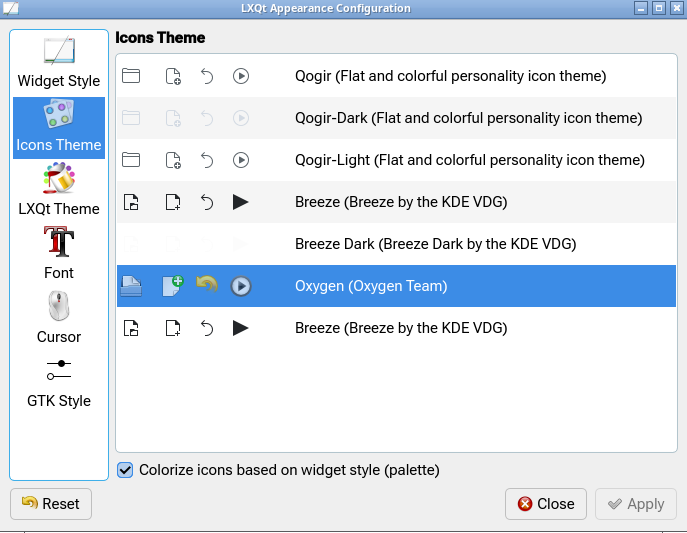
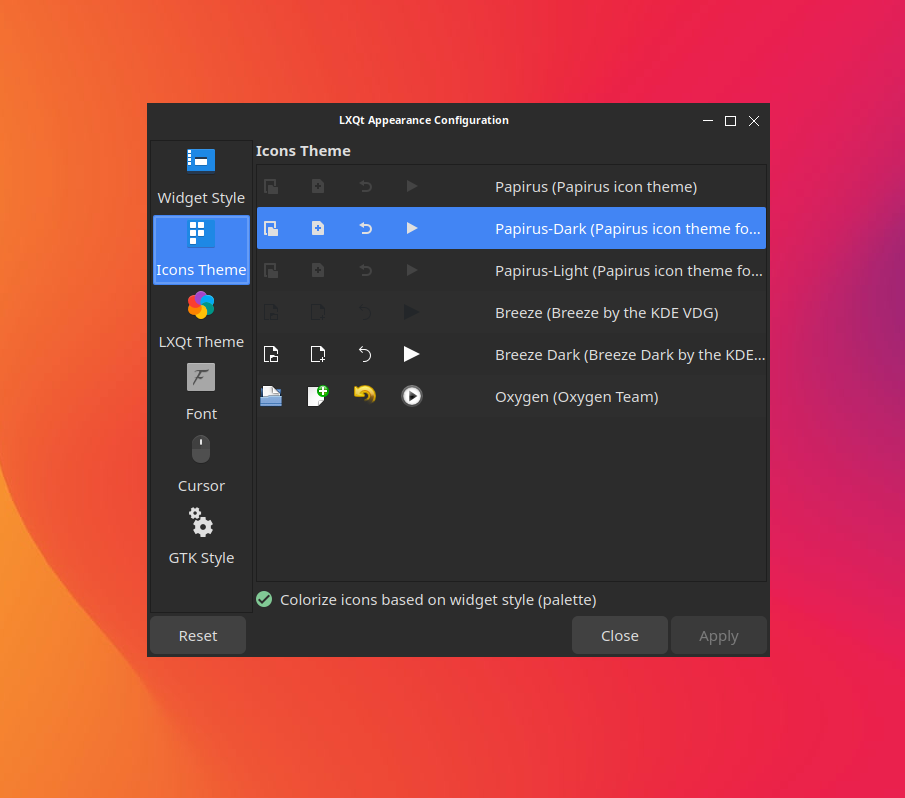
Icons Theme tab is empty in lxqt-config-appearance (LXQt 2.3.0)

Hello, I’m facing an issue where the Icons Theme tab is completely empty in LXQt 2.3.0. I’ve already opened a discussion with the LXQt developers here: https://github.com/lxqt/lxqt/discussions/2830

Does anyone here know a fix for this? I’ve noticed the same issue on other Arch-based distros as well. Any help would be appreciated

Welcome to the community @Ali-1074 :waving_hand::smiley: :enos_flag:

What shows up when you run:

yay -Q | grep icon
1 Like

Thanks for the welcome! Here is the output of the command:

[ali@ali-80k6 ~]$ yay -Q | grep icon
adwaita-icon-theme 49.0-1
adwaita-icon-theme-legacy 46.2-3
breeze-icons 6.24.0-1
eos-qogir-icons 2025.02.15-3
gtk-update-icon-cache 1:4.20.3-1
hicolor-icon-theme 0.18-1
kiconthemes 6.24.0-2
oxygen-icons 1:6.1.0-2
[ali@ali-80k6 ~]$ 

Hmm… I have the same installed on my EndeavourOS LXQt system, and yet icon themes are present in the UI.

$ yay -Q | grep icon
adwaita-icon-theme 49.0-1
adwaita-icon-theme-legacy 46.2-3
breeze-icons 6.23.0-1
eos-qogir-icons 2025.02.15-3
gtk-update-icon-cache 1:4.20.3-1
hicolor-icon-theme 0.18-1
kiconthemes 6.23.0-1
oxygen-icons 1:6.1.0-2

(slightly older versions, I just haven’t updated it in a few days)

Could you share the output of this please:

yay -Q lxqt-qtplugin

If installed, you’ll get a version number. If not, you might install it.

yay -Syu lxqt-qtplugin

This issue only started appearing after I did a fresh install today. I haven’t changed anything in the system at all. Since your system is working fine with older versions, I suggest you try a fresh install (maybe in a virtual machine) with the latest updates to see if the issue appears on your end too.

[ali@ali-80k6 ~]$ yay -Q lxqt-qtplugin
lxqt-qtplugin 2.3.0-4
[ali@ali-80k6 ~]$ 

Fair point. I’m downloading the latest ISO now. Allow me a bit of time :wink:

1 Like

Sounds good! Take your time. I’ll be waiting for your results to see if the same thing happens on a fresh installation.

1 Like

I have been able to replicate the issue with the latest ISO, using the default LXQt install.

At the moment, the only workaround I’ve got is to manually edit ~/.config/lxqt/lxqt.conf with your preferred icon theme.

For example:

icon_theme=oxygen

2 Likes

I’m glad you were able to replicate it! This confirms it’s a bug in the latest setup. I’m currently using the manual edit in lxqt.conf as a workaround, like you suggested.

Hopefully, this can be fixed in a future update now that the cause is confirmed. Thanks for taking the time to test this on a fresh ISO!

1 Like

The LXQt team has officially opened a bug report for this issue here: https://github.com/lxqt/lxqt-config/issues/1188. They confirmed that Qt 6.11 is breaking the icon display. Thanks for your help in reproducing this!

1 Like

Just not the lastest ISO it appears to have happened with an Update as I did my install back in December.
Just found this issue on my system. No Icons under the Icon Theme selection. Glad I don’t change my Icons to much just been using @dirn Plasma Icons.

1 Like

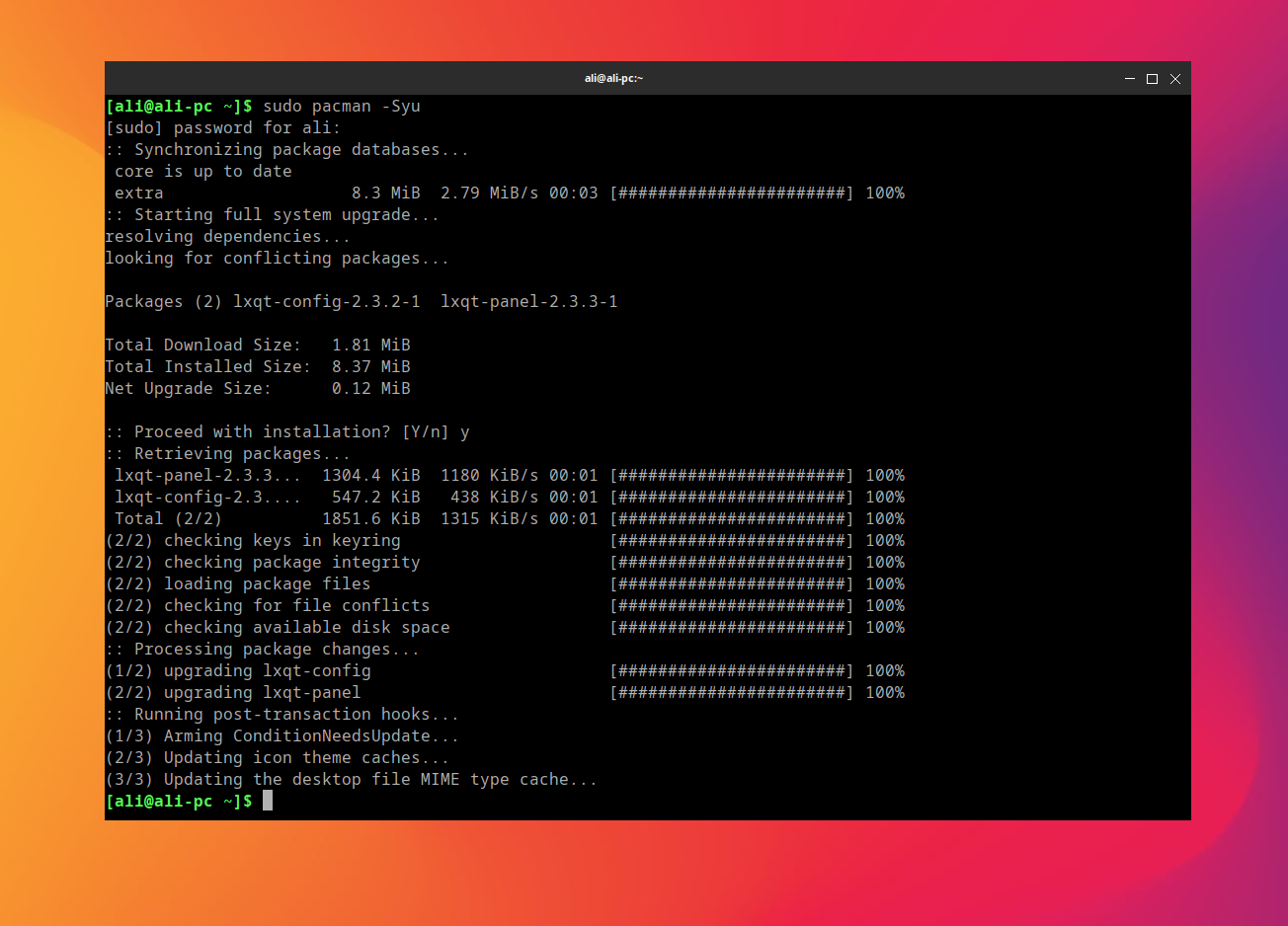
Quick update: I just updated my Arch system, and the issue is now resolved! The icon themes are appearing correctly in the UI again. Thanks to everyone for the quick fix!

1 Like

This topic was automatically closed 2 days after the last reply. New replies are no longer allowed.