Check what areas it is wanting to change anything, does it need to be done? Try working through things, sorry I cannot point you a better way and hope you get it going as expected
I also havent experienced nothing similar. Some extra setting messed things up, so plasma after boot cant remember exact layout of panel icons. Search in all settings related with icon arrangement, i would knew better if i had similar issue. It is certain that plasma itself isnt a reason. Hardly that this is a bug..but who knows..
This was an issue in the previous version of Plasma (anyway a couple of version ago). I had it in the past. Maybe a regression somewhere in the code but I have not been affected at the moment. You can try to see if anyone has already reported the issue on the bug tracker of KDE : https://bugs.kde.org/buglist.cgi?component=Desktop%20icons%20%26%20Folder%20View%20widget&product=plasmashell&resolution=--- Otherwise when I had that type of bug, I had to set my other monitors which had no icon to desktop mode.
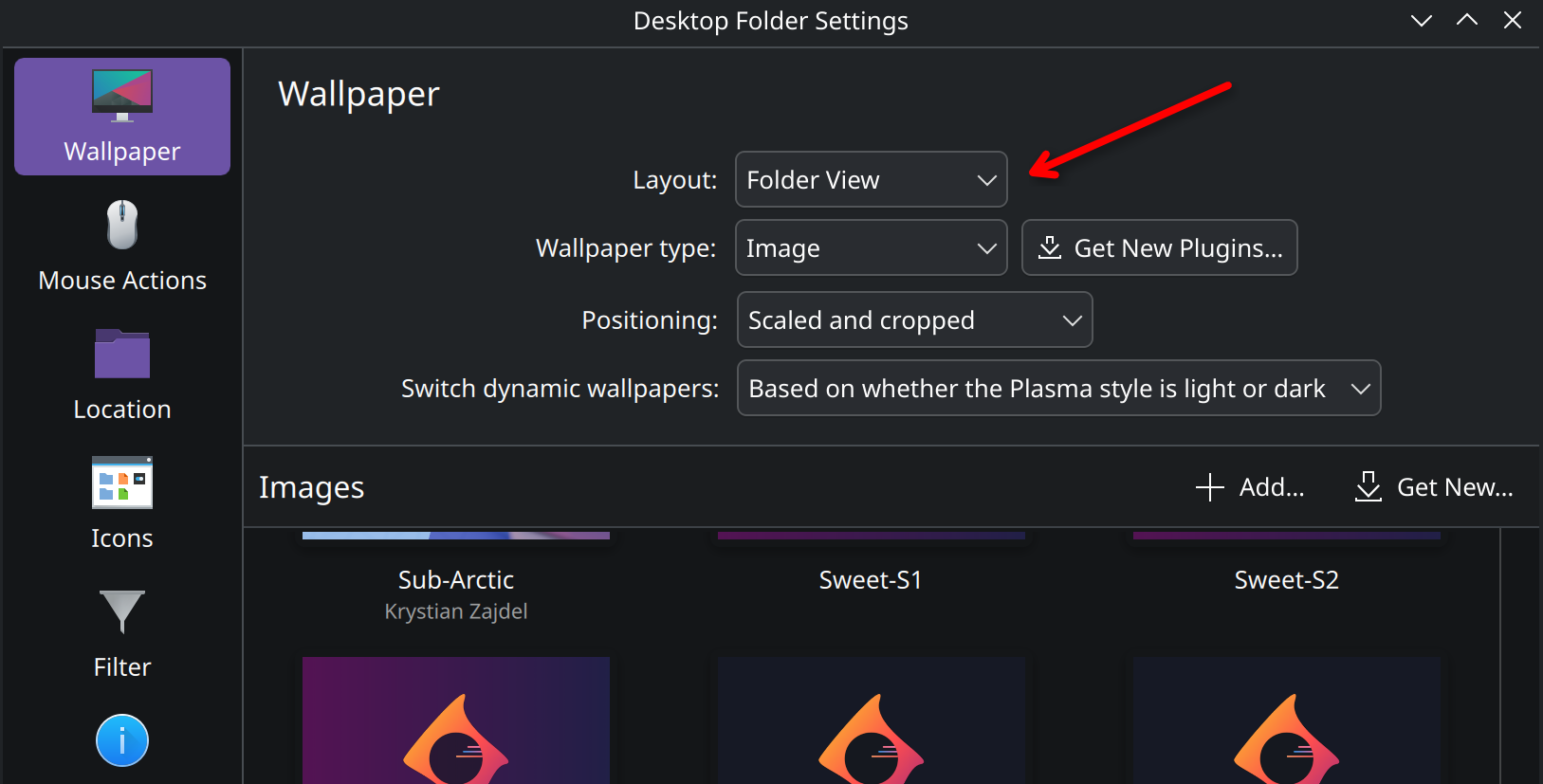
Right click on the desktop → Desktop and Wallpaper and set the “Other monitors” to Layout Desktop. (basically do this on seconday monitors)
Do this only if you have other monitors (and to the other monitors) and don’t do it on your main monitor where the icons are it will only hide them. Not sure if it can help or not in this case.