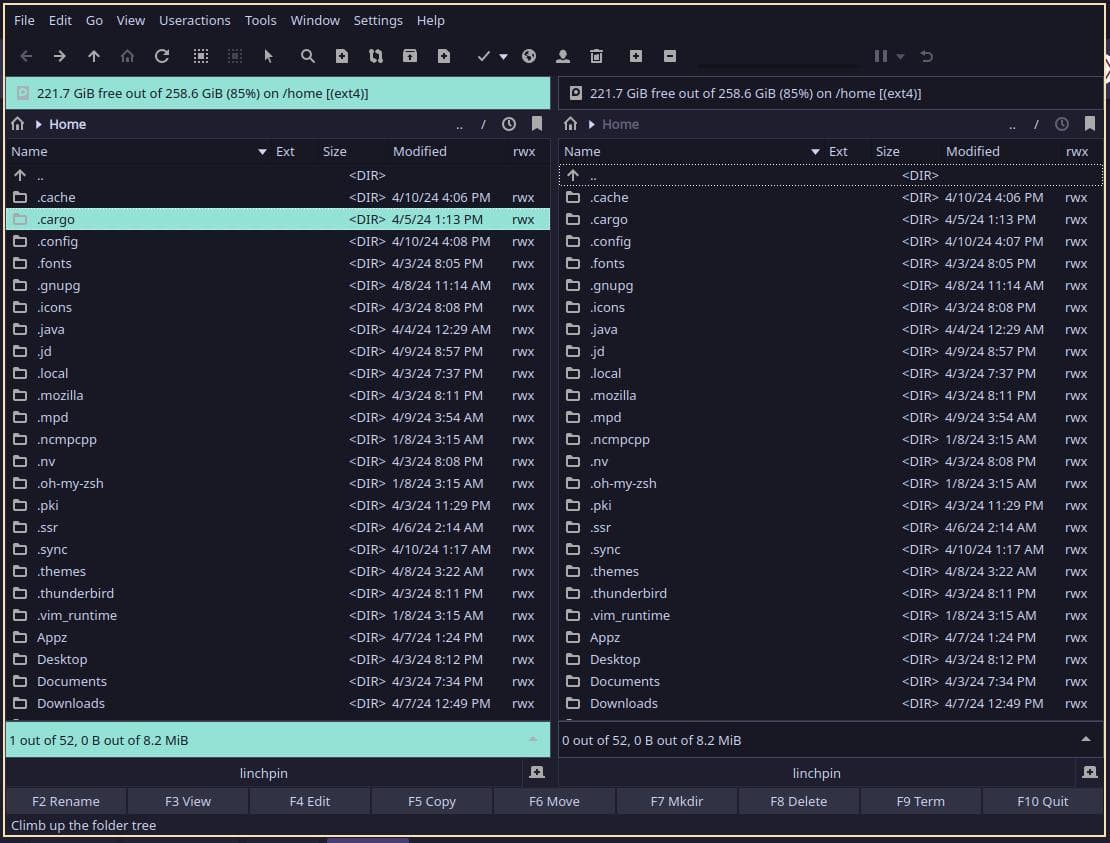
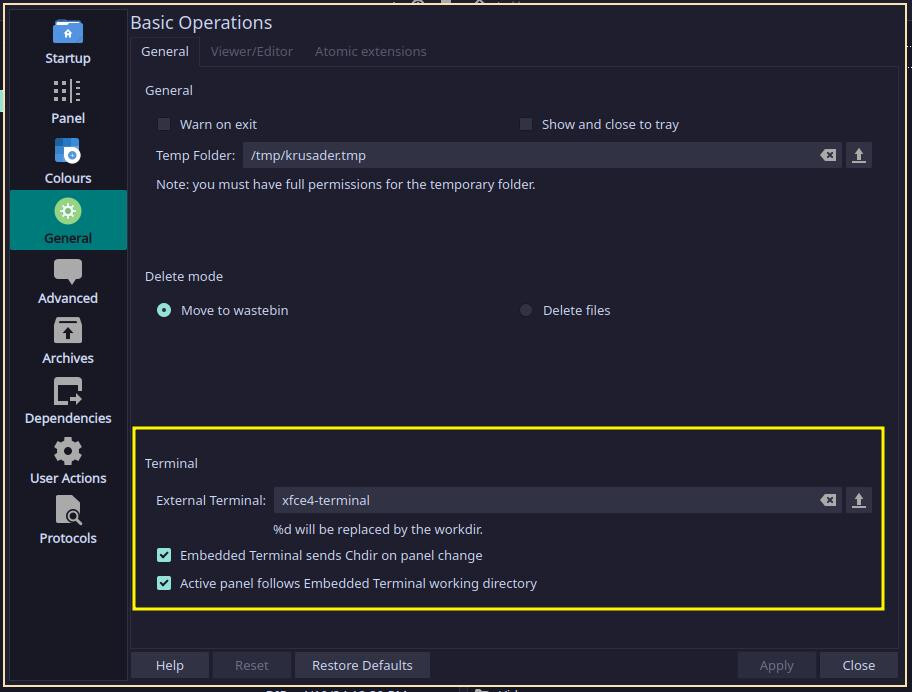
I’ve recently been exposed to Krusader. I have installed both it and Konsole to my system, however when I attempt to have Krusader display the embedded terminal emulator, a dialogue box asks me to install konsole, as opposed to performing the function who’s dependency I’ve already installed. I’m not sure how to solve this problem.
The other 2 things I’m wanting to solve is giving Krusader an icon pack to work with (I understand this requires some KDE dependencies but I’m not sure how to get these to talk to each other) and I’d like to change the toolbar colors to something other than the stock off-white coloration.
The following question is only for learning now, Krusader seems to have fixed this issue for me:
Also, this may be a really strange thing to want to do, but I’ve started to prefix my directories with 2 digit hexadecimal numbers (0a for instance) in order to make directory navigation faster when not in a gui. Does anyone know of a way to force any of the gui file managers to list directories in such a way that it respects the logical ordering of hex values (09 should come before 0a, not after.)
Read through my whole response. Apply the changes and you should be good. The only thing I am unsure about is your filename question. Someone else can help with that.
Actually, it should really be its own thread because it is a general question that has nothing to do with a specific file manager.
cool, Konsole is now working. perhaps if I do a reinstall of Krusader it’ll pick up the new dependencies I just installed and will fix the visual display issues.
As I said, it’s better to mark my first response as the solution, then take the last part of your question (about filenames) and make a new thread with it. People may not see that you have another question.