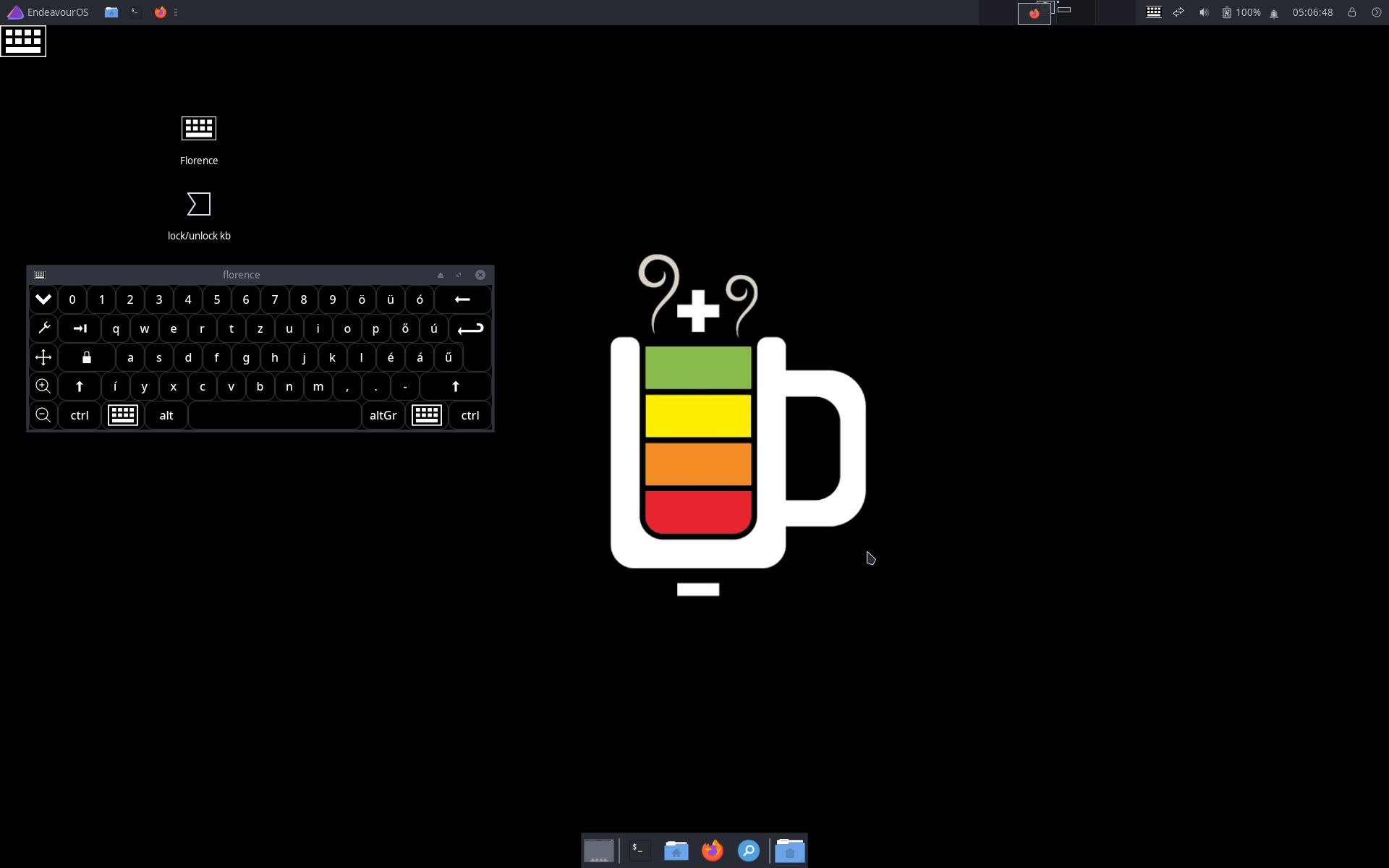
Hi guys,
Maybe this is very noob question. Is there a way to show battery percentage from lockscreen using xfce4-screensaver? And also, I want to show onboard when keyboard icon clicked. It does not show anything for now.
Thanks beforehand.
Hi guys,
Maybe this is very noob question. Is there a way to show battery percentage from lockscreen using xfce4-screensaver? And also, I want to show onboard when keyboard icon clicked. It does not show anything for now.
Thanks beforehand.
Hi @terradestroyer ,
Sometimes the ‘noob’ questions are the best ones.
First of all to get battery percentage needs some access to your system. If it is locked then let’s try another way.
#/bin/bash
#######################################
# Enables or disables laptop keyboard #
#######################################

# Keyboard name to work with
KB_NAME="AT Translated Set 2 keyboard"

# Grab keyboard ID
KB_ID=$(xinput list | grep "$KB_NAME" | awk '{ print $7 }' | sed -r 's/id=//g')

# Grab slave keyboard ID
KB_SLAVE_ID=$(xinput list | grep "slave  keyboard" | awk -F"[()]" 'NR==1{ print $2 }')
# Check if is in float mode, 1 = float
KB_IS_DISABLED=$(xinput list | grep "$KB_NAME" | awk '/floating/{ print "1" }')
# If is in float, reattach
if [ "$KB_IS_DISABLED" = "1" ]; then
    xinput reattach "$KB_ID" "$KB_SLAVE_ID"
    echo "Enabled"
    exit
fi
# Disable
xinput float "$KB_ID"
echo "Disabled"
Make it executable by chmod +x ~/keyboard.sh and having created a launcher on the desktop enable running it by mouse double-click.
xfconf-query --channel thunar --property /misc-exec-shell-scripts-by-default --create --type bool --set true
yay -S florenceSo unless your pets can handle mouse your system is partially ‘locked’.
Thie focus was on functionality not on aesthetic appearance. Don’t shoot at me.
wait wait wait.. so it does not lock my screen? it just lock my keyboard ?
Unfortunately I haven’t found a solution you specified. Mouse can be used to reactivate keyboard.
Were mouse deactivated by xinput as well then it whould have been reboot left.
It does not seem to be a trivial solution to me unless you update a lock screen with the data of
.../power_supply/BAT0/capacity
@terradestroyer ,
Now we are talking about the original issue, forget these pointless blah-blah.
betterlockscreen -l dim --text "Battery: $(cat /sys/class/power_supply/BAT0/capacity)%"
might be the best for you
I dont want my family to access my laptop when I’m not around, but sometimes when my screen is locked, I just want to know battery percentage when I touch my touchpad or type something to display my lockscreen… I want it like android lockscreen.
But thanks anyway, maybe if I’m stuck I’ll try your solution.
The above betterlockscreen line does what you need. Full stop. Should you have questions I know where I got lost (overcomplicated).
Edit:
cat bat_on_lock.sh
#!/bin/bash
betterlockscreen -l dim --text "Battery: $(cat /sys/class/power_supply/BAT0/capacity)%"
and call it by Super+L
Missed that one part, sorry.
I have done like you suggested and… IT WORKS. Thank you very much.
But there’s still a problem. The battery percentage stays from where the I locked my screen, no matter time passes. Is there anyway to update it, say, every one minute, or whenever I trigger to unlock it? (And if you don’t mind please teach me to automatically switch off my display after 1 minute locking my screen using betterlockscreen)
Oh and one more thing, how to show onboard while on my lockscreen state ?
I’m still missing the original idea of the whole issue.
In Power Management you can set what happens after 1 minute of inactivity.
Suspend, hibernate or with Xidlehook any other thing.
Look for Archwiki or dig out from previous posts here how to set up one of these.
Then on login screen having set up Accesibilty option F3 brings up On Screen Keyboard (florence).
@terradestroyer ,
I made 2 scripts for testing.
cat idlehook.sh # to the Startup
#!/bin/bash
xidlehook --not-when-audio --not-when-fullscreen --timer 60 '/home/a/merry_go_round.sh' '' &
cat merry_go_round.sh # to update battery status
#!/bin/bash
while [ 1 ]
do
 betterlockscreen -l dim --text "Battery: $(cat /sys/class/power_supply/BAT0/capacity)%"
 sleep 49
 killall i3lock
 sleep 1
done
They need some fixes because lock is too frequent.
thank you very much, it works for my needs, at least for now
Should you have black lockscreen,
betterlockscreen -u <yr wallpaper> --fx dim,blur
and if you want to leave seconds
mkdir -p ~/.config/betterlockscreen/
cp /usr/share/doc/betterlockscreen/examples/betterlockscreenrc ~/.config/betterlockscreen/
geany ~/.config/betterlockscreen/betterlockscreenrc
time_format="%H:%M"