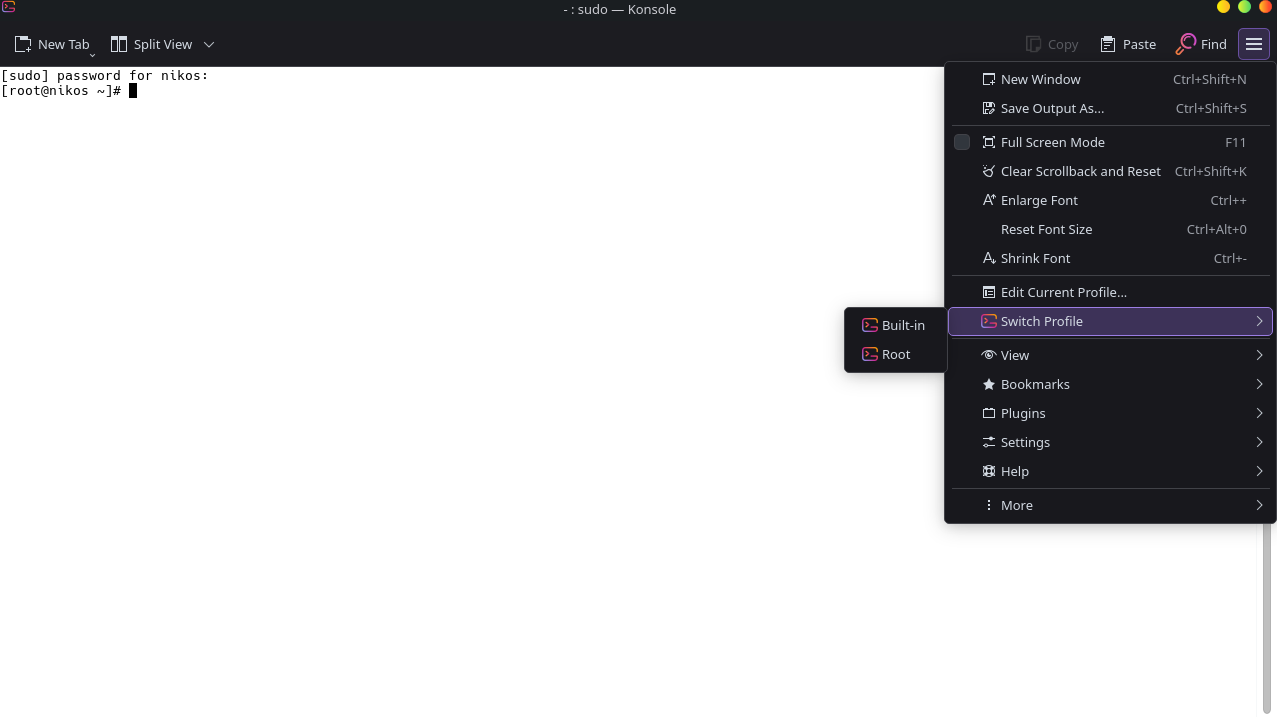
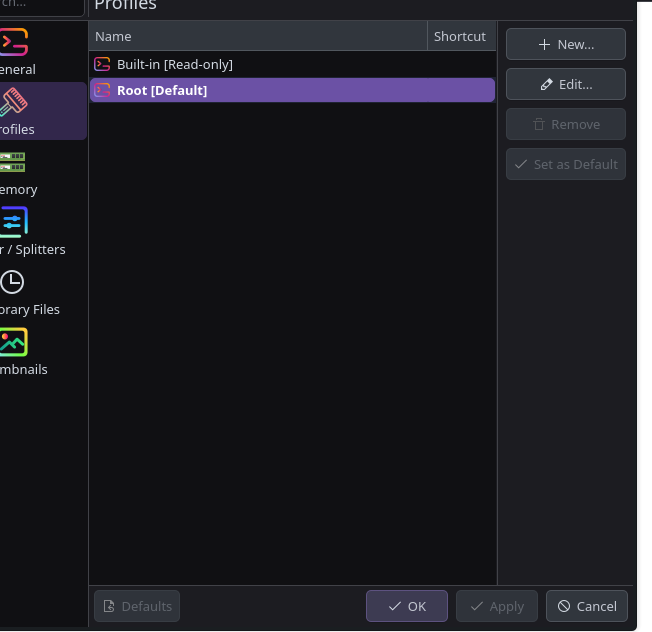
the problem started when i tried to install fish. all was fine until i tried to unistall fish and go back to classic bash… EVRYTHING BROKE… i couldnt do sudo commands so i had to make a root account and now im stuck with that fking white screen and asking me password every time i open it.
anyone nows how can i bring it back to default setting or download it agaiin OR WHAT SHOULD I DO ???
Welcome to the forum. Sorry to hear you’re having troubles.
I’m going to assume that you’re running Konsole as your only terminal since it comes with KDE Plasma as default. Are you able to open Konsole? Do you get any errors when opening Konsole?
If you are able to open Konsole and type commands, it’s likely that this is just a shell configuration problem and Fish didn’t uninstall gracefully. The trick is to switch back to bash before removing Fish with “Run chsh -s /bin/bash”.
Here’s the link with all the commands needed to remove Fish and return to Bash.
Uninstalling fish
If you want to uninstall fish, first make sure fish is not set as your shell. Run chsh -s /bin/bash if you are not sure.
If you installed it with a package manager, use that package manager’s uninstall function. If you built fish yourself, assuming you installed it to /usr/local, do this:
rm -Rf /usr/local/etc/fish /usr/local/share/fish ~/.config/fish
rm /usr/local/share/man/man1/fish*.1
cd /usr/local/bin
rm -f fish fish_indent
If that doesn’t work, you’ll have to repair your install by booting from the live ISO, and chroot into your install to run the repair command above. Link to chroot recovery here.
did you switch back to bash when uninstalling fish? did you use the “chsh” shell command at all? I am not unsing palsma, nut I am sure in Konsole you can configure the shell command you want to use in addition (override) to your current system’s shell.
But really no clue what you messed up when “creating a root account”…
EDIT @MrSmartepants was quicker (and more helpful with real commands) - follow his suggestions please
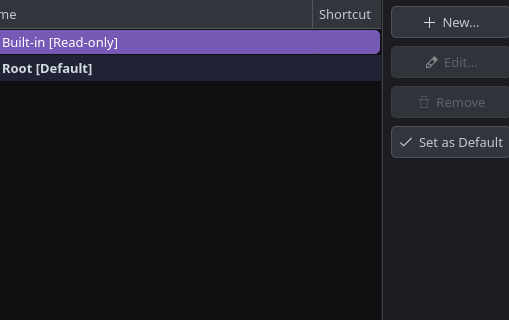
i unistalled fish,i cleared any left orphaned packages and i used the chsh command. i have the default konsole from kde. the problem is i have now two accounts, the build in and another one root that shows the white screen i told and asks every time for password. I just wanna bring back the konsole to the state it was.
Konsole profiles should be saved in ~/.local/share/konsole/.profile. I don’t know for certain since I only have one profile, but if you want to start over completely could just delete them all. I only have the “built-in” profile so I don’t even have that /.profile directory.
Glad you fixed it! If you REALLY want to reset an app back to defaults, just backup/rename the existing config files (just in case) and nuke the entire folders. Most apps have their configs stored in: