
He looks like to be more into Ubuntu.
@UncleSpellbinder hope this thread hasn’t unsettled you 
I never talk bad about an OS, not even Windows.
Just wish I could get all those wasted hours back. 
Not a chance!
It has unsettled the rest of this community and the Linux world at large 
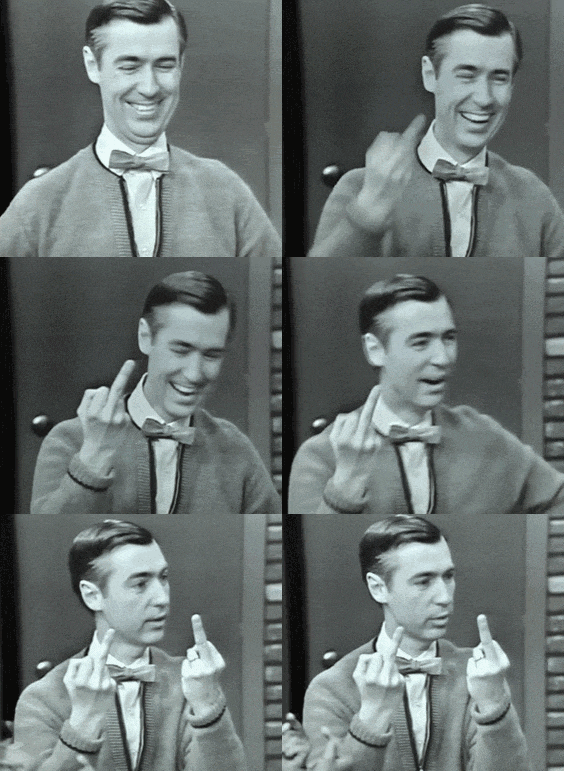

You are welcome!
I tried openSUSE TW for the last 3 days. A lot of bloat was installed during the default installation. I had to remove so many things. Also Plasma-Login-Manager is actually not in the openSUSE Repos. You have to install it from OBS. There are some user repos that have Plasma-Login-Manager, but who could I trust? The same question like for the AUR. I decided to reinstall openSUSE and disable all of those things that I don’t need in the installation. I liked it. Had some trouble with my settings and some apps, but made it work … Today I found out again what my biggest issue in openSUSE TW was months ago - stuttering. I got a lot of stuttering no matter what I did. Scrolling websites in my browser, trying to start apps or just want to work … Stuttering all the time. Enough is enough … So I restored my EOS backup that I took 3 days ago. Everything is working fine.
Good luck, @UncleSpellbinder ! 
You know I’m just messin’ with ya. 
I deserve it… I guess 
Not sure what you mean by bloat, but it seems like a typical KDE Plasma install to me. Minus Plasma Login Manager, of course. And I have no stuttering issues. So far, running smooth as silk. Time will tell.
In my case, I did not remove EOS. I installed on a laptop. EOS will always remain my main, day-to-day OS on the PC.
Guys I think we are missing a very important distro. Slackware and BeOS.
@UncleSpellbinder please use slackware or BeOS.
Perhaps at some point.
If you “unsettle” on your current choice, here’s another one 
'Kader⁴² is an Arch-based Linux distribution featuring the KDE Plasma desktop. It is designed primarily for convertible laptops (the types that offer both laptop and tablet modes), with useful features such as display rotation, appropriate launchers and menus for notebook and tablet modes, pre-configured swipe gestures similar to those on Android or iOS, and on-screen keyboard in tablet mode working out of the box."
Yes, you are right. openSUSE installs VLC and LibreOffice by default. Furthermore KDE Games are installed and all of the PIM apps are there after installation. X11 session is also the default. There are lots of packages that I don’t want to have in my distribution. EOS and Arch Linux aren’t installing them.
And most important for me: Icon set “Monochrome Icons Using the Plasma Theme Color Scheme” by @dirn is not working with default KDE Plasma Launcher. Only icons in the task bar and favorites use these icons. “Yet Another Monochrome Icon Set” is working without issues. Installing “AppGrid - Application Launcher” by @xarbit works with Dirn’s Monochrome Icon Set.
Wow, that could be fun to play with if I had a suitable laptop :0 also quite newly minted as I see it.
Select the installation type - server. On the last tab, in “Software”, select - basic KDE installation.
Exactly what I did.
Good to know! Thanks. Will try that on my next installation … when I have the time and feel like it.
I tried it again today Not mine…  In the sense of a system.