Sorry to be so vague but I don’t have much to work with here. I installed the hyprland package just to see what all the fuss was about and logged out and then logged into a hyprland session. I got a strange wallpaper and a very tiny bar across the top with a message my old eyes cannot really read. It said to make this go away I need to edit a configuration file but there is no way I could read the rest. It then gave some key combinations. I had no cursor so the mouse wasn’t working, I don’t know if it was supposed to. I could read super and I had no idea about the other letters. Too small. I was assuming it meant the windows key when it said super so I tried every key on the keyboard to get it to quit the session starting with super q thinking that was a good start. Nothing. I finally had to shut the laptop down with the power button since there was no other way to get out of it. What do I have to do so it isn’t completely angry? I know Wayland is experimental and prone to weird things happening but it should at least have a way to shut down without using the power button I would think. What file do I need to edit and what is it looking for in that file to make it work? I’d like to see the thing in action. It will be interesting to see how it works.
Someone seems to be having a FOMO moment. Based on everything you just said, I’d recommend avoiding Hyprland and sticking to regular DEs.
However, if you would really like to try it out and don’t mind a little reading, then there’s a wiki for that. The wiki: https://wiki.archlinux.org/title/Hyprland
The first time I installed Hyprland without following the wiki (just installed it willy-nilly), I got a blank screen and had to reboot, just like you. But once I followed the wiki (several months later), it logged me in just fine (with a basic taskbar and everything), even though I have an Nvidia card which Hyprland (and Wayland) doesn’t really like all that much.
In general, the “flashy” Wayland window compositors are for intermediate to advanced users, or users who like tinkering and/or defining exactly how their desktop experience functions and/or looks.
PS: JOMO moments are better. 

With a WM you have to configure everything yourself. So your panel, a settings menu (if you like one), etc. There are projects out that give you a pre-setup if you like and you can search for others people’s configurations.

Thanks for the link. I had to look up FOMO and JOMO. LOL I’m old. I’m not really afraid of missing out, just curious what the hoopla is all about. Hopefully the directions are pretty easy to follow. I’ll see what happens. Every tiling window manager I’ve tried so far has been a flop. They all drove me to insanity trying to do anything. I’d try to open a program and then I’d remember there was no applications menu as such, I needed a keyboard shortcut to bring up one and the list went on. I spent more time fighting with the stupid thing and got nothing done and in the end I just gave up. I tried i3, qtile, dwm, awesome and a couple of others. I ended up going back to xfce. KDE has too many options and menus and Gnome is just weird. I tried my hardest to get my head wrapped around Gnome but it’s just too alien and confusing. I suppose if I had a gun to my head and it was learn the thing or die, I’d figure it out… LOL People spend all this time customizing their desktops… I have zero artistic talent…zero. When I was a kid, back when dinosaurs roamed the earth, I actually failed art in school… PE too, actually. I know, how do you fail those? If I can just get something working and slap a decent background on it then it is good. That is all I am going to mess with. I have no idea what looks good and what doesn’t and if I start messing with things, I’ll just end up breaking it and it will take me months to fix it. Best leave it alone. LOL If this blows up, I might just try Cosmic. It’s another one I hear a lot of chatter about and how it’s the one to rule them all. I don’t believe that but I am curious about this rusty desktop.
If you were just looking at it then why didn’t you just download an ISO that offers a LIVE enviorment of it. This besides a VM is really the best way to “TEST” things. Window Managers are very different from Desktops. Window Mangers are Build it yourself. Maybe slow down and read about things before just “Trying them on”
It looks like with this laptop anyway that Wayland is just too experimental to work. I’ve got no trackpad working. Works fine under X but with Wayland it’s deader than a doornail. I’ll have to try this again on another machine maybe with a generic mouse that Wayland can actually support.
I discovered what was making Hyprland not work. I was using the LTS 6.12 kernel which hyprland truly hates and absolutely will not run on. After switching to 6.18 I was able to get it running and got waybar quickly up. It was functional but quite ugly. I can see with quite a bit of work it can be made to look nice but after a lot of thought of what I want to do with this little laptop, I opted to go with something else. I am going to do a lot of writing and research primarily with it and want to use emacs. What better than to use exwm? So far I have managed to get it running but I can’t get the keymapping for the window manager to respond. I took the code straight from the exwm wiki and used that to fire it up and the super key is dead. I thought it might be the laptop or a system issue but the super key works in xfce so somehow it is just in exwm. I’m sure after banging my head into a wall for a few days or weeks, I’ll figure out either why it didn’t work or some way to patch it to another key or something. So far all I get is the key is undefined message when trying to use it. It apparently recognizes it as S-r or S whatever, it’s just doesn’t know what to do with it, even though it’s defined in the init.el file. I have seen a lot of other people had the same issue but so far no obvious solutions. C-c C-f should give me full screen but it’s undefined too. Something is disconnected somewhere but I’ll eventually sort it out if I keep beating my head into the desk. Since I know the super key works in XFCE, it’s not system wide so I have that. There must be some package I can install in emacs to magically make it work and I just haven’t found it yet. Emacs is great when you have everything installed and configured just right.
Nothing wrong with distro hopping! I think we all do it to some extent. EOS hits my sweet spot and I’ve settled here now for several years. Some folks stay, some move on, and that’s the joy of Linux. Tiling window managers are great for some folks. I’m an older dude and like the fiddle factor, but I would never give Hyprland to my wife and expect her to be happy using it.
Since XFCE is a comfortable environment, stick with that, and try installing XFWM to get the tiling effect.
Also, don’t know how you’re testing out distros, but I suggest installing Ventoy on a USB then using it to launch live ISOs on your laptop. Saves you a lot of time and heartache and will help you, in essence, “try before you buy.”
Go forth and conquer, my friend!
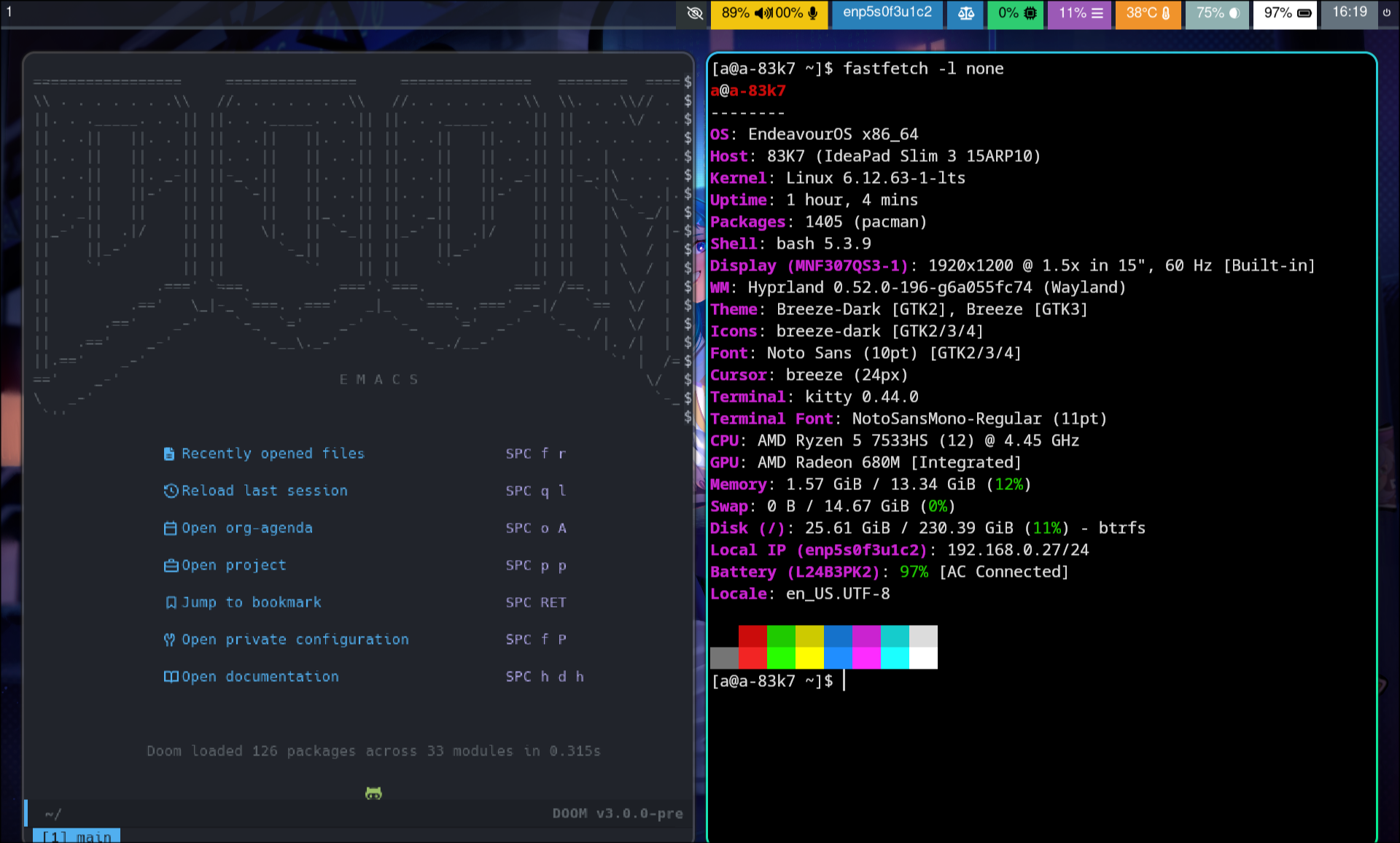
Started from Plasma
yay -S hyprland-meta-gitHaving installed selected hyprland session
checked keyboard in
~/.config/hypr/hyprland.conf
yay -S waybar emacs
cp -r /etc/xdg/waybar/ ~/.config/waybar/
systemctl --user enable --now waybar.service
As DT pointed out Doom Emacs is also an alternative:
git clone --depth 1 https://github.com/doomemacs/doomemacs ~/.config/emacs
cd ~/.config/emacs/bin
./doom install
further on in case you change anything in the 3 config files do not forget
~/.config/emacs/bin/doom sync
Do not reinvent the wheel follow others not me.
Not true. That’s just on your system. I use Hyprland with the LTS kernel just fine.
I suspect what fixed the issue is a combination of things you did while troubleshooting.
Mike, I am using Ventoy. Once I get to something that looks promising I’ll install it and run with it. I have several laptops running different distros. I setup exwm on a laptop running mxlinux to see what would happen and it worked right off. So I wiped the drive on this one and installed Debian 13 as that is the base of MX and lo and behold EXWM worked. Or it did. I attempted to add rofi to it and then it went downhill. I took out all the lines I added and it’s borked at the moment. It loads without error but it’s frozen with no keyboard shortcuts working and you have to power the computer off to get out of it. I’ll figure out why eventually but at the moment I can’t see the forest for the trees. I went to Debian because that is where I am most comfortable. I don’t mind dated and I like stable. I hate surprises. LOL I want to get it working and not have to worry about it not doing so in the near future. I don’t know why EXWM refused to work in Arch. I used the exact same lines in my init.el on both. It is a mystery. Even the kernels are the same. 6.12 I can’t understand why but it works or it will again. I’ll get to the bottom of it somehow