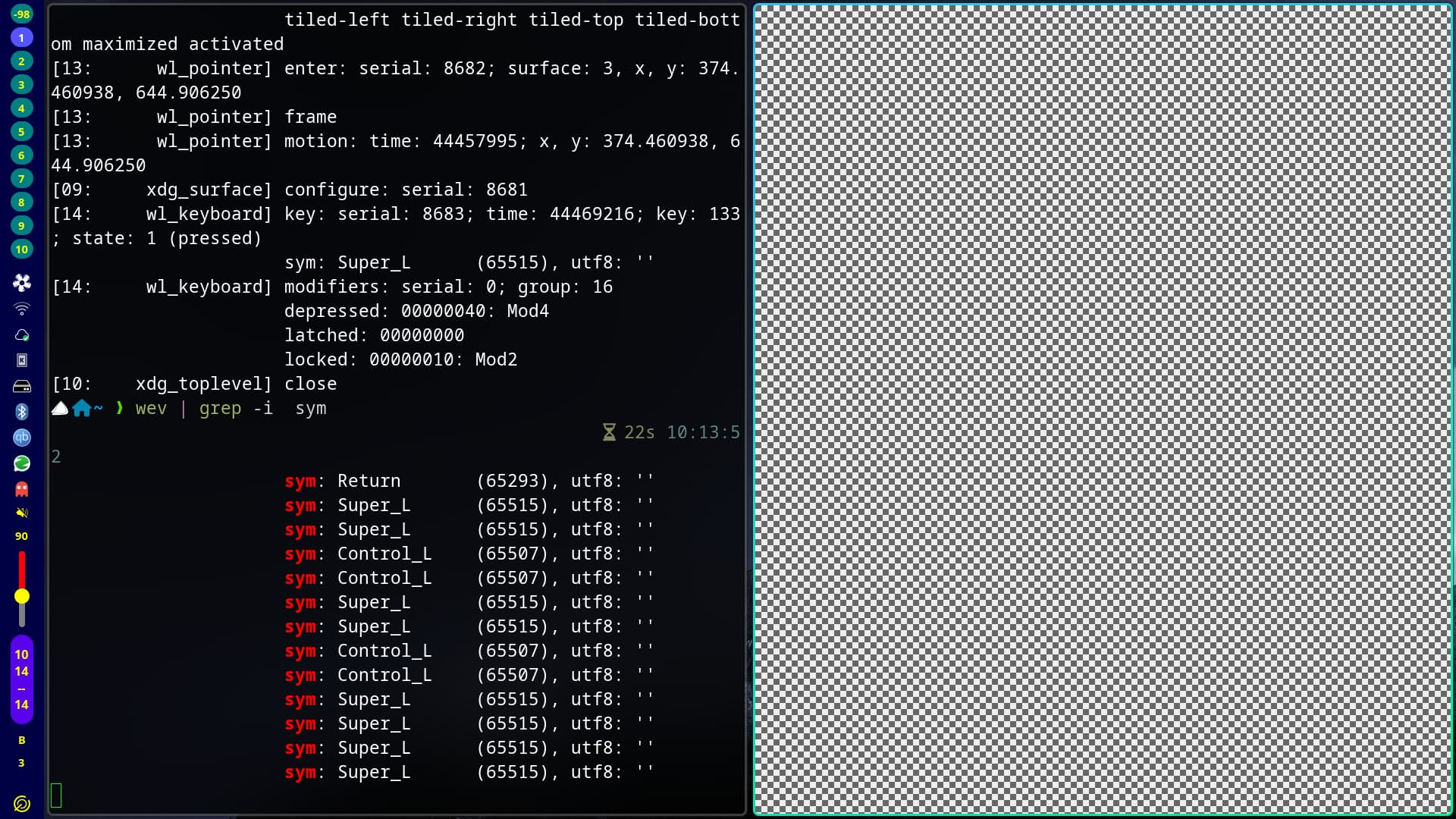
I tried to search around and even (gasp!) rtfm’d, but I’m either blind or it hasn’t been covered elsewhere.
I’m experimenting with Asahi Linux, which works quite magnificiently on my M1 MacBook Air, but I have a dumb WM problem. Does anyone know how I can make my $mainMod into the Apple Command button? I don’t want to mess up my muscle memory for Apple keyboards, but just haven’t found how to refer to it in the configs.
“SUPER” is the def for the COMMAND key on mac keyboard.
hyprland.conf on my MacBook.
###################
### KEYBINDINGS ###
###################

# See https://wiki.hyprland.org/Configuring/Keywords/
$mainMod = SUPER # Sets "Windows" key as main modifier
Many thanks for your replies! Didn’t manage to get it to work even though the settings and keybinds should be all copacetic. I think there might be some weirdness with Asahi still being pretty experimental. Will come back to trying it a bit later, meanwhile I think I’ll just stay with KDE for now.