Hi folks. I’m still very much an arch newbie, and have been using EOS since April. I’ve been dealing with this issue since mid September.
Went on vacation for the first 2 weeks of September. After getting back I ran updates with pacman -Syu and from point forward I started having random frame dips. A few games I experienced this in was Cyberpunk, Monster Hunter World, Subnautica, F.E.A.R., and others. I generally lock my games at 120FPS, and I was getting dips into the 70s. There didn’t seem to be a common theme for why, like a program running in the background or settings in the games. And it seemed to be in everything I tested.
I ended up deciding to do a full reinstall of EOS, since at this point I’d been using it for a while and thought it wouldn’t hurt to have a fresh start. I also was having a separate issue with my Ethernet connection cutting out every few hours, and I hoped the reinstall would fix this as well. This was around 2 weeks ago.
Initially it was a fix. My games and system were running great and I was having no issues. On October 28th, I tried plugging my TV into my GPU, something I’ve done before with no issue. I enabled the display in system settings, and I get an error saying something along the lines of “Driver error, settings refused and reset.” I’m also not able to move my cursor at all after it says this. I unplugged my TV and was able to use everything again, but the FPS drops reappeared immediately afterwards.
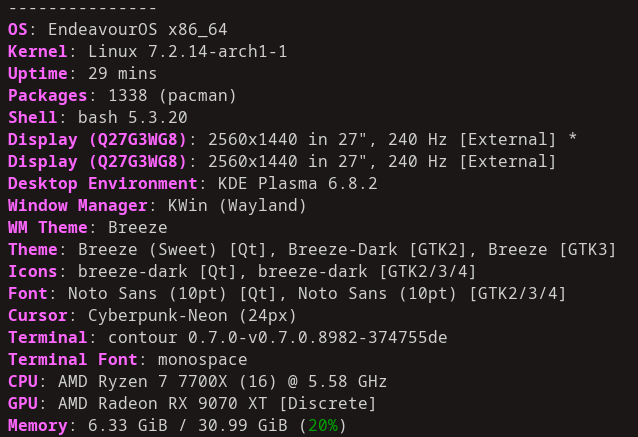
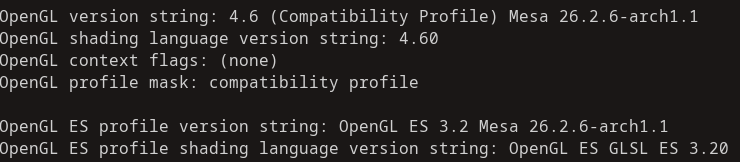
I’m at a total loss as to what to do, and I will list below my hardware and everything I’ve tried so far to fix the issue. Any suggestions welcome, and thanks in advance for any advice.
Things I’ve tried:
Using different DP cables
Using one monitor at a time
Running games in windowed mode
Using kernel 6.18
Allowing screen tearing
Toggling async
OS reinstall (temporary fix)
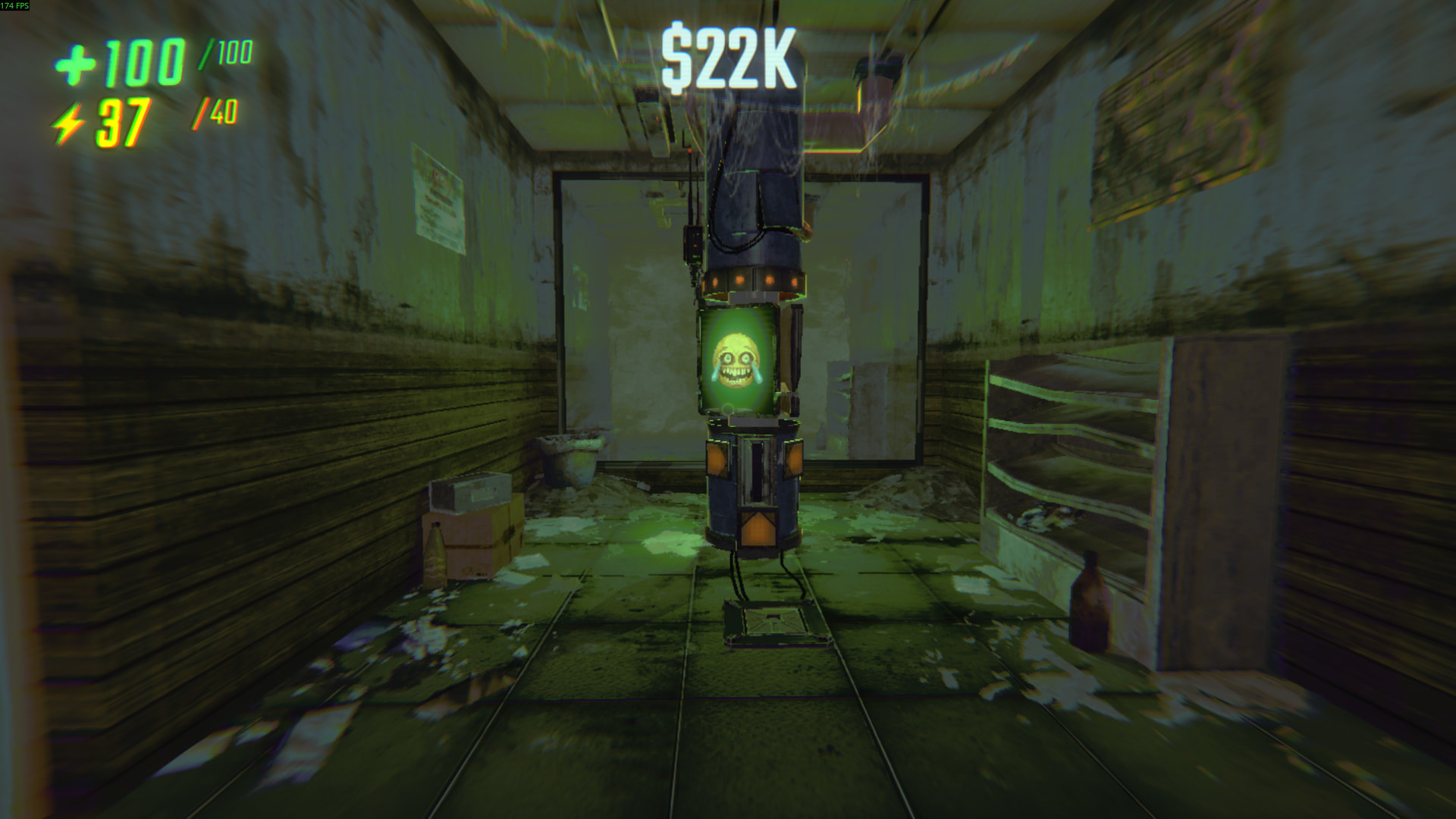
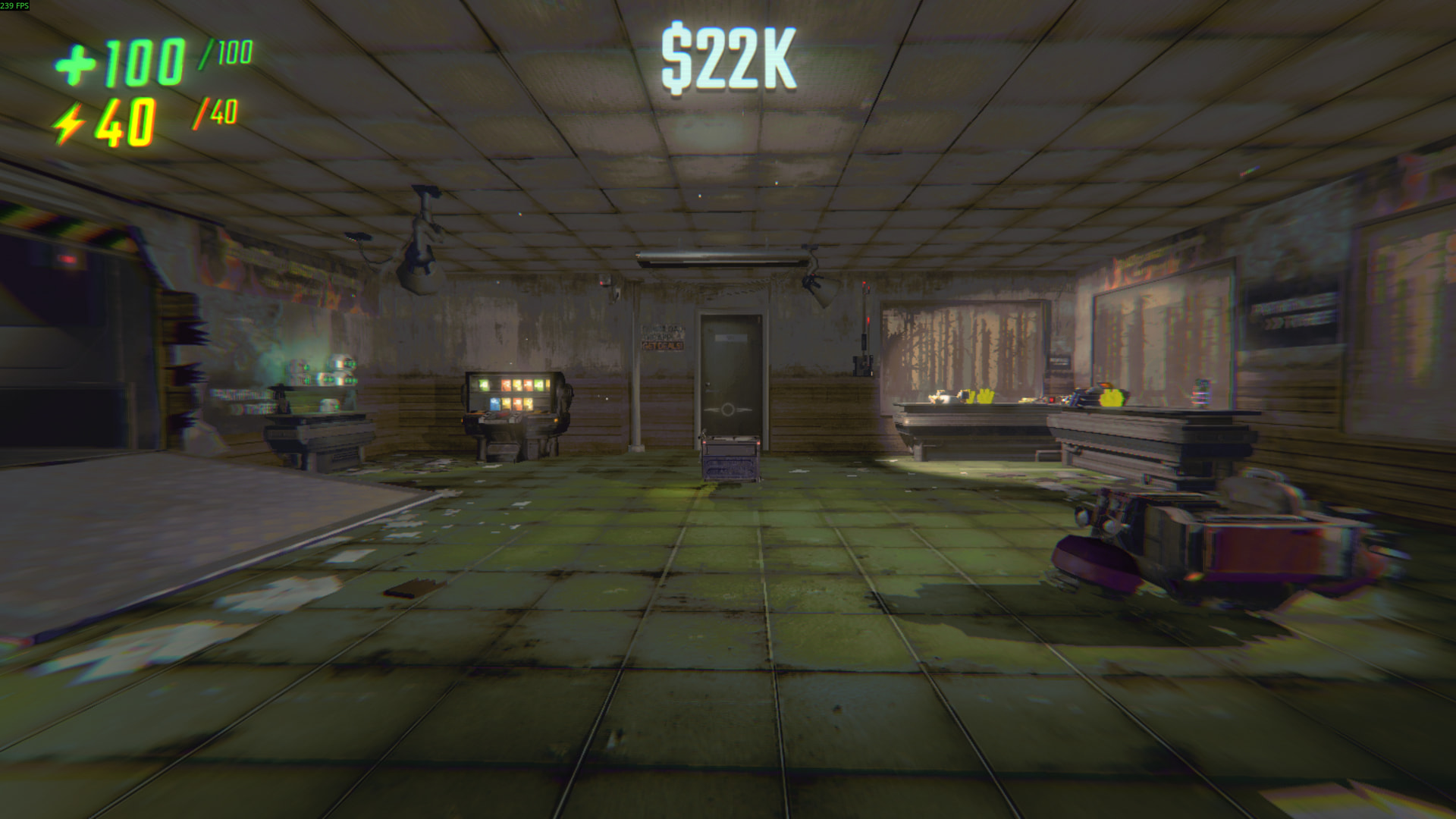
At times the issue is only in certain areas in games. In the REPO shop area, looking at the cosmetic terminal drops my frames dramatically from 240 to 180-160 when this wasn’t an issue previously. I can replicate this issue 100% of the time.
They introduced a new feature in the display settings of KDE Plasma.
Something related to color accuracy, which needs to be changed / turned off again, if I’m not mistaken. Can’t check, as I’m not on KDE Plasma anymore.
I read about this while researching my issue. However, I don’t use an ICC color profile, and I was under the impression it had now been fixed. Though I may be wrong
To be clear the color accuracy settng is not a new feature , it has been there for, think even before 6.75.
But it seems nobody ever noticed this before the setting solved a problem temporarily
Even in an xfce desktop I still had issues. I’m using REPO as my test game since it’s the easiest to test. It might be worth noting that xfce (Wayland) wouldn’t work, it just gave me a black screen. I just used xfce.
Just finished doing some testing. After the driver reinstall the issue persists. The issue in Repo is still present. In Stellar Blade and Atomic Heart I’m still having dips down below 100fps when I have it locked at 120fps. Again, none of these issues were present before the error with my TV.