Hi,
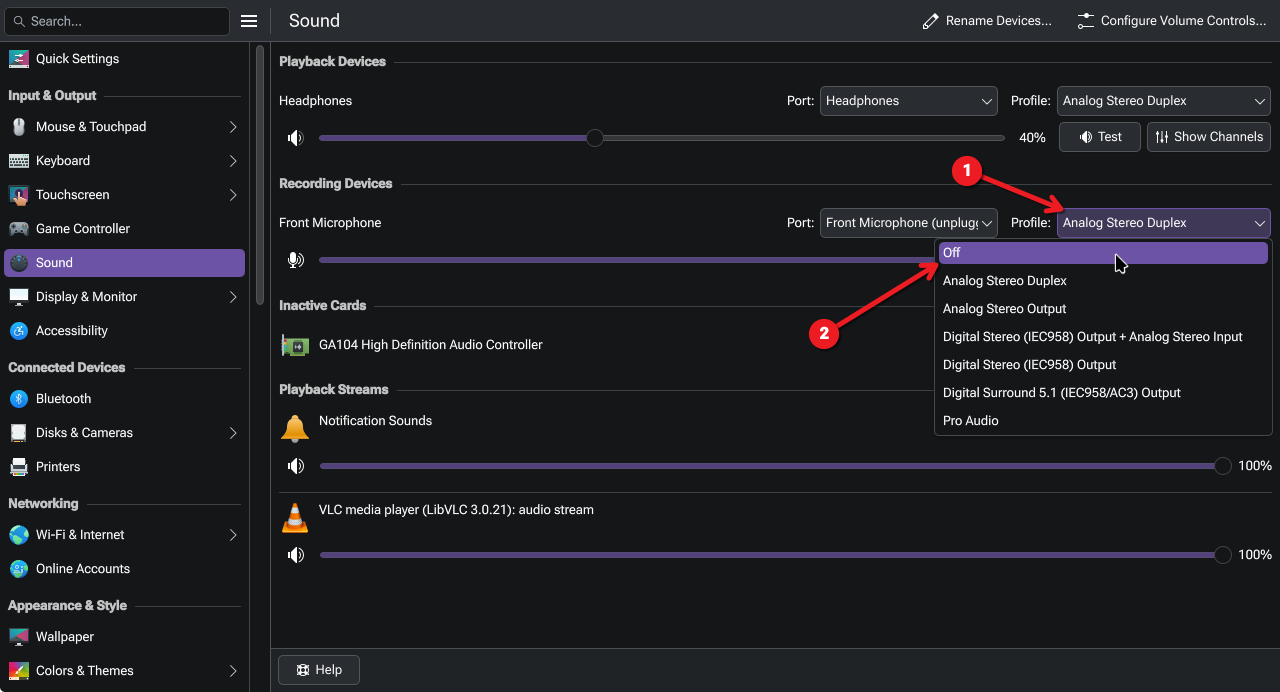
I recently installed EndeavourOs. Is there a way to disable only the microphone on my bluetooth headset like in Windows? I only want to use my Blue yeti USB microphone because when bluetooth headphones go into both sound plus microphone mode the audio quality sounds like a tin can.
Everytime my computer wakes up from sleep my Blue yeti needs to be unplugged and re-plugged into to be recognized (even in Windows), and during this time the default microphone gets switched to my bluetooth headphones, which causes the drop in sound quality.
In Windows I can use the old style sound control dialog to disable my bluetooth headset microphone, and my previous linux distro Debian 12 showed the motherboard line in input even though there was nothing plugged in, so the line in input was temporarly used during the Blue Yeti reset.