I would like to remove two symlinks, i’ll leave the commands i used to create the symlinks
ln -s /etc/fonts/conf.avail/11-lcdfilter-default.conf /etc/fonts/conf.d
ln -s /etc/fonts/conf.avail/10-sub-pixel-rgb.conf /etc/fonts/conf.d
I would like to remove two symlinks, i’ll leave the commands i used to create the symlinks
ln -s /etc/fonts/conf.avail/11-lcdfilter-default.conf /etc/fonts/conf.d
ln -s /etc/fonts/conf.avail/10-sub-pixel-rgb.conf /etc/fonts/conf.d
You can just rm the symlink like any other file.
ln -rm /etc/fonts/conf.avail/11-lcdfilter-default.conf /etc/fonts/conf.d
Like this ?
No.
Just delete the files you created in conf.d
You don’t use the ln command.
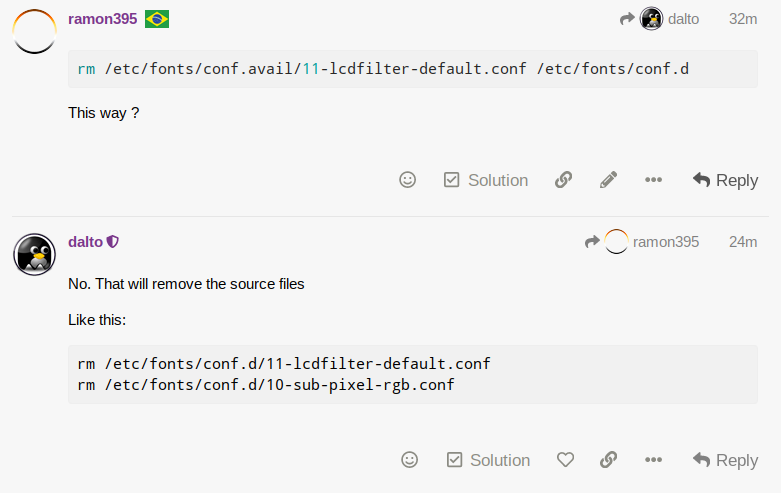
rm /etc/fonts/conf.avail/11-lcdfilter-default.conf /etc/fonts/conf.d
This way ?
No. That will remove the source files
Like this:
rm /etc/fonts/conf.d/11-lcdfilter-default.conf
rm /etc/fonts/conf.d/10-sub-pixel-rgb.conf
Thank you, i am glad i haven’t tried that command yet 
This is the reason why i want to remove these 2 symlinks, this requires two new symlinks to be created (they are on the last comment of the page) and the 2 symlinks i created are preventing me from creating the new ones:
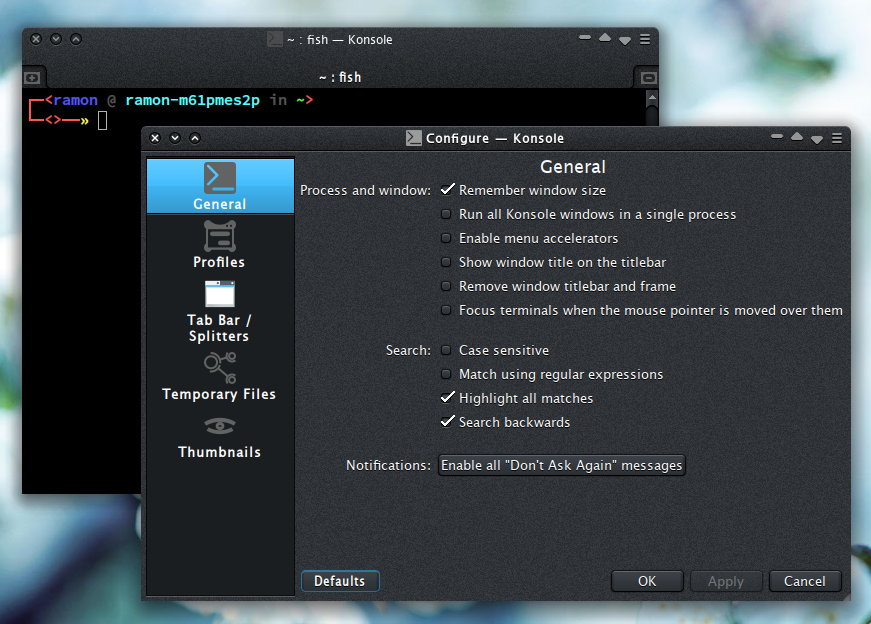
Thanks a lot, i restarted and this definitely helped making my fonts look better, i no longer see rainbow artifacts specially with apps using dark theme:
This topic was automatically closed 2 days after the last reply. New replies are no longer allowed.