Haruna has come a long way over the years. Highly configurable, does a great job. It’s an underappreciated video player, IMHO.
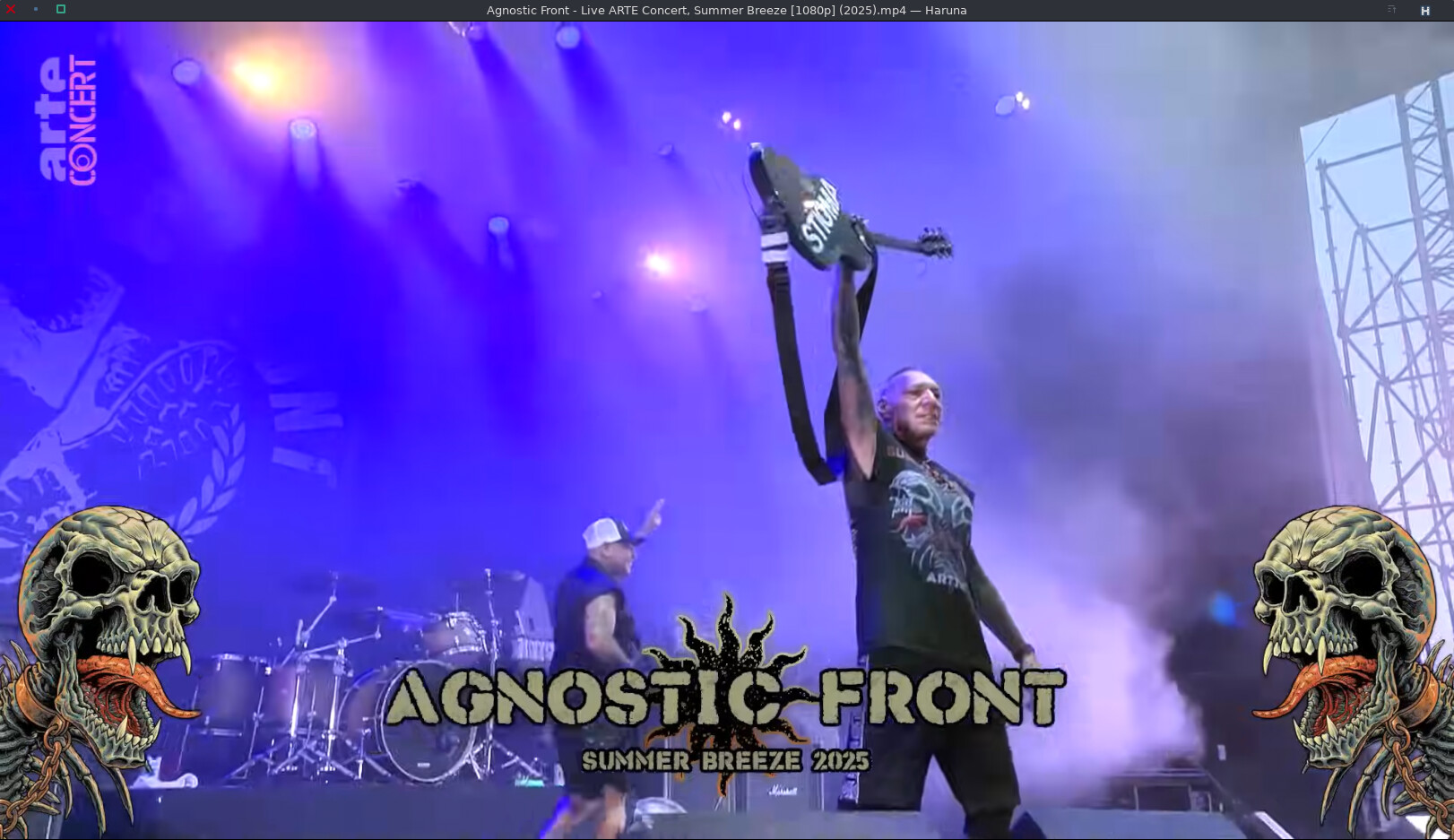
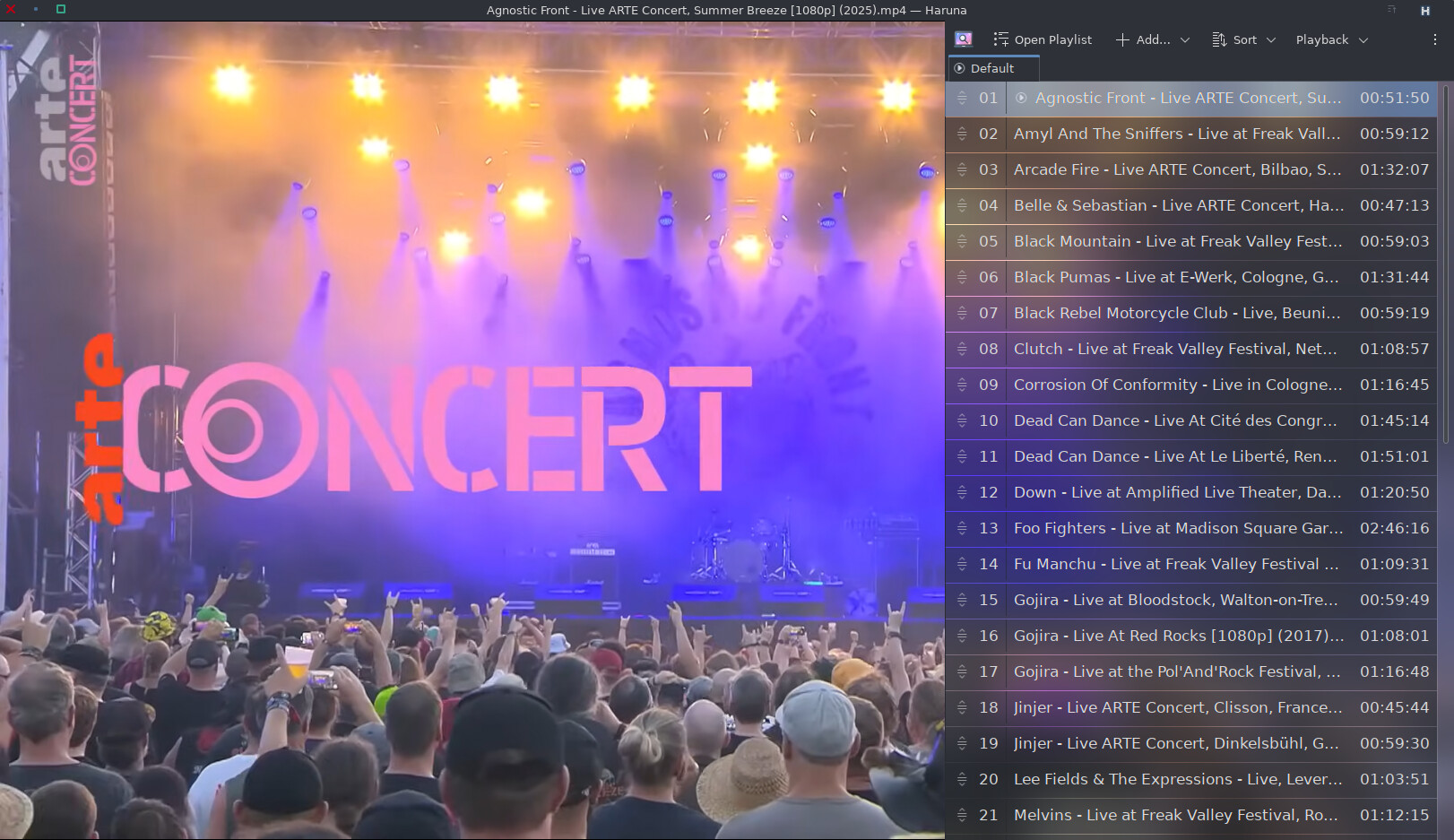
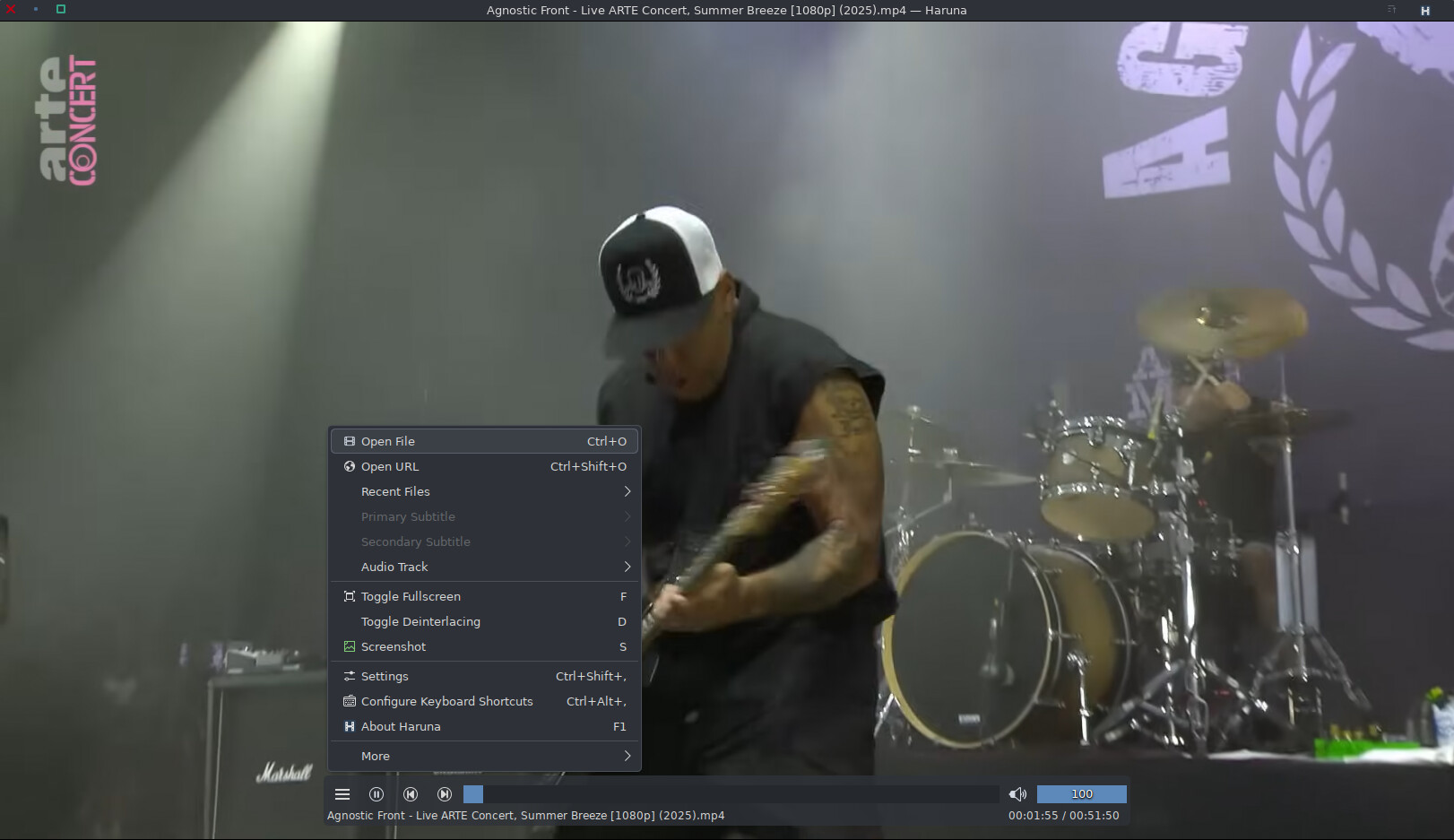

Yes, it is a reliable mpv-based player. It is the default video player for EOS when installing offline or choosing KDE for an online install.
I have been using it for a while now and it’s done a pretty good job. It does what i expect from a video player pretty well and the only thing i was missing (playlists) was just added, perfect.
I always gave it a shot, but it never really felt quite right, though I could never put my finger on exactly why. It sure has come a long way. I started using it regularly in the last couple of months. Much better than SMPlayer or even VLC, as far as I’m concerned. Haruna has turned into my default video player.
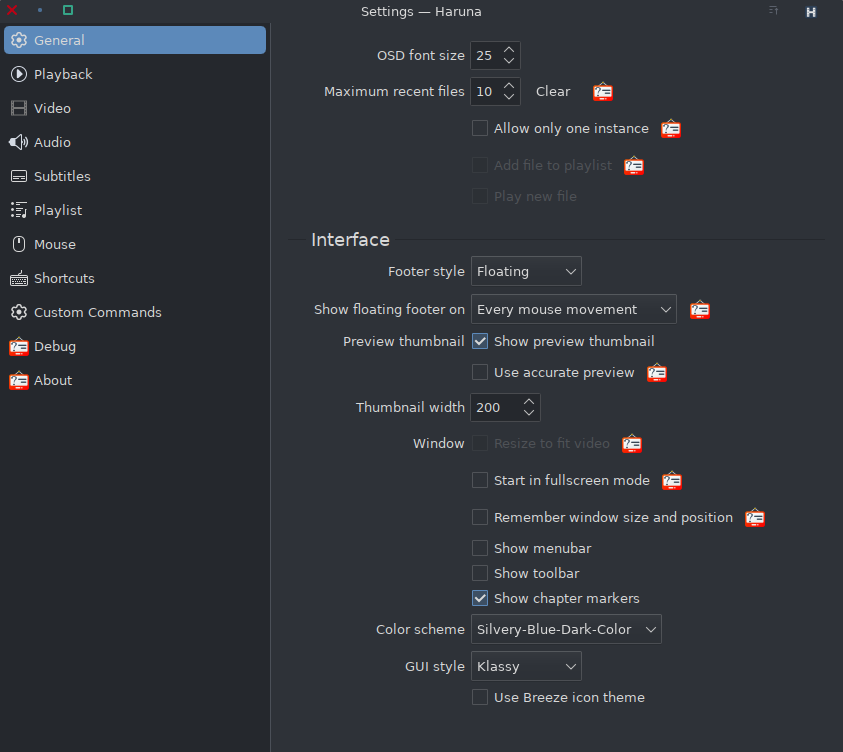
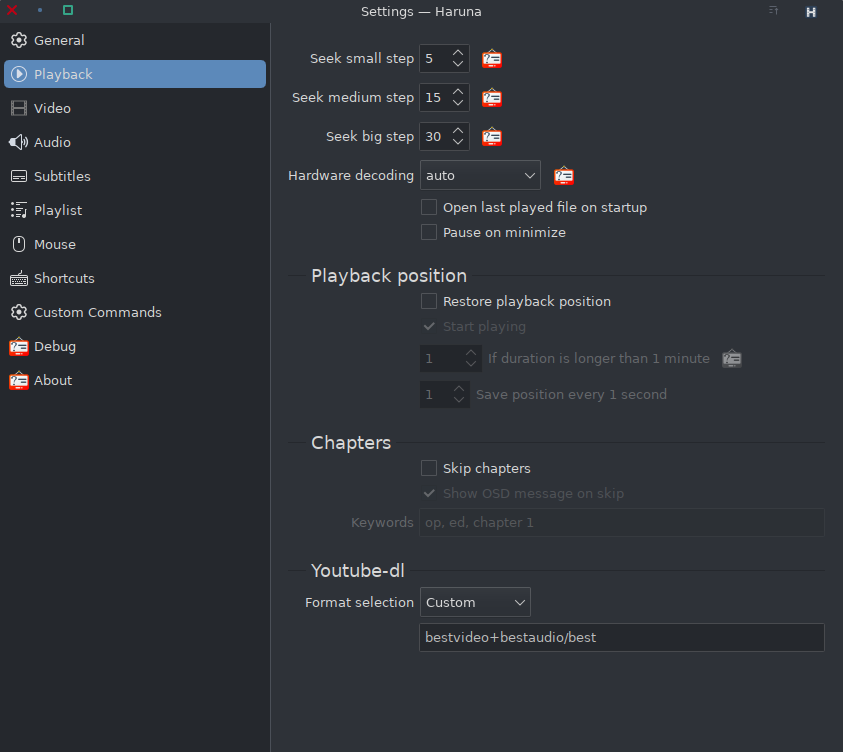
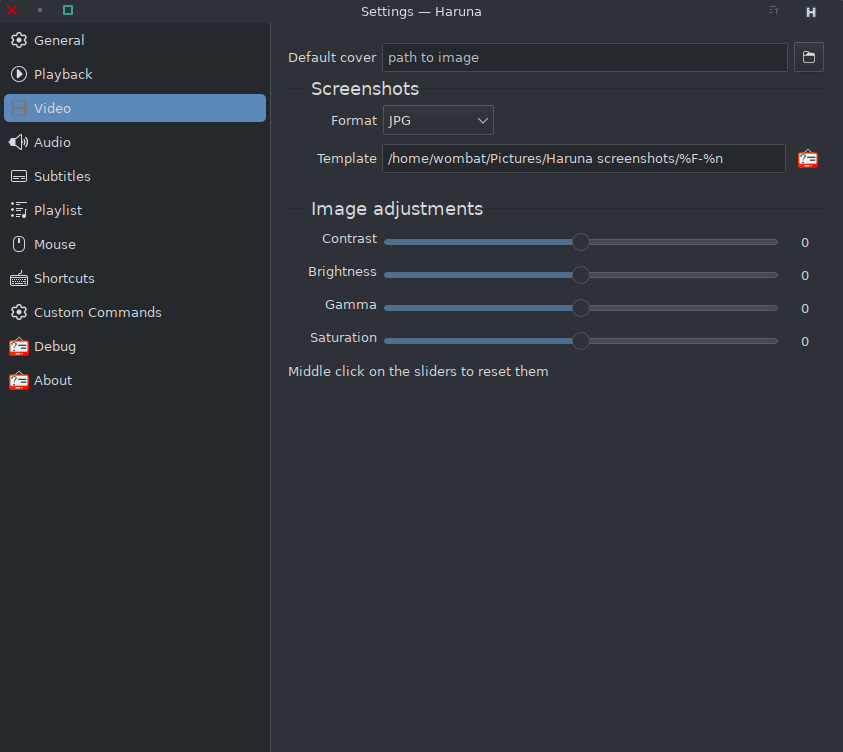
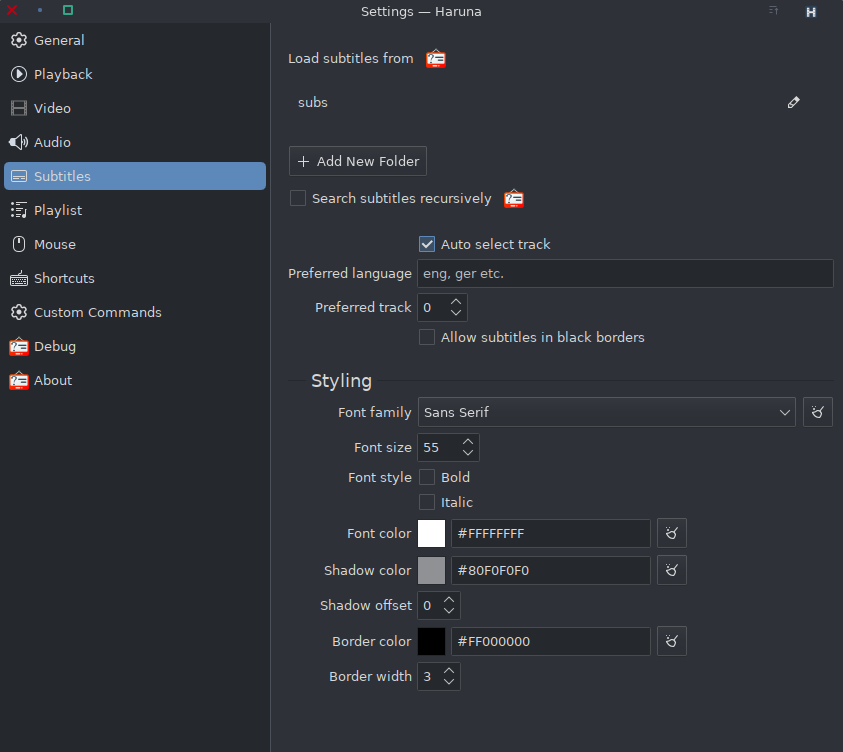
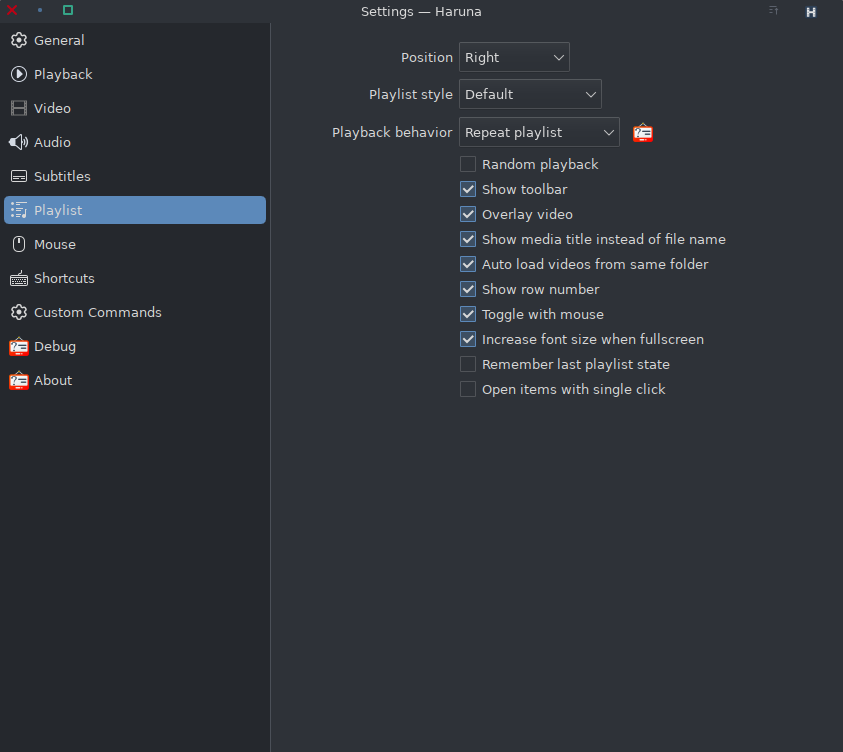
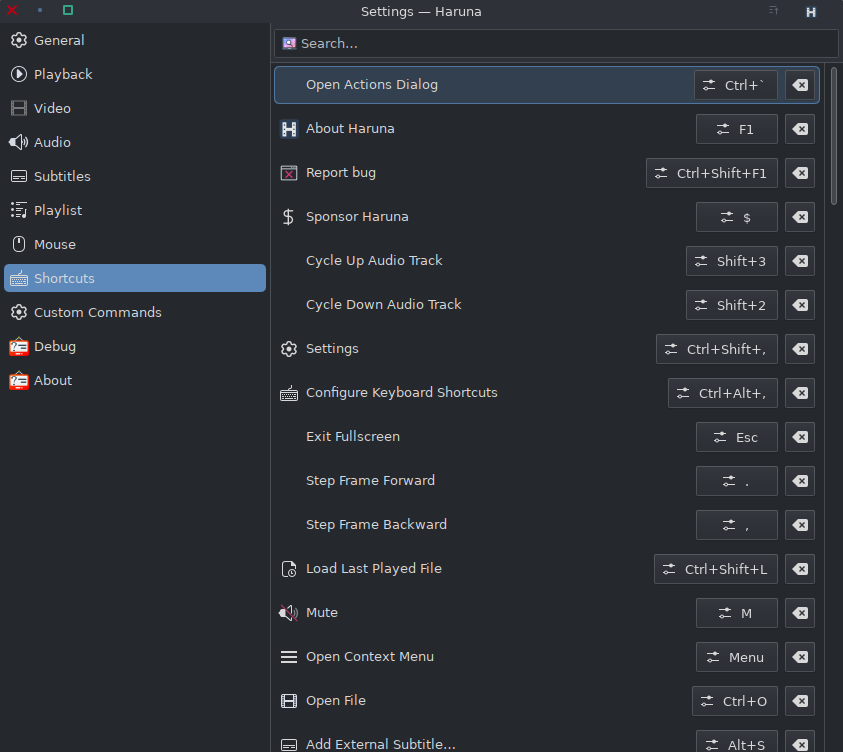
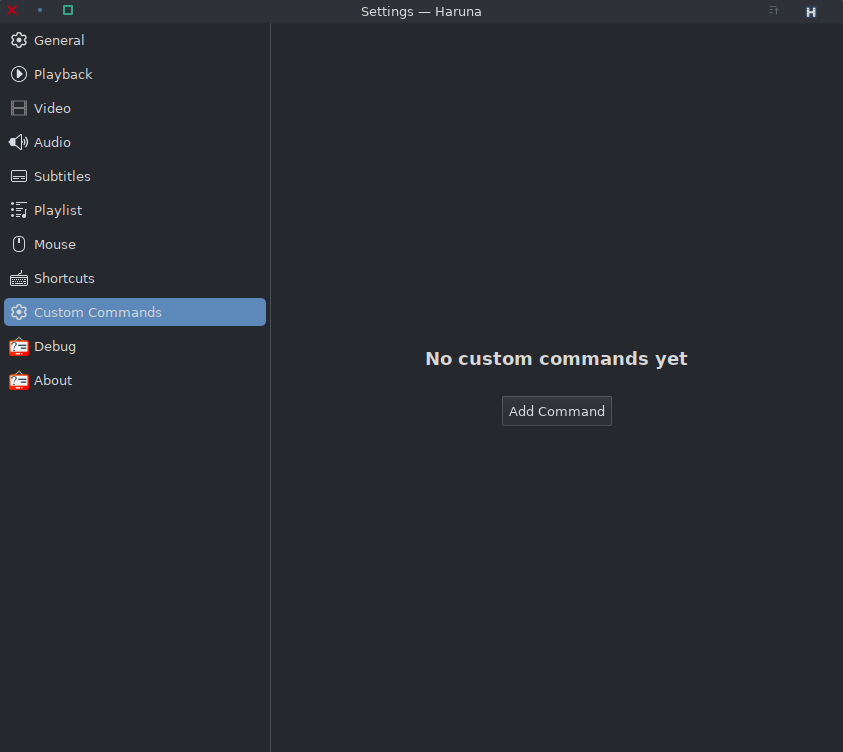
Hi. Is there a way to change the rendering engine or drawing surface in Haruna? I think the settings menu lack these functions.
No idea. Neither of those setting interest me at all, so I never noticed whether they were present or not.
Last time I used it it picked up the ~/.config/mpv/... config for things it didn’t set itself.
Ah now it makes sense. Haruna is just an interface for MPV. I know MPV requires everything to be set up in the config file. So yeah, there is a way to make those changes then. I prefer VLC right now because it is a lot easier to set anything up from within the GUI.
Same here. As I do have an ultra wide display, with vlc it’s just a simple video crop to 2.39:1 as a preset to make use of the whole screen. I guess that I would have to dive into configuring mpv accordingly. No real interest in that, the only button I want to press is play. Not writing a lua script to achieve the same.
There are actually no real options within haruna in terms of the video controls. You can activate deinterlacing. But thats it, more or less.
Since it is already installed, I gave it a run. It auto run with GPU video acceleration.
I used to use SMPlayer, however, it does not play well with Wayland.
Then, I moved to vlc.
BTW, does Haruna support Wayland natively?
Not sure. All I can say is I’ve been using Wayland exclusively my entire time using EndeavourOS these past couple years and have never had any issues with Haruna.
Yes.
Maybe try the git version.
But in any case I had been using some launch options to force it to run in X11 on wayland for better behavior. But then I have X running  .
.
Haruna was able to beat smplayer in playback performance as well.
But I agree it has too few options exposed in the Haruna settings.
Just a few like aspect-ratio would be kinda nice.
Oh and smplayers subtitle-download is still missed.
Copilot suggested the following mpv.config
~/.config/mpv/mpv.conf

vo=gpu-next
gpu-api=vulkan
gpu-context=waylandvk
hwdec=vaapi
hwdec-codecs=all
It is working perfectly on my AMD GPU
Operating System: EndeavourOS
KDE Plasma Version: 6.4.5
KDE Frameworks Version: 6.18.0
Qt Version: 6.9.2
Kernel Version: 6.16.9-x64v2-xanmod1 (64-bit)
Graphics Platform: Wayland
Processors: 8 × Intel® Core™ i7-2600K CPU @ 3.40GHz
Memory: 16 GiB of RAM (15.6 GiB usable)
Graphics Processor: AMD Radeon VII
However, under Wayland, mpv will launch another window when videos are played.
Haruna does not have this issue and the videos are played embedded in the same Haruna app.
You can turn on/off that behavior in the Haruna settings.
I will use Haruna from now. It is KDE native, Wayland native and uses libmpv natively. HW vdieo decode acceleration for AMD Video card is working correctly.
What not to like? It is like mini VLC for the KDE
Actually, I’m using mpv, but I’m thinking about switching to Haruna.
I took over your mpv.conf. Are there further settings you would suggest for an AMD GPU?
Over the years, VLC became my go to video player but certainly willing to give Haruna a look. I’m currently finding that KDE is warning me that Haruna may not support all video and audio formats though. Probably an MPV audio/video plugin list somewhere but initial search is not coming up with anything.
Not that I am aware of. As is for now.