good day dear EndeavourOS - experts - hello
i have a notebook (with another distro on it) now i need to save all the data - with a backup.
all right i could do this with rclone on the command line - but i found lukybackup -
just installed it.
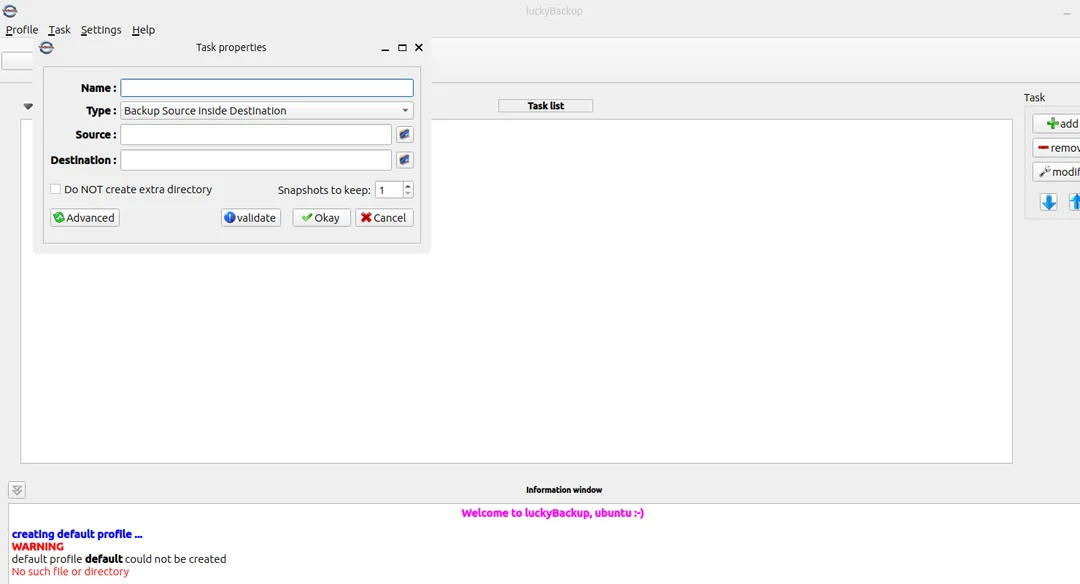
now i am going to do the first steps here:
i guess that ill have to set the folder i want to backup (the Source in other words) and besides the folder where i want the backup saved ( in other words the destination).
after this i only have to validate, and subsequently have to press ok.
well: do you know more tools to do this:
note - i am not in Gnome, but Grsync would be another good rsync UI.
and for user friendly incremental backup, some friends told me that DejaDup (or Backup) could be also a solution: DejaDuP - it should be installed by default,
last but not least - some also mentioned PikaBackup
welll - at the moment i ll try out LuckyBackup - which is a GUI-tool that works on base of rclone..
look forward to hear from you 