Gthumb segmentation fault

Hi guys,

I need your help to solve a small problem with gthumb.

Both with a new installation of EoS and with the one I’m using now (a fresh installation from 20 days ago with all the programs I usually use),

gthumb won’t start!

If I run gthumb from the terminal, I get this:
(org.gnome.gThumb:4351): GLib-CRITICAL **: 18:43:23.026: g_strsplit: assertion ‘string != NULL’ failed Segmentation fault (core dump created) gthumb

With dmesg, I get this:

[ 8908.896424] gthumb[4351]: segfault at 0 ip 00007efd29da12f8 sp 00007ffcc27e9c90 error 4 in libcogl.so.20.4.3[3f2f8,7efd29d77000+78000] likely on CPU 1 (core 1, socket 0)

my inxi-Gxxx:

Device-1: Intel Mobile 4 Series Integrated Graphics vendor: Samsung Co
driver: i915 v: kernel arch: Gen-5 ports: active: LVDS-1 empty: DP-1, DP-2,
HDMI-A-1, SVIDEO-1, VGA-1 bus-ID: 00:02.0 chip-ID: 8086:2a42
class-ID: 0300
Device-2: Z-Star Micro WebCam SCB-0320N driver: uvcvideo type: USB
rev: 2.0 speed: 480 Mb/s lanes: 1 bus-ID: 7-3:2 chip-ID: 0ac8:c33e
class-ID: 0e02
Display: x11 server: X.Org v: 21.1.21 compositor: marco v: 1.29.0 driver:
X: loaded: intel unloaded: modesetting alternate: fbdev,vesa dri: i965
gpu: i915 display-ID: :0 screens: 1
Screen-1: 0 s-res: 1366x768 s-dpi: 96 s-size: 361x203mm (14.21x7.99")
s-diag: 414mm (16.31")
Monitor-1: LVDS-1 mapped: LVDS1 model: Seiko Epson 0x3245 res:
mode: 1366x768 hz: 60 scale: 100% (1) dpi: 102 size: 340x190mm (13.39x7.48")
diag: 395mm (15.5") modes: 1366x768
API: EGL v: 1.5 hw: drv: intel crocus platforms: device: 0 drv: crocus
device: 1 drv: swrast gbm: drv: crocus surfaceless: drv: crocus x11:
drv: crocus inactive: wayland
API: OpenGL v: 4.5 compat-v: 2.1 vendor: intel mesa v: 25.3.2-arch1.1
glx-v: 1.4 direct-render: yes renderer: Mesa Mobile Intel GM45 Express (CTG)
device-ID: 8086:2a42
Info: Tools: api: eglinfo,glxinfo x11: xdpyinfo, xprop, xrandr

The problem also occurs immediately after I install EoS (new and clean installation)!

Basically, after installing EoS, I install gthumb a moment later and it doesn’t start (I get all the errors I mentioned above).

I get the same errors if, after installing EoS, I install all the packages and programs I usually use.

I also tried another method, which was to install the xf86-video-intel package, but it didn’t solve anything.

I don’t have this problem on Mint.

Do you have any ideas or tricks to help me understand better and fix it?

Thank you.
pacman -Qi gthumb:

pacman -Qi gthumb
Nome : gthumb
Versione : 3.12.8.2-1
Descrizione : Image browser and viewer for the GNOME Desktop
Architettura : x86_64
URL : https://wiki.gnome.org/Apps/Gthumb
Licenze : GPL-2.0-or-later
Gruppi : Nessuno
Fornisce : Nessuno
Dipenda da : cairo clutter clutter-gtk dconf exiv2 gcc-libs gdk-pixbuf2 glib2 glibc gsettings-desktop-schemas
gst-plugin-gtk gst-plugins-base-libs gstreamer gtk3 hicolor-icon-theme lcms2 libcolord libheif
libjpeg-turbo libjxl libpng librsvg libtiff libwebp libx11 pango zlib
Dipendenze opzionali : brasero: burn discs [installato]
libchamplain: map viewer [installato]
libraw: read RAW files [installato]
Richiesto da : Nessuno
Opzionale per : Nessuno
Conflitti con : Nessuno
Sostituisce : Nessuno
Spazio richiesto : 14,52 MiB
Pacchettizzatore : Jan Alexander Steffens (heftig) heftig@archlinux.org
Data di creazione : dom 30 nov 2025, 23:51:02
Data di installazione : sab 6 dic 2025, 23:01:40
Motivo dell’installazione : Installato esplicitamente
Script di install : No
Convalidato da : Firma

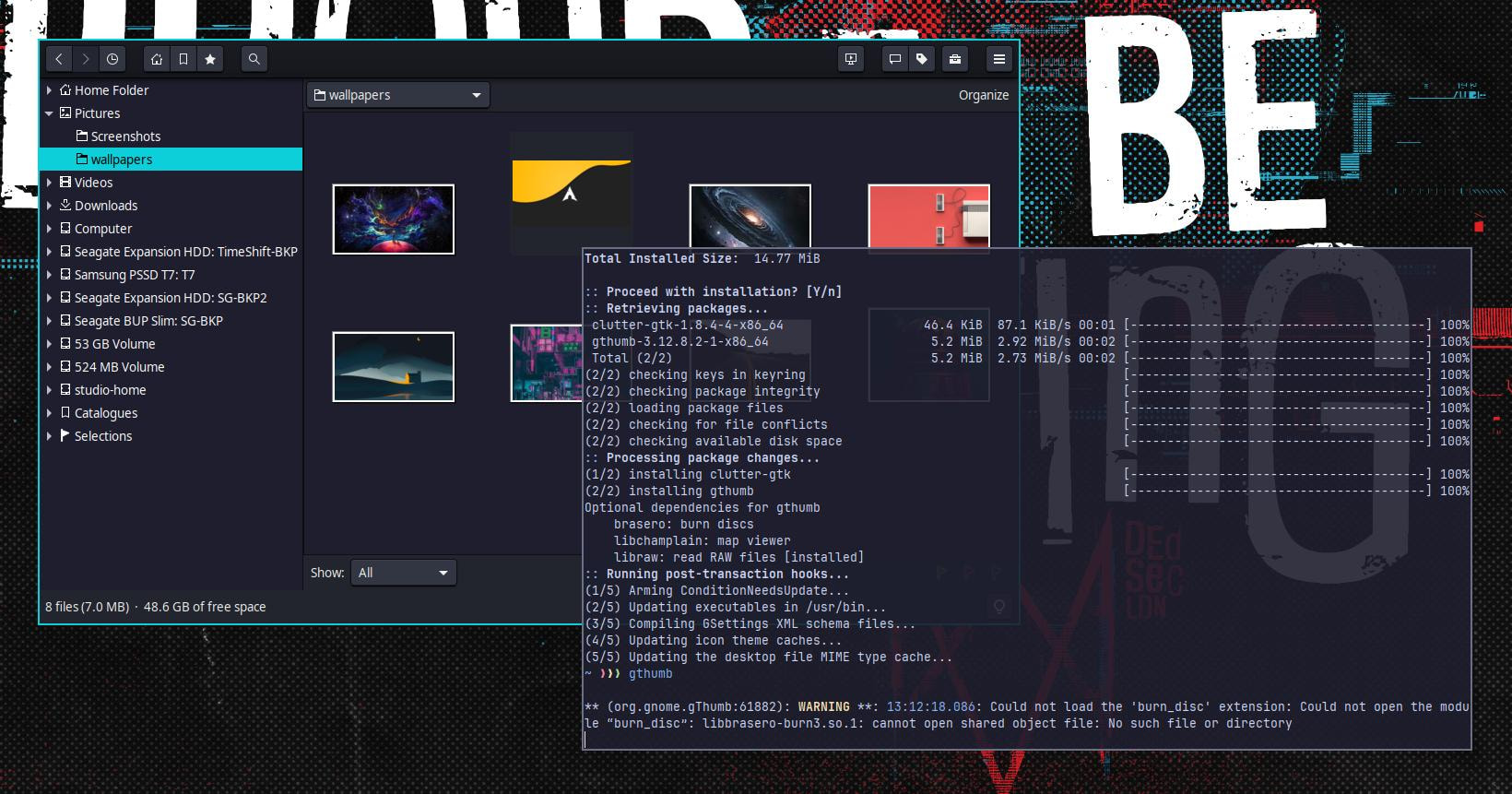
Just installed gthumb from the extra repo. It opened just fine. When you try to open it, are you using some settings from a previous setup that you copy-pasted? If you are, previous settings can cause issues sometimes — try removing gThumb’s config folders and launching it again.

They’re located at .config/gthumb and .local/share/gthumb.

Thanks for your reply!

I installed gthumb with pacman (not yay), the same one you are using.

There is no gthumb folder in the .config or .local directory

because gthumb never started.

You are using Mate ?

Anyway, it’s a bit strange that i965 is listed as a Display driver, but i915 for the iGPU.

As it’s a integrated graphics chipset of the Core2duo era, you might be better off with mesa-amber which are the legacy drivers.

Yes, I’ve always used Mate and never had any particular problems.

Honestly, I can’t explain this: ‘‘…that i965 is listed as a Display driver, but i915 for the iGPU’’

I checked the other programs I have installed, and it is only gthumb that is causing me this problem.

What’s the content of your /etc/X11/xorg.conf.d/20-gpudriver.conf ?

I don’t have that file.

Try this: LIBGL_ALWAYS_SOFTWARE=1 gthumb
Based on this thread: https://bbs.archlinux.org/viewtopic.php?pid=2270134

It’s not a true fix, but you could copy gThumb’s .desktop file to your home directory to make it permanent for your user… if it works.


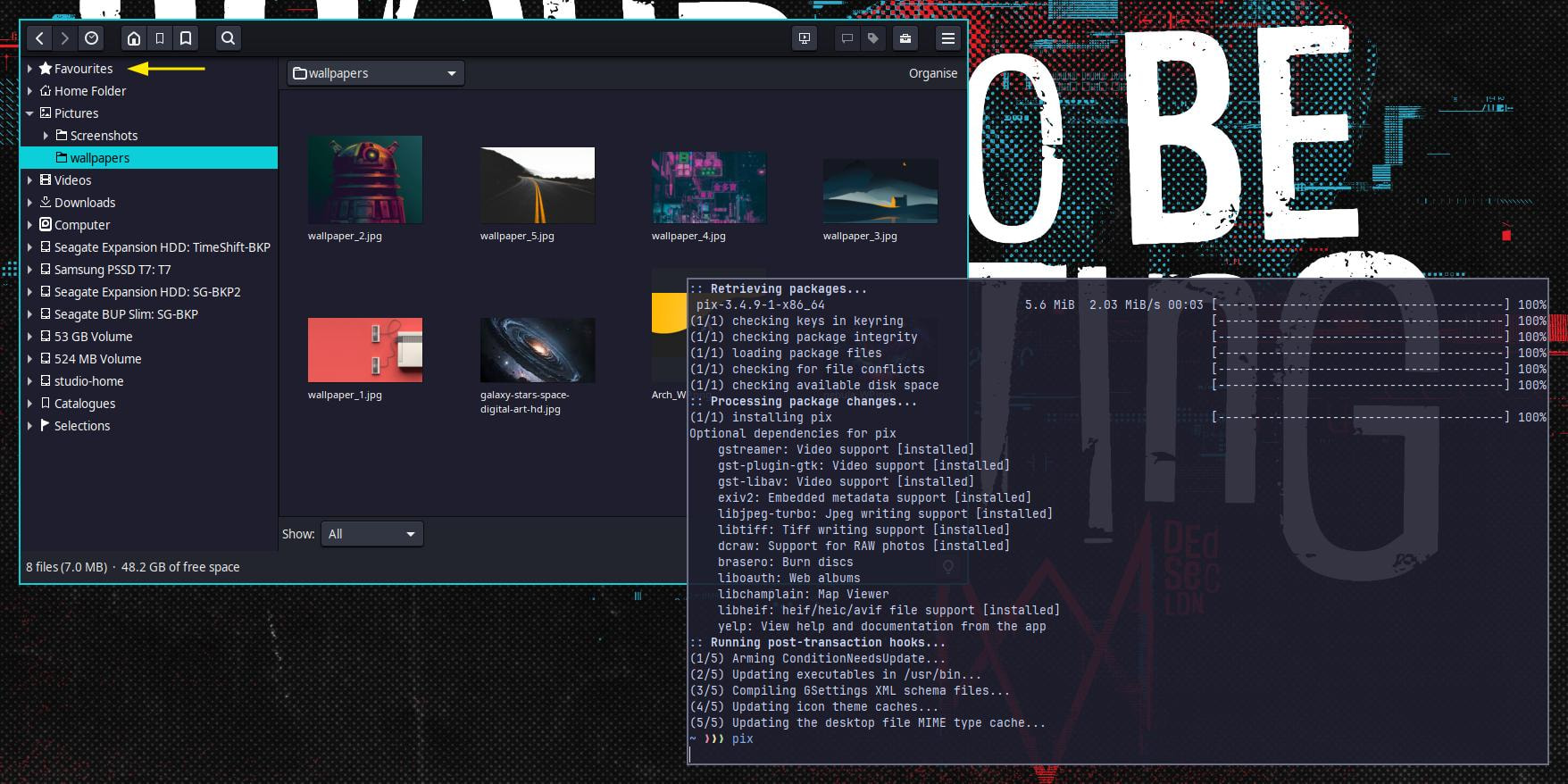
Have you tried pix instead? It’s Linux Mint’s fork of gThumb. It’s in the AUR and chaotic-aur (which is how I installed it just now), and it also works just fine for me.

I think the features are 1-to-1 at the moment, but I’m not sure.

Even if not directly related to your specific chipset, this might be worth a try. But I can’t really tell which identifier has to be used for your specific one.

It’s mentioned here as well, in specific, the XOrg modesetting driver.