So, I’m trying to determine best approaches here, and open a discussion on the subject of bootable snapshots and possibly UKI.
Firstly, I have a pretty extensive setup of BTRFS with subvolumes that are similar to the way openSUSE kinda does it, but also at the same time different. I’ll cover more on the details later. My main goal is to determine what I can do, best practices, and viable options, regarding what I have, and what I can do with what I have.
I used to use kernel-modules-hook and a hook I myself wrote, kernel-rotate-hook, that would basically try to retain X versions older of kernels and their representing modules to be available, to prevent a “Emergency Mode” boot, and have, basically, fallbacks. But this proved, over time, to actually not be very effective, ultimately and even booting snapshots still just outright failed.
So, I’m looking at new options here. I’m using grub. /boot is ext4, /boot/efi is the usual fat, and / is btrfs with subvolumes as shown in this quick and simple mount table:
/dev/nvme0n1p3 on / type btrfs (rw,noatime,compress=zstd:1,ssd,discard=async,space_cache=v2,subvolid=256,subvol=/@)
/dev/nvme0n1p3 on /.snapshots type btrfs (rw,noatime,compress=zstd:1,ssd,discard=async,space_cache=v2,subvolid=272,subvol=/.snapshots)
/dev/nvme0n1p3 on /home type btrfs (rw,noatime,compress=zstd:1,ssd,discard=async,space_cache=v2,subvolid=257,subvol=/@home)
/dev/nvme0n1p3 on /opt type btrfs (rw,noatime,compress=zstd:1,ssd,discard=async,space_cache=v2,subvolid=261,subvol=/@opt)
/dev/nvme0n1p3 on /root type btrfs (rw,noatime,compress=zstd:1,ssd,discard=async,space_cache=v2,subvolid=271,subvol=/@root)
/dev/nvme0n1p3 on /srv type btrfs (rw,noatime,compress=zstd:1,ssd,discard=async,space_cache=v2,subvolid=260,subvol=/@srv)
/dev/nvme0n1p3 on /usr/local type btrfs (rw,noatime,compress=zstd:1,ssd,discard=async,space_cache=v2,subvolid=262,subvol=/@usrlocal)
/dev/nvme0n1p3 on /var/lib/containers type btrfs (rw,noatime,compress=zstd:1,ssd,discard=async,space_cache=v2,subvolid=264,subvol=/@containers)
/dev/nvme0n1p3 on /var/cache type btrfs (rw,noatime,compress=zstd:1,ssd,discard=async,space_cache=v2,subvolid=258,subvol=/@cache)
/dev/nvme0n1p3 on /var/lib/crash type btrfs (rw,noatime,compress=zstd:1,ssd,discard=async,space_cache=v2,subvolid=263,subvol=/@crash)
/dev/nvme0n1p3 on /var/lib/libvirt/images type btrfs (rw,noatime,compress=zstd:1,ssd,discard=async,space_cache=v2,subvolid=265,subvol=/@libvirt)
/dev/nvme0n1p3 on /var/lib/machines type btrfs (rw,noatime,compress=zstd:1,ssd,discard=async,space_cache=v2,subvolid=266,subvol=/@machines)
/dev/nvme0n1p3 on /var/lib/portables type btrfs (rw,noatime,compress=zstd:1,ssd,discard=async,space_cache=v2,subvolid=267,subvol=/@portables)
/dev/nvme0n1p3 on /var/spool type btrfs (rw,noatime,compress=zstd:1,ssd,discard=async,space_cache=v2,subvolid=268,subvol=/@spool)
/dev/nvme0n1p3 on /var/log type btrfs (rw,noatime,compress=zstd:1,ssd,discard=async,space_cache=v2,subvolid=259,subvol=/@log)
/dev/nvme0n1p3 on /var/tmp type btrfs (rw,noatime,compress=zstd:1,ssd,discard=async,space_cache=v2,subvolid=269,subvol=/@tmp)
/dev/nvme0n1p3 on /var/www type btrfs (rw,noatime,compress=zstd:1,ssd,discard=async,space_cache=v2,subvolid=270,subvol=/@www)
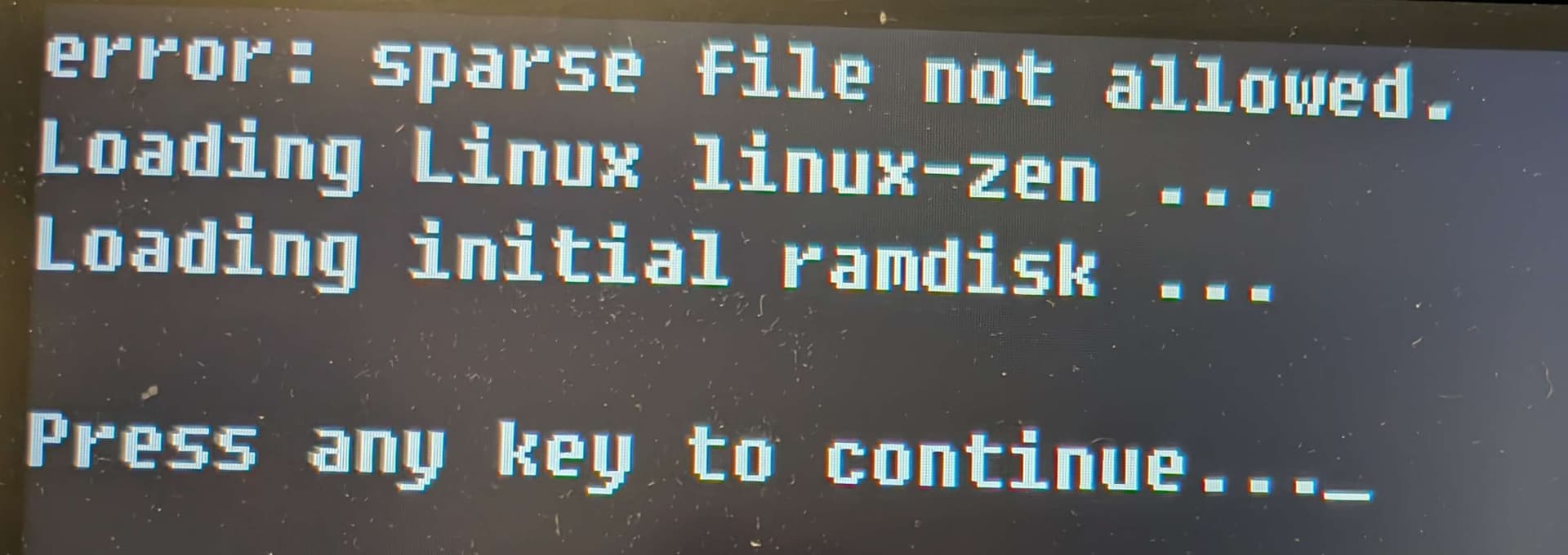
As-is, what happens when I try to boot a kernel that is current, into a snapshot that doesn’t have that kernel,it usually just fails into Emergency Recovery mode where you enter root’s password or Ctrl+D, which fails again. Root login works at that point, though.
I’ve considered splitting /usr/lib/modules/ into it’s own subvolume as well, so no matter what scenario is, /boot and /usr/lib/modules will match up.
I’m considering UKI as an option, but eos-dracut makes explicit /boot/initramfs-* images accordingly.
I’ve heard, may not be accurate but heard, dracut’s UKI options can “retain” X number of kernels on it’s own. Is this any different than the traditional kernel+initramfs and worth exploring at all?
I’d like thoughts, suggestions, and ideas on these, so I can hopefully bridge this up in a way that is a little more stable when need-be than the current, “oh crap, that thing’s broken, boot snapshot, oh crap, snapshot also failed.” scenarios..