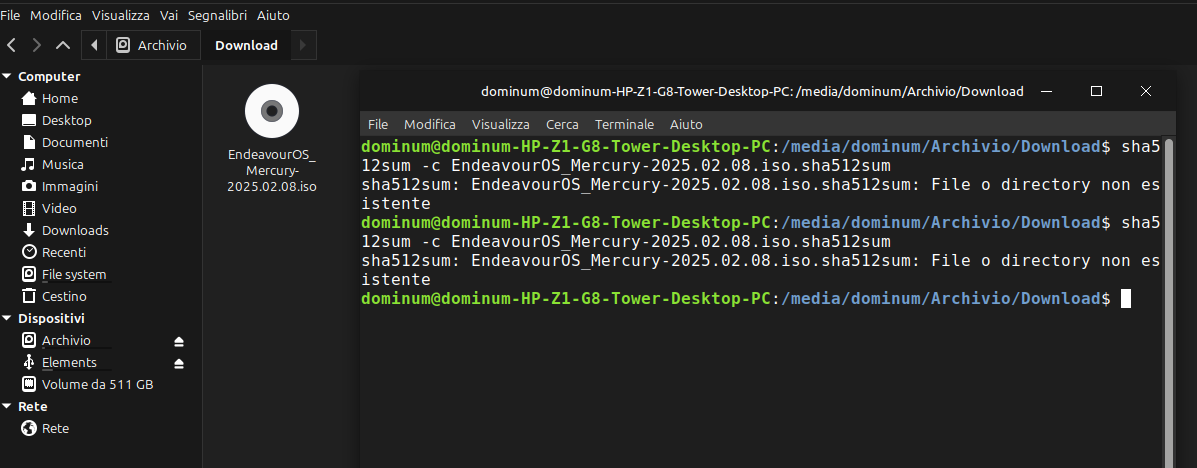
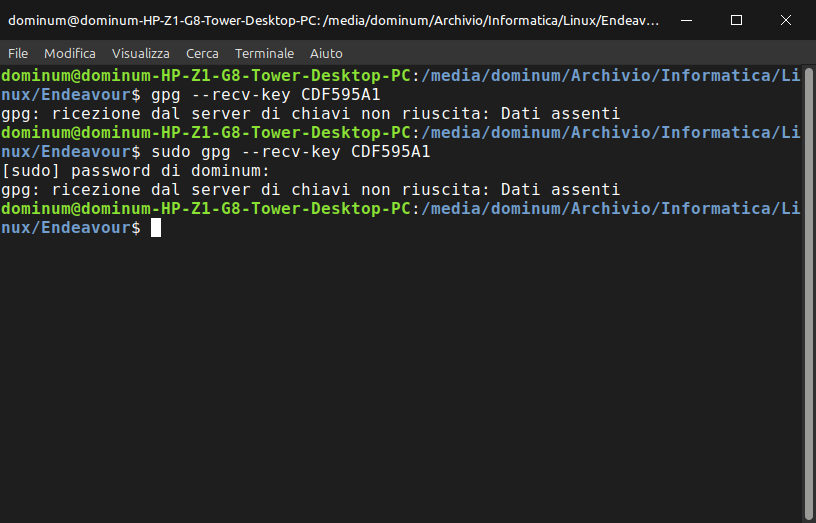
I’m writing this for a laugh: we’re off to a bad start, downloaded ISO and when checking sha512 the terminal says the file doesn’t exist. When it happened the first time I thought the ISO was faulty because the Internet was very weak today (then I learned from the provider that they had a line failure) and I downloaded again, same result. As you can see from the image the file is present next to the terminal. Now I’m sleepy and I don’t feel like doing anything else if I have time tomorrow I’ll try again.
I’m sleepy too and remembering my failures after cd and leading the command right to the file…
one time I took some advice and changed the /media/dominum/etc/etc part to ~/Downloads and it magically worked. It was another distro.
Besides shouldn’t your command start with /home/user/media/dom etc etc etc? this seems truncated.
another time I remember needing sudo. that was long ago though.
I decided to try this myself. I had to have the ISO file and the sha512sum file in the same directory for the check to work.
EDIT: I’ve tried to move the ISO file somewhere else. If I stay in the same directory where sha512sum file is, it errors out. If I move in the directory where the ISO file and point to the sha512sum file in the command, it works without problem.
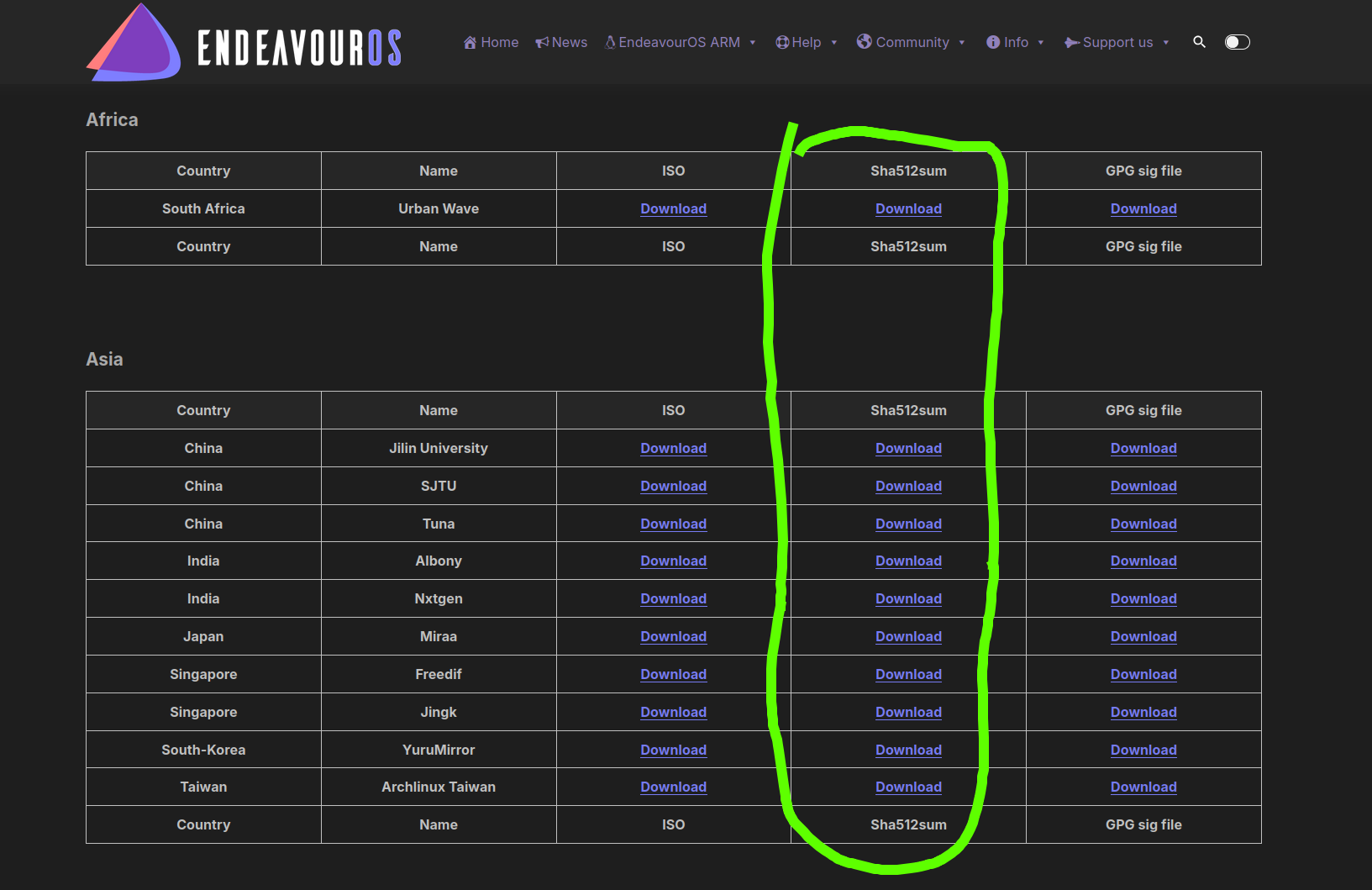
You need the checksum file from this column. Download from any mirror which is near to you. This file is anyways very small so download speed wouldn’t matter.
yea it clearly says no such file or directory… it would show something like:
its a checksum you can also create it: sha512sum EndeavourOS_Mercury-2025.02.08.iso
and compare it manually with the one you will find in the checksum file: EndeavourOS_Mercury-2025.02.08.iso.sha512sum