i recommend manually installing it
What do you mean exactly? Installing Hyprland from scratch?
Edit: I have installed jakoolit and ML4W scripts with both working also on Nvidia.
@rudy-in
The original script i tried was https://github.com/RedBlizzard/hyprland-installation.git
This is the one i installed and it boots but doesn’t get past the graphical interface.
Is this the correct one?
Nothing came up on the install for kvantum? It doesn’t load to the desktop on login. That’s the issue.
Re RedBlizzard With SDDM the session is Hyprland and not Hyprland (uwsm-managed)
I installed from EnOS XFCE with one z
I’ll check again because i was sure that’s what i tried to log in with. 
do to upstream changes of hyprland , you have two login session for hyprland the normal hyprland with out extras like (systemd or usvw ) does dont work only the one without the extra stuff.
Correct you are
before i do that i first need to speak with Joe because i have hyprland setup in a modulair way because that was needed for the welcome app and the update function it has so you have the main repo hyprland , waybar and welcomes app has each its own repo now. so one repo is not enough !!! understand where i’m coming from ? and why it is needed like this because th update function is interactive it checks each repo , if i change upstream something on waybar it updates only waybar not hyprland same goes for the welcome app.
ok, my biggest issue with any of the hyprland install scrips is I cannot get my Bose Bluetooth Earbuds to work. Does not even show up in the pactl sinks. Works fine on Plasma. Trying to figure out if some service is not starting. Pipewire has always been a major frustration trying to debug for me as I have limited knowledge how all these pieces fit together. I have read though the arch wiki on debugging and doesn’t help in this regard or I am missing something
Edit: Of course I logout of my KDE session and start hyprland and now it works. Nothing makes sense. Going to create a new account and see if it still works.
Edit 2: Of course it now works on the other account. One day I will understand what is going on with pipewire other than magic pixie dust.
PROTIP: Chrome cut/paste to electron
Go to chrome://flags page, then search wayland. You will see the Preferred Ozone platform setting. Set it to auto. The default one is “X11”. “Auto” selects Wayland if possible, X11 otherwise.
I spent two nights trying to figure this out and that was the last issue I had with hyprland. Earbuds works, now can paste and image from the browser to electron apps. The other bit that some hyprland dotfiles installs do and some don’t is
exec-once wl-paste --type text --watch cliphist store
exec-once wl-paste --type image --watch cliphist store
also some dots do this, some don’t, for electron apps set the env var
ELECTRON_OZONE_PLATFORM_HINT=auto
Last bit if you came from Plasma and you were using kwallet you can start say vivaldi or signal-desktop with the flag --password-store-“kwallet6”
Hyperland goes premium: GRATIS OPEN SOURCE SOFTWARE MUST END
RiverVM  … Hope new free Hyprland for everyone .
Its like → want to create opensource ? Make it . Want to get paid get a job . Want to get paid for your opensource work ? Make it needed for bigger company and then create bussines model for companies … Trying to get paid from users for opensource is dumb model → almost all this aproach from history failed and the software just get replaced and forgoten.

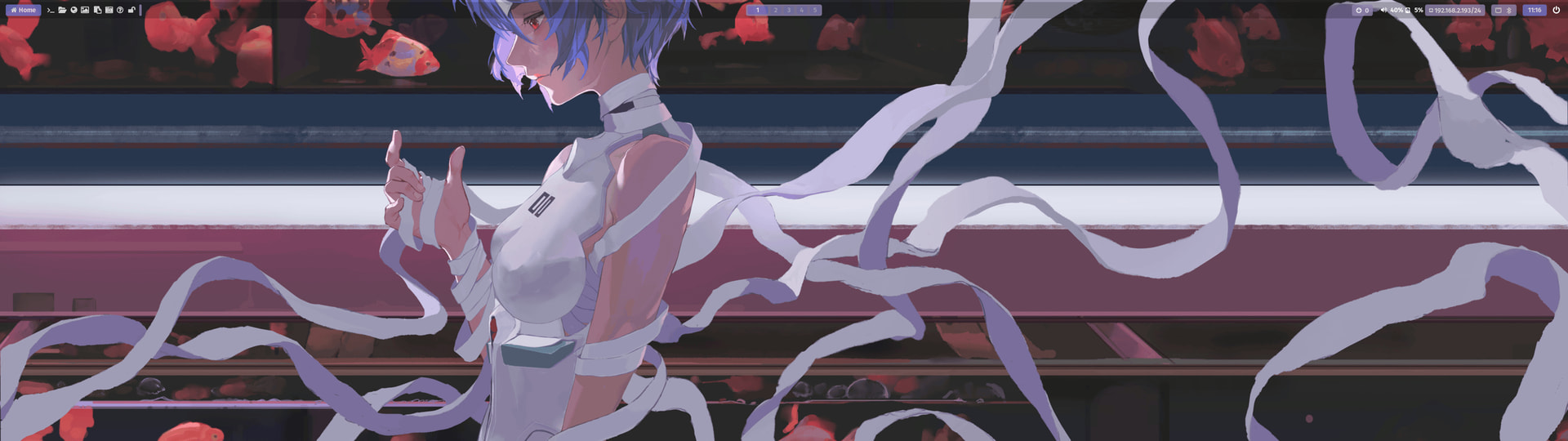
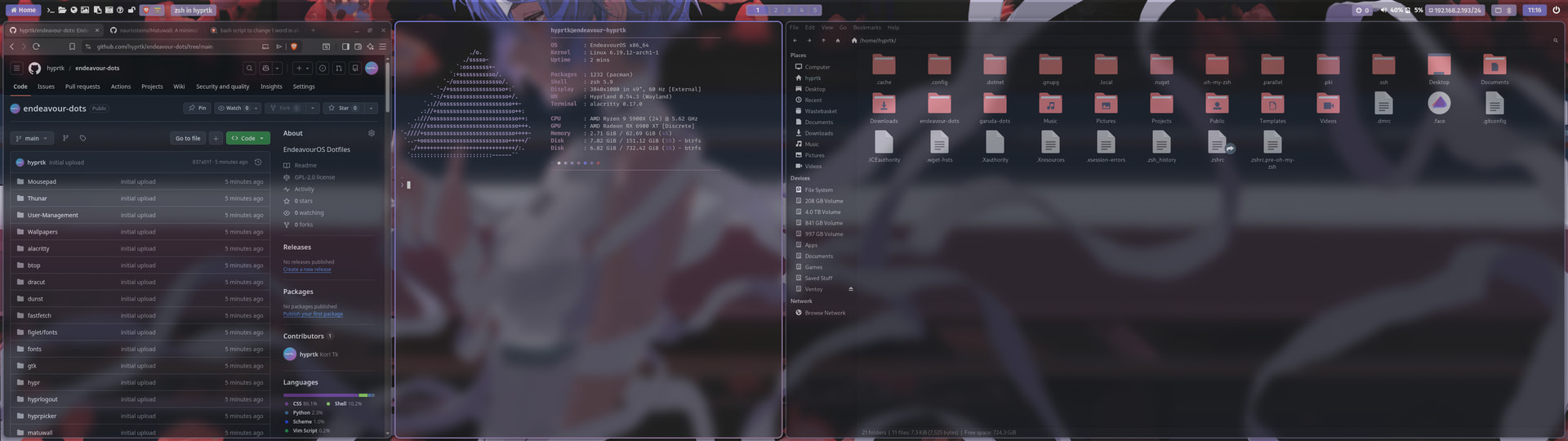
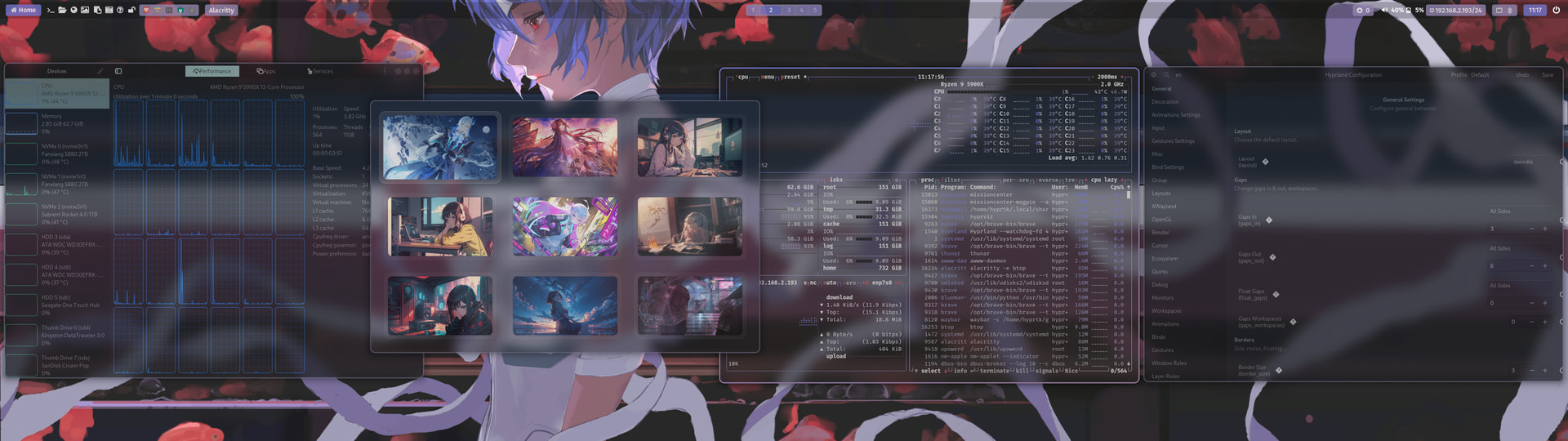
Very nice. I will check out your Hyprland setup. I’m interested in seeing it on my desktop.