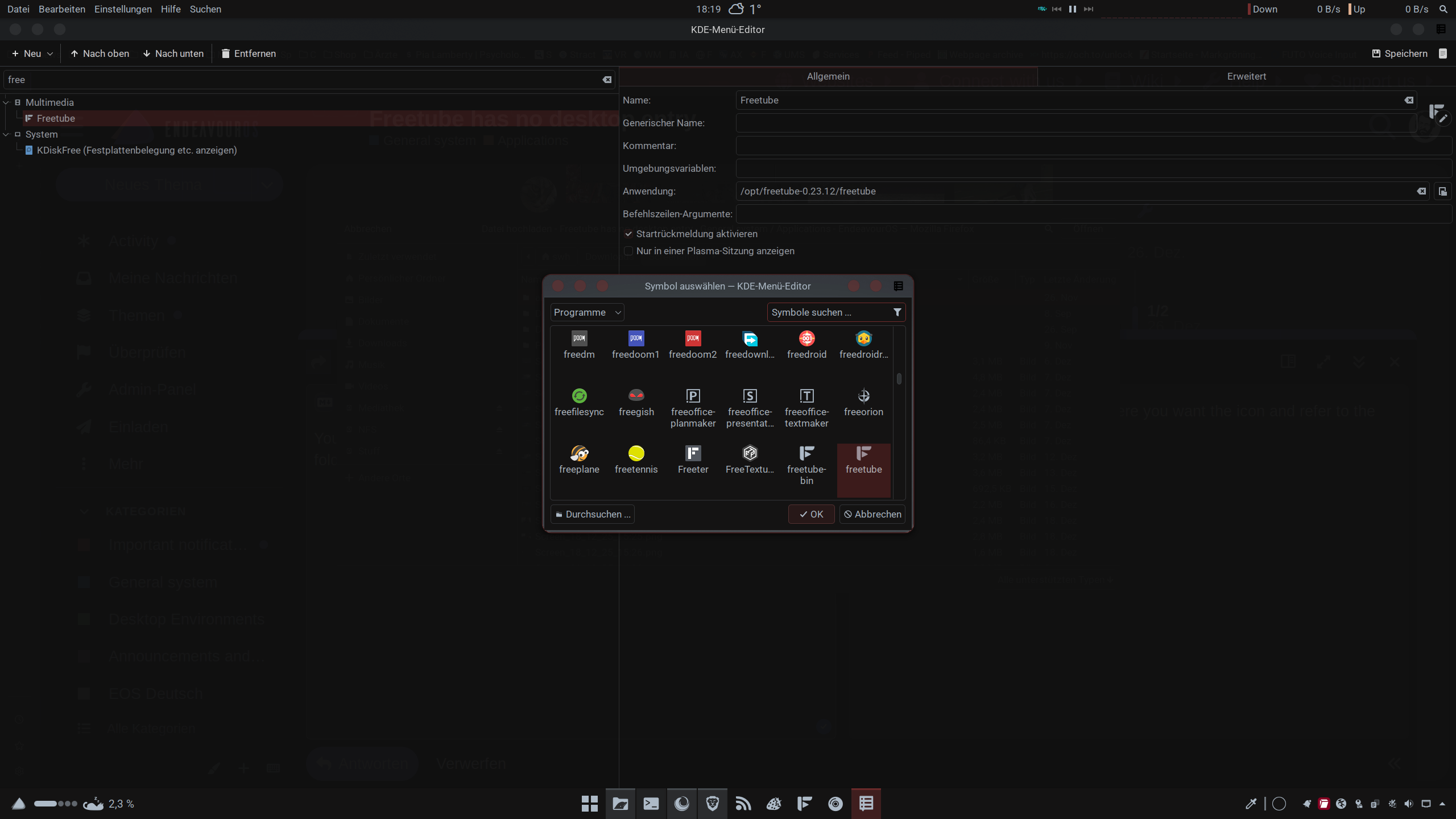
So, after messing around with different installes of freetube, deleting installations, removing mobile versions and so on I am in a state where my freetube-install has no icon in the KDE Application menu. I can start it via “freetube” from the shell, so it is installed. It also shows its installed state within pacseek or via pacman:
pacman -Q freetube
freetube-bin 0.23.12-1
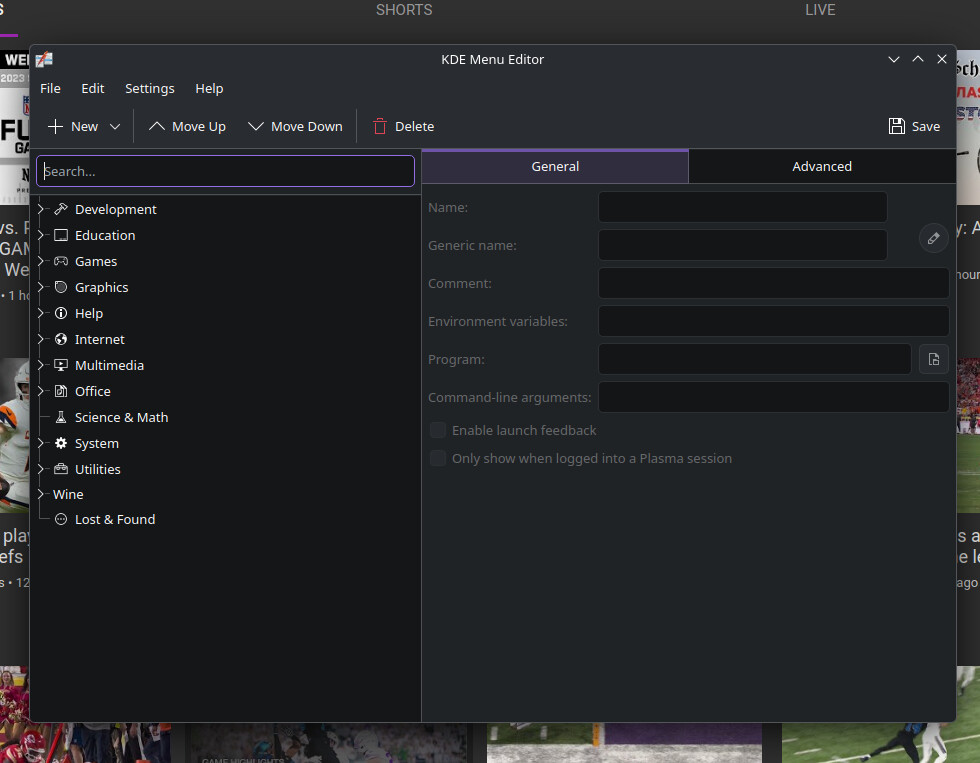
But there is no entry in my “startmenu”, and when I add the started application via “pin to Task Manager” to my task manager I can start it from there, but it opens a second icon which is then the started app. Very strange behavior. If I search for freetube to edit the application I am greeted with an “empty” application:
If you search for the app in the KDE Menu (not the editor), does it show up? In my recent testing of KDE, I found this happened on multiple occasions, most notably with kitty.
Does the file /usr/share/applications/FreeTube.desktop exist?
ll /usr/share/applications/FreeTube.desktop
ls: cannot access '/usr/share/applications/FreeTube.desktop': No such file or directory
Why, though? I know that there was a proper entry when I originally installed freetube. My first installation method was
yay freetube-bin
And I know that other installations of freetube-bin under endevourOS with KDE have such an entry. So there is something wrong with my side - my imagination is that this is somehow repairable, as far as my knowledge of linux and arch goes…
Oh Sorry, I always download FreeTube directly from the website. That option isn’t available there. Sorry, I overlooked the fact that you’re installing from the AUR.
I only have the one specified location. As I said, I usually download it directly from the freetube site and also update it from there. There were problems at one point, and AUR took forever to release an update.